Simple Server: HTTP Server

Simple Server: HTTP Server

Download on App Store
Spark by MWM logo
Logo of Simple Server: HTTP Server

Simple Server: HTTP Server — Your Pocket-Sized Web Server for Effortless Local Sharing

Instantly bridge the gap between your iPhone and any PC, Mac, or Linux device. Securely share folders, manage files via any browser, and preview static HTML on your local network—no cables or cloud storage required.

Publisher

Bitsbaker LLC.

Category

Developer Tools

Downloads

22K+

User Rating

4.1/5

Total Ratings

0

Locales

1

A Glimpse Inside

Discover the interface used by 22K+ users.
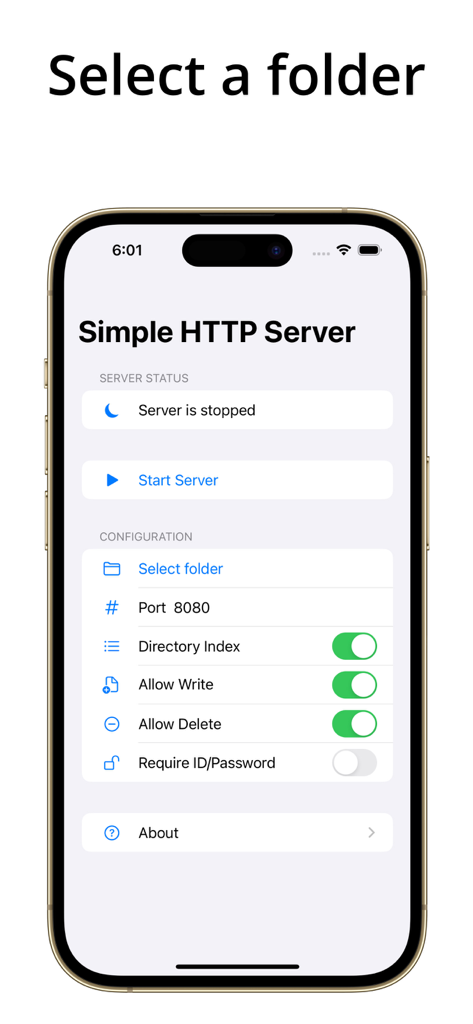
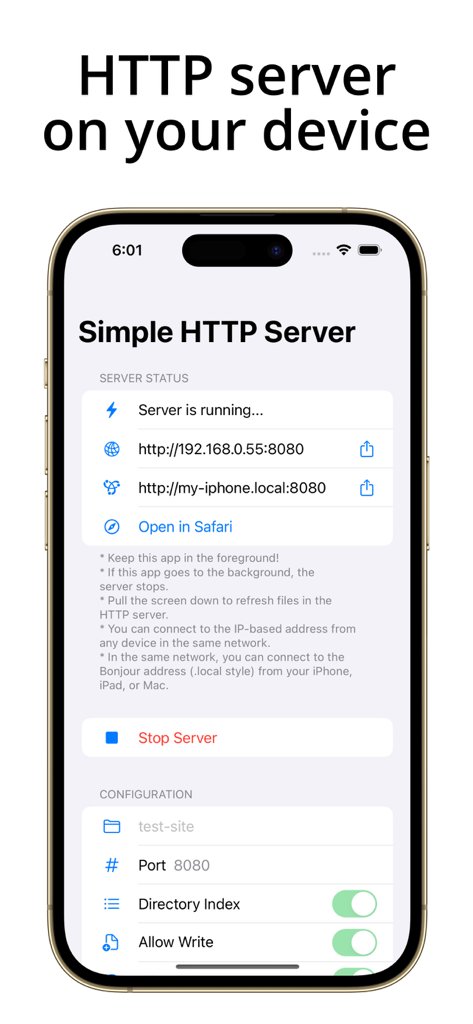
The main configuration screen of the Simple HTTP Server app on an iPhone showing server status and file sharing options

The main configuration screen of the Simple HTTP Server app on an iPhone showing server status and file sharing options

iPhone screen showing the Simple HTTP Server app with an active server and local network address

iPhone screen showing the Simple HTTP Server app with an active server and local network address

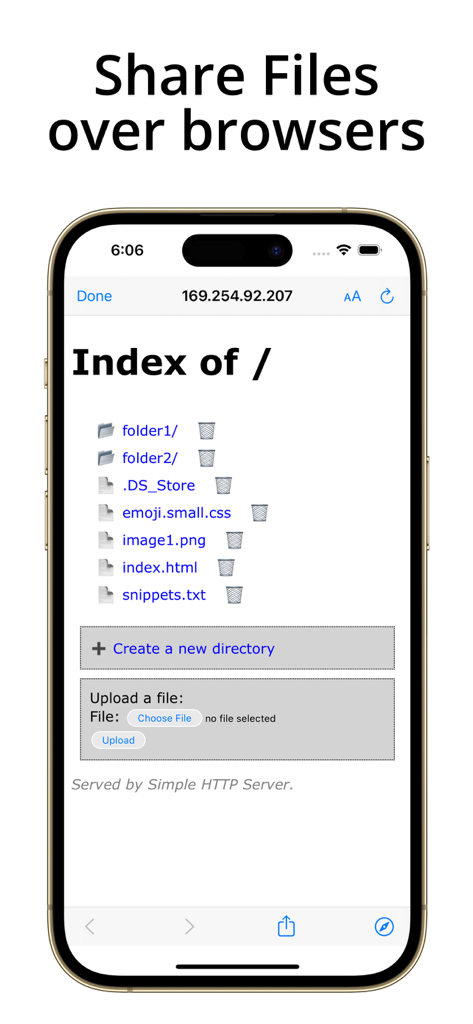
An iPhone screen displaying a web browser interface that allows users to browse and manage shared files via a local HTTP server

An iPhone screen displaying a web browser interface that allows users to browse and manage shared files via a local HTTP server

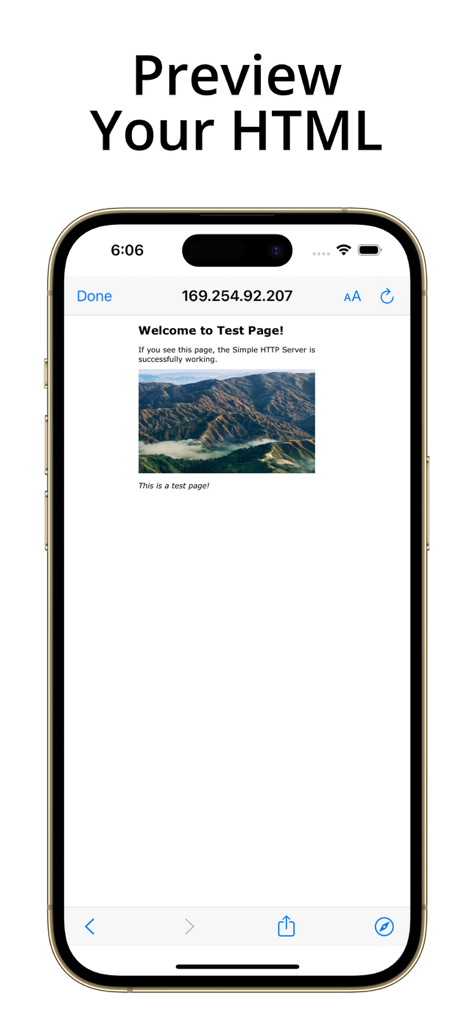
iPhone displaying a local HTML test page hosted by the Simple Server app

iPhone displaying a local HTML test page hosted by the Simple Server app

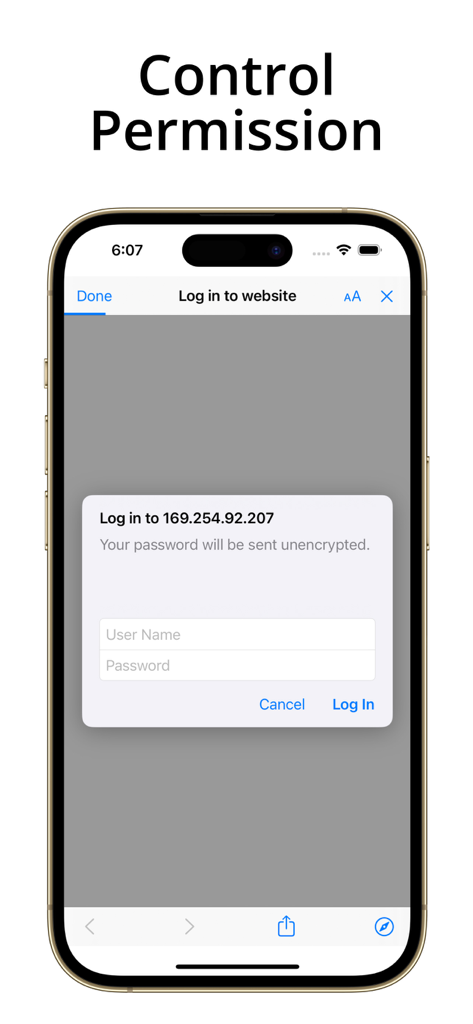
iPhone screenshot of the Simple Server app showing a login prompt for localized web access with username and password fields

iPhone screenshot of the Simple Server app showing a login prompt for localized web access with username and password fields

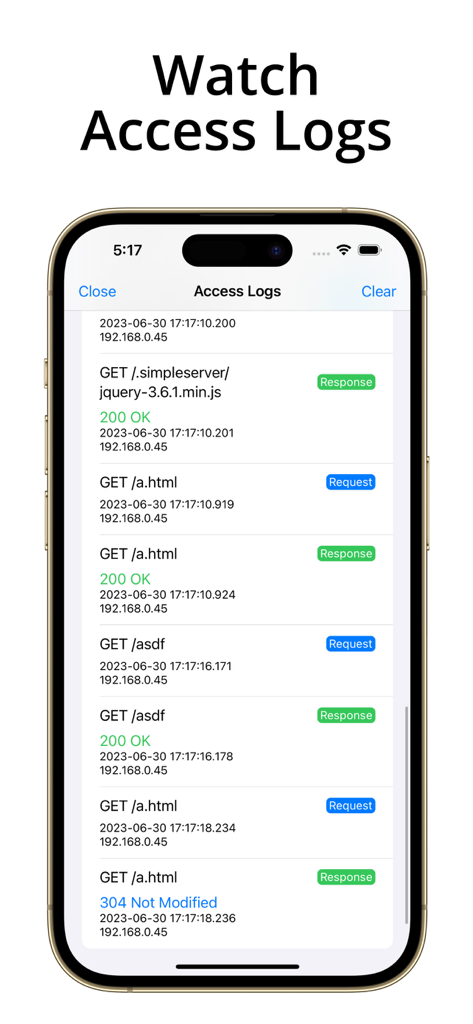
Mobile app interface showing real-time HTTP access logs including IP addresses and request status codes

Mobile app interface showing real-time HTTP access logs including IP addresses and request status codes

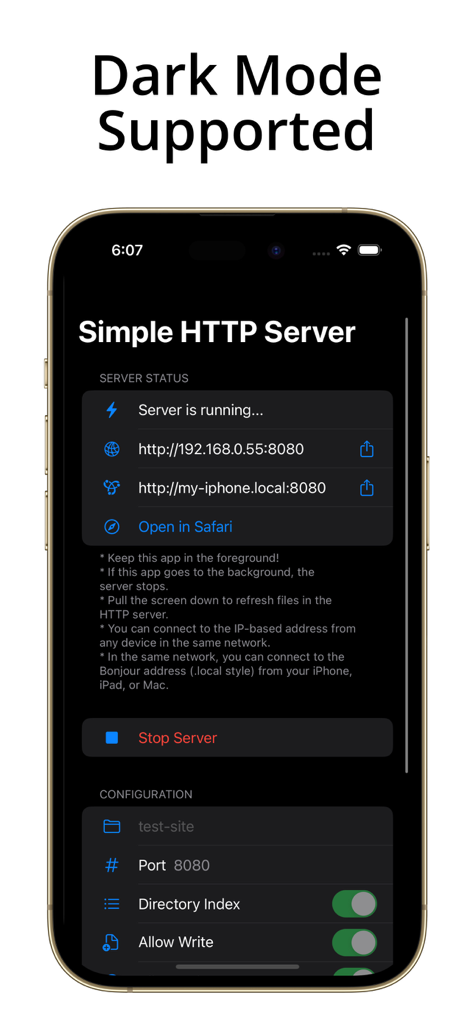
Simple Server app interface on iPhone with dark mode enabled

Simple Server app interface on iPhone with dark mode enabled

A Professional Web Server in Your Pocket

The tools that make this app stand out, trusted by 22K+ users.

đź’»

Universal Cross-Platform Sharing

Bridge the gap between iOS and Windows, Linux, or Android. Transfer files and folders to any device on your Wi-Fi network using a standard browser—no cables or AirDrop required.

🛠️

Live Static Site Previewing

The perfect companion for web developers. Run a local server to test static HTML and CSS directly on iOS hardware, utilizing iPad Split View for real-time coding and browsing.

đź”’

Privacy-First Local Storage

Keep your sensitive data off the cloud. Enjoy total control with password-protected directories and detailed access logs to monitor every HTTP request and response in real-time.

Loved by users worldwide

Trusted by 22K+ people who love this app.

"

"This app is a lifesaver for moving files from my iPhone to my Windows workstation. Since AirDrop isn't an option, I just start the server and access everything through my browser. The access logs are a great touch for keeping track of transfers."

Marcus Chen
"

"Perfect for mobile web development. I love using the Split View on my iPad to preview static HTML files in Safari while the server runs right next to it. It is incredibly lightweight and does exactly what it says without any fluff."

Sarah Jenkins

About the app

Everything you need to know about Simple Server: HTTP Server.

Description

Simple Server is a small web server in your pocket. - Share your folders/files from your iPhone/iPad to other devices in the same local network. - Browse your shared folders and files via browsers easily. - Manage your folders/files on your iPhone/iPad via browsers. - Set a username/password for sharing/managing files. - Support Access Logs displaying HTTP method, URL, remote IP address, and access time of requests and responses. - On iPad, you can preview your static HTML files in Safari with Split View while the web server runs on the same iPad. Two steps to share your folder: 1. In the app, tap "Select folder" and select a folder to be shared. You can choose a folder on your device or iCloud. 2. Tap the "Start Server" button. It's done! Then, connect to the address in a browser on any device in the same network. (e.g., A device that uses the same WiFi router.) Also, you can allow remote users can manage folders and files if you want. Caution: - Simple HTTP Server should be running in the foreground. It cannot be run in the background. If you change to another app or turn off the screen, the web server will stop. - On iPad, you can browse files/folders via Safari with running the web server on the same device, thanks to multitasking. - However, if you switch to another app on your iPhone, the web server will stop. The server status will be automatically recovered when you return to the app. On iPhone, browsing files from other devices is only meaningful. - It works only in a local WiFi network or local wired network. You cannot connect to the web server via a cellular network.

Latest Version

1.13

Size

14.1 MB

First Released

Oct 18, 2022

Turn Your iPhone Into a Local Web Server

Join over 22,000 developers and power users. Securely share files, preview HTML, and bridge the gap between your iOS and non-Apple devices—no cloud required.

Download on App Store