Singularity To Do List, Tasks

Singularity To Do List, Tasks

Download on App Store
Spark by MWM logo
Logo of Singularity To Do List, Tasks
Singularity To Do List: Master the Chaos and Achieve Your Most Ambitious Goals

The ultimate productivity powerhouse for high-achieving professionals. Effortlessly manage complex projects with unlimited nesting, seamless calendar integration, and our unique print-to-app recognition technology.

Publisher

Vladimir Zavertaylov

Category

Productivity

Downloads

133K+

User Rating

4.7/5

Total Ratings

1K+

Locales

11

Clarity at a Glance

Discover the interface used by 133K+ users.
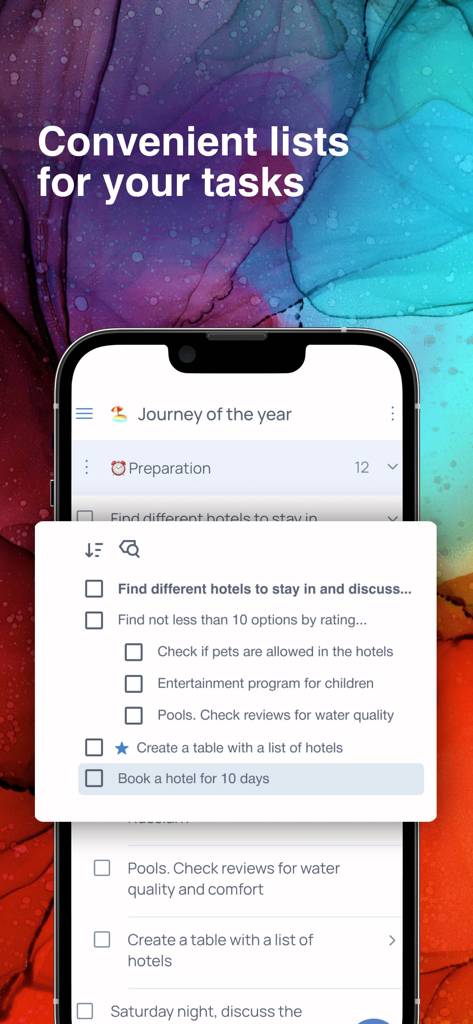
Mobile screen showing nested task lists for travel planning in the Singularity app

Mobile screen showing nested task lists for travel planning in the Singularity app

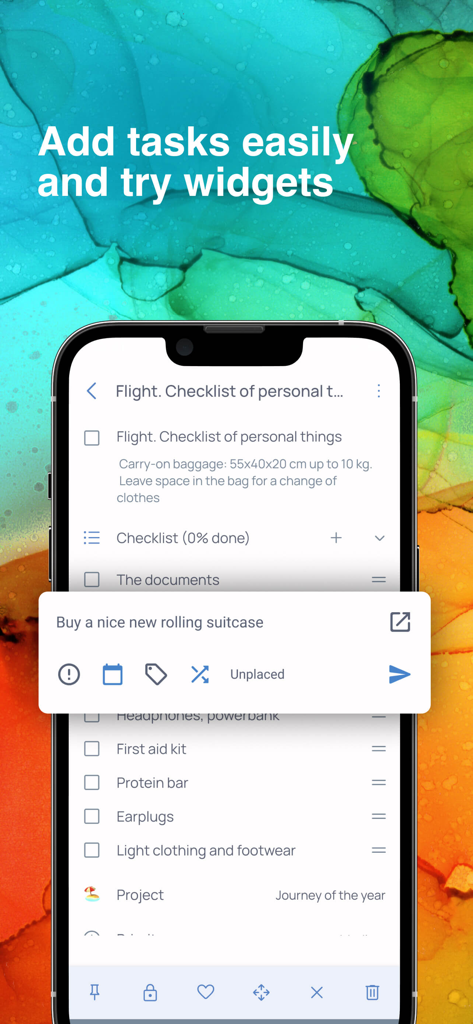
Mobile screen showing a travel checklist and a quick task entry widget in the Singularity app

Mobile screen showing a travel checklist and a quick task entry widget in the Singularity app

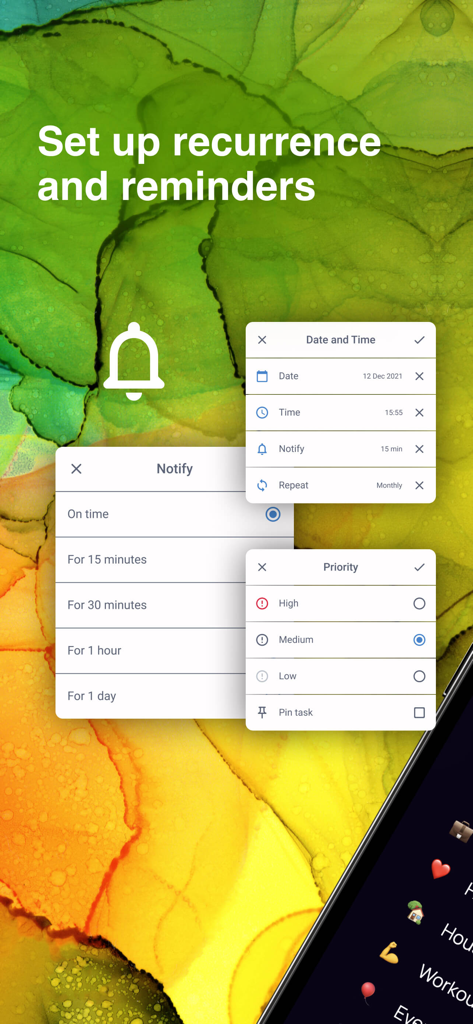
Interface for setting task reminders and priority levels in the Singularity App

Interface for setting task reminders and priority levels in the Singularity App

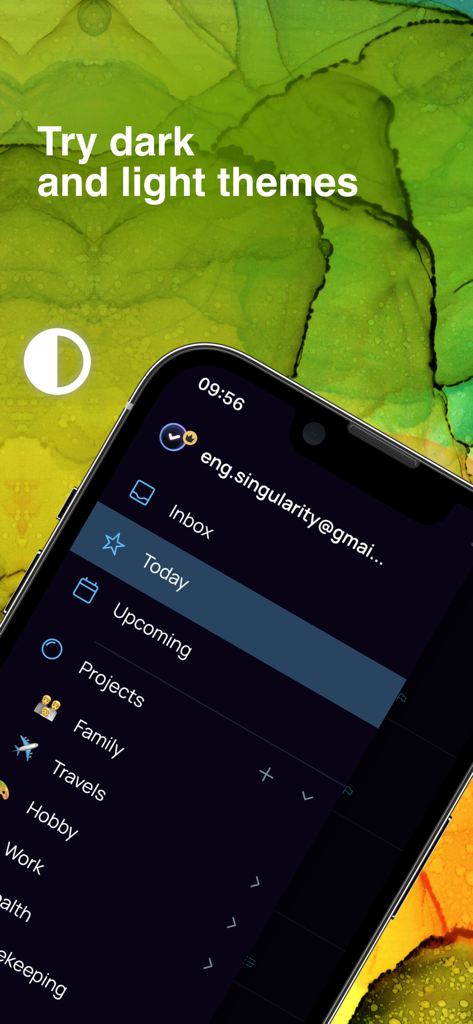
Singularity To Do List app interface on iPhone showing project sidebar and dark theme option

Singularity To Do List app interface on iPhone showing project sidebar and dark theme option

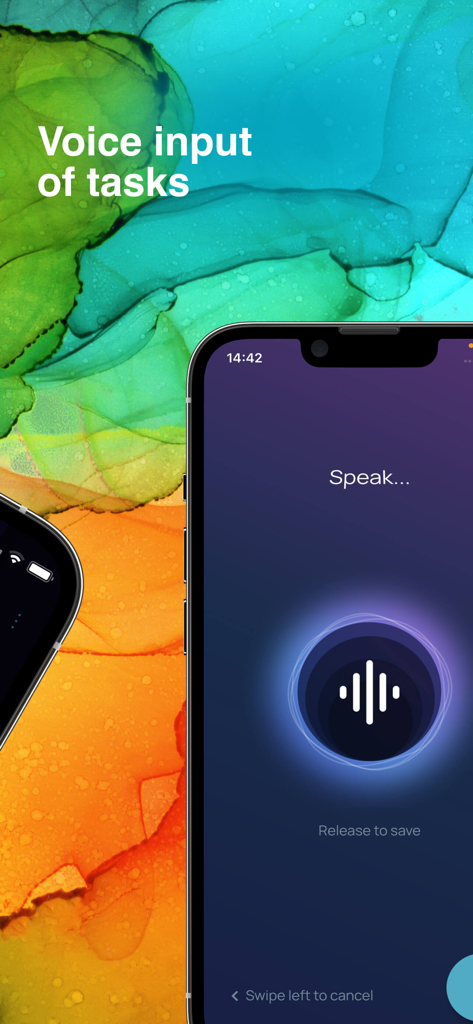
Voice input feature for quick task creation in the Singularity To Do List app

Voice input feature for quick task creation in the Singularity To Do List app

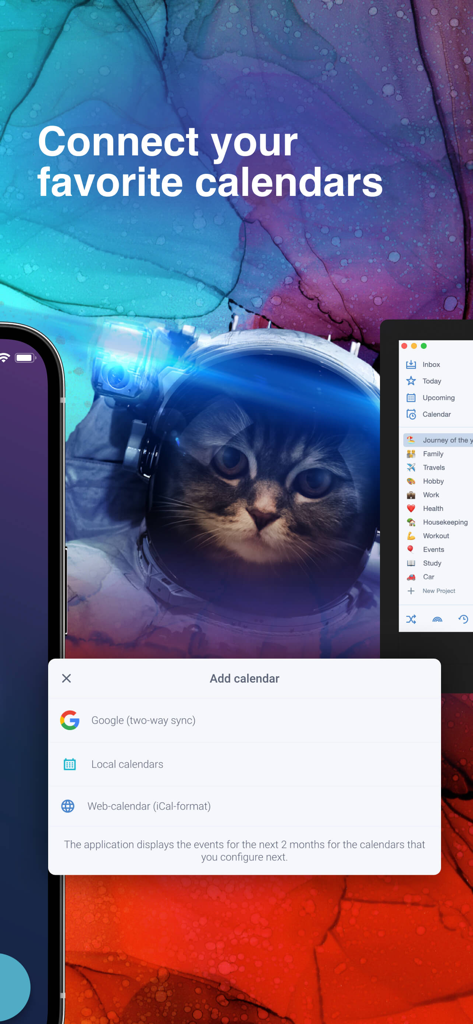
Interface for connecting Google and local calendars in Singularity To Do List app.

Interface for connecting Google and local calendars in Singularity To Do List app.

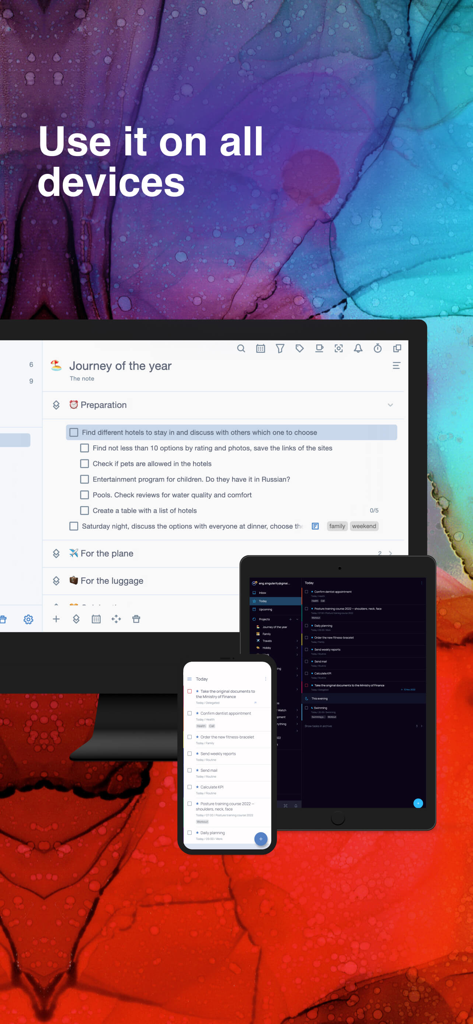
Singularity task manager app showing seamless synchronization across desktop tablet and smartphone devices

Singularity task manager app showing seamless synchronization across desktop tablet and smartphone devices

Master the Chaos of Your Modern Life

The tools that make this app stand out, trusted by 133K+ users.

📂

Unlimited Project Hierarchy

Break down complex initiatives with unlimited nesting levels. Organize multi-stage projects into manageable sub-tasks that mirror your mental workflow.

🖨️

Sync Your Analog and Digital Worlds

Print your daily plan for distraction-free focus, mark tasks by hand, and scan them back into the app to instantly update your digital workspace.

Frictionless Capture on the Go

Clear your mental clutter instantly. Use voice input, a Telegram bot, or email forwarding to capture ideas the moment they strike, synced across all devices.

Loved by users worldwide

Trusted by 133K+ people who love this app.

"

"As a senior project manager handling dozens of concurrent workstreams, I have tried every planner on the market. Singularity is the only tool that truly manages the chaos. The unlimited nesting allows me to map out complex hierarchies effortlessly, and the Telegram bot makes capturing ideas on the go completely frictionless."

James Mitchell
"

"The 'Print and Recognize' feature is an absolute game-changer for my workflow. I love the tactile feel of planning on paper in the morning, and seeing those marks automatically sync back to the app is pure magic. It is the perfect bridge between my analog habits and my digital life."

Sarah Jenkins

About the app

Everything you need to know about Singularity To Do List, Tasks.

Description

• App of the Year in Tagline Awards • Enjoy planning your life! Singularity App combines the best techniques for managing tasks, projects, cases, calendars, checklists, and reminders in one tool. We have used the best practices such as time management, GTD and chaos management. All of them are embodied in one great tool: SingularityApp. SingularityApp will be helpful to: SMART AND PURPOSE DRIVEN PEOPLE. To those who strive for a purposeful life and prefer to set goals and achieve them instead of just dreaming. MANAGERS – to competently organize and manage project work, and not to get lost in urgent tasks, but rather find time for important ones. PEOPLE STRIVING FOR SUCCESS – to keep all tasks under control. Key Features: TASKS AND PROJECTS. Unlimited number of task, project, and section nesting. SHARING PROJECTS. Complete tasks together with other users. WIDGET FOR QUICK TASK CREATING. Create tasks without opening the application. You can do it at any time, even while watching a movie. PRINTOUTS AND RECOGNITIONS. Print out the plan for the day, mark completed tasks in the printout, take a photo of it from the application and all marks will be transferred to SingularityApp. RECURRING TASKS. Set up regularly recurring tasks and develop healthy habits. NOTIFICATIONS. Get notifications of upcoming tasks and deadlines. Nothing will be overlooked anymore! PRIORITY LEVELS. Decide what is really important to you and focus on it. INTEGRATION WITH CALENDARS. Set one-way integration with your favorite calendars. Or two-sided one with Google Calendars. PASSWORDS. Use for tasks with sensitive data. TAGS. Group tasks from a wide variety of projects using tags. CHECK LISTS. Add checklists to tasks to be sure not to skip any steps. THEMES. Switch the theme in one click. Click – and there is the dark depths of space. Click again – now there is bright stardust. COLOR MARKING OF PROJECTS. Set a different color and emoji for each project. FILTERS. Create dynamic to-do lists the way you want. POMODORO. To get more done in less time, break your work into 25-minute intervals with short breaks. HABITS TRACKER. Introduce habits into life easily and simply. Mark the completion every day, and everything will work out! CLOUD SYNCHRONIZATION. Work on the device that is at your fingertips. All updates will automatically appear on other devices. TASK CREATION VIA EMAIL. Have you received an email with instructions? Send it to a special email address and it will be converted into a task in the Singularity App. VOICE INPUT. Dictate the task, Singularity will recognize your speech and add the task to the list. TELEGRAM bot. Add tasks directly from Telegram. It is fast and always at hand – just send or forward a message to the bot. Additional features of the PC version: FOCUS MODE. Hide all projects except the current one to focus on the main thing. CHECK MODE. Set up intervals for checking projects and see which of them you need to shake up. TASK IMPORT FROM THE PLANNER. Are you using another planner? Set up import of tasks and projects in SingularityApp and compare the operation of the two applications. The SingularityApp is a free application. But you can always switch from your free plan to a premium one. SingularityApp Pro gives you access to the most powerful tools to fight chaos. SingularityApp Pro provides advanced options for scheduling tasks. – Tasks & to-do lists synchronization between all devices. – Sharing Projects. – An infinite number of projects and sections. – Adding tasks via Telegram and email. – Daily plans printing and mark recognition. – Built-in calendar and integration. Terms of use: https://singularity-app.com/terms_of_service/ Privacy Policy: https://singularity-app.com/policy/ Our site: https://singularity-app.com Chaos Management Blog: https://singularity-app.com/blog/ We welcome your feedback: https://helpdesk.singularity-app.com/– Multiple notifications per task.

Latest Version

10.2.1

Size

178.6 MB

First Released

Feb 3, 2020

Master Your Time, Conquer the Chaos.

Join thousands of purpose-driven professionals who have traded mental clutter for total control. Download SingularityApp today and start achieving your goals on any device.

Download on App Store
FAQ

Frequently Asked Questions

Everything you need to know about Singularity To Do List, Tasks

What is Singularity To Do List, Tasks?

Singularity To Do List, Tasks is an application that combines task management, project organization, calendars, checklists, and reminders using time management, GTD, and chaos management practices to help users achieve their goals.

Is Singularity To Do List, Tasks a free application?

Yes, Singularity To Do List, Tasks is available as a free application. Users have the option to upgrade to SingularityApp Pro for access to more powerful, advanced features and tools.

Can I set up recurring tasks in SingularityApp?

Yes, SingularityApp allows users to set up recurring tasks. This feature helps individuals establish and maintain healthy habits by automating the scheduling of regular activities within the app.

Does Singularity To Do List, Tasks integrate with external calendars?

Yes, Singularity To Do List, Tasks integrates with calendars. It supports one-way integration with various calendars and offers two-way synchronization specifically with Google Calendars, including local and iCal-format web-calendars.

Does Singularity To Do List, Tasks support cloud synchronization across multiple devices?

Yes, Singularity To Do List, Tasks supports cloud synchronization. This ensures that all task updates and data automatically appear across all user devices, allowing seamless work on any platform.

Can I quickly create tasks in SingularityApp without opening the app?

Yes, SingularityApp provides a widget for quick task creation. This feature allows users to add new tasks conveniently without needing to open the full application.

Does Singularity To Do List, Tasks offer voice input for creating tasks?

Yes, Singularity To Do List, Tasks offers voice input functionality. Users can dictate their tasks, and the application's speech recognition technology converts them into entries on their to-do list.

Can I share projects and collaborate with others in Singularity To Do List, Tasks?

Yes, Singularity To Do List, Tasks enables project sharing. Users can collaborate with others on tasks within shared projects, a feature also included with the SingularityApp Pro plan.

What features are included with SingularityApp Pro?

SingularityApp Pro includes advanced features such as task synchronization across all devices, project sharing, infinite projects and sections, adding tasks via Telegram and email, daily plan printing, and built-in calendar integration.