
Slidebox: Photo Cleaner App



The most satisfying way to organize your memories. Effortlessly delete duplicates, sort albums, and reclaim your storage to achieve digital zen in minutes.
Publisher
Category
Photo & VideoDownloads
2M+User Rating
Total Ratings
105K+Locales
10Discover the interface used by 2M+ users.
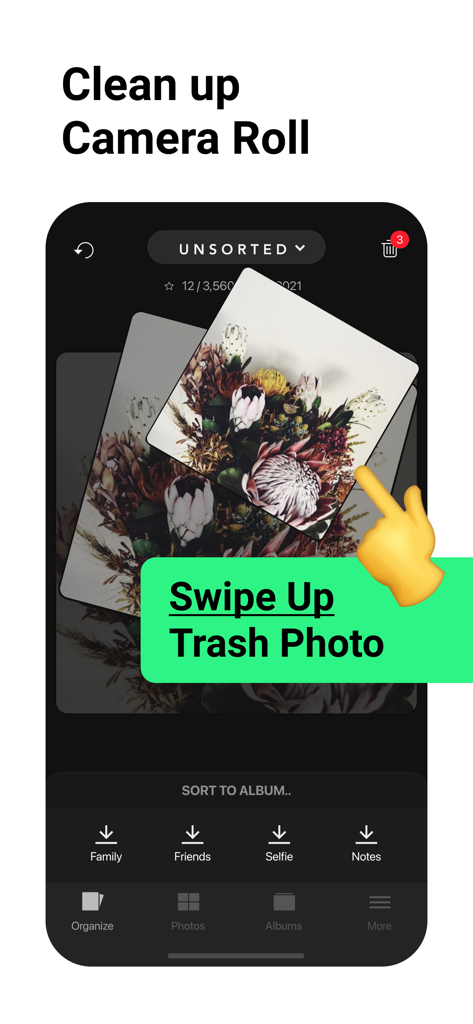
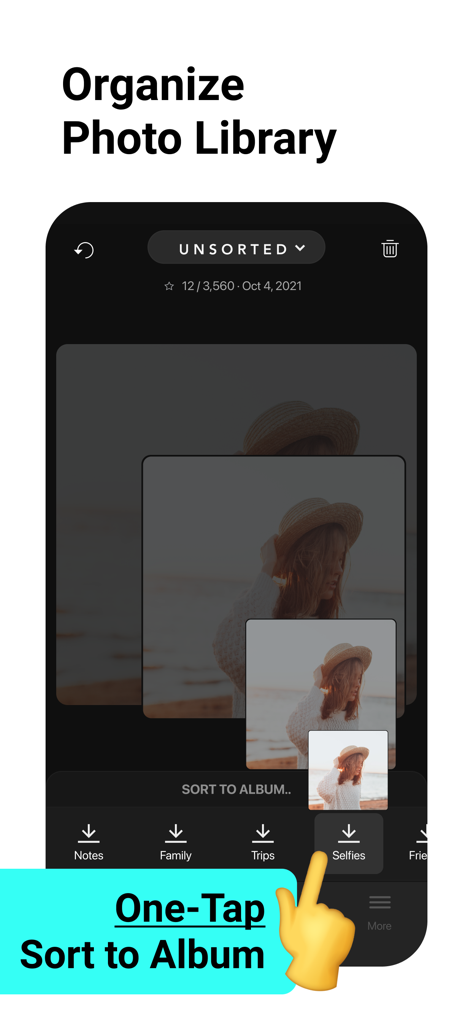
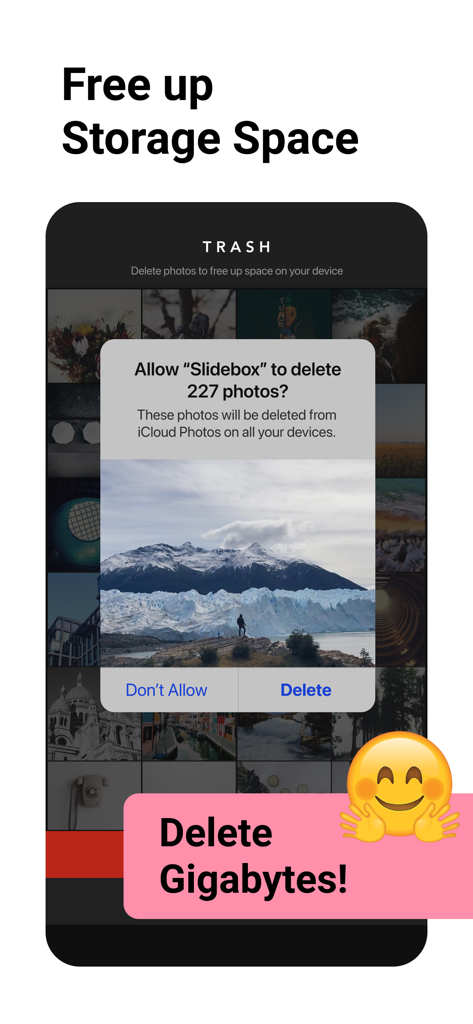
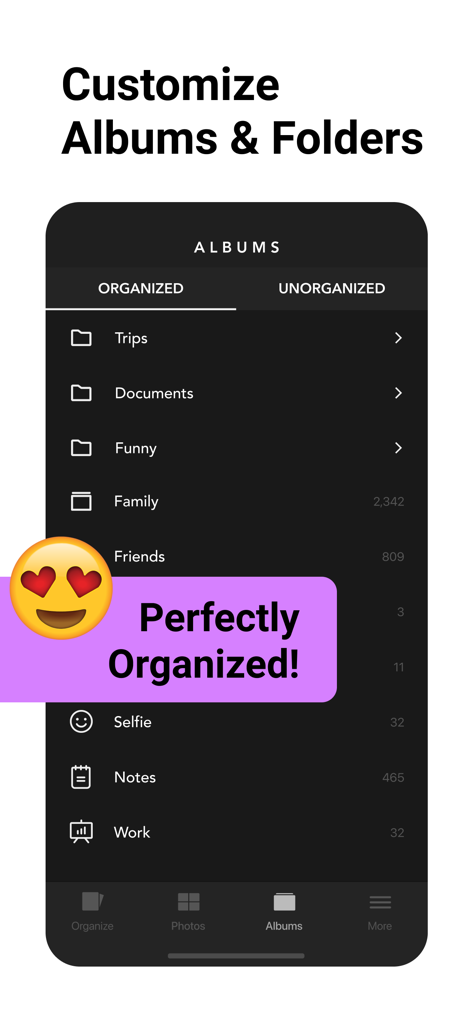
The tools that make this app stand out, trusted by 2M+ users.
Ditch the tedious 'Select and Delete' routine. Simply swipe up to trash unwanted photos, blurry outtakes, and old screenshots instantly.
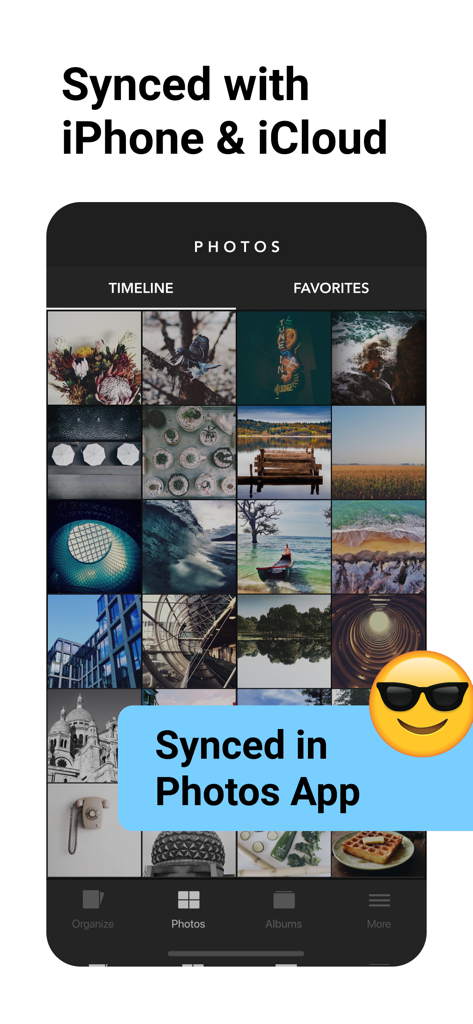
Sort your memories into albums with a single tap. All changes sync seamlessly with your iOS Photos and iCloud library for a stress-free experience.
View duplicate photos side-by-side to pick the perfect winner. Easily clear out the extra clutter and reclaim your precious phone storage.
Trusted by 2M+ people who love this app.
"As a mom who takes fifty photos just to get one good shot of my kids, I was drowning in digital clutter. Slidebox is a lifesaver! The swipe-to-delete gesture makes cleaning my gallery actually fun, and I finally organized my 'Family' albums during my morning commute. It's the most satisfying app on my phone."
"I was constantly getting 'Storage Full' notifications because of work screenshots and burst photos. Slidebox solved my iCloud issues in a single afternoon. The interface is incredibly fast, and the ability to compare similar photos side-by-side makes it easy to keep only the best shots. Highly recommended for any minimalist."
Everything you need to know about Slidebox: Photo Cleaner App.
Description
Latest Version
3.60.0
Size
38.8 MB
First Released
Jun 16, 2015
Join over 2 million users who have turned photo decluttering into a breeze. Swipe through the chaos, organize your best memories, and say goodbye to "Storage Full" alerts for good.
Everything you need to know about Slidebox: Photo Cleaner App
Slidebox is a photo cleaner and album organizer app. It helps users manage their photo library by enabling easy deletion of unwanted pictures, sorting into albums, and comparing similar photos with simple swipe gestures.
Slidebox allows users to delete unwanted photos by swiping them away. It helps identify and compare similar photos, facilitating the removal of duplicates and freeing up storage space efficiently.
Yes, Slidebox includes an album organizer feature. Users can sort photos into custom albums with a single tap, keeping their memories neatly categorized and easily accessible within the app.
Yes, Slidebox works directly with your Photos App. All changes made within Slidebox sync seamlessly across your iPhone and iCloud, ensuring your photo library remains consistent across devices.
Slidebox offers monthly subscriptions at $4.99 USD and annual subscriptions at $49.99 USD. Prices may vary outside the U.S. There is also a one-time purchase option for permanent full access.
To avoid automatic renewal, users must turn off auto-renew in their iTunes Account Settings. This action must be performed at least 24 hours before the end of the current subscription period.
No, Slidebox does not offer free trials for its subscriptions. Users can opt for monthly or annual subscriptions or a one-time purchase to access premium features.
The one-time purchase unlocks the full version of Slidebox permanently. This includes access to all current and future features, supporting ongoing app development without recurring subscription fees.
Yes, Slidebox features a 'Compare Similar Photos' tool. Users can swipe between duplicate photos to easily decide which ones to keep and then remove the unwanted copies, streamlining their photo library.
Yes, Slidebox provides an 'Undo Actions' feature. This allows users to quickly reverse any changes or mistakes made during photo organization, ensuring a stress-free experience.
Apps with similar features and user experience

CleverFiles Inc.

Picnic Ventures Ltd

AEGIS SOLUTIONS PRIVATE LIMITED

VIBE WITH ME LTD

DEEP FLOW SOFTWARE SERVICES - FZCO

GM UniverseApps Limited

GRIMLAX TRADE,S.L.

MWM

XSTUDIOS BILISIM TEKNOLOJILERI REKLAMCILIK ANONIM SIRKETI