Slideshow Creator -MovieStudio

Slideshow Creator -MovieStudio

Download on App Store
Spark by MWM logo
Logo of Slideshow Creator -MovieStudio
Slideshow Creator - MovieStudio: Turn Your Photos Into Professional Cinematic Stories

Create stunning HD videos for social media in just three easy steps. Choose from 1,000+ designer templates to make every family memory, travel vlog, and product showcase shine.

Publisher

立瑗 胡

Category

Photo & Video

Downloads

3M+

User Rating

4.8/5

Total Ratings

337K+

Locales

14

Memories in Motion

Discover the interface used by 3M+ users.
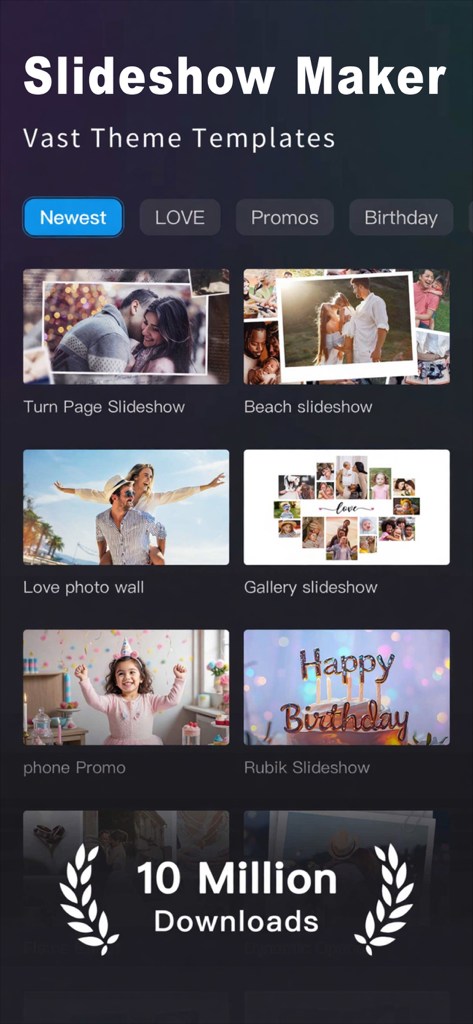
Interface of the Slideshow Creator MovieStudio app displaying various video templates and theme categories.

Interface of the Slideshow Creator MovieStudio app displaying various video templates and theme categories.

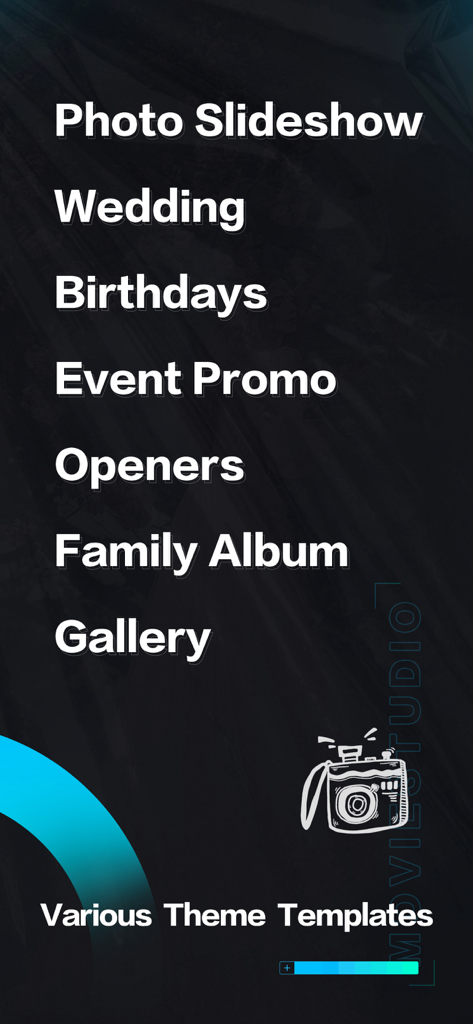
A list of video theme templates in the MovieStudio app including categories for Wedding Birthdays and Family Albums.

A list of video theme templates in the MovieStudio app including categories for Wedding Birthdays and Family Albums.

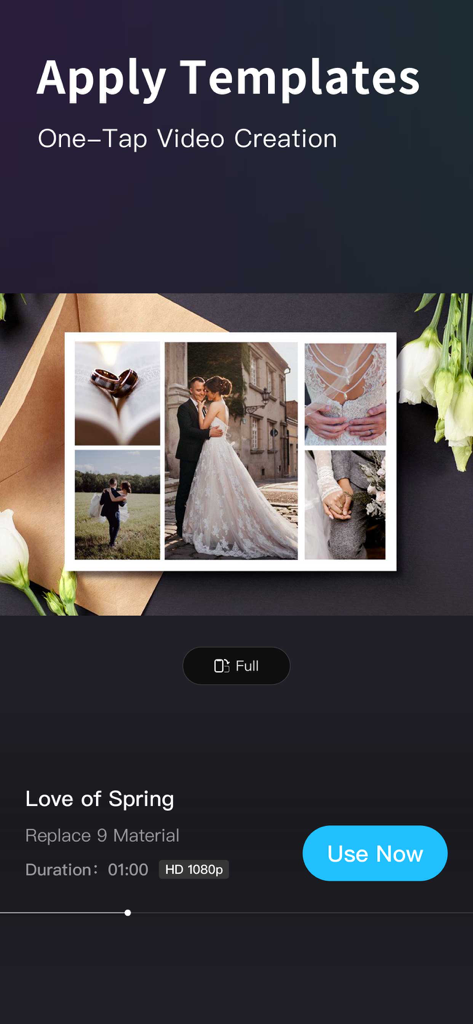
MovieStudio app interface showing a wedding themed video template with one-tap creation

MovieStudio app interface showing a wedding themed video template with one-tap creation

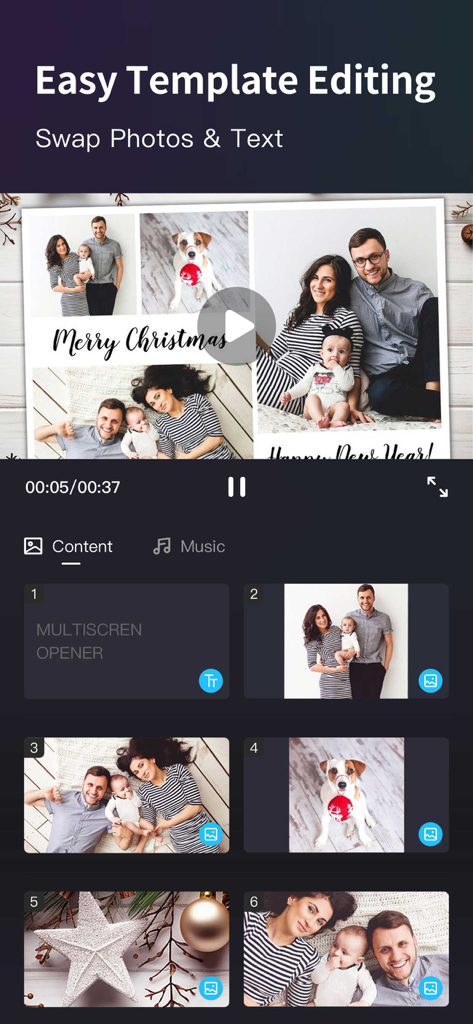
Mobile app interface showing easy template editing with family holiday photos and text swap features

Mobile app interface showing easy template editing with family holiday photos and text swap features

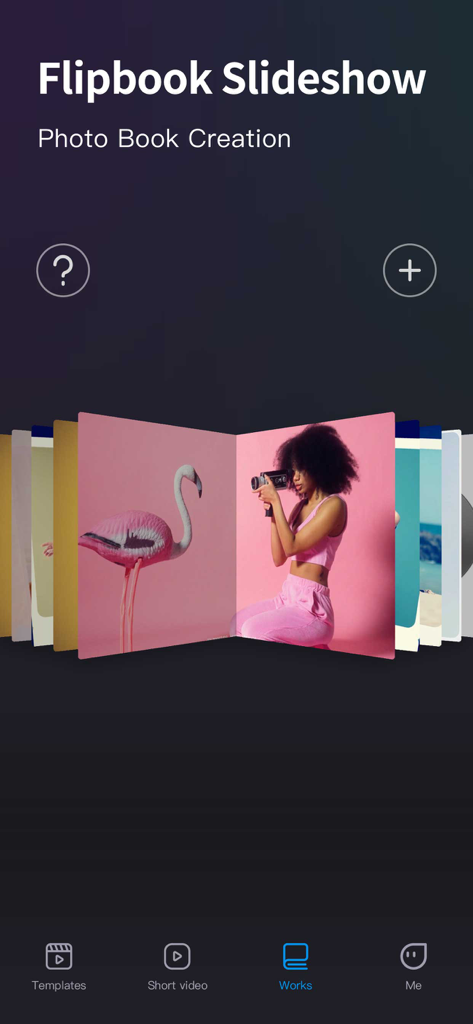
Flipbook Slideshow interface in MovieStudio app for creating digital photo books

Flipbook Slideshow interface in MovieStudio app for creating digital photo books

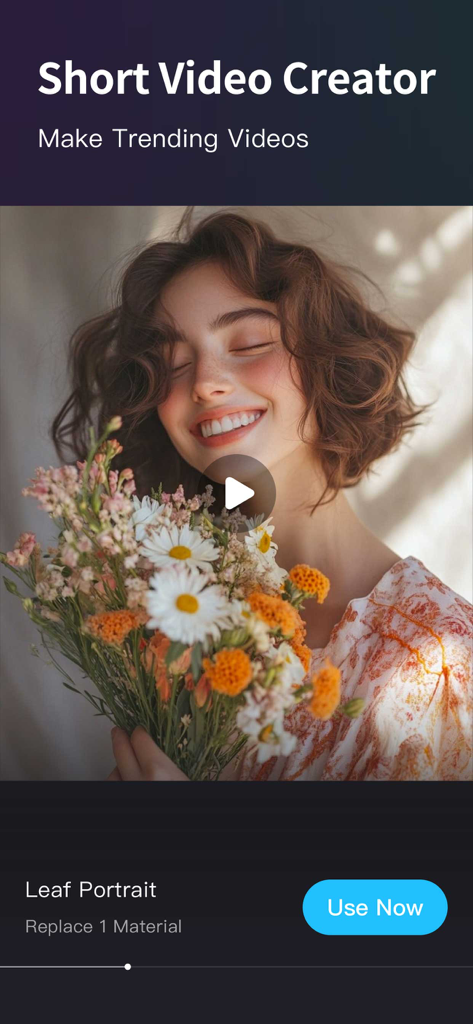
MovieStudio app interface showing a short video creator template for social media trends.

MovieStudio app interface showing a short video creator template for social media trends.

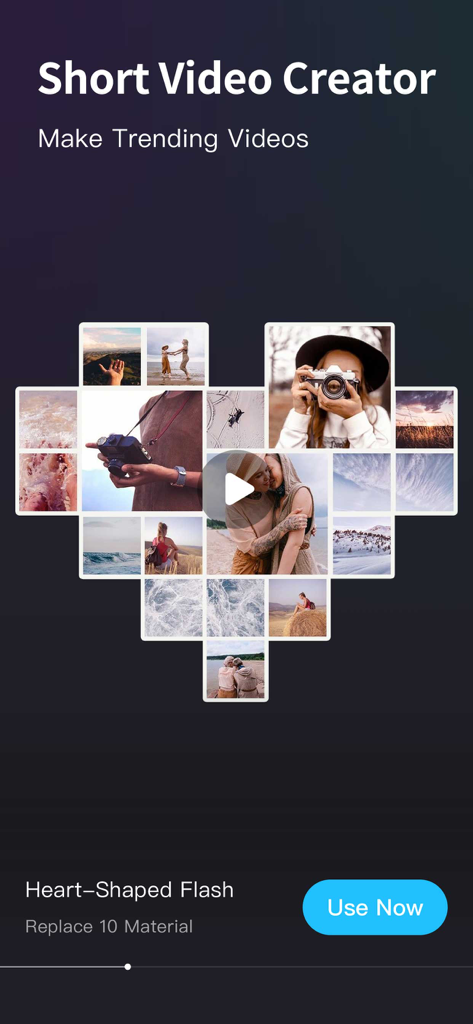
Heart-shaped photo collage video template in the MovieStudio app

Heart-shaped photo collage video template in the MovieStudio app

Turn Your Photos Into Movie Magic

The tools that make this app stand out, trusted by 3M+ users.

Lightning Fast 3-Step Creation

No editing experience required. Simply pick a professional template, swap in your photos, and export your movie in seconds.

🎈

Templates for Every Milestone

From baby’s first steps to wedding vows, choose from over 1,000 curated themes designed to bring your most precious memories to life.

🚀

Social-Ready HD Quality

Stand out on TikTok and Instagram with crystal-clear 1080p exports and professional effects that make your content go viral.

Loved by users worldwide

Trusted by 3M+ people who love this app.

"

"Absolutely love how easy it is to turn my vacation photos into cinematic stories. The 3D effects and professional transitions make my family albums look like real movies. It is my go-to app for sharing memories on Facebook and Instagram!"

Emily Thompson
"

"This app is a lifesaver for my small business marketing. I can create high-quality product promos and TikTok ads in minutes using the professional templates. The 1080p export ensures everything looks crisp and premium for my followers."

Marcus Reed

About the app

Everything you need to know about Slideshow Creator -MovieStudio.

Description

MovieStudio Video Maker is the best photo video maker to merge photos to create slideshow with MovieStudio helps you edit and share your photo music video on TikTok, YouTube, Instagram, Facebook, and Twitter with others. 【Three Steps to Make a Video】 1. Choose your favorite video template 2. Replace photos, text, videos and music 3. One-click export video After the video is exported, it can be shared to social media accounts or saved to an album 【feature】 【Rich video templates】 - 9 scene themes are continuously updated to meet the needs of different film productions • Short video hotspot video template • Love Wishes & Wedding Videos • Commercial Video & Product Marketing Display • Family Album & Baby Album Videos • Invitations & Holiday Greetings • Travel records & life videos • Classmates' Album & Graduation Commemorative • Gala Ceremony & Annual Awards 【Awesome video effects】 - Templates designed by professional designers to easily turn your photos into eye-catching creative videos! • More than 1000 pictures show animation effects • Film and television post-production professional technology Key 3D effects, including photo wall effects, real-time object tracking, and more. 【Exquisite soundtrack】 • Match the most perfect background music to make the video more emotional 【Perfect user experience】 • Video is like an album full of stories, flipping this album is to look up the past of life, making the video more memorable 【HD quality】 • The video produced supports 1080p high-definition resolution rendering and export, and there is no problem in playing it under high-definition TV and projector 【Easy to save and share】 • After the video is made, you can share it to YouTube/Instagram/TikTok/Facebook/Twitter with one click, making sharing more convenient 【scenes to be used】 - commercial promotion/advertising marketing/animation logo - Wedding/Proposal/Anniversary - Graduation/Education; - YouTube / Instagram / TikTok / Facebook / Twitter posts; - Parent-child/family photo album; - Birthday/holiday wishes; - Party/event invitation notice; - Travel stories/Vlog; - Wedding/Engagement. - Campus Life/Graduation Ceremony. - Instagram / TikTok / Youtube / Facebook / Twitter posts. - Kids and family photo albums. - Festive and birthday parties. - Opening party. - Travel stories and vlogs. 【MovieStudio VIP subscription】 1. VIP membership subscription includes the following functions: all templates are free, no watermark export, high-definition export, remove advertisements and open all paid functions. 2. According to your choice, VIP members offer three time period subscriptions: "Monthly Fee", "Quarterly Fee" and "Annual Fee”. 3. When purchase confirmed, your iTunes account will be charged. 4. Subscription will automatically renew unless auto-renew is turned off at least 24 hours before the end of the current period 5. Account will be charged for renewal within 24 hours before the end of the current period 6. Subscription can be managed by the user, and can be turned off in user's account settings after purchased. The specific steps are: "Settings"-> "iTunes Store and App Store"-> select "Apple ID" on the iOS device 』-> Click『 View Apple ID 』-> Click『 Subscribe 』-> Select 『MovieStudio 』 on the account settings page to cancel subscription. Privacy Policy: https://video-alum.oss-cn-hangzhou.aliyuncs.com/support/privacyPolicy.html Terms of Service: https://video-alum.oss-cn-hangzhou.aliyuncs.com/support/terms.html 【Call us】 Website: https://moviestudio-1cada.web.app MovieStudio video maker app will be everything you need to make amazing videos from photos.

Latest Version

16.8

Size

168.4 MB

First Released

Mar 8, 2013

Ready to Turn Your Photos Into Movie Magic?

Join over 3 million creators. Transform your favorite moments into stunning HD videos in just three simple steps and share your story with the world.

Download on App Store
FAQ

Frequently Asked Questions

Everything you need to know about Slideshow Creator -MovieStudio

What is MovieStudio Video Maker?

MovieStudio Video Maker is a photo video maker app that merges photos to create slideshows. It allows users to edit and share photo music videos on social media platforms like TikTok, YouTube, Instagram, Facebook, and Twitter.

How do I create a video with MovieStudio Video Maker?

Users create videos in three steps: choose a template, replace photos, text, videos, and music, then export the video. After export, it can be shared to social media or saved to an album.

Does MovieStudio Video Maker offer templates for different occasions?

Yes, MovieStudio Video Maker offers rich video templates for 9 scene themes, including Birthday, Wedding, Promos, Holiday, Travel, and Family. These templates are continuously updated.

Can I export videos in high definition using MovieStudio Video Maker?

Yes, MovieStudio Video Maker supports 1080p high-definition resolution rendering and export for produced videos. This ensures compatibility for playing on high-definition TVs and projectors.

What are the benefits of a MovieStudio VIP subscription?

A MovieStudio VIP subscription includes free access to all templates, no watermark exports, high-definition exports, removal of advertisements, and all paid functions within the app.

How much does a MovieStudio VIP subscription cost?

MovieStudio VIP offers three subscription durations: "Monthly Fee", "Quarterly Fee", and "Annual Fee”. The specific pricing is detailed within the app during the purchase process.

How do I cancel my MovieStudio VIP subscription?

To cancel a MovieStudio VIP subscription, go to iOS device Settings, then iTunes Store and App Store, select your Apple ID, click View Apple ID, then Subscribe, and select MovieStudio to cancel.

Does MovieStudio Video Maker allow sharing videos to social media?

Yes, MovieStudio Video Maker allows users to share videos to social media platforms such as YouTube, Instagram, TikTok, Facebook, and Twitter with one click after creation, making sharing convenient.

Does MovieStudio Video Maker have video effects like 3D or object tracking?

Yes, MovieStudio Video Maker includes over 1000 picture animation effects, professional film and television post-production technology, and key 3D effects such as photo wall and real-time object tracking.

Can I edit photos and text within MovieStudio Video Maker templates?

Yes, MovieStudio Video Maker provides easy template editing, enabling users to swap photos and text to customize their video creations. This ensures personalization of each video project.