
SmartHome (MSmartHome)


Manage your Midea, Eureka, and Comfee appliances with one award-winning app. From cooling your home before you arrive to receiving laundry alerts, experience total home automation and peace of mind right from your smartphone.
Publisher
Category
LifestyleDownloads
2M+User Rating
Total Ratings
43K+Locales
39Discover the interface used by 2M+ users.
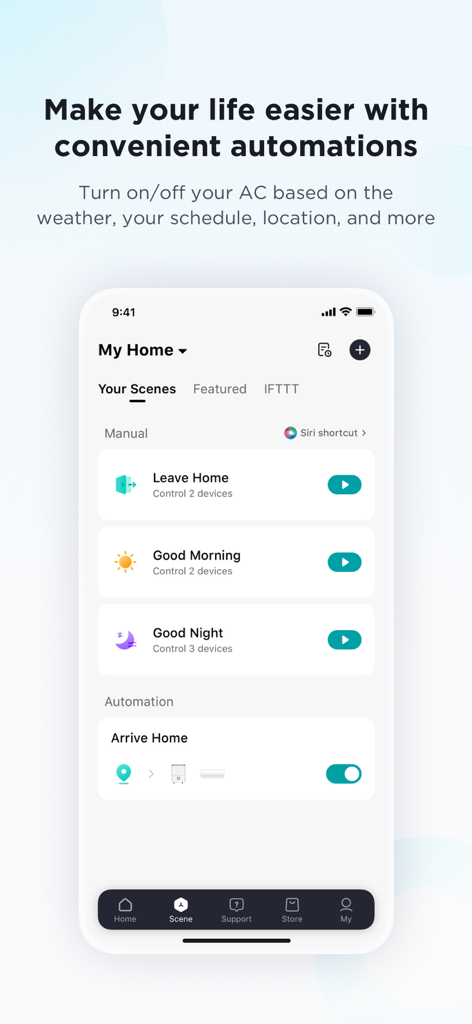
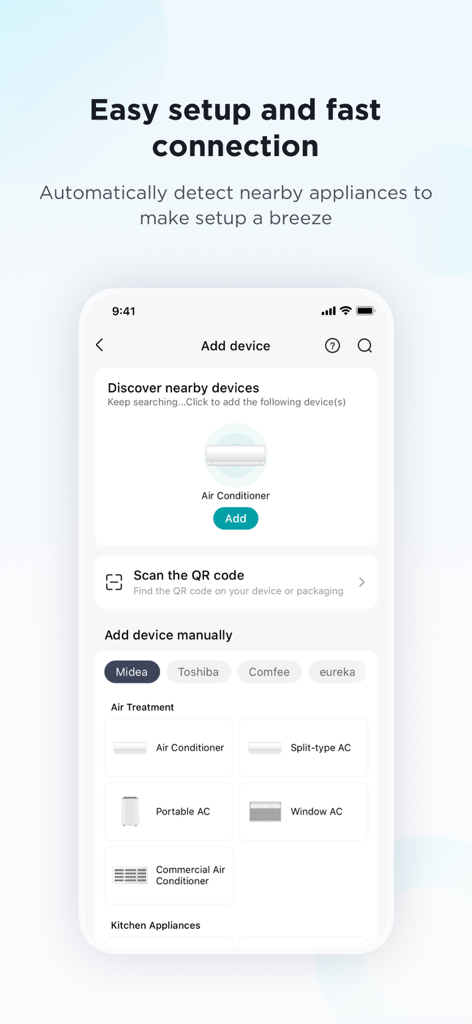
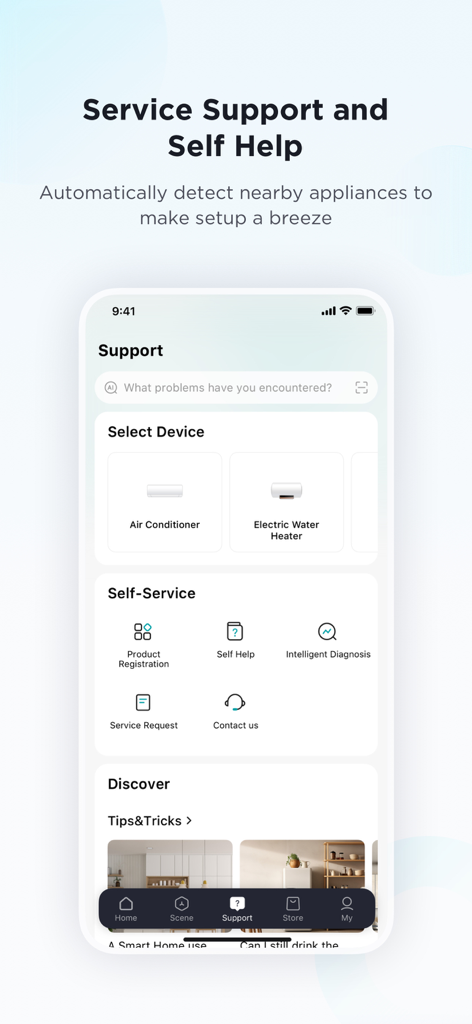
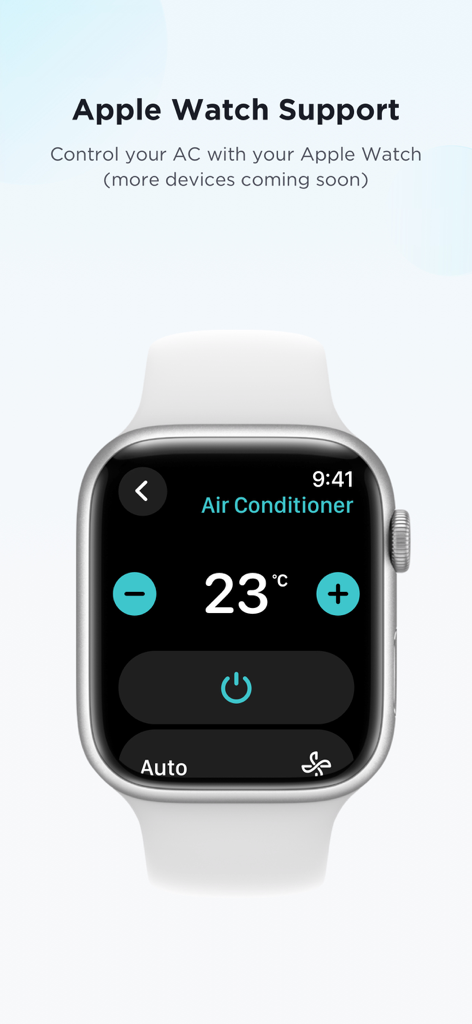
The tools that make this app stand out, trusted by 2M+ users.
Monitor and manage your home from anywhere, ensuring your space is always ready for you when you arrive.
Create set-and-forget routines that save energy and time, from automated cooling to scheduled cleaning.
Integrate with Alexa, Google Home, or Siri for hands-free convenience that fits perfectly into your busy lifestyle.
Trusted by 2M+ people who love this app.
"Managing a household with three kids is chaotic, but SmartHome helps me stay on top of things. I love getting a notification the second the dishwasher is done or if the fridge door was left open. It is a huge time-saver for a busy parent!"
"I use it for my Eureka vacuum and Midea AC in my city apartment. Setting schedules to clean while I am at work and cooling the place down before I get home is seamless. The Alexa integration is perfect for hands-free control."
Everything you need to know about SmartHome (MSmartHome).
Description
Latest Version
3.15.1
Size
214.7 MB
First Released
Jul 6, 2017
Join over 2 million users who simplify their daily routines with our award-winning, all-in-one appliance manager.
Everything you need to know about SmartHome (MSmartHome)
The SmartHome app connects, monitors, and controls smart appliances from brands like Midea, Eureka, and Pelonis. It replaces the MSmartHome and Midea Air apps, offering remote management of various home devices.
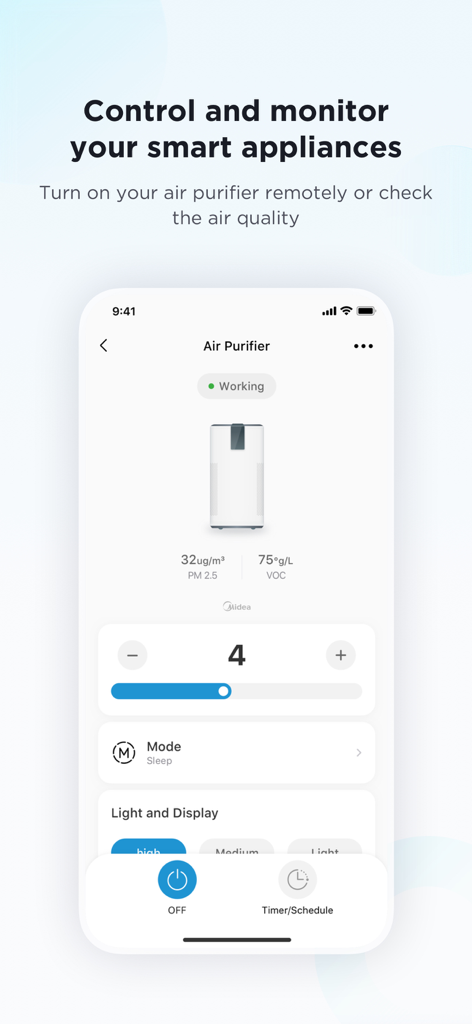
Yes, the SmartHome app provides remote app control, allowing users to manage their smart appliances from anywhere using a smartphone. For example, you can cool down a room before arriving home.
Yes, the SmartHome app supports hands-free voice control for select appliances through integration with Amazon Alexa, Google Assistant, and Siri.
The SmartHome app sends timely notifications and alerts from smart appliances. These alerts inform users about events like an open fridge door or an oven finishing its cooking cycle.
Yes, the SmartHome app allows users to monitor their smart appliances anytime, from anywhere. Users can check laundry cycle times or dishwasher progress.
Yes, the SmartHome app provides helpful automations. Users can set their air conditioner to turn on automatically when it is hot or schedule a dehumidifier to turn off at bedtime.
The SmartHome app supports various home appliances, including air conditioners, vacuum cleaners, dehumidifiers, fans, ovens, washers & dryers, and dishwashers.
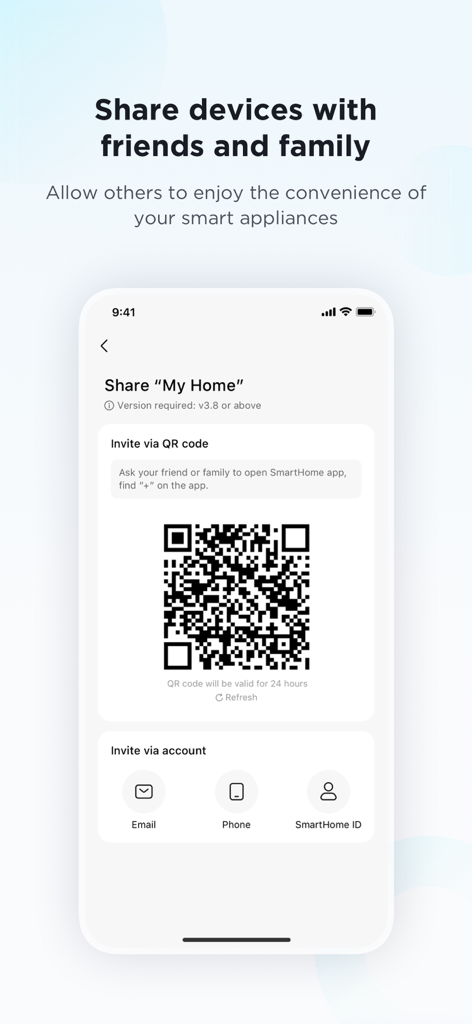
Yes, the SmartHome app allows users to share devices with friends and family. This can be done via QR code, email, phone, or SmartHome ID, enabling others to control appliances.
New devices can be added to the SmartHome app by automatically detecting nearby appliances, scanning a QR code, or manually selecting the device type and brand.
Yes, the SmartHome app supports Apple Watch, allowing users to control their air conditioner directly from their watch. More device compatibility is planned.
The SmartHome app requires Bluetooth for nearby devices, Location for WLAN and automations, Camera for QR codes and feedback photos, and Album for saved QR codes and profile photos.
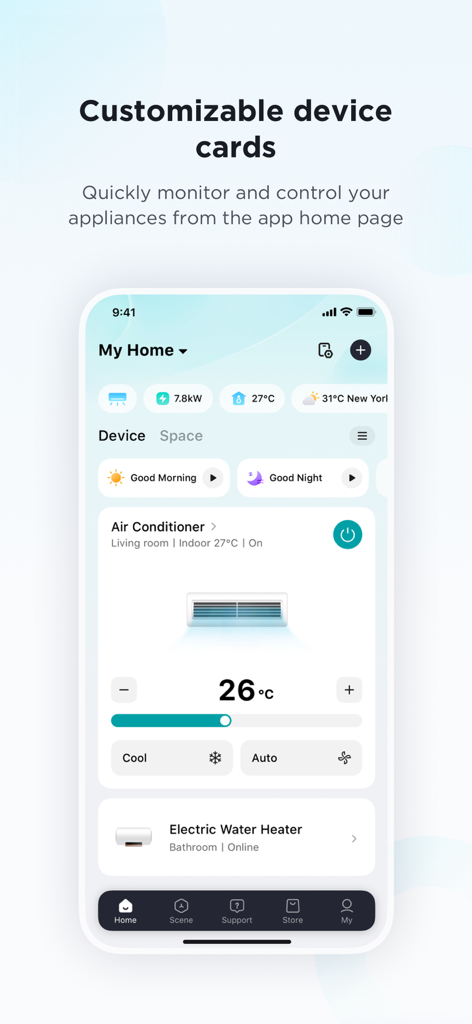
Yes, the SmartHome app features customizable device cards. These cards provide quick access to frequently used devices and controls directly from the app's home page.
Apps with similar features and user experience

TP-Link Systems Inc.

DIRECT CURSUS COMPUTER SYSTEMS TRADING LLC

Vesync Technology Corporation

TP-Link Systems Inc.

ecobee Ltd.

Afero, Inc.

ADT LLC

Resideo Technologies, Inc.

Intelbras S.A. Ind. de Telecom. Elet. Brasileira