
Sprite Creator


The ultimate mobile studio for creating game-ready assets. Design pixel-perfect sprites, build tile maps, and animate fluidly with onion skinning—all from your iPad or iPhone.
Publisher
Category
Graphics & DesignDownloads
13K+User Rating
Total Ratings
400Locales
1Discover the interface used by 13K+ users.
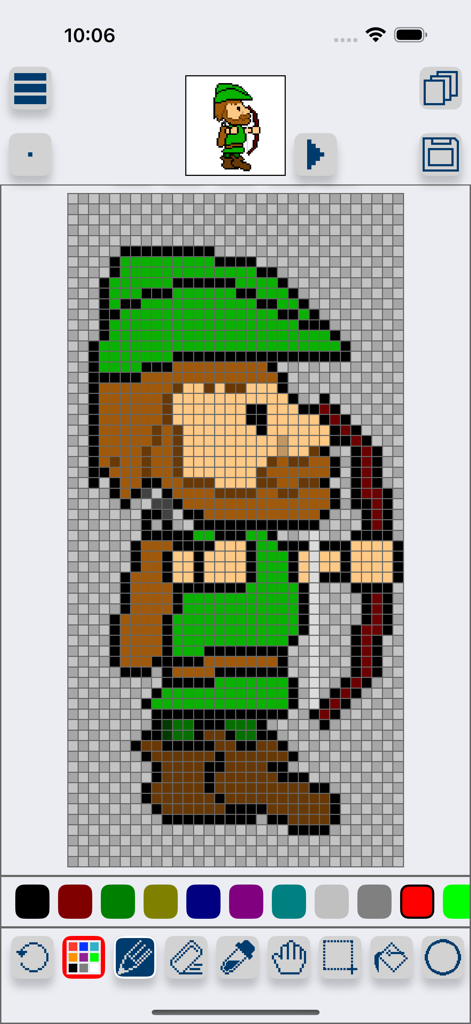
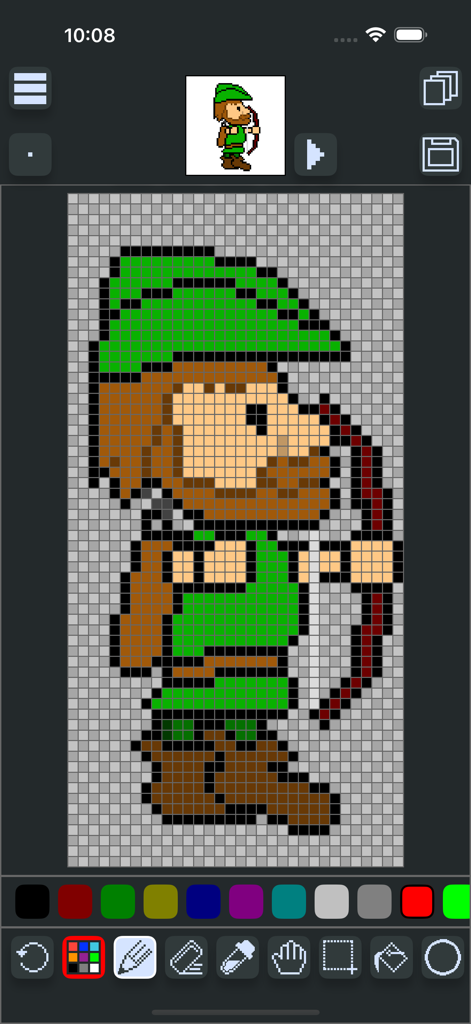
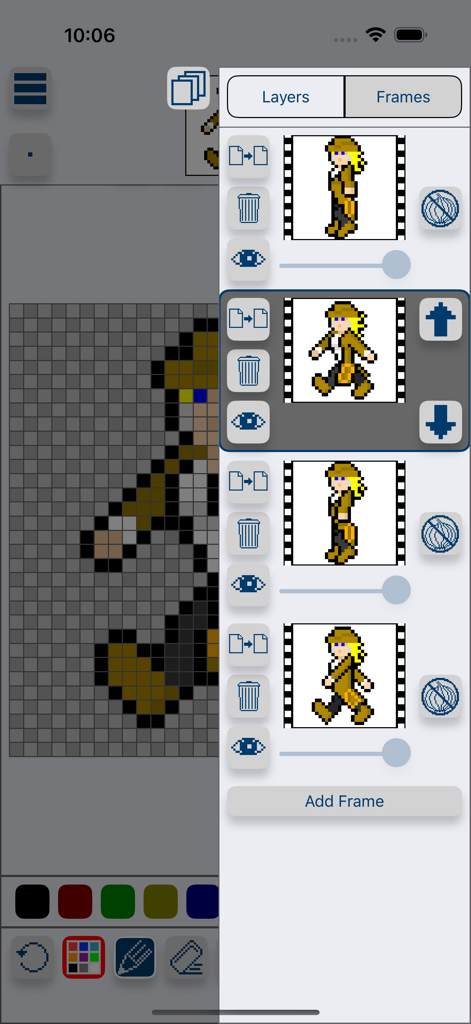
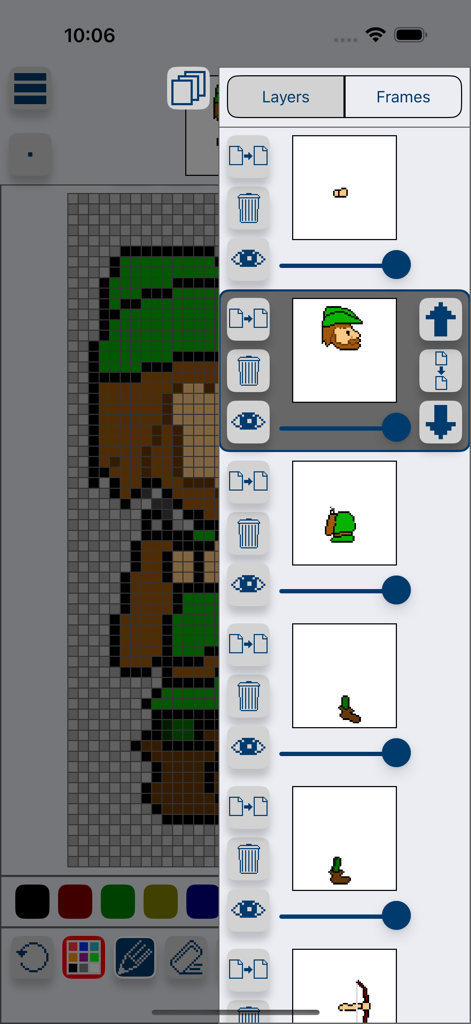
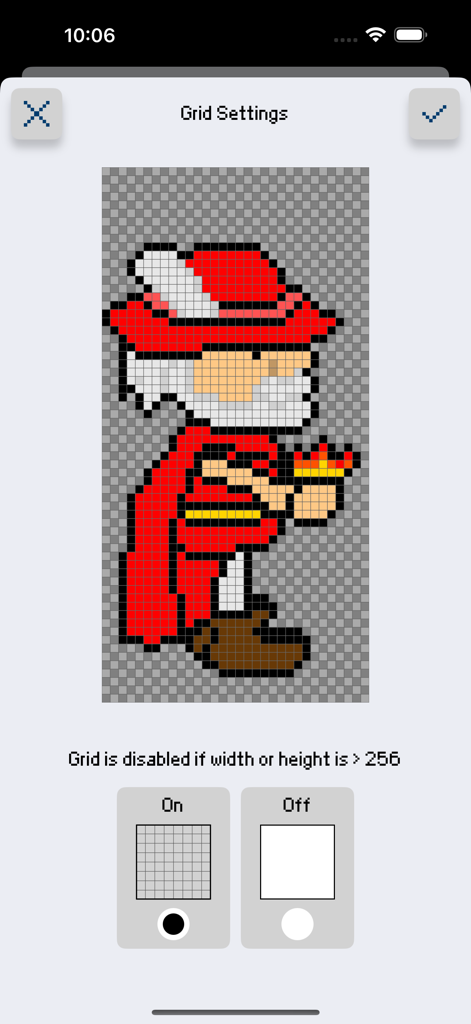
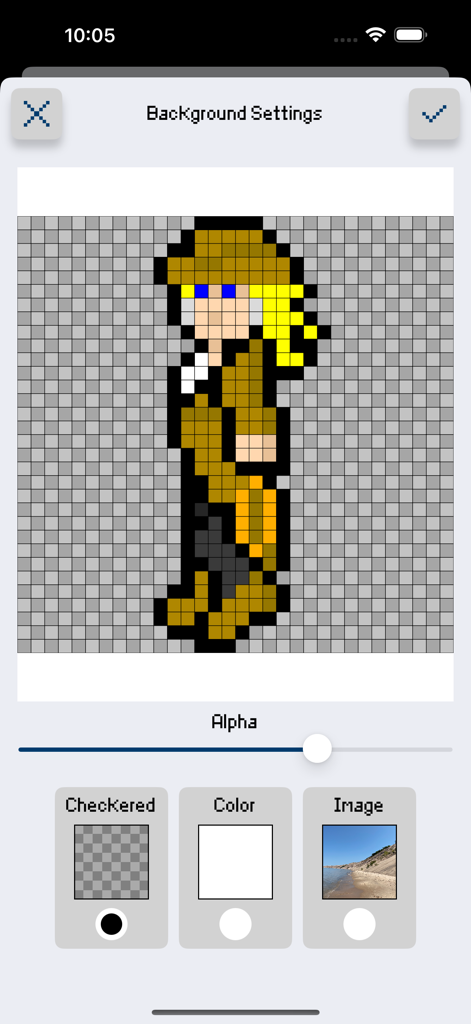
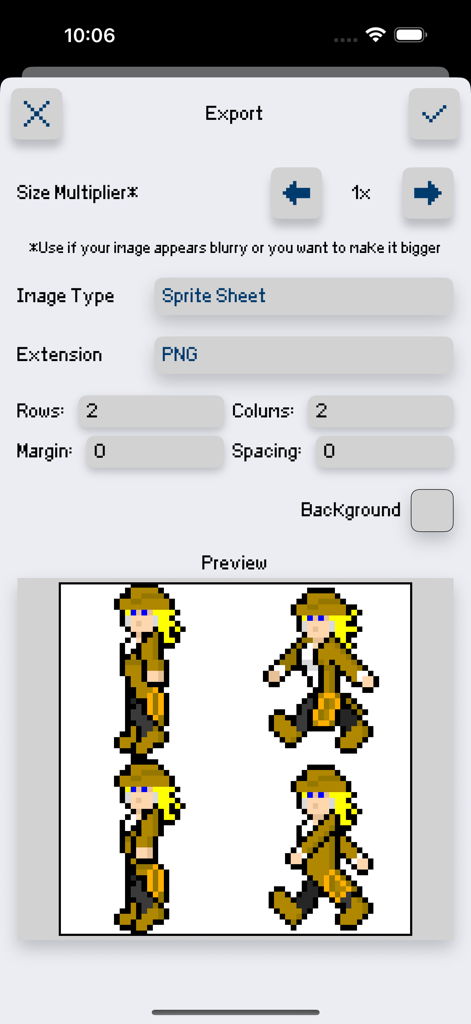
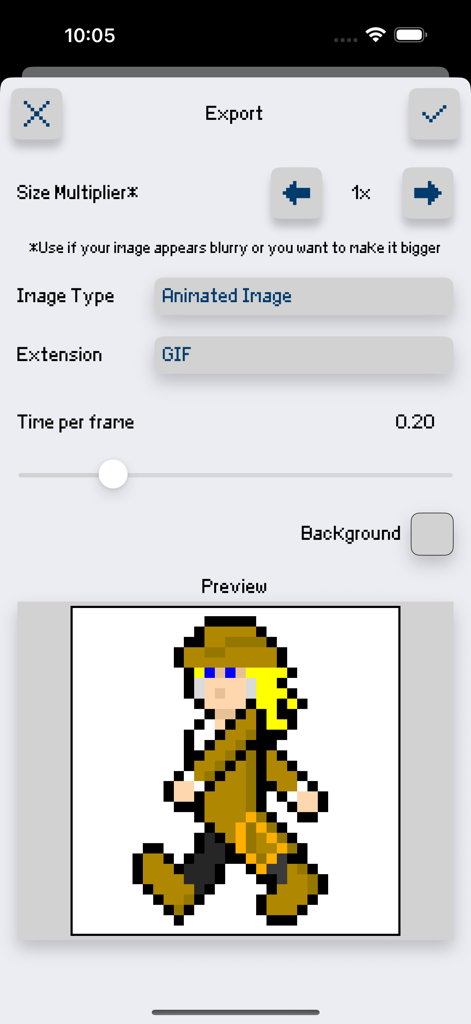
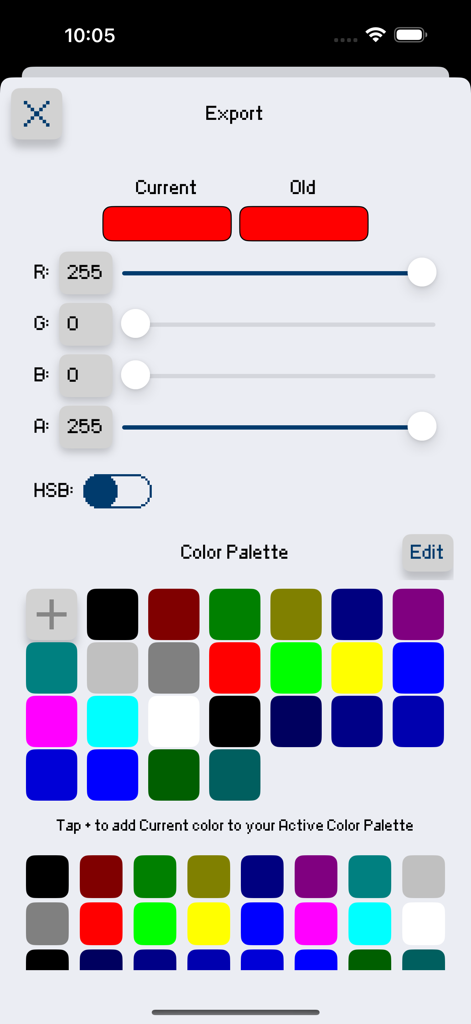
The tools that make this app stand out, trusted by 13K+ users.
Craft fluid movements with onion skinning and live looping previews—essential for professional character design and VFX.
Export optimized sprite sheets and tile maps with custom margins, ready to drop directly into Unity, Godot, or GameMaker.
Build depth with multi-layer editing, alpha sliders, and custom palettes to achieve the perfect 8-bit or 16-bit aesthetic.
Trusted by 13K+ people who love this app.
"Sprite Creator is a game changer for my workflow. Being able to sketch out character animations with onion skinning on my iPad and then export a perfectly sliced sprite sheet directly into Unity has saved me hours of tedious work. It is easily the most intuitive pixel art tool I have found on the App Store."
"I love using this app to create retro assets for my social media. The inspiration view is such a thoughtful feature for keeping references handy, and the animated GIF export makes sharing my 'work in progress' on TikTok so easy. It feels like a pro desktop tool but fits right in my hand!"
Everything you need to know about Sprite Creator.
Description
Latest Version
2.1.0
Size
6.0 MB
First Released
Apr 27, 2016
Join thousands of indie developers creating professional sprite sheets and animations on the go. Download Sprite Creator and start your next project today.
Everything you need to know about Sprite Creator
Sprite Creator is a pixel art drawing app. It allows users to create and import sprite sheets, tile maps, and animated GIFs, functioning as a simple yet powerful tool for game development or fun.
Yes, Sprite Creator includes layer editing tools. Users can adjust alpha sliders, hide layers, copy layers, and merge them down. This enables efficient and flexible pixel art creation.
Yes, Sprite Creator supports animation creation with dedicated frame tools. It features onion skin, onion skin alpha sliders, and live auto looping previews. Users can also copy frames for efficient animation.
Sprite Creator offers robust export options including PNG, GIF, and JPG. Users can export animated GIFs, sprite sheets, and tile maps with full control over rows, columns, margin, and spacing.
Yes, Sprite Creator allows importing various image types. Users can import sprite sheets, tile maps, animated GIFs, and also PNG, GIF, or JPG files directly from their camera roll.
Sprite Creator allows custom color creation using its integrated color palette. Users can define unlimited colors with RGBA and HSBA sliders, enabling precise color selection for their pixel art projects.
Yes, Sprite Creator includes toggleable grid options. Users can switch the grid on or off according to their preference, which aids in precise pixel placement during drawing.
Yes, Sprite Creator allows changing the background. Options include a checkered pattern, a solid color, or an image. Users can also set a specific background color for exports.
Sprite Creator provides multiple brush sizes. It offers specialized drawing tools such as Line, Square, and Circle. Additionally, a Hand Tool facilitates zooming and panning the canvas.
Yes, Sprite Creator includes an up scaling tool. This feature allows users to increase the image size while preserving the distinct pixelated aesthetic of their artwork.
Sprite Creator includes in-app save and load functionalities. Users can save their pixel art projects directly within the application and load them later for continued editing.
Top-ranked apps in the same category

LOHAS GAMES PTE. LTD.

Xiamen ShenZhuo Information Technology Co., Ltd.

BYTEDANCE PTE. LTD.

HUBX YAZILIM HIZMETLERI ANONIM SIRKETI

ibis inc.

Woohoo Tech. Ltd.

Sketchbook, Inc.

Guangzhou ZHIFENG Information Technology Co.,Ltd.

GM UniverseApps Limited