
SSSTik: Save Video & Repost



Join 4M+ creators and curators saving their favorite content in original quality. Download in two taps, build custom playlists, and watch your videos offline—anytime, anywhere.
Publisher
Category
Social NetworkingDownloads
4M+User Rating
Total Ratings
79K+Locales
9Discover the interface used by 4M+ users.



The tools that make this app stand out, trusted by 4M+ users.
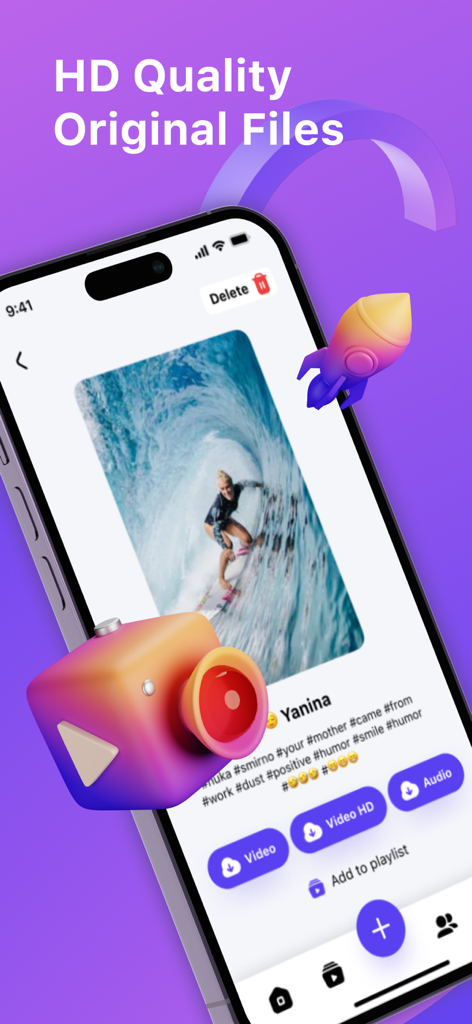
Download content in stunning original resolution. Perfect for high-quality reposts on Reels or Shorts that look professional.
Extract trending sounds instantly. Build your personal audio library or save viral tracks for offline listening anywhere.
Curate custom playlists of tutorials, memes, and inspo. Keep your favorite finds sorted and ready to watch without a connection.
Trusted by 4M+ people who love this app.
"As a social media manager, I need to curate content across platforms quickly. SSSTik is the only app that consistently delivers original HD quality without any hassle. The playlist feature helps me stay organized, and the repost workflow is incredibly fast!"
"I use this app daily to save funny clips and DIY tutorials for when I'm on the subway or offline. It's way better than the native download options because I never have to worry about videos being deleted by the creator. Plus, converting to MP3 is a game changer!"
Everything you need to know about SSSTik: Save Video & Repost.
Description
Latest Version
1.3.39
Size
121.6 MB
First Released
Jun 4, 2022
Join 4 million+ creators saving the best of TT in HD quality. Download SSSTik now to keep your favorite videos, trending tracks, and viral moments forever.
Everything you need to know about SSSTik: Save Video & Repost
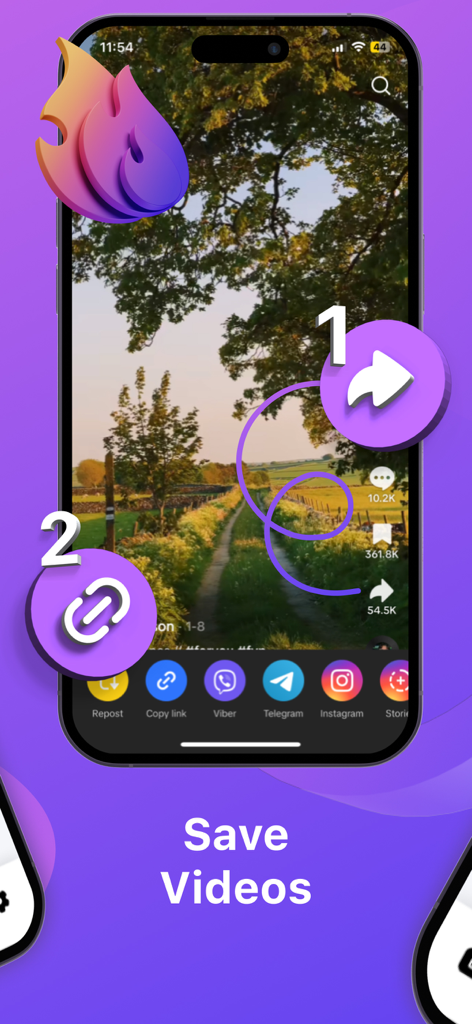
SSSTik is a TT downloader that allows users to save or repost videos. The process involves copying the video link from the original app and then opening the SSSTik app.
The SSSTik app saves videos in their original HD quality. Users have the option to download videos in high definition or extract just the audio.
Yes, SSSTik can save videos as MP3 audio files. This feature enables users to extract only the sound from a video.
Yes, SSSTik supports creating playlists. Users can organize their favorite videos into personalized collections directly within the app.
Yes, SSSTik allows users to watch downloaded videos offline. This means that videos remain accessible even without an active internet connection.
No, the SSSTik app does not display advertisements. The application provides an ad-free user experience.
To share a video using SSSTik, first ensure it is downloaded. Then, tap the 'Share' button within the app to send it via email, instant messengers, or other platforms.
Yes, SSSTik allows users to review analytics. This includes monitoring performance metrics such as plays, likes, and comments for downloaded videos.
The process for downloading a video with SSSTik involves two main steps: copying the video link from the original app and then opening SSSTik. The app automatically detects the link.
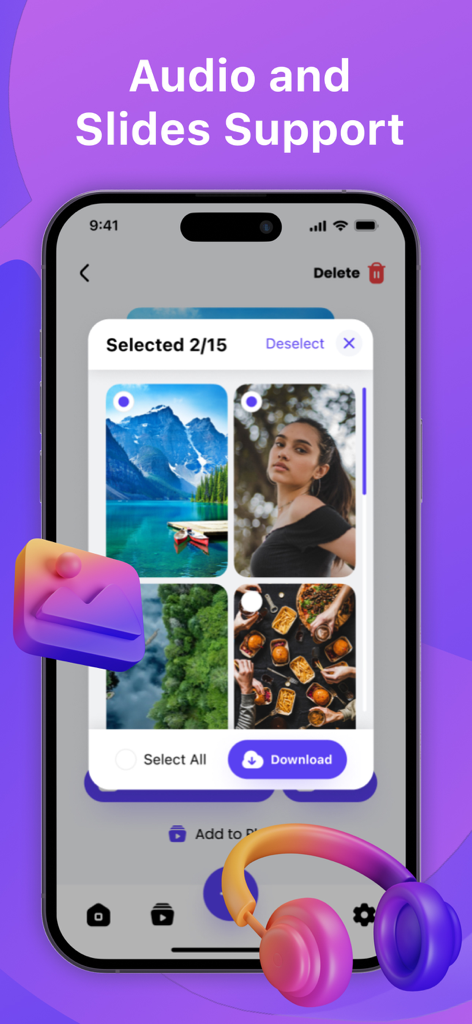
Yes, SSSTik supports downloading multiple media types, including videos, audio, and slides. Users can select various items for download simultaneously.
Apps with similar features and user experience

Waraqat Group

SPEKTRUM EPPS, TOV

Floatfly Technology Limited

Yauheni Hramiashkevich

Arif Ahmed

Aculix Technologies LLP

UCWEB SINGAPORE PTE. LTD.

Ashish Paneliya

Koichiro Umemiya