Stock Map: S&P 500 and More

Stock Map: S&P 500 and More

Download on App Store
Spark by MWM logo
Logo of Stock Map: S&P 500 and More

Stock Map: Visualize the US Stock Market at a Glance

Stop scrolling through endless ticker lists. Transform the S&P 500, Nasdaq 100, and your personal favorites into intuitive, intraday heatmaps designed for the efficient investor.

Publisher

Nazim Can Altinova

Category

Finance

Downloads

30K+

User Rating

4.8/5

Total Ratings

2K+

Locales

1

The Market in Full Color

Discover the interface used by 30K+ users.
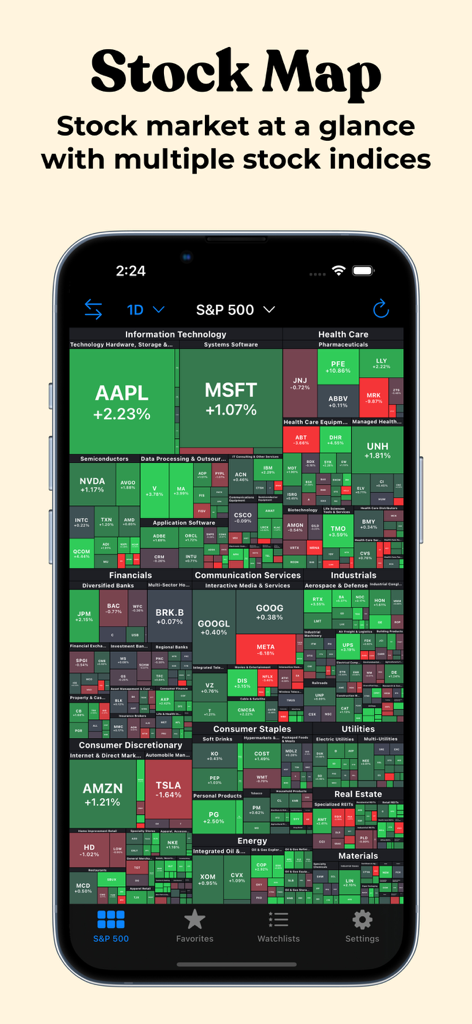
Stock Map app displaying a visual heatmap of S&P 500 stocks on an iPhone

Stock Map app displaying a visual heatmap of S&P 500 stocks on an iPhone

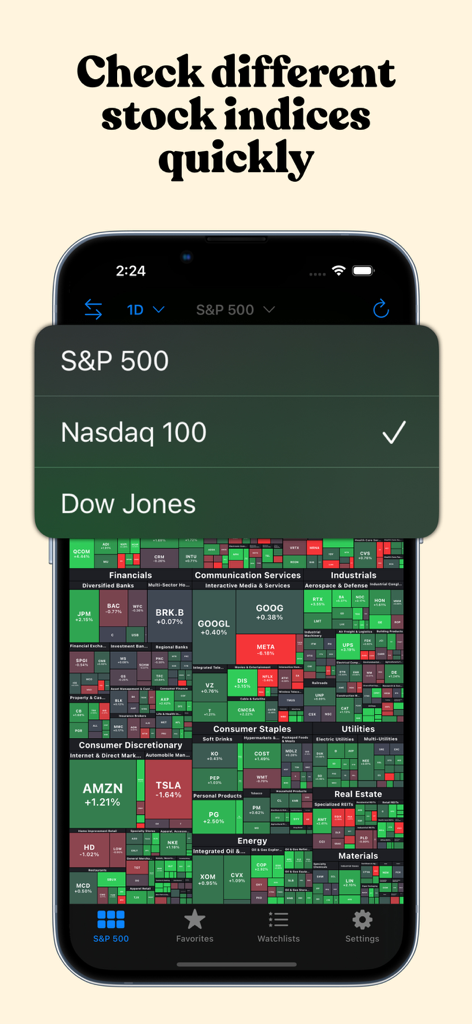
Stock Map app displaying a menu to choose between S&P 500, Nasdaq 100, and Dow Jones indices.

Stock Map app displaying a menu to choose between S&P 500, Nasdaq 100, and Dow Jones indices.

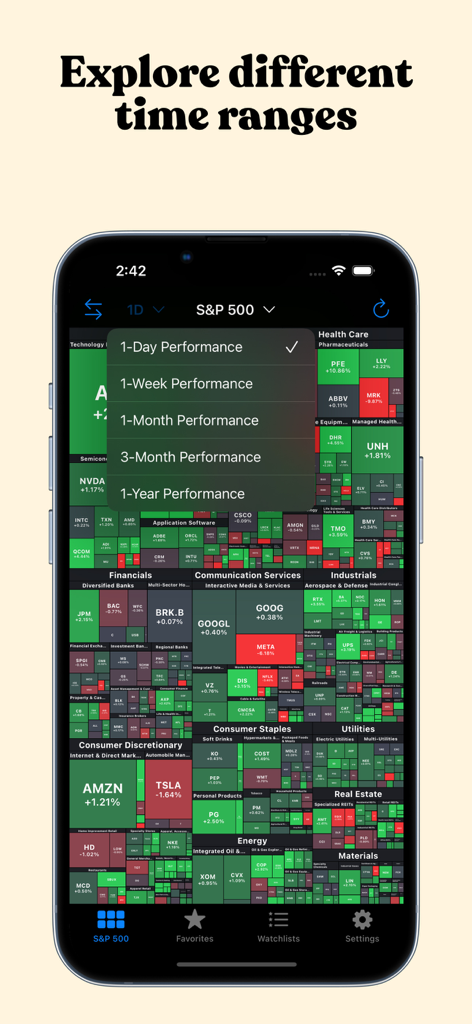
Stock Map app displaying an S&P 500 heatmap with a menu for selecting performance time ranges.

Stock Map app displaying an S&P 500 heatmap with a menu for selecting performance time ranges.

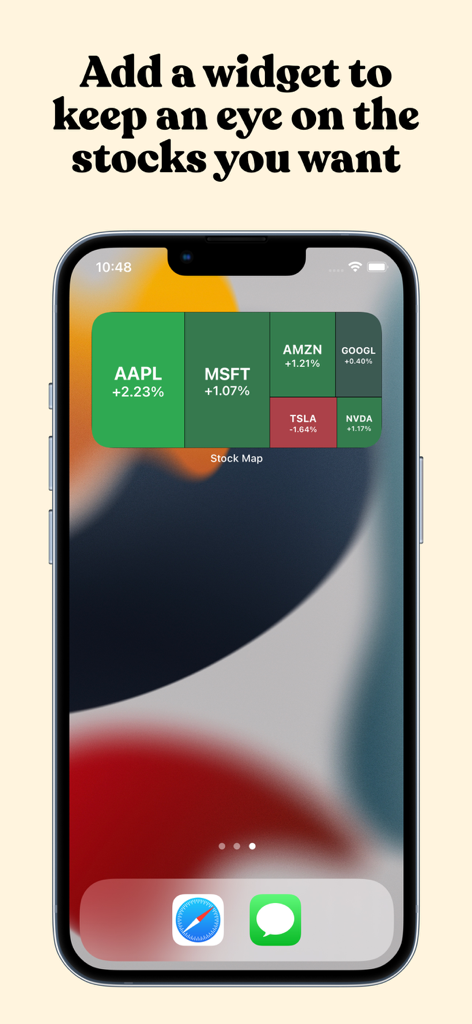
A Stock Map treemap widget on an iPhone home screen displaying real-time market trends for top stocks like Apple and Microsoft

A Stock Map treemap widget on an iPhone home screen displaying real-time market trends for top stocks like Apple and Microsoft

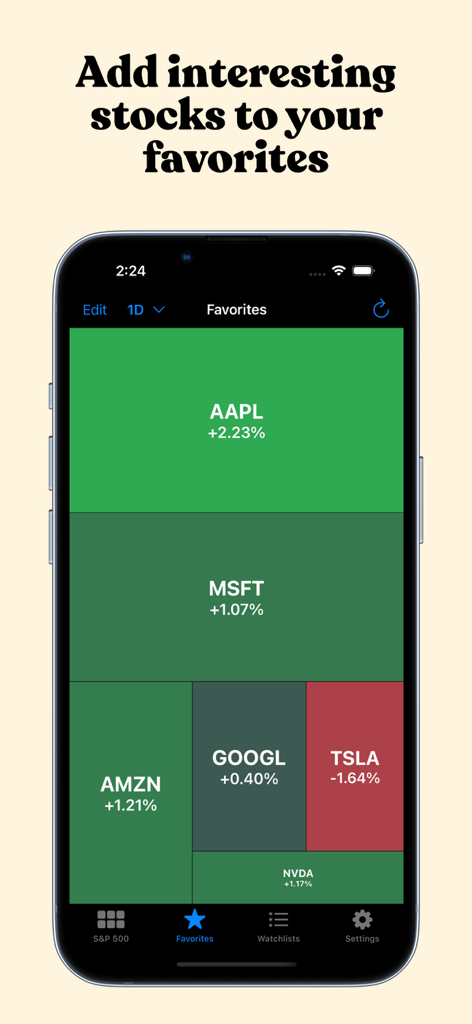
Favorites tab in the Stock Map app showing a heatmap of selected stocks performance

Favorites tab in the Stock Map app showing a heatmap of selected stocks performance

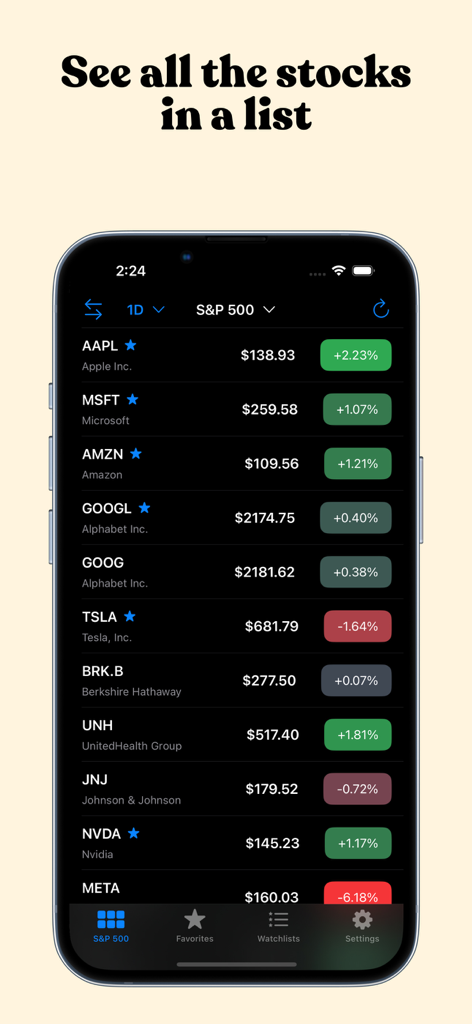
Stock Map app interface showing a list of S&P 500 stocks with real time prices and daily performance

Stock Map app interface showing a list of S&P 500 stocks with real time prices and daily performance

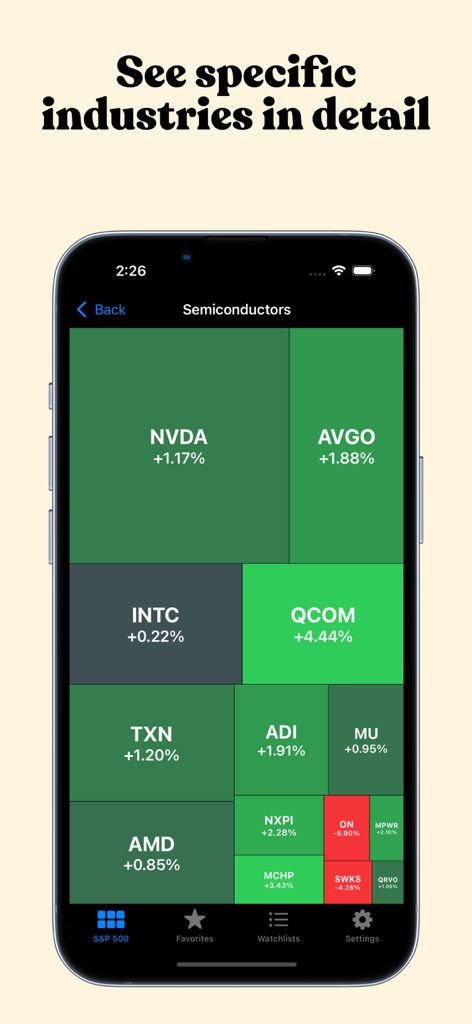
A treemap visualization showing the performance of semiconductor industry stocks like NVDA and AVGO.

A treemap visualization showing the performance of semiconductor industry stocks like NVDA and AVGO.

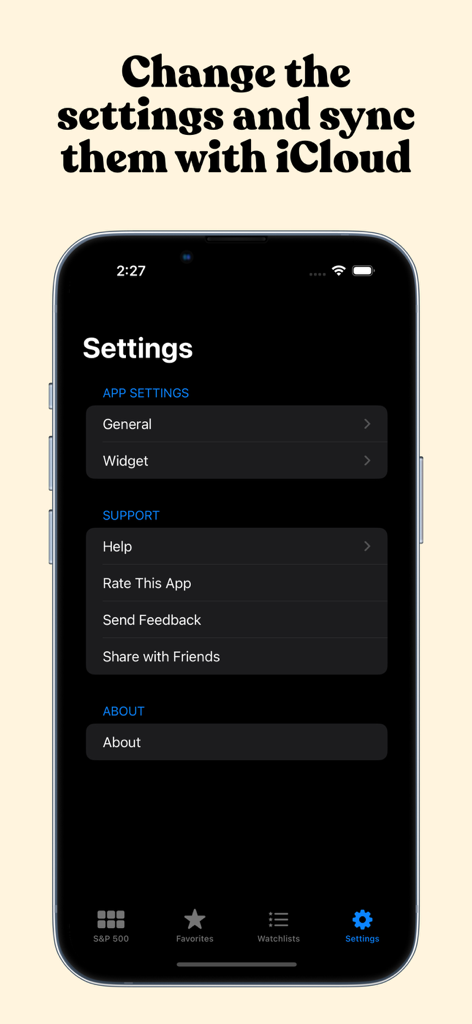
Stock Map settings menu with iCloud sync and widget configuration

Stock Map settings menu with iCloud sync and widget configuration

Visualize Market Trends at a Glance

The tools that make this app stand out, trusted by 30K+ users.

🌡️

Interactive Market Heatmaps

Instantly spot market leaders and laggards. Stocks are sized by market cap and color-coded by performance, allowing you to identify sector rotations and intraday trends in seconds.

📱

Battery-Efficient Widgets

Monitor your favorite stocks or specific industries directly from your home screen. Our customizable iOS widgets offer professional-grade tracking without draining your battery.

🎯

Drill-Down Market Analysis

Go from broad indices to specific industry niches with a single tap. Save your top picks to your Favorites and deep-link directly into Yahoo Finance or iOS Stocks for detailed research.

Loved by users worldwide

Trusted by 30K+ people who love this app.

"

"Stock Map has completely changed how I track the markets during my workday. The heatmap allows me to visualize sector trends in seconds, making it far more efficient than any list-based app. The widgets are a fantastic touch for quick updates between meetings."

David L., Portfolio Manager
"

"Finally, a stock app that prioritizes clarity and visualization. Being able to see the S&P 500 at a glance helps me understand the 'why' behind price movements instantly. The interface is sleek, and the customization options for favorites and widgets are top-notch."

Sarah K., Active Investor

About the app

Everything you need to know about Stock Map: S&P 500 and More.

Description

Look at the US stock market at a glance with Stock Map to understand the intraday trends. Stock Map visualizes all the S&P 500, Nasdaq 100, and Dow Jones stocks in a single view with a heat map/treemap and you can see the companies, sectors, and industries with a single look. Main page displays S&P 500 stocks by default. But that view can be changed to display Nasdaq 100 or Dow Jones stocks by tapping on the title at the top. In the main view, tapping on a sector or an industry opens up a detailed view of that company. That way you can see the stocks that might be too small to see easily. When reached to the inner category, tapping on a stock opens the details of this stock in the iOS Stocks app (or in other apps/websites like Yahoo Finance when the user updates the settings). On the Favorites tab, you can add all of your favorite stocks to this view, and only they will appear in this list, so you can keep an eye on the stocks that you are interested in easily. In addition to the main app, you can add widgets to your home page and keep an eye on the stocks. There are two main widget types, you can either add your favorites or you can add an industry category. To be able to do that, long press on the home page and press the "+" button on the top left corner. In the list that appears, search for Stock Map and add the widget type you would like to add. By default, the widget will be updated every 30 mins to not drain your battery quickly. But update frequency can be adjusted in the Widget settings page inside the app. It can be as low as 10 minutes or as high as 1 hour. Stock Map visualizes the stock market with a market heat map (a.k.a. market treemap). The size of a block is determined by the market cap of that company. And the whole map is sorted by the market cap in descending order. Privacy policy: https://stockmap.app/privacy-policy/ Terms and conditions: https://stockmap.app/terms-and-conditions/ Contact: https://stockmap.app/contact/

Latest Version

1.28

Size

8.6 MB

First Released

Dec 1, 2021

Master the Market at a Glance

Join 30,000+ savvy investors who trade smarter by visualizing the S&P 500 and Nasdaq 100. Download Stock Map and see the big picture today.

Download on App Store