
StreamChamp: Streaming App



Go live to Twitch, YouTube, and Facebook in 1080p. Whether you are dominating Wild Rift or creating in Procreate, elevate your broadcast with custom overlays and real-time chat alerts—all without a PC.
Publisher
Category
Photo & VideoDownloads
1M+User Rating
Total Ratings
16K+Locales
5Discover the interface used by 1M+ users.
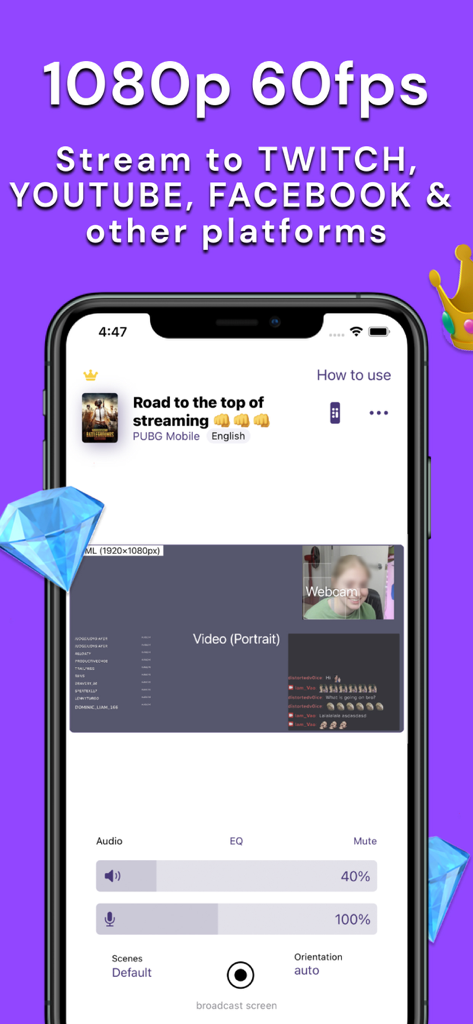
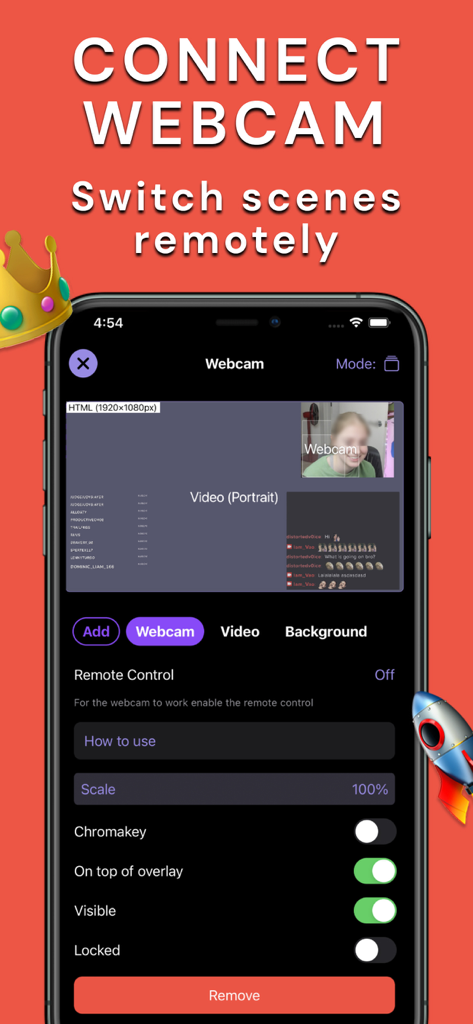
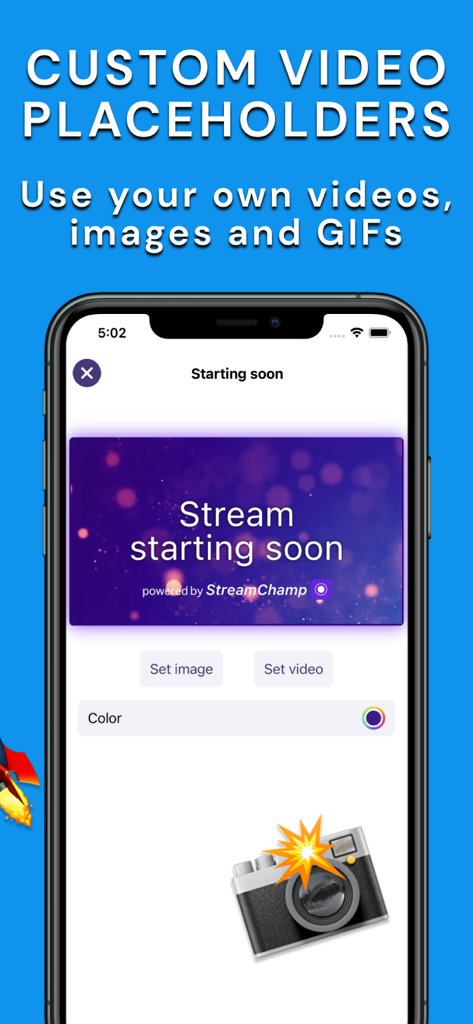
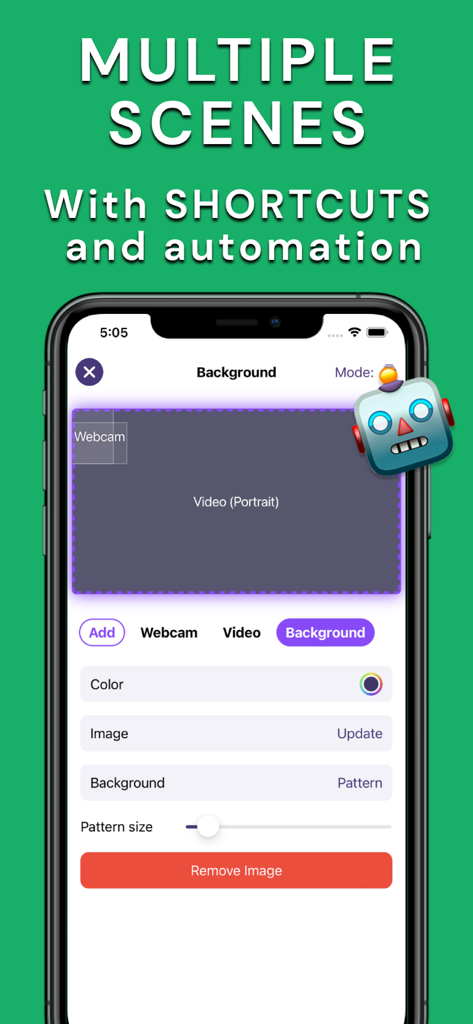
The tools that make this app stand out, trusted by 1M+ users.
Stand out from the crowd by adding your own logos and custom overlays, giving your stream a polished, professional look that builds your brand.
Never miss a moment with your fans. Use integrated chat notifications and text-to-speech to interact with your audience while you play or create.
Stream in crisp 1080p with advanced controls for mic and app audio, perfectly optimized for high-performance games like Wild Rift and Roblox.
Trusted by 1M+ people who love this app.
"StreamChamp is a game-changer for mobile creators. I can finally stream Wild Rift in 1080p with custom overlays right from my iPad. The chat notifications are a lifesaver since I don't need a second screen to stay engaged with my community!"
"As a digital illustrator, I love how easy it is to go live with Procreate. The Text-to-Speech feature for chat messages lets me focus on my art while still talking to my fans. It makes my mobile setup feel like a professional studio."
Everything you need to know about StreamChamp: Streaming App.
Description
Latest Version
11.8.17
Size
51.0 MB
First Released
Jun 22, 2019
Join over 1 million creators turning mobile gaming and art into professional broadcasts. Download StreamChamp now and start streaming to Twitch, YouTube, and more in 1080p—no PC required.
Everything you need to know about StreamChamp: Streaming App
StreamChamp supports streaming to Twitch, YouTube, Facebook, and other platforms. Users connect by signing into Twitch or any platform with RTMP, enabling broad compatibility for live broadcasts.
StreamChamp enables live streaming directly from your iPad or iPhone. It supports streaming various activities, including drawing with Procreate and playing popular mobile games.
Yes, StreamChamp supports video resolution up to 1080p. This feature ensures high-quality streaming from your device to your chosen live broadcast platform.
Yes, StreamChamp features webcam support. Users can connect a webcam and utilize remote control functionalities within the app to manage their live streams effectively.
Yes, StreamChamp provides precise control over the volume of both the microphone and the app audio during a live stream. This is part of its advanced stream settings.
Yes, StreamChamp allows users to add custom overlays and logos to their streams. This feature enables personalization of the broadcast for a unique visual presentation.
StreamChamp offers Twitch.tv features including notifications for chat messages, quick replies to chat notifications, sound alerts, and custom Text-to-speech for chat messages.
Yes, StreamChamp provides control over video orientation during a stream. This feature enables users to adjust the video display as needed for their live broadcasts.
Yes, StreamChamp supports the creation and management of multiple scenes, complete with shortcuts and automation. This allows streamers to easily switch between different layouts during a broadcast.
Apps with similar features and user experience
Be Narative
NAVER Corp.

Mirrativ, Inc.

NABIAPP SOFTWARE SOLUTION COMPANY LIMITED

MOI CORPORATION

Streamlabs LLC

Hainan Xuanniao Information Technology Co., Ltd.

Guangzhou Huya Information Technology Co.,Ltd.
AlphaTheta Corporation