The Home Depot

The Home Depot

Download on App Store
Spark by MWM logo
Logo of The Home Depot

The Home Depot: The Power Tool for Every Project

Stop searching and start doing with the app built for DIYers and pros. Navigate any store with our in-aisle GPS, find parts instantly with image search, and check real-time inventory to get your job done faster.

Publisher

The Home Depot, Inc.

Category

Shopping

Downloads

27M+

User Rating

4.8/5

Total Ratings

3M+

Locales

1

Efficiency in Sight

Discover the interface used by 27M+ users.
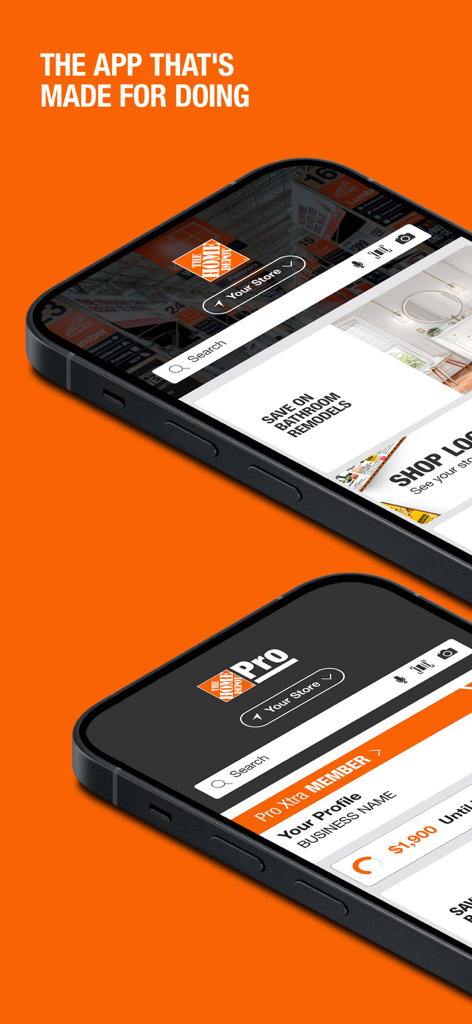
Two smartphones showing the Home Depot app for DIYers and the Pro Xtra interface for professionals.

Two smartphones showing the Home Depot app for DIYers and the Pro Xtra interface for professionals.

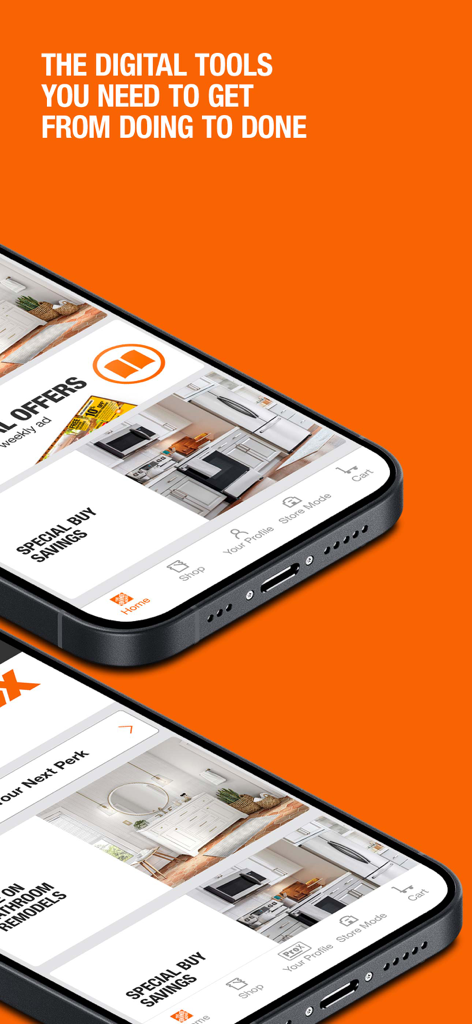
Two iPhones showing the Home Depot app homepage with special buy savings and navigation menus against an orange background

Two iPhones showing the Home Depot app homepage with special buy savings and navigation menus against an orange background

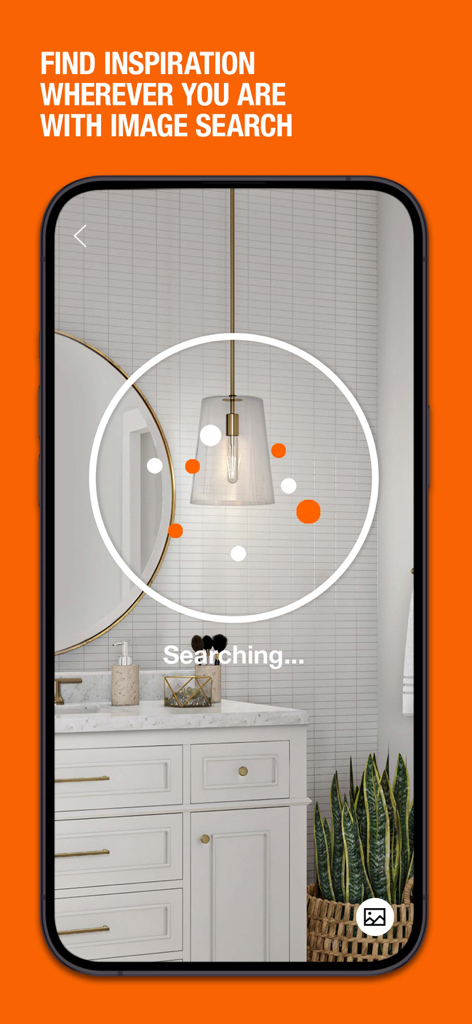
The Home Depot app visual search feature identifying a bathroom pendant light fixture

The Home Depot app visual search feature identifying a bathroom pendant light fixture

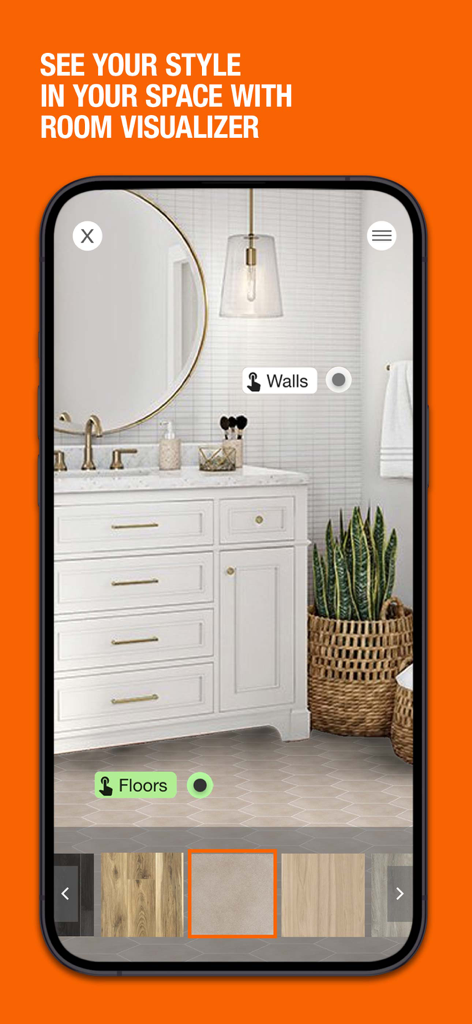
Home Depot app Room Visualizer feature showing a bathroom with different flooring and wall tile options

Home Depot app Room Visualizer feature showing a bathroom with different flooring and wall tile options

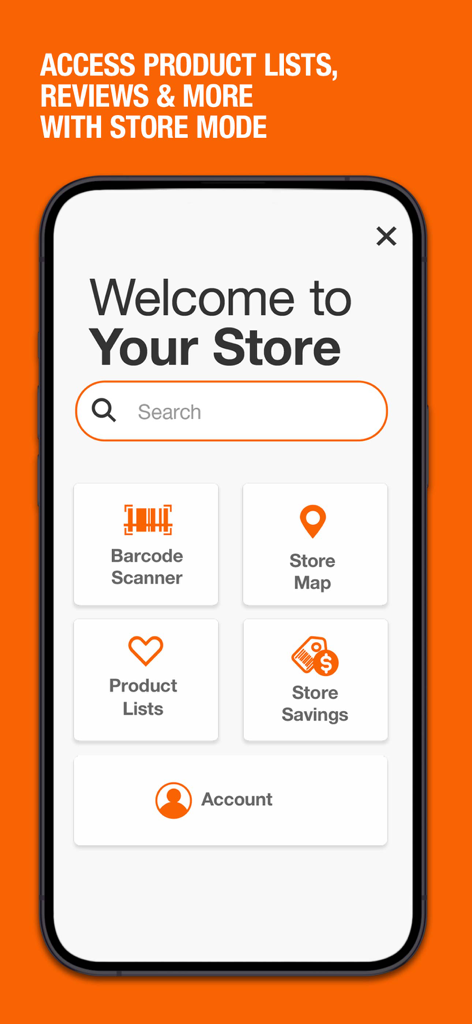
The Home Depot app interface showing store mode features including barcode scanner store map product lists and savings

The Home Depot app interface showing store mode features including barcode scanner store map product lists and savings

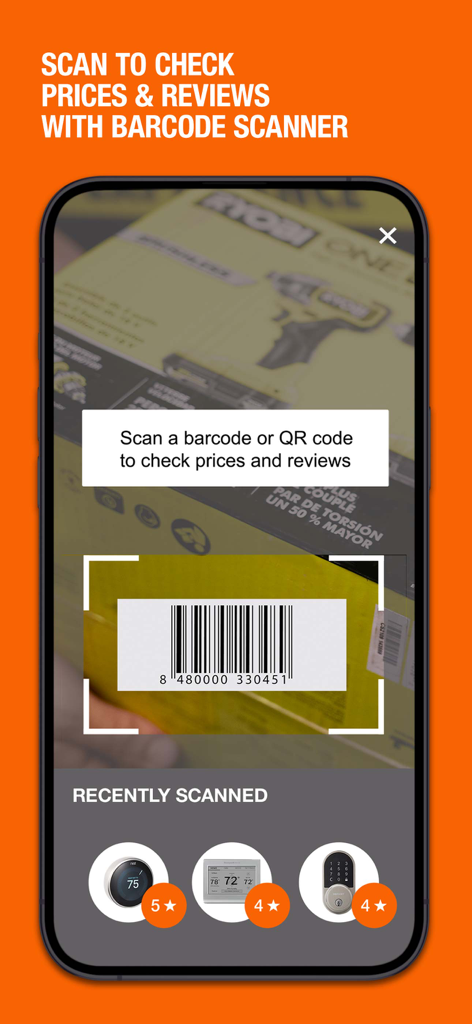
Home Depot mobile app barcode scanner interface showing a tool box being scanned for prices and reviews

Home Depot mobile app barcode scanner interface showing a tool box being scanned for prices and reviews

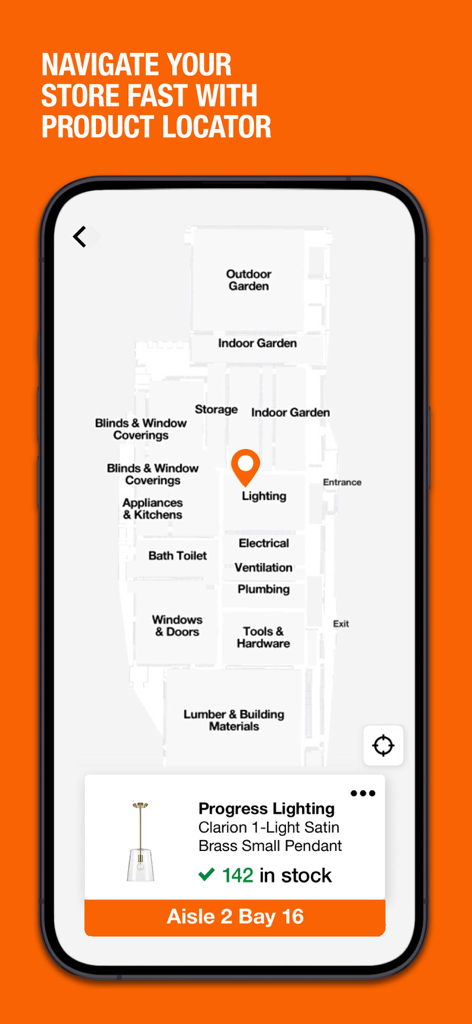
Home Depot app screen showing an in-store map for finding products with specific aisle and bay location

Home Depot app screen showing an in-store map for finding products with specific aisle and bay location

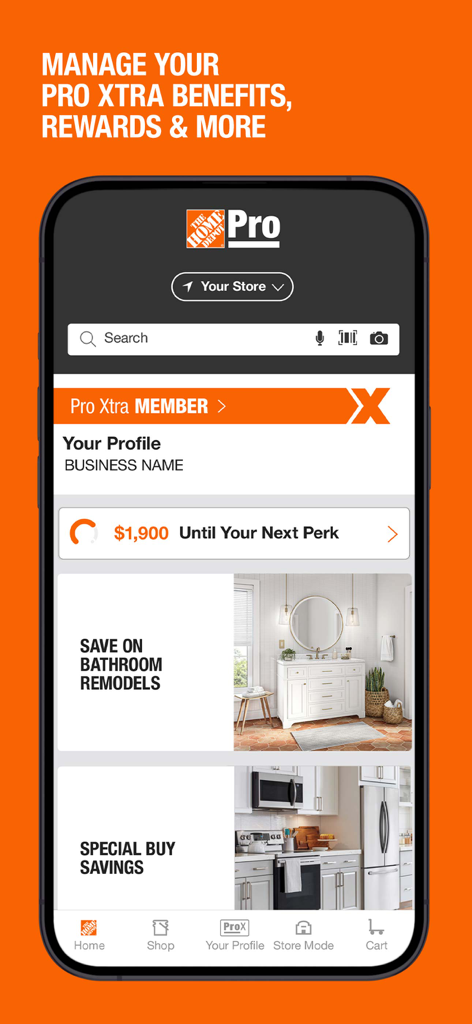
Home Depot app interface for Pro Xtra members showing rewards progress and business profile details

Home Depot app interface for Pro Xtra members showing rewards progress and business profile details

Smart Tools for Every Doer

The tools that make this app stand out, trusted by 27M+ users.

📍

GPS for Your Shopping List

Stop wandering through massive warehouses. Our Product Locator takes you directly to the exact aisle and bay for every item on your list.

📸

Snap, Search, and Solve

Can't name that broken part? Simply take a photo with Image Search to identify hardware instantly and get back to your project faster.

🏠

Real-Time Local Inventory

Never waste a trip again. Check live stock levels at your nearest store and read verified customer reviews before you leave the house.

Loved by users worldwide

Trusted by 27M+ people who love this app.

"

"As a first-time homeowner, walking into a massive store used to be so intimidating. The Product Locator is a total game-changer—it led me straight to the exact aisle and bay for the hardware I needed. I also love the image search; I just snapped a photo of a broken faucet part and the app found the replacement instantly!"

Sarah Miller, DIY Enthusiast
"

"Time is money in my business, and this app is an essential tool on every job site. Being able to check real-time inventory before I drive to the store saves me hours of hassle. Plus, having my entire purchase history and order tracking right in my pocket makes accounting and returns completely seamless."

Marcus Thompson, General Contractor

About the app

Everything you need to know about The Home Depot.

Description

It’s a good time to be a doer. DIY IN THE PALM OF YOUR HAND Save time with The Home Depot app. Shop over one million products and find the info you need most. SNAP A PICTURE, FIND WHAT YOU NEED Don’t know what something’s called? Just snap a picture and let our Image Search feature tell you. A GPS FOR YOUR SHOPPING LIST Use the Product Locator to find what you’re looking for and check store inventory. We'll take you to the exact aisle and bay. MAKE INFORMED BUYING DECISIONS Get Ratings & Reviews in a matter of seconds. Use the barcode reader to scan an item and read what other customers have to say. DO MORE WITH AN ACCOUNT Signing up is quick and free. Get access to real-time order tracking info, view purchase history, enable instant checkout and more. SHOP SPECIAL BUYS & VIEW LOCAL AD Look for a new Special Buy on the app home screen each day. Plus, check out your local ad for all the latest from your Home Depot. Privacy Policy: https://www.homedepot.com/privacy/privacy-and-security-statement Do Not Sell My Personal Information: https://www.homedepot.com/privacy/Exercise_My_Privacy_Rights

Latest Version

7.56.1

Size

216.2 MB

First Released

Dec 16, 2009

Ready to Get to Work? Download the App for Doers.

Join millions of pros and DIYers saving time with real-time inventory, aisle-specific GPS, and instant image search right in your pocket.

Download on App Store
FAQ

Frequently Asked Questions

Everything you need to know about The Home Depot

How does The Home Depot app help users save time?

The Home Depot app saves time by allowing users to shop over one million products, utilize Image Search, and find items quickly with the Product Locator.

Does The Home Depot app have an image search feature?

Yes, The Home Depot app includes an Image Search feature. Users can snap a picture of an item to identify it and find product information.

How does the Product Locator feature work in The Home Depot app?

The Product Locator in The Home Depot app helps users find items by providing their exact aisle and bay location within a store and checking store inventory.

What are the benefits of creating an account in The Home Depot app?

Creating an account in The Home Depot app provides access to real-time order tracking, viewing purchase history, and enabling instant checkout.

Can I find daily deals using The Home Depot app?

Yes, The Home Depot app features a new Special Buy on the app home screen daily. Users can also view their local ad for promotions.

What is the purpose of the barcode reader in The Home Depot app?

The barcode reader in The Home Depot app allows users to scan an item's barcode to quickly check prices, read customer ratings, and reviews.

Where can I find The Home Depot app's privacy policy?

The Home Depot app's privacy policy is available at the provided URL: https://www.homedepot.com/privacy/privacy-and-security-statement.

How do I exercise my privacy rights regarding personal information with The Home Depot app?

Users can exercise their privacy rights by visiting the 'Do Not Sell My Personal Information' link provided: https://www.homedepot.com/privacy/Exercise_My_Privacy_Rights.

Does The Home Depot app offer a room visualizer?

Yes, The Home Depot app features a Room Visualizer. It allows users to see how different styles of walls and floors look in their space.

What functions are available in Store Mode within The Home Depot app?

Store Mode in The Home Depot app provides access to a Barcode Scanner, Store Map, Product Lists, Store Savings, and Account information.

Can I manage my Pro Xtra benefits with The Home Depot app?

Yes, The Home Depot app allows users to manage their Pro Xtra benefits, rewards, and other related perks directly within their profile.