Tracing Board | Lightbox

Tracing Board | Lightbox

Download on App Store
Spark by MWM logo
Logo of Tracing Board | Lightbox

Tracing Board | Lightbox: Your Professional Portable Light Box

Transform your iPad into a high-precision tracing tool. Refine sketches, clean up drafts, and perfect your designs anywhere with a secure menu lock and advanced image controls.

Publisher

Pablo Paciello

Category

Graphics & Design

Downloads

46K+

User Rating

4.4/5

Total Ratings

0

Locales

18

Precision in Action

Discover the interface used by 46K+ users.
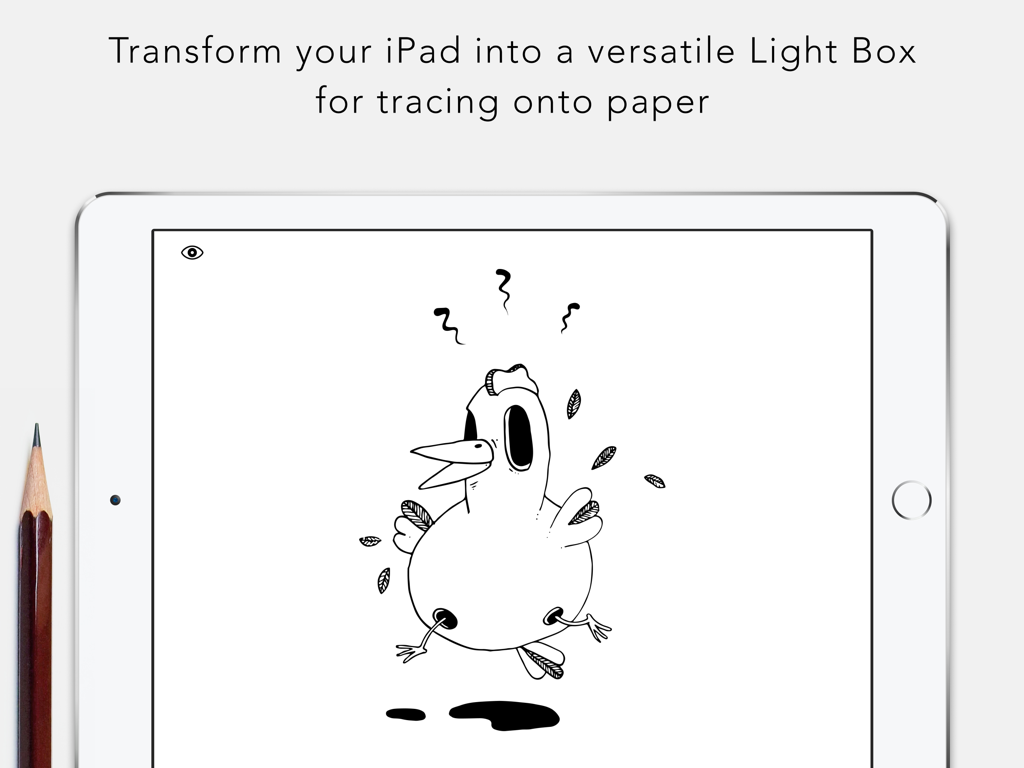
An iPad screen displaying a black and white chicken illustration used as a light box for tracing

An iPad screen displaying a black and white chicken illustration used as a light box for tracing

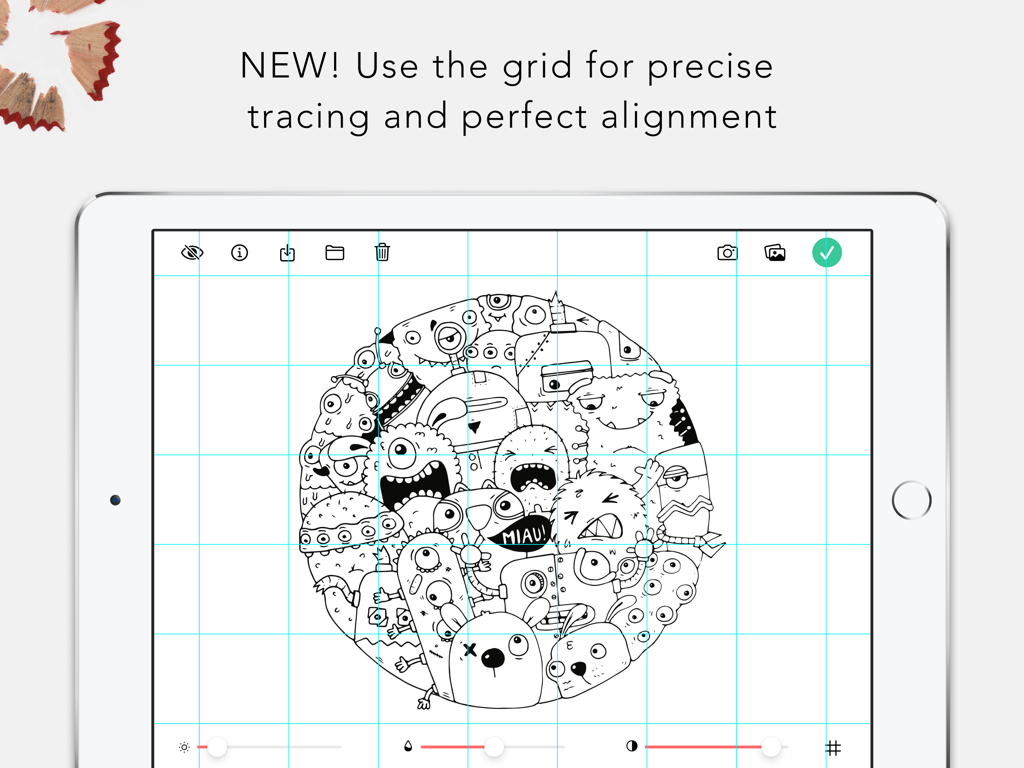
iPad showing the Tracing Board app with a monster illustration and a blue grid overlay for precise drawing alignment

iPad showing the Tracing Board app with a monster illustration and a blue grid overlay for precise drawing alignment

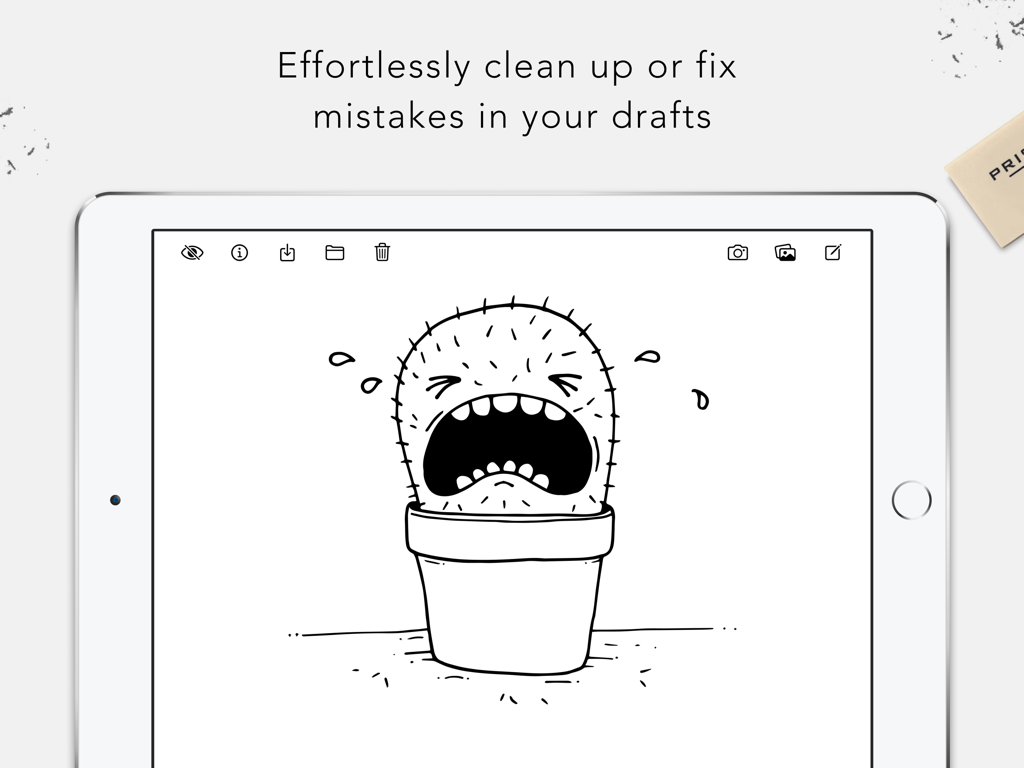
An iPad displaying the Tracing Board app with a black and white cactus sketch used for cleaning up and fixing drawing drafts

An iPad displaying the Tracing Board app with a black and white cactus sketch used for cleaning up and fixing drawing drafts

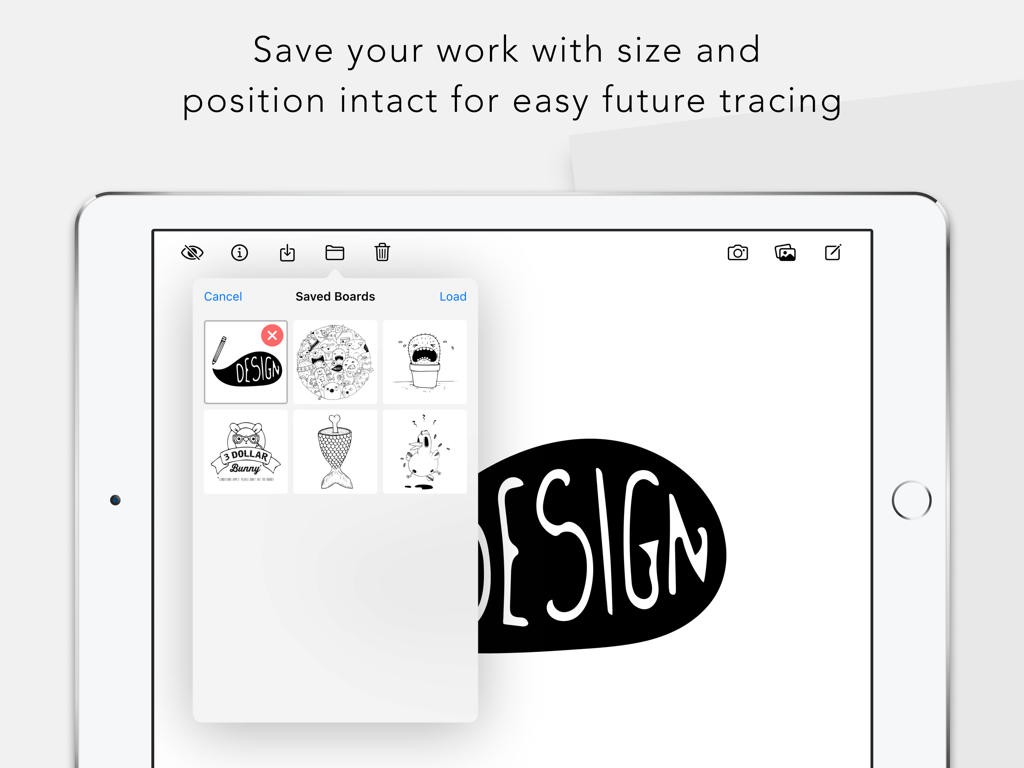
iPad screen showing a gallery of saved drawings and sketches in the Tracing Board Lightbox app

iPad screen showing a gallery of saved drawings and sketches in the Tracing Board Lightbox app

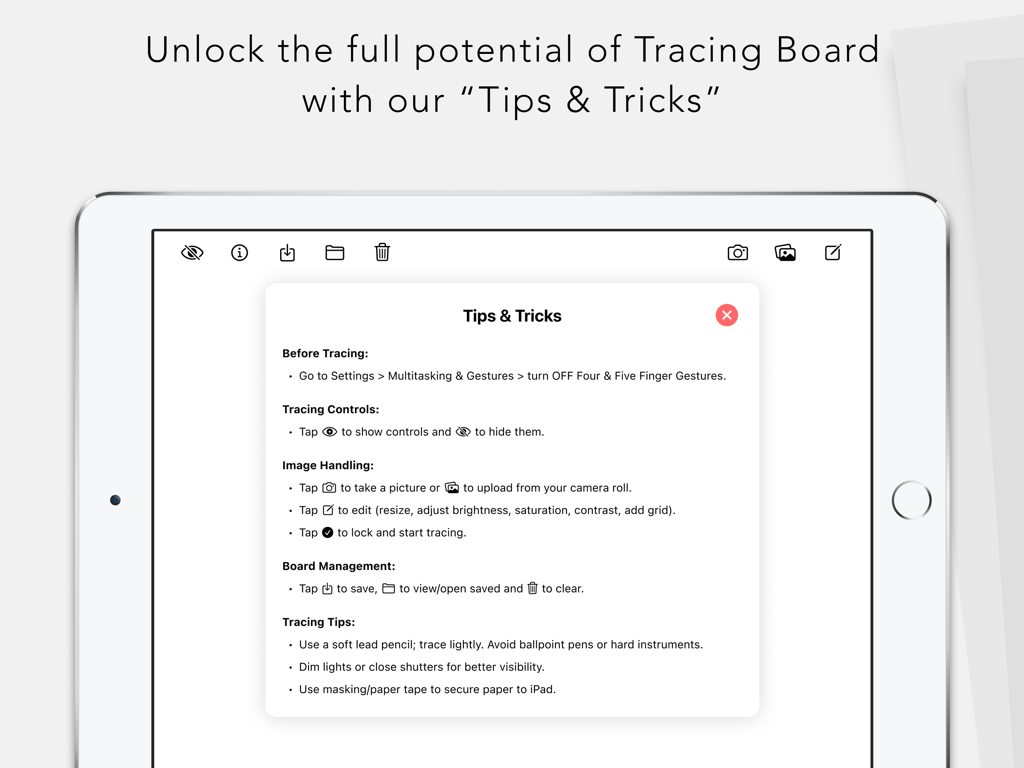
Tips and Tricks menu in the Tracing Board app on iPad showing tracing and image handling instructions

Tips and Tricks menu in the Tracing Board app on iPad showing tracing and image handling instructions

Refine Your Art with Professional Precision

The tools that make this app stand out, trusted by 46K+ users.

đź”’

Interruption-Free Tracing

Lock your screen and menus to prevent accidental gestures or taps, allowing you to focus entirely on your linework without frustration.

🎚️

Dynamic Image Control

Fine-tune brightness and contrast to reveal hidden details in any photo, making it easy to trace over even the faintest sketches.

🎨

Minimalist Mobile Studio

Replace bulky hardware with an on-the-go tool perfect for tattoo stencils, hand-lettering, and professional-grade polished illustrations.

Loved by users worldwide

Trusted by 46K+ people who love this app.

"

"As a professional tattoo artist, this app has completely transformed my workflow. The menu lock feature is a lifesaver, ensuring the image stays perfectly still while I'm tracing onto stencil paper. It has officially replaced my bulky lightbox, making my setup much more efficient and portable."

Marcus R.
"

"This is hands-down the best tool for my typography and hand-lettering assignments. I love being able to adjust the contrast and brightness of my sketches to make the lines pop through thick paper. It's incredibly convenient to have a pro-grade light table right on my iPad wherever I go."

Chloe L.

About the app

Everything you need to know about Tracing Board | Lightbox.

Description

Tracing Board converts your iPad into an on-the-go light box. This is a tool for those of us who draw daily (wherever we are) and sometimes need to re-draw sketches until we are pleased with the results. ▶ USES • Use it to clean-up or fix mistakes in your drafts. • Make hand copies of your originals with small variations. • Combine drawings you’ve done in separate places. • Make your own typographical creations by combining and tracing inspirational fonts. ▶ ADVANTAGES • Use it on the go • Menu can be locked to avoid accidentally tapping any controls or leaving the app while tracing. • Save your boards to finish tracing later. • Adjust Size, Brightness, Saturation & Contrast to make tracing easier. ▶ HOW IT WORKS Before using the app app, go to your iPad’s Settings and “Turn OFF Multitasking Gestures”. Read the “Tips & Tricks” section displayed automatically on the first run (you can access it again later by tapping on the lightbulb icon) to get the most of this app. Choose the drawing you want to trace and either take a photo of it, select a photo from Camera Roll or simply tape the drawing you want to trace over the white screen and add a white paper on top. Tracing board does not condone copying original works from other artist and claiming them as yours. It is merely a tool to improve your own creations, practice or for going from a draft to a final piece. We recommend using a soft lead pencil and tracing with minimum pressure to avoid damaging your device.

Latest Version

1.5.0

Size

9.5 MB

First Released

Nov 2, 2015

Start Tracing Your Best Work Today

Join over 46,000 artists and designers who have turned their iPad into a professional portable studio. Get the precision you need to refine your sketches, stencils, and lettering—anywhere, anytime.

Download on App Store