
Traffic Cameras: Live



Stop relying on red lines and skip the guesswork. Access live camera feeds from highways and city streets worldwide to see road conditions and traffic before you even leave your driveway.
Publisher
Category
NavigationDownloads
200K+User Rating
Total Ratings
1K+Locales
15Discover the interface used by 200K+ users.
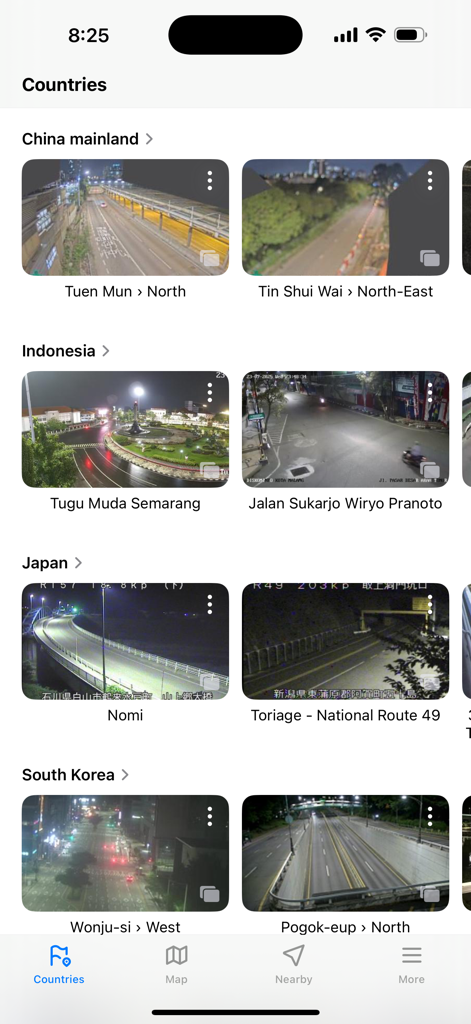
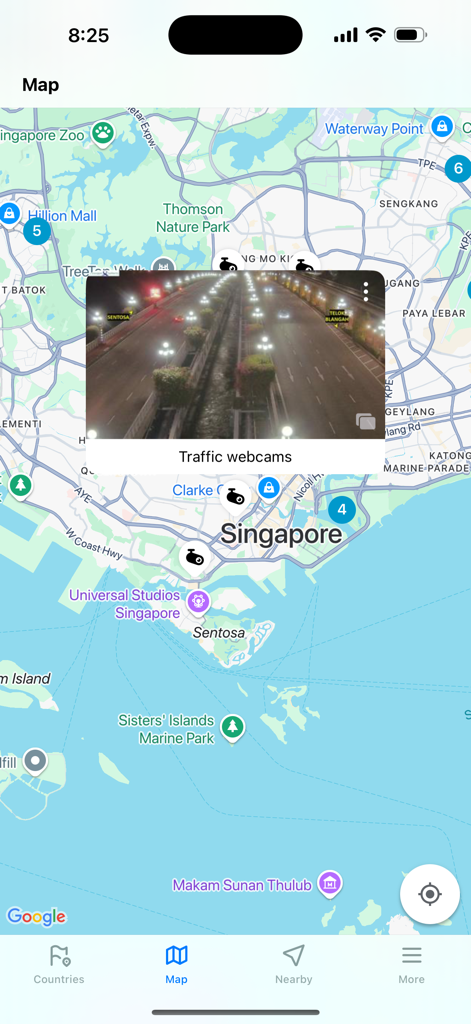
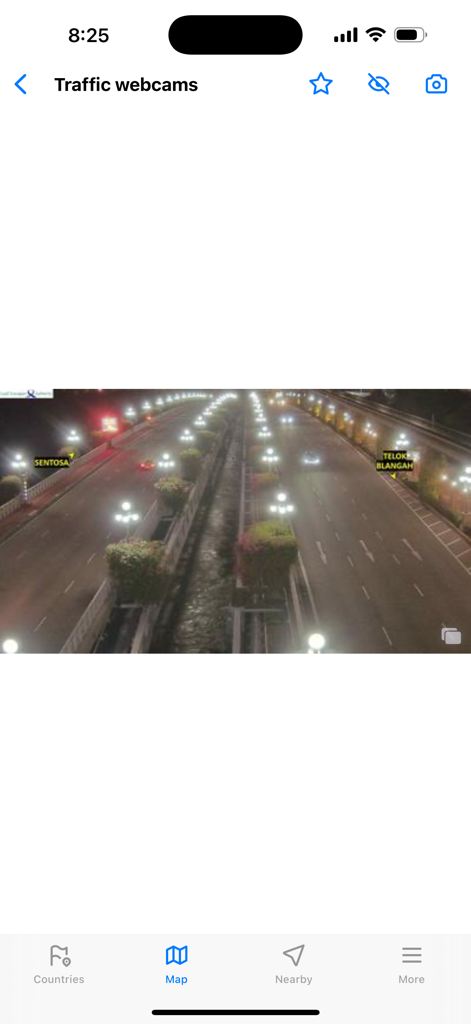
The tools that make this app stand out, trusted by 200K+ users.
Go beyond GPS algorithms. See actual road conditions, construction, and congestion levels to decide if you should leave now or wait.
Skip clunky government websites. Access thousands of live highway and city cameras across the US and worldwide in one seamless interface.
Check for snow, flooding, or icy patches on your specific route. See the weather on the asphalt before you risk the drive.
Trusted by 200K+ people who love this app.
"Google Maps shows me a red line, but this app shows me the actual accident. Checking the tunnel cameras before I leave my driveway has become a daily ritual that saves me at least 20 minutes every morning. It is the only way to get the ground truth on my commute."
"I live in a state with unpredictable winters, and being able to see if the snowplows have hit the highway yet is a safety must. I much prefer this clean interface over the glitchy government websites. It's an essential tool for any parent or long-distance traveler."
Everything you need to know about Traffic Cameras: Live.
Description
Latest Version
3.3.8
Size
50.2 MB
First Released
Nov 15, 2019
Join over 200,000 strategic commuters who skip the gridlock with real-time visual confirmation. Download Traffic Cameras: Live today and take total control of your drive.
Everything you need to know about Traffic Cameras: Live
Traffic Cameras: Live is an application providing real-time access to live traffic cameras from various countries globally. It offers visuals from highways, intersections, and city streets to keep users informed about current road conditions for commuting and travel.
Yes, Traffic Cameras: Live displays real-time visuals from traffic cameras. The app provides up-to-date feeds from highways, intersections, and city streets to keep users informed about current road conditions.
Traffic Cameras: Live covers traffic cameras in multiple countries globally. Examples shown in the app include China mainland, Indonesia, Japan, and South Korea, in addition to Singapore.
Users can view traffic cameras on a map by selecting the "Map" tab located at the bottom of the Traffic Cameras: Live app interface. This feature displays camera locations and integrated live feeds on an interactive map.
The Terms of Use for Traffic Cameras: Live are accessible via a dedicated link provided within the app's description. Users can review the full terms at https://cameras-25.web.app/trafficcameras/terms-of-use.html to understand the application's policies.
Apps with similar features and user experience

King Fahd Causeway Authority
Affluences

Van Luan Phan

Tamas Szabo

NAVITIME JAPAN CO.,LTD.

Naufal Rusada

Nihon Enterprise Co.,Ltd

Istanbul Buyuksehir Belediyesi

Eastwood Co Pty Ltd