Unsplash

Unsplash

Download on App Store
Spark by MWM logo
Logo of Unsplash

Unsplash: The World’s Most Generous Community of Photographers

Access over 7 million free high-resolution images to fuel your brand, blog, or creative side-hustle. Find the perfect authentic aesthetic and drag-and-drop your way to something awesome.

Publisher

Unsplash Inc

Category

Photo & Video

Downloads

6M+

User Rating

4.8/5

Total Ratings

51K+

Locales

8

Your Visual Playground

Discover the interface used by 6M+ users.
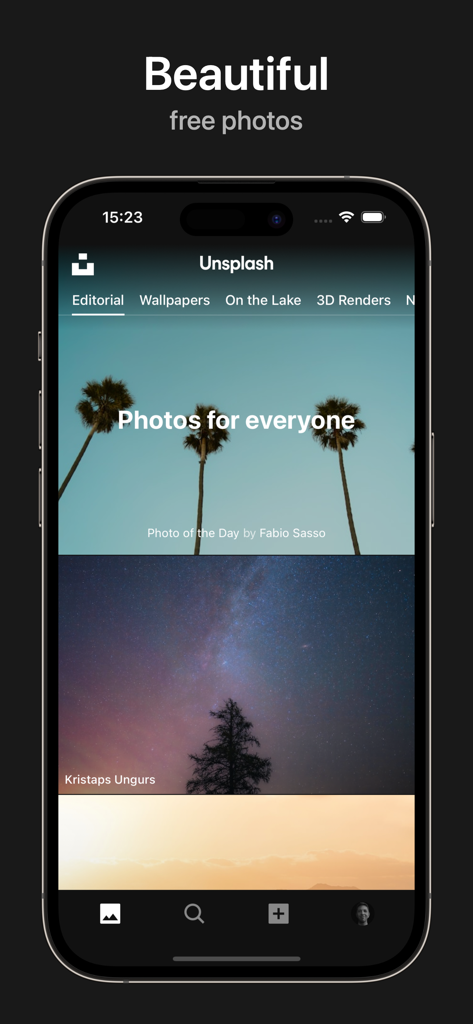
Unsplash app interface showing the editorial feed with high-resolution palm tree and starry sky photos.

Unsplash app interface showing the editorial feed with high-resolution palm tree and starry sky photos.

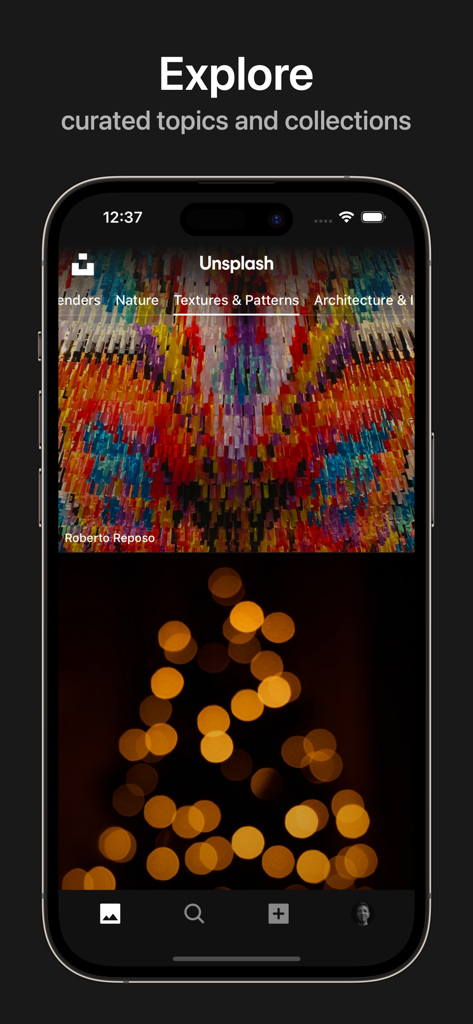
Unsplash app interface showing a curated list of photo topics like Textures and Patterns

Unsplash app interface showing a curated list of photo topics like Textures and Patterns

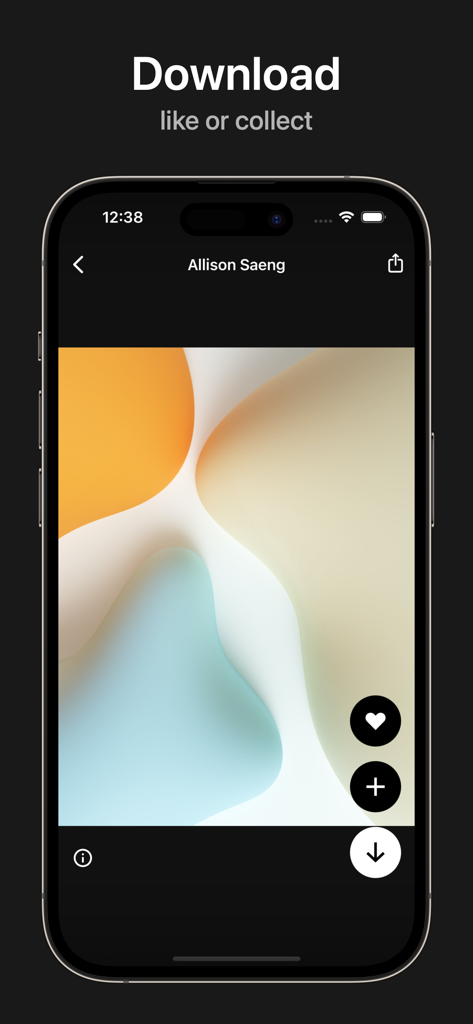
Unsplash app interface showing an abstract photo with options to download like and collect

Unsplash app interface showing an abstract photo with options to download like and collect

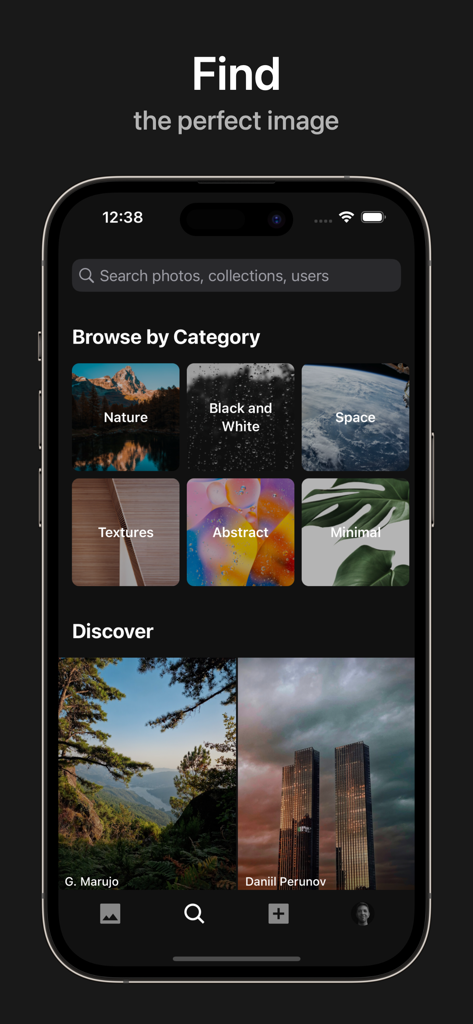
Unsplash app screen showing photo categories and discovered images

Unsplash app screen showing photo categories and discovered images

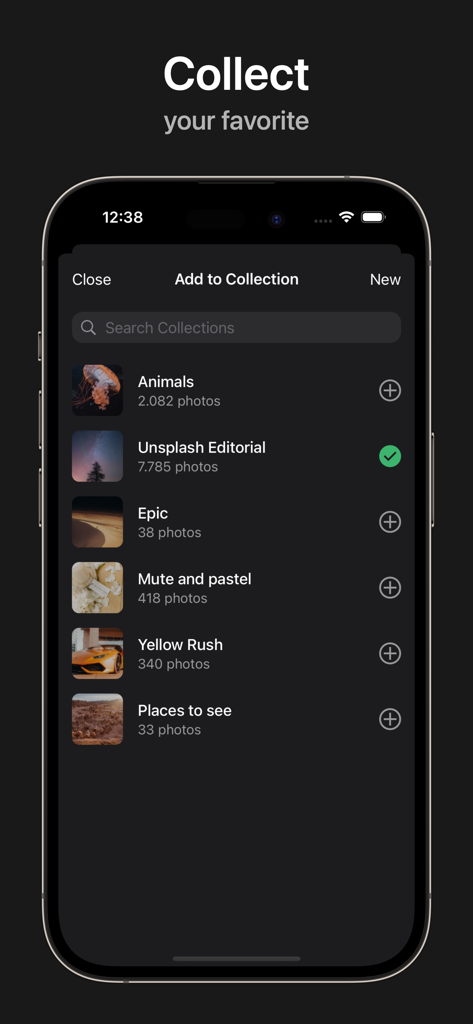
Unsplash app interface on iPhone showing the Add to Collection screen with various user-created photo categories like Animals and Editorial.

Unsplash app interface on iPhone showing the Add to Collection screen with various user-created photo categories like Animals and Editorial.

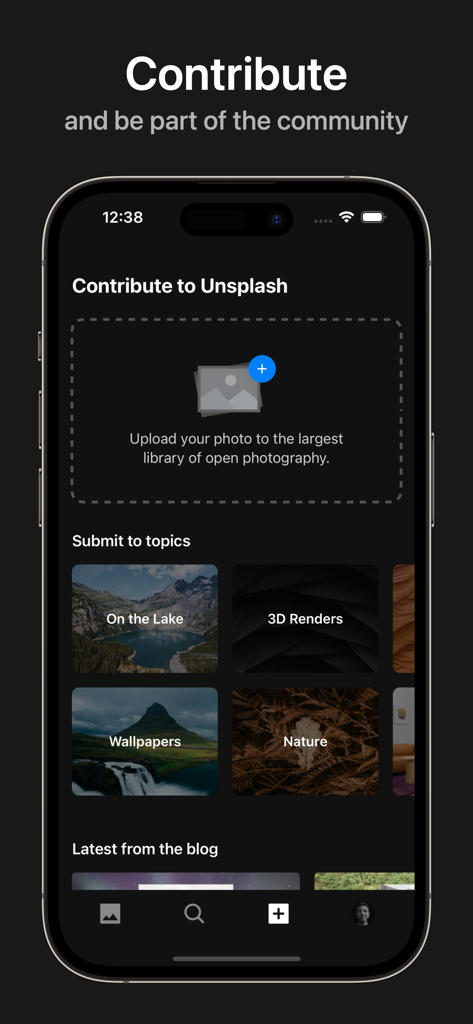
Interface of the Unsplash app showing the photo contribution screen with options to upload images and submit to specific topics.

Interface of the Unsplash app showing the photo contribution screen with options to upload images and submit to specific topics.

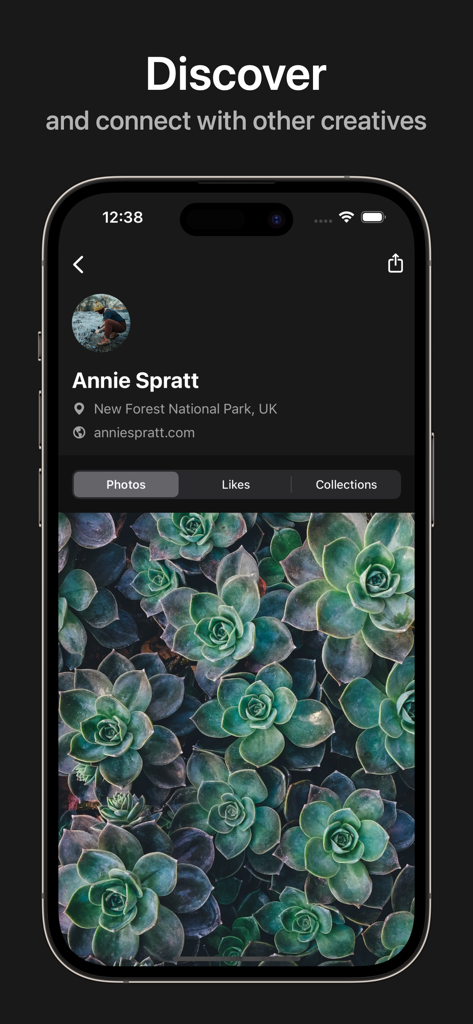
Unsplash app profile page showing a photographers portfolio with succulent images

Unsplash app profile page showing a photographers portfolio with succulent images

Fuel Your Creative Workflow

The tools that make this app stand out, trusted by 6M+ users.

Authentic Visuals, Zero Cost

Ditch the corporate stock photos. Discover hand-selected, editorial-grade imagery that gives your brand a premium, relatable aesthetic.

📲

Built for Mobile Creators

Optimized for iPad and iPhone. Use Drag & Drop to slide high-res photos directly into apps like Canva, Notion, and Keynote.

🌎

Empower Your Side-Hustle

Join a generous community of millions. Save favorites to custom collections and sync your inspiration across all your devices.

Loved by users worldwide

Trusted by 6M+ people who love this app.

"

"Unsplash is a complete game-changer for my small business. I can find stunning, high-resolution imagery that actually feels authentic and modern, not like those cheesy stock photos. It's the first app I open whenever I'm designing a new social media campaign or website mockup."

Elena Rodriguez
"

"The iPad integration is incredible. Being able to drag and drop beautiful, professional photos directly into my Keynote presentations or digital planner has streamlined my entire creative workflow. Plus, the community is so welcoming—I’ve even started contributing my own shots!"

David Park

About the app

Everything you need to know about Unsplash.

Description

The Unsplash app is home to over 7 million free high-resolution images brought to you by the world’s most generous community of photographers. Want in? Beautiful, free images With Unsplash, you’ve got access to over seven million high-resolution photos that are free to do-whatever-you-want with. And with new images hand-selected every day, you’ll find the perfect photo for your next project — guaranteed. Unlimited Unsplash Access When you create a free account, you’ll be able to collect photos to keep coming back to and access them anywhere: iPhone, iPad, your computer — you name it. Drag & Drop Plus, our app plays well with others on iPad. Simply drag your favourite Unsplash photos into any app that supports drag & drop, like Keynote, Pages and Notes. Anyone can join the Unsplash community No pro camera? No problem! You don’t need fancy equipment to start contributing to Unsplash - submitting a photo can be as simple as picking up your phone and taking a few photos. So whether you’re new to photography or consider yourself a pro—your images are welcome here. Make something awesome Millions of creators from around the world have downloaded over 5 billion Unsplash images to create presentations, artwork, mockups, and more. About Unsplash We built Unsplash as a way to empower creativity by sharing copyright-free photography. Today, Unsplash hosts some of the world’s most widely-seen photos, contributed by a community of some of the most talented (and most generous) creators in the world. Curiosity piqued? Come contribute a shot, or spend some time browsing. Make something awesome at https://unsplash.com.

Latest Version

2025.07

Size

11.4 MB

First Released

Apr 5, 2018

Ready to Make Something Awesome?

Join over 6 million creators and bring your vision to life with unlimited access to the world’s most generous community of photographers.

Download on App Store
FAQ

Frequently Asked Questions

Everything you need to know about Unsplash

What is the Unsplash app?

The Unsplash app provides access to over 7 million free high-resolution images from a global community of photographers. Users can find, download, and collect copyright-free photos for various creative projects.

Are images on Unsplash free to use?

Yes, all images on the Unsplash app are free to use. They are high-resolution and copyright-free, allowing users to freely incorporate them into their projects.

How many images are available on the Unsplash app?

The Unsplash app offers over 7 million free high-resolution images. New images are regularly hand-selected and added daily by the Unsplash community of photographers.

Can I collect photos within the Unsplash app?

Yes, users can collect favorite photos within the Unsplash app by creating a free account. This feature allows access to collected images across iPhone, iPad, and computer devices.

Does the Unsplash app support drag and drop functionality on iPad?

Yes, the Unsplash app supports drag & drop on iPad. Users can drag their chosen Unsplash photos directly into compatible applications like Keynote, Pages, and Notes.

Can I contribute my own photos to Unsplash?

Yes, anyone can contribute photos to the Unsplash community. Professional equipment is not required; submitting a photo is straightforward and encourages participation.

How do I search for images in the Unsplash app?

Users search for images using the search interface in the Unsplash app. It displays recent queries and trending topics such as "wallpaper" and "ocean" to facilitate discovery.

Are there different photo categories available on the Unsplash app?

Yes, the Unsplash app provides various categories and curated topics. These include "Featured," "Wallpapers," "Textures & Patterns," "Nature," and "3D Renders" for organized browsing.

Do I need an account to use all features of the Unsplash app?

Yes, a free account is required to access all Unsplash app features. It enables users to collect photos and sync them across iPhone, iPad, and computer devices.

What types of projects benefit from Unsplash images?

Unsplash images are utilized for diverse creative projects. These include presentations, artwork, mockups, and more, empowering creators worldwide with copyright-free photography.