Update Apps in My Phone


Tired of slow performance and confusing settings? Our simple toolkit helps you fix battery drain, manage privacy, and stay updated—no tech skills required.
Publisher
Category
UtilitiesDownloads
36K+User Rating
Total Ratings
3K+Locales
1Discover the interface used by 36K+ users.
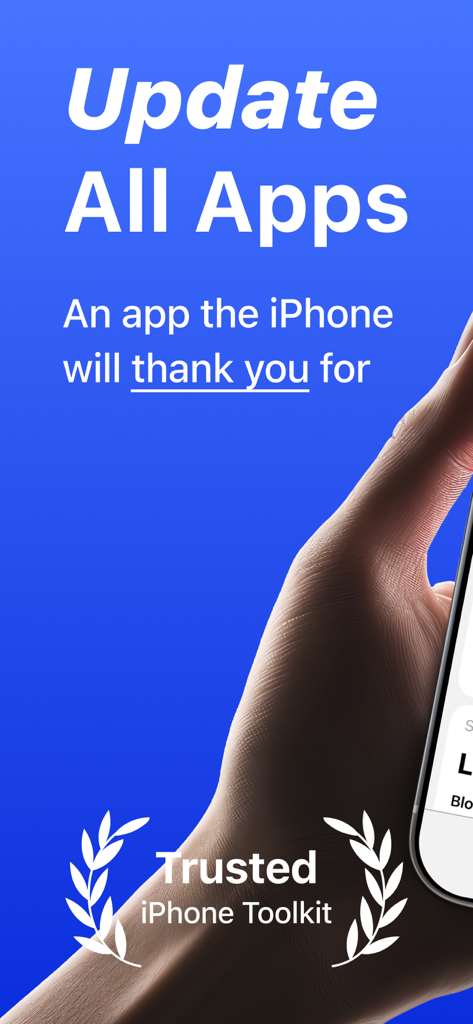
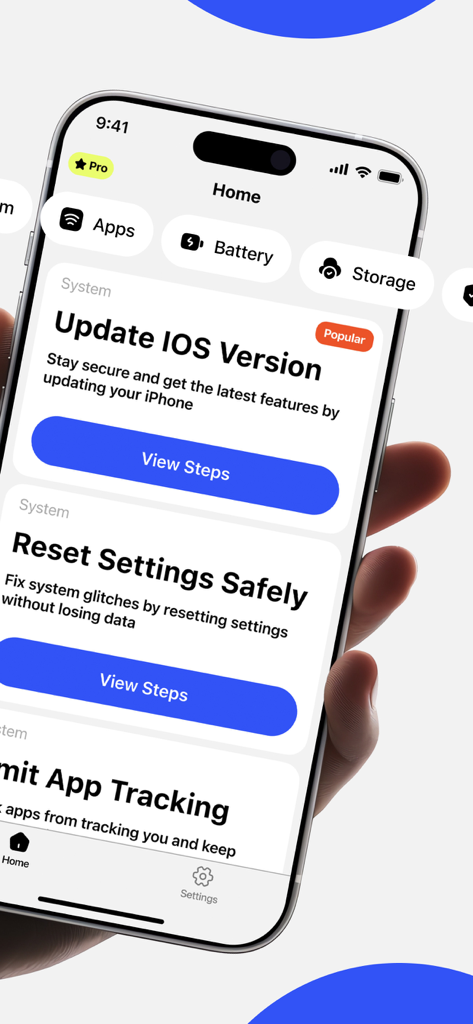
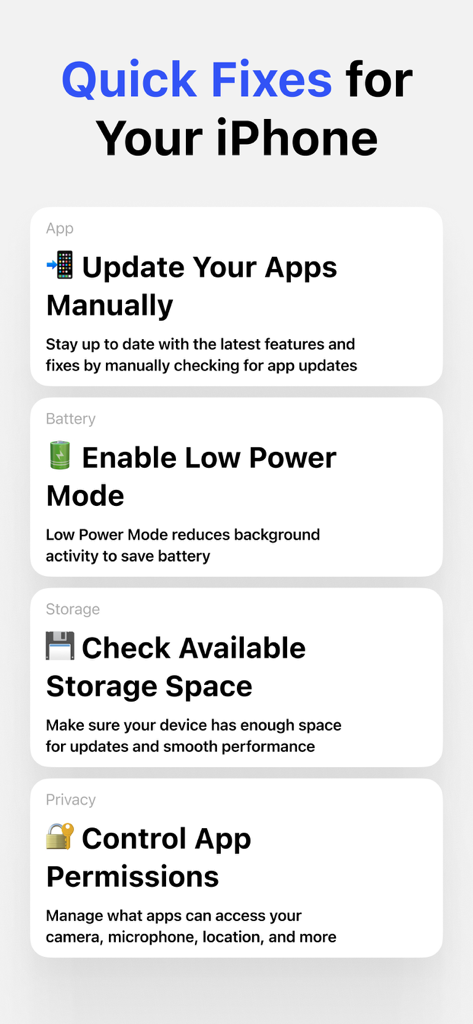
The tools that make this app stand out, trusted by 36K+ users.
Keep your apps and system current with simple, guided instructions. Ensure your phone stays stable and secure without the guesswork.
Is your battery dying too fast? Quickly reduce background activity and save power with one tap so your phone lasts as long as you do.
Take control of your personal data. Easily see and manage which apps have access to your camera, microphone, and location in one place.
Trusted by 36K+ people who love this app.
"This app is a lifesaver for someone like me who isn't great with technology. It helped me clean up my permissions and fix my battery issues without having to navigate those confusing settings menus. It's so simple and gives me real peace of mind knowing my phone is up to date."
"My iPhone 12 was starting to get really slow, but I didn't want to buy a new one yet. Using this toolkit to update everything and manage my background apps made a huge difference in performance. It's the first maintenance app that actually feels intuitive and easy to follow."
Everything you need to know about Update Apps in My Phone.
Description
Latest Version
1.2
Size
6.2 MB
First Released
May 17, 2025
Join over 3,000 users who have traded tech frustration for a faster, safer, and simpler phone. No tech skills required—start your 3-day free trial and experience the difference today.
Everything you need to know about Update Apps in My Phone
Yes, "Update Apps in My Phone" allows manual updates for all applications. This ensures apps receive the latest improvements and bug fixes.
Yes, "Update Apps in My Phone" provides simple, guided steps to update your iPhone's iOS software. This feature helps keep your device current and stable.
Yes, "Update Apps in My Phone" includes a feature to enable Low Power Mode. This function reduces background activity, which helps save battery life on your iPhone.
Yes, "Update Apps in My Phone" provides tools to manage app permissions. Users can easily control which applications access sensitive features like camera, microphone, and location.
Yes, "Update Apps in My Phone" offers a 3-day free trial. This allows users to experience the app's convenience and features before committing to a premium subscription.
The premium plan for "Update Apps in My Phone" grants full access to real-time updates and comprehensive guidance. All features are included in this reliable application.
The privacy policy for "Update Apps in My Phone" is available at: https://telegra.ph/Privacy-Policy-for-Tzuf-Itzhak-Poor-05-12. This document details how the app handles user data.
Yes, "Update Apps in My Phone" includes a feature to check available storage space. This ensures your iPhone has enough room for updates and maintains smooth performance.
"Update Apps in My Phone" fixes common iPhone issues such as slow performance and battery drain. It helps the device run smoother, faster, and prolongs its operational life.
Yes, "Update Apps in My Phone" provides guided steps to reset key settings safely. This helps fix system glitches on your iPhone without causing any data loss.
Apps with similar features and user experience