
Weather⁺



Transform your device into a premium weather station with cinematic video backgrounds, an iconic animated flip clock, and customizable widgets designed for your iPhone, iPad, and Apple Watch.
Publisher
Category
WeatherDownloads
2M+User Rating
Total Ratings
344K+Locales
11Discover the interface used by 2M+ users.


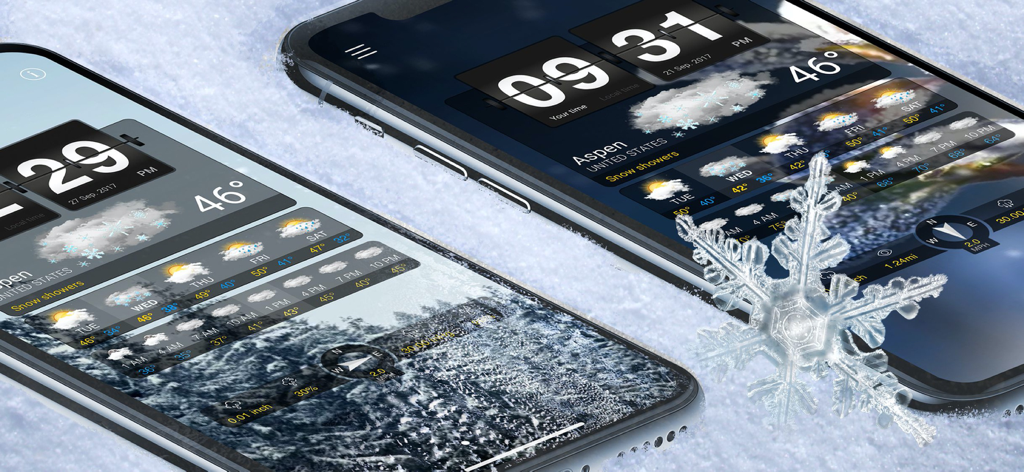
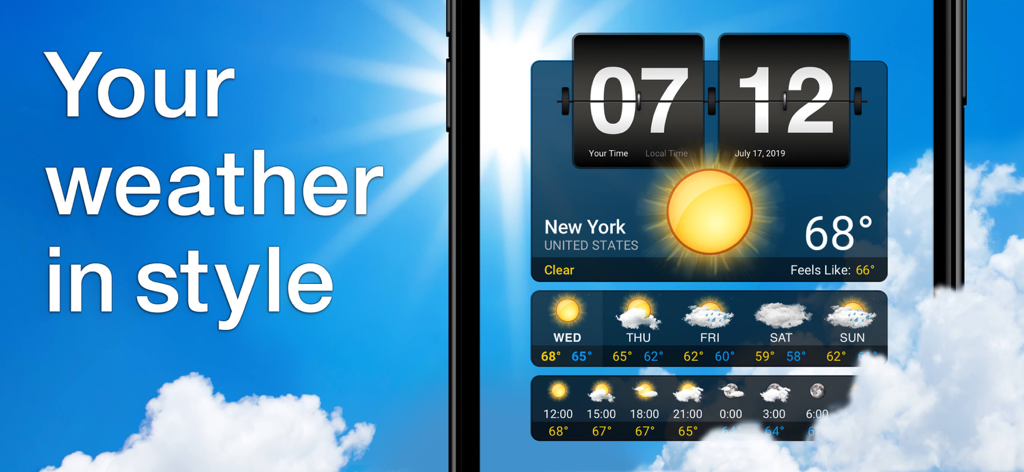
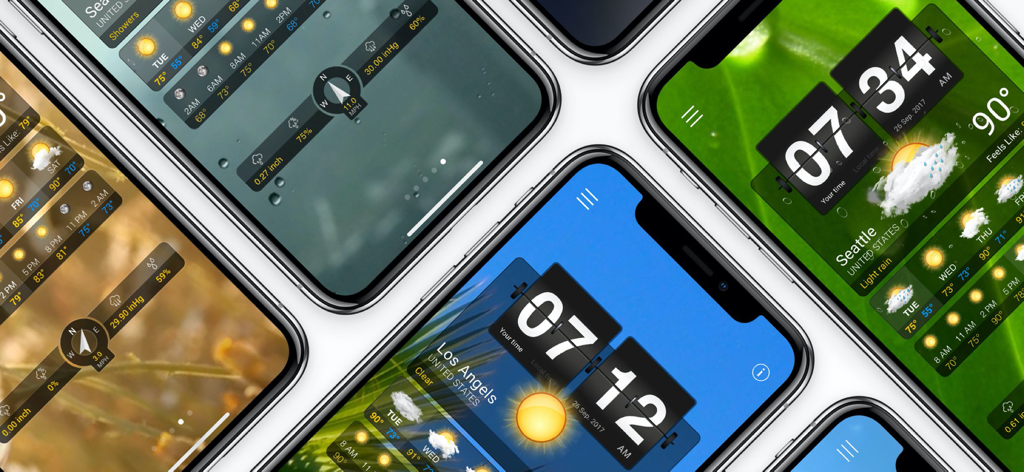
The tools that make this app stand out, trusted by 2M+ users.
Immerse yourself in the elements with stunning HD videos that change automatically to reflect your current conditions.
Turn your iPad or iPhone into a premium weather station with our iconic animated flip clock and split-view multitasking support.
Stay informed at a glance with beautifully designed iOS widgets and full Apple Watch support for your on-the-go lifestyle.
Trusted by 2M+ people who love this app.
"Weather⁺ is the perfect addition to my home office. I keep it open on my iPad all day; the animated flip clock and the high-definition video backgrounds turn my device into a premium desk accessory. It is as much a piece of decor as it is a functional weather station."
"As someone who is always on the go, I love how this app integrates with my Apple Watch and provides those 3-hourly updates. The interface is stunningly beautiful compared to the standard clinical weather apps, and the widgets make checking the forecast effortless and stylish."
Everything you need to know about Weather⁺.
Description
Latest Version
4.18.15
Size
160.7 MB
First Released
Dec 14, 2010
Join over 2 million users and elevate your Apple devices with the world’s most beautiful weather app. Download Weather⁺ today for iPhone, iPad, and Apple Watch.
Everything you need to know about Weather⁺
Weather⁺ provides daily and 3-hourly forecasts, humidity, precipitation, pressure, wind, visibility, weather widgets, dynamic video backgrounds, personalized layout, animated flip clock, Split View, and full Apple Watch support.
Weather⁺ displays weather conditions using beautiful video backgrounds that dynamically change based on the local weather, enhanced by an animated flip clock and detailed forecast layouts.
No, Weather⁺ does not allow manual background video selection. The app randomly selects videos from a pool matching the current weather. Users can expand this pool by unlocking more videos via ads.
Yes, you can switch the time display in Weather⁺ settings. Tap 'Your time' or 'Local time' options within the clock's hour section to alternate between them.
Weather⁺ Premium Access provides an ad-free experience, full access to all weather videos, and premium customer support.
Yes, Weather⁺ subscriptions automatically renew each month 24 hours before the period ends. Your iTunes account is charged unless auto-renew is turned off at least 24 hours prior.
The first location in your list on Weather⁺ is set for your Apple Watch. To edit or change it, reorder the cities in your location overview on your iPhone.
Weather⁺ forecasts include humidity, precipitation, pressure, wind direction and speed, and visibility details, alongside daily and 3-hourly temperature predictions.
Apps with similar features and user experience

Beijing MojiFengyun Technology Co.,Ltd.

Windyty, SE

Weibo Internet Technology (China) Co.Ltd.

Neave Interactive Limited
犇 牛
Aviation Data Systems, Inc

Ventusky s.r.o.

Fox News Network, LLC

Shanghai 2345 Network Technology Co., Ltd.
