
WebLink Host


Transform your vehicle's screen into a powerful infotainment hub. Safely cast your favorite smartphone apps, watch YouTube while parked, and enjoy a personalized drive tailored to your digital lifestyle.
Publisher
Category
EntertainmentDownloads
1M+User Rating
Total Ratings
10K+Locales
39Discover the interface used by 1M+ users.
The tools that make this app stand out, trusted by 1M+ users.
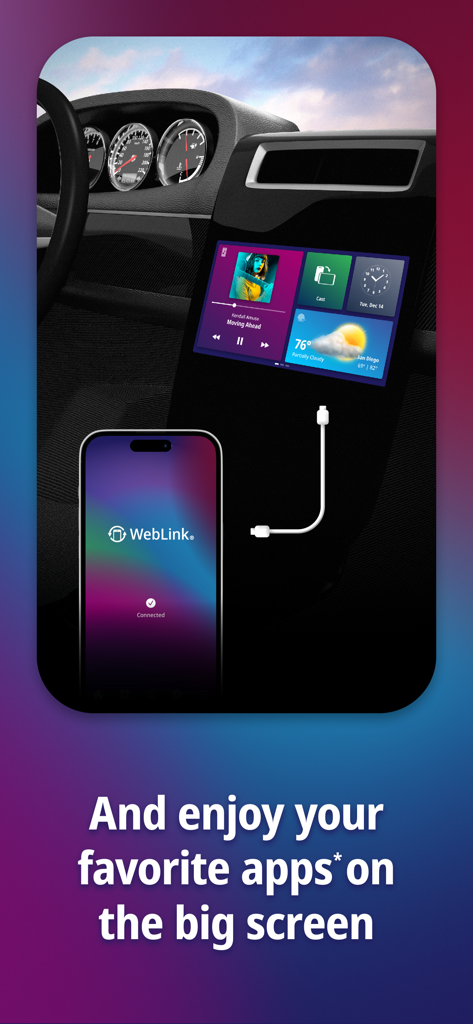
Break free from restrictive systems. Cast almost any app from your phone directly to your dashboard for a truly personalized display.
Turn your car into a private theater. Watch YouTube and stream your favorite media on your large vehicle screen while parked.
Give your vehicle a tech upgrade. Enjoy a sleek, driver-friendly interface designed to keep you connected without compromising safety.
Trusted by 1M+ people who love this app.
"As a sales rep spending hours on the road, WebLink has been a total game-changer for my daily routine. I can finally cast my favorite apps directly to my Pioneer head unit without the restrictions I face with other systems. Being able to catch up on YouTube videos during my lunch breaks right on the dashboard is a huge plus. It is reliable, safe, and makes my 2018 truck feel like a brand-new high-tech model."
"Waiting in the school pickup line used to be a chore, but WebLink makes it my personal relaxation time. The setup was incredibly easy, and I love that I can safely access all my smartphone's media without fumbling with a small screen. It provides a beautiful interface that feels native to my car. It is the perfect bridge between my phone and my vehicle for a truly connected experience."
Everything you need to know about WebLink Host.
Description
Latest Version
3.6.4
Size
112.0 MB
First Released
Aug 18, 2017
Join 5 million drivers and break free from factory limits. Download WebLink Host now to cast your favorite apps and YouTube directly to your dashboard.
Everything you need to know about WebLink Host
WebLink Host transforms your in-vehicle screen into a modern, connected infotainment system. It allows safe and easy access to your favorite smartphone apps directly on your car's display while on the go.
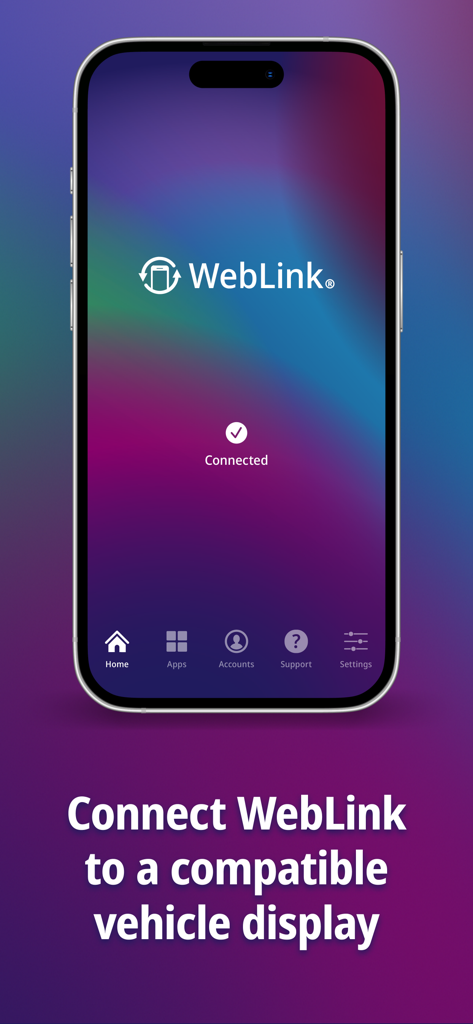
WebLink Host connects by installing the app, accepting permissions, then connecting your smartphone to a compatible WebLink vehicle screen using a certified USB cable for data and charging.
Yes, WebLink Host allows you to watch your favorite YouTube videos on many compatible vehicle screens. Some vehicle screen manufacturers may restrict the use of certain apps.
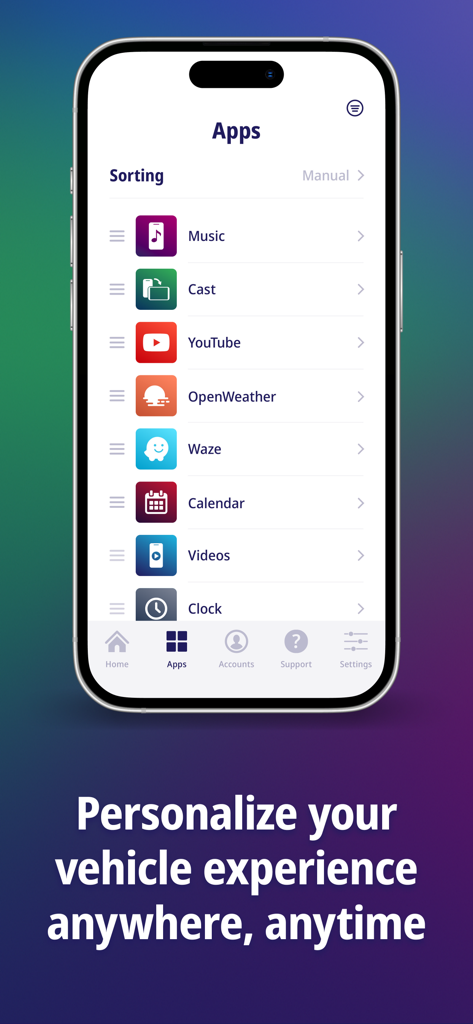
WebLink Host allows you to use almost any smartphone app on your vehicle screen through its Cast feature. Examples include Music, YouTube, OpenWeather, Waze, Calendar, and Videos.
Yes, a certified USB cable that supports both data communication and charging capabilities is required to connect your smartphone with the in-vehicle screen for WebLink Host.
To get full audio playback from WebLink Host through your car speakers, you must pair your smartphone to the in-vehicle screen using Bluetooth. Consult your screen's manual for connection details.
To check if your vehicle screen is compatible with WebLink Host, look for a WebLink logo on your product packaging or within your vehicle screen's manual. A compatible screen is necessary.
Yes, upon opening the WebLink Host app on your smartphone, you must accept the Terms & Conditions and all required permission prompts to successfully set up and use the service.
Yes, WebLink Host provides a connected in-vehicle experience that is tailored to you. It offers a beautifully designed interface to interact with your apps, music, and videos.
Apps with similar features and user experience

Liquid Apps Bilgi ve Operasyonel Teknolojileri Limited Sirketi

Rostyslav Dudnyk
Tapwise LLC
SUPRAPPS SP Z O O
Ahmet Mucahid Bozkurt
Emrullah Bas
5SKay VietNam Technology JSC
Oh My Software FZCO

HUDWAY LLC.