
Whiteboard: just draw together


The simple, distraction-free drawing app designed for kids and social doodlers. Create, collaborate via iMessage, and experience pure creative joy without the clutter.
Publisher
Category
BusinessDownloads
4M+User Rating
Total Ratings
93K+Locales
4Discover the interface used by 4M+ users.
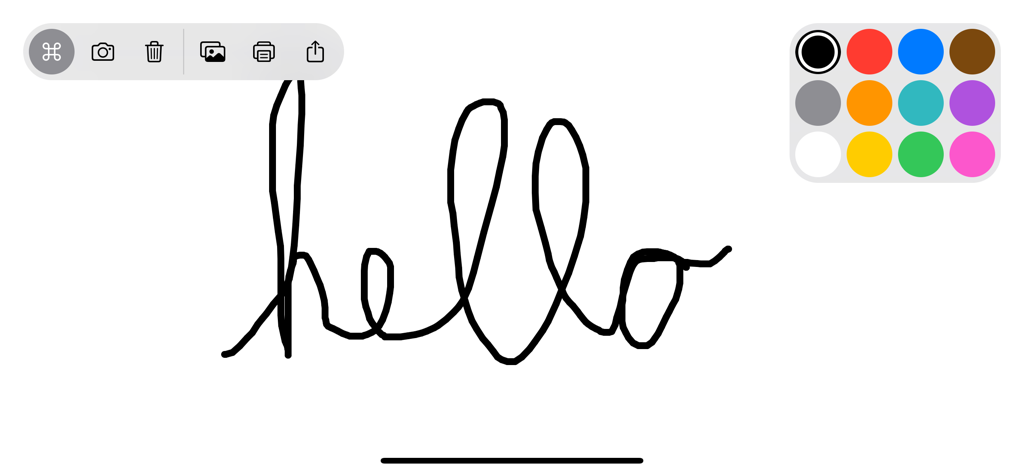
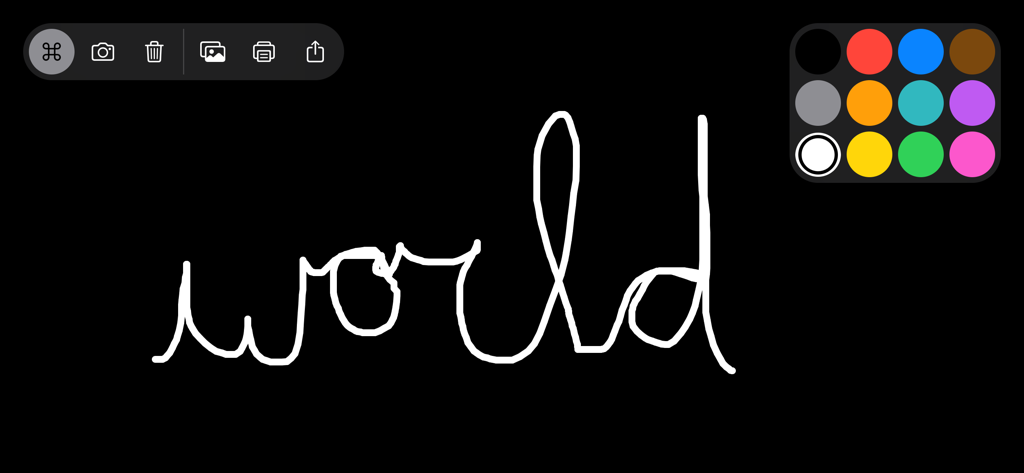
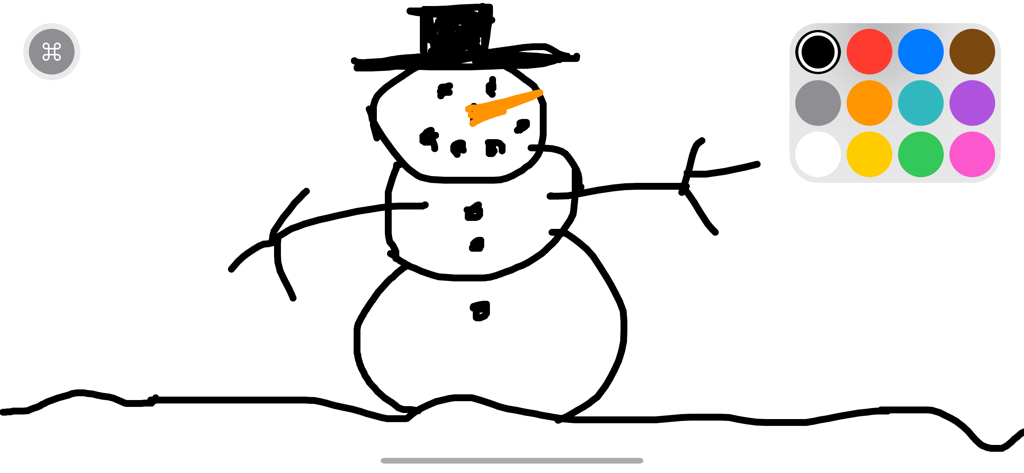
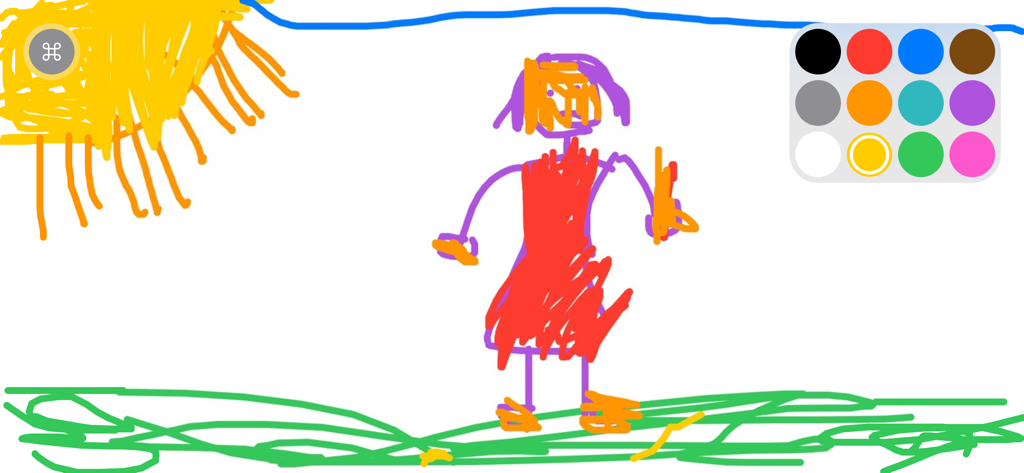
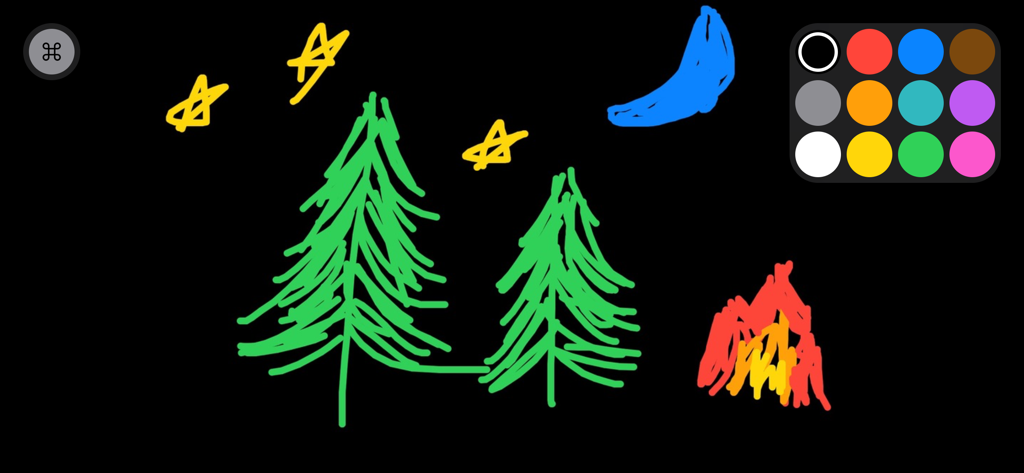
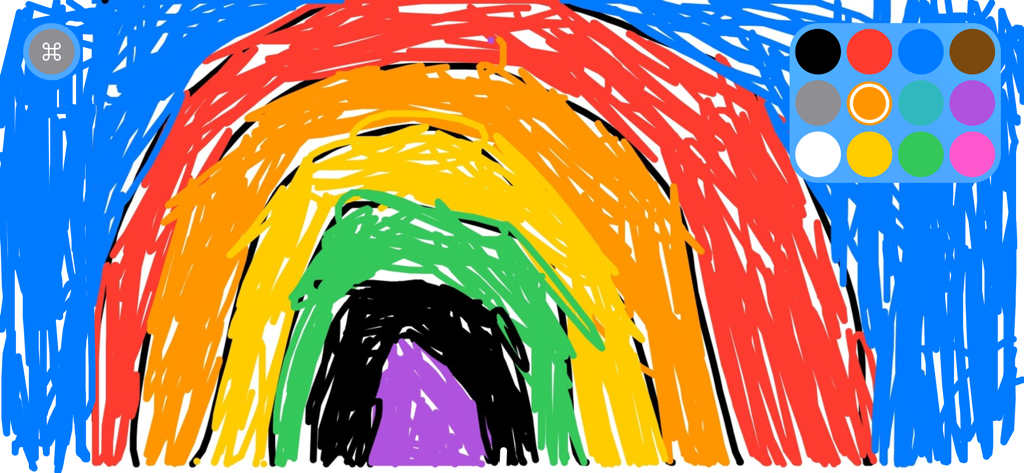
The tools that make this app stand out, trusted by 4M+ users.
Send a drawing through iMessage and watch it come to life. Perfect for long-distance family bonding or playful visual chats with friends.
We removed the clutter so you can get lost in the art. A clean interface that even a toddler can master, but powerful enough for a quick sketch.
Unlock the joy of drawing with our special rainbow marker, shake-to-erase gestures, and photo-import for personalized annotations.
Trusted by 4M+ people who love this app.
"Finally, a drawing app that doesn't overwhelm my kids with menus or ads! It is incredibly simple to use, and they spend hours being creative instead of just passively watching videos. The iMessage integration is a genius way for them to draw with their grandparents across the country."
"The iMessage integration is everything. My friends and I use this constantly to send inside jokes and collab on random doodles without leaving our chat thread. It’s super clean, fast, and the rainbow marker is a total vibe for making aesthetic notes."
Everything you need to know about Whiteboard: just draw together.
Description
Latest Version
2.6.2
Size
8.1 MB
First Released
Sep 10, 2019
Join over 4 million creators and families. Download the simplest whiteboard app and start your next masterpiece—or a silly doodle with friends—in seconds.
Everything you need to know about Whiteboard: just draw together
Whiteboard: just draw together is a simple, focused drawing application for kids and adults. It provides a clean whiteboard, multiple colors, and features for collaborative drawing via Messages.
Yes, Whiteboard allows users to draw collaboratively. Drawings are sent via the Messages app, opened for further drawing by a recipient, and then sent back.
Whiteboard offers drawing with colors of the rainbow, 6 preconfigured marker sizes, and a unique 'Rainbow' marker. Users also have undo, redo, and clear drawing actions.
Users change the background color in Whiteboard by long-pressing on a color within the palette. The app remembers the last used background color.
Yes, Whiteboard allows importing photos. Users can trace, annotate, and engage creatively with imported images directly within the app.
Whiteboard provides several ways to erase drawings. Users can 'shake to erase' the canvas, or utilize the undo and clear drawing action buttons.
Yes, users save their Whiteboard drawings to their Photos library. The app also supports sharing drawings through Messages, Mail, and various other integrated applications.
Whiteboard Labs offers opt-in features such as "Draw with Knobs" for a classic drawing experience, "Screen Recording" to capture drawing sessions, and "Draw with Motion" by tilting the device.
Yes, Whiteboard supports printing. Users print their creations directly to any AirPrint-enabled printers from within the application.
Yes, users support the development of Whiteboard: just draw together by subscribing to Creator Kit. This provides financial backing for ongoing app improvements.
Apps with similar features and user experience

炳甲 梁

yann le coroller

RED GAMES CO, LLC
Mind Candy

ROMAN SAFRONOV
Budge Studios
Karaleuski Stanislau

Kakadoo

Marshmallow Games SRL