
Wikipedia



Join millions of curious minds in a distraction-free sanctuary of knowledge. Access 60+ million articles in 300 languages—ad-free, private, and available offline.
Publisher
Category
ReferenceDownloads
8M+User Rating
Total Ratings
177K+Locales
92Discover the interface used by 8M+ users.
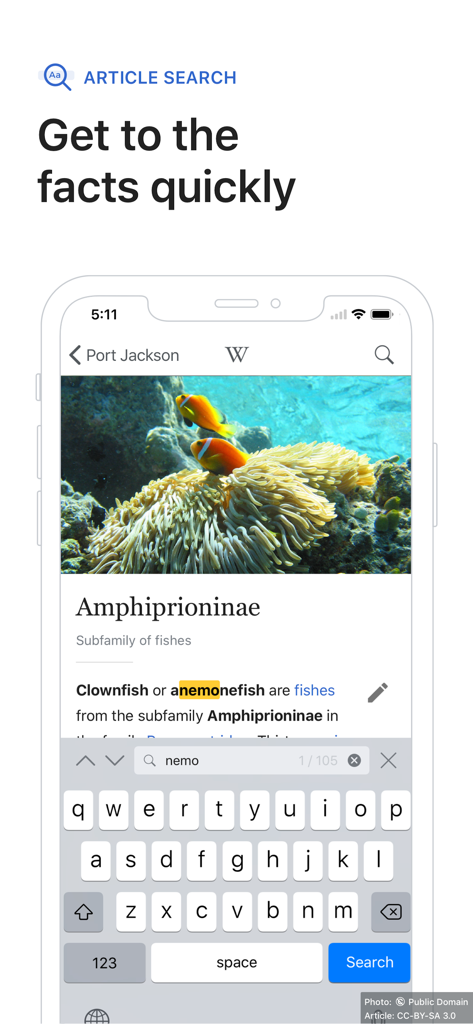
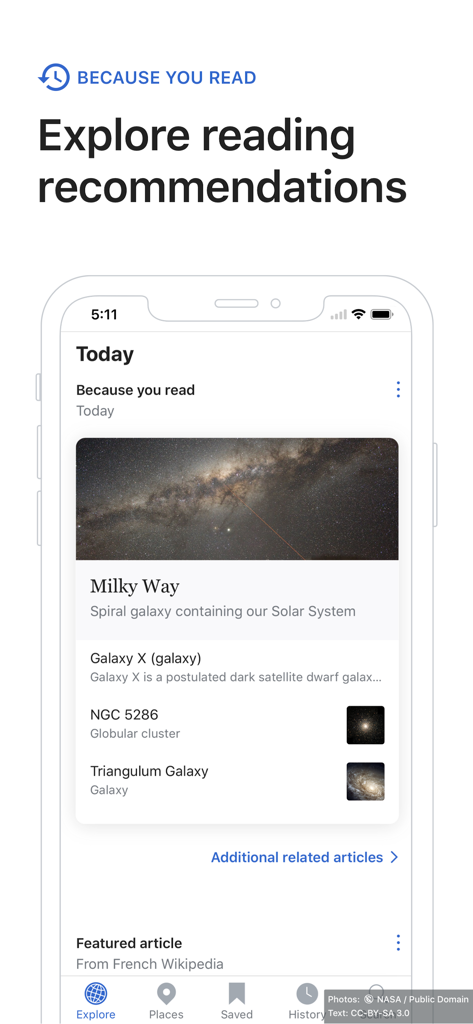
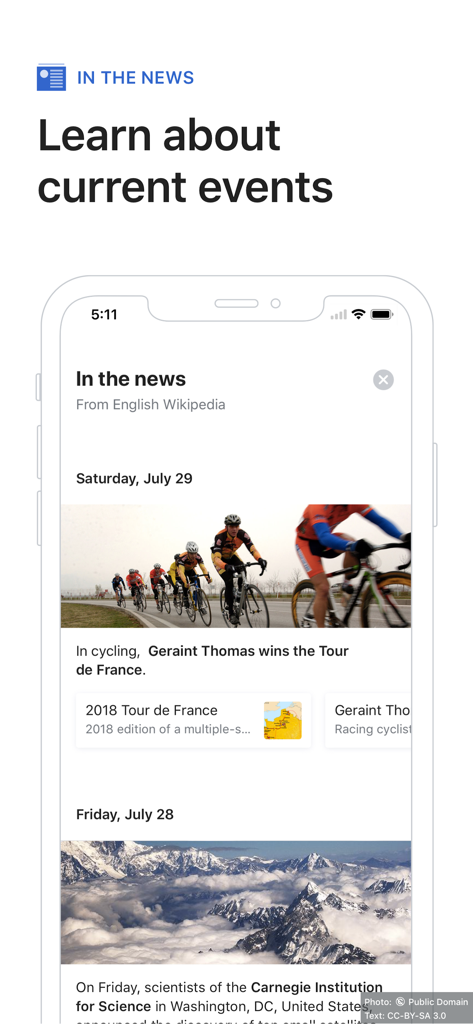
The tools that make this app stand out, trusted by 8M+ users.
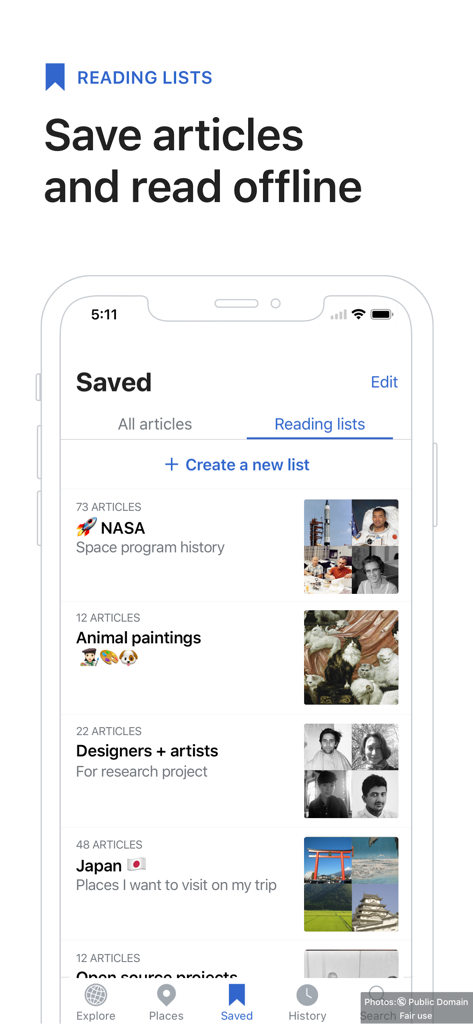
Organize articles into custom reading lists and download them for offline access—perfect for deep dives during flights or subway commutes.
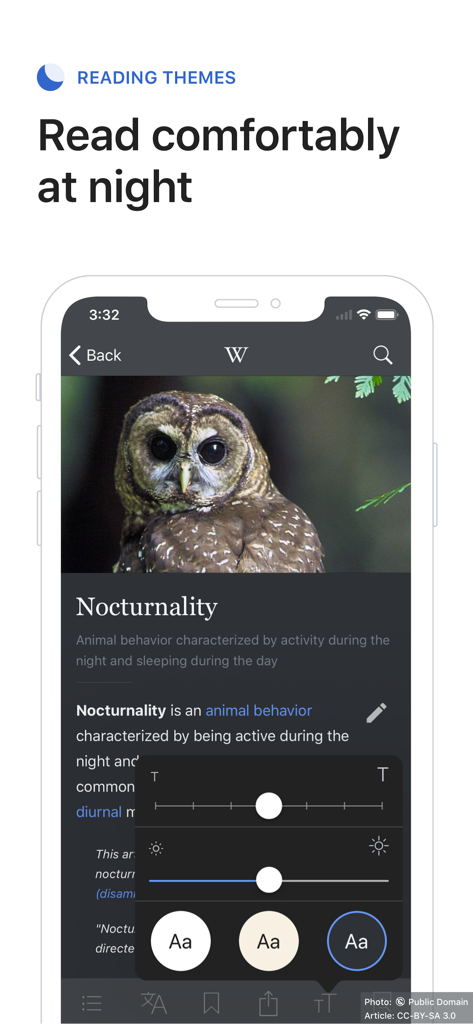
Customize your experience with Dark Mode, sepia themes, and adjustable text sizes to make long-form learning comfortable in any environment.
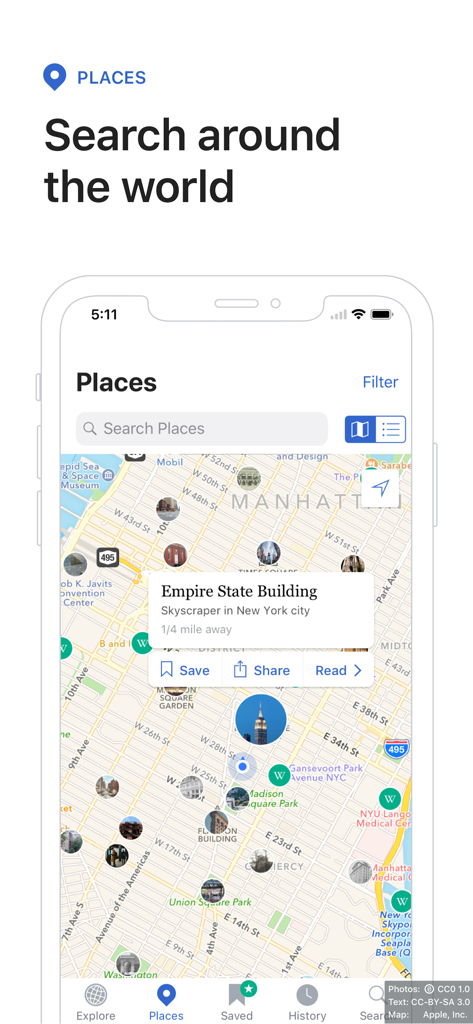
Turn your phone into a location-based guide. Use map discovery to uncover the history of landmarks and hidden gems right in your neighborhood.
Trusted by 8M+ people who love this app.
"The offline reading lists are a game-changer for my daily commute on the subway. I can dive into deep research without needing a signal, and the pure black theme is perfect for my late-night reading sessions. It is easily the best way to get lost in a knowledge rabbit hole without any distracting ads."
"I absolutely love the 'Nearby' feature when I am traveling. It transforms the app into a personal historical tour guide, showing me fascinating stories about the landmarks right in front of me. It is fast, clean, and the most reliable way to explore the world's history while I am on the go."
Everything you need to know about Wikipedia.
Description
Latest Version
7.8.9
Size
140.7 MB
First Released
Aug 17, 2009
Experience Wikipedia without distractions. No ads, no tracking—just pure knowledge in a beautiful, customizable app designed for lifelong learners.
Everything you need to know about Wikipedia
Yes, the official Wikipedia app for iOS is free of charge and completely ad-free. It is supported by the nonprofit Wikimedia Foundation.
No, the official Wikipedia app for iOS is completely ad-free. It provides access to knowledge without advertisements or user tracking.
The Wikipedia app provides access to over 60 million articles. These articles are available in nearly 300 different languages, making it a vast knowledge resource.
Yes, the Wikipedia app allows users to save articles to custom reading lists. These saved articles are accessible offline, ideal for travel or learning without internet access.
Yes, the Wikipedia app offers various reading themes, including light, sepia, dark, and pure black. Users can also adjust text size and image dimming for comfortable reading.
The Wikipedia app features map-based article discovery to explore nearby landmarks and locations. Users can learn about places around them or places they plan to visit.
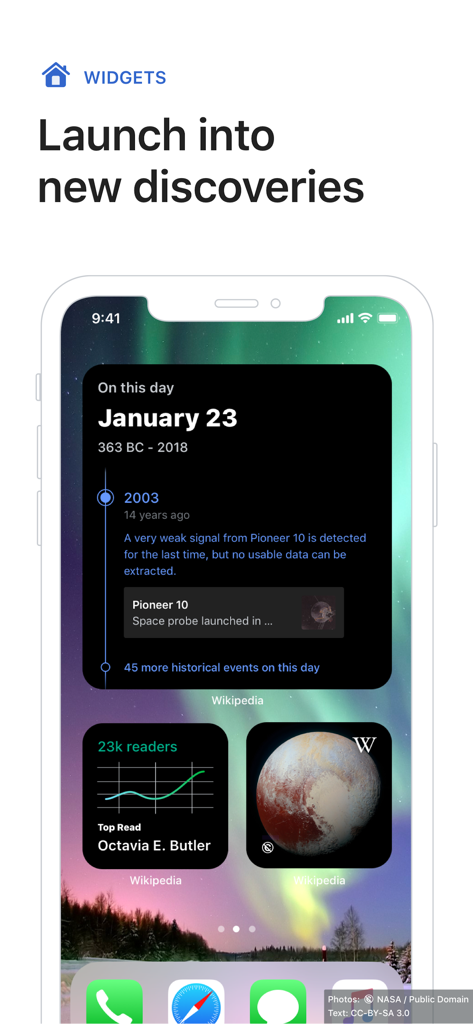
Yes, the Wikipedia app supports widgets for the iOS Home Screen. These widgets provide quick access to trending articles, featured content, or the 'Picture of the Day.'
No, the Wikipedia app explicitly states 'no tracking.' It focuses on providing knowledge without monitoring user behavior or collecting personal data for advertising.
Users can provide feedback directly within the Wikipedia app. Navigate to the Settings menu and select the 'Send app feedback' option to submit comments or suggestions.
Yes, the Wikipedia app features tabs, allowing users to open and easily switch between multiple articles. This helps in comparing topics and staying organized.
Apps with similar features and user experience

Merck Sharp & Dohme LLC

Wikimedia CH

Robert Chin

Robert Chin

wikiHow

Benjamin Satterwhite

Servicos e Informacoes do Brasil

Telemet, Inc.

Muhammad Bilal Ghulam Murtaza
