Xbox



Publisher
Category
EntertainmentDownloads
79M+User Rating
Total Ratings
2M+Locales
22Discover the interface used by 79M+ users.
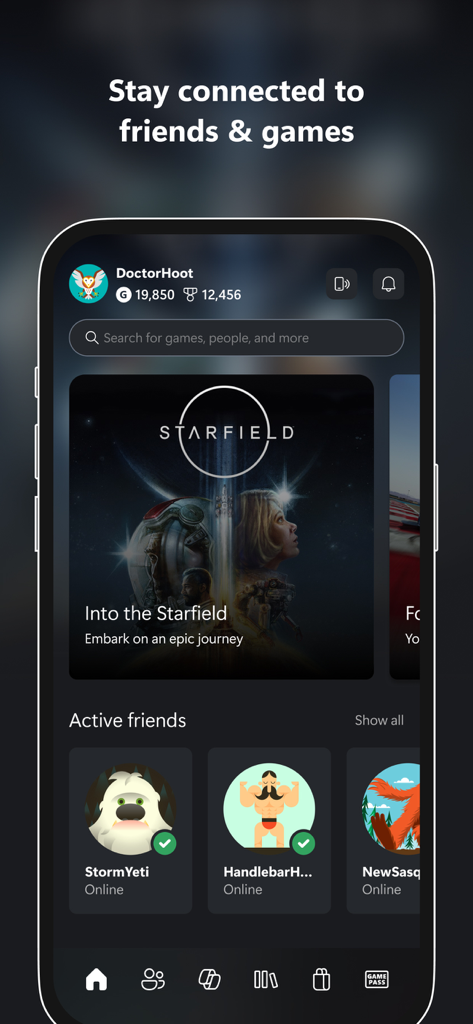
The tools that make this app stand out, trusted by 79M+ users.
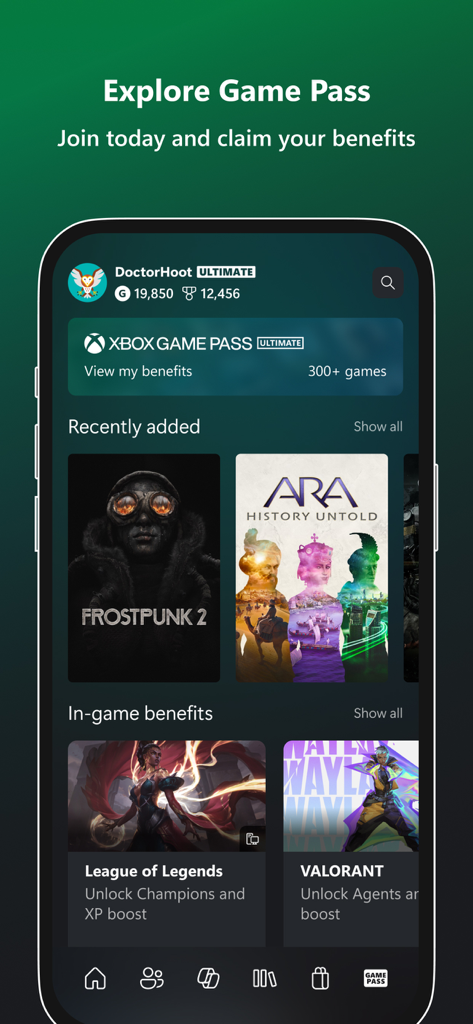
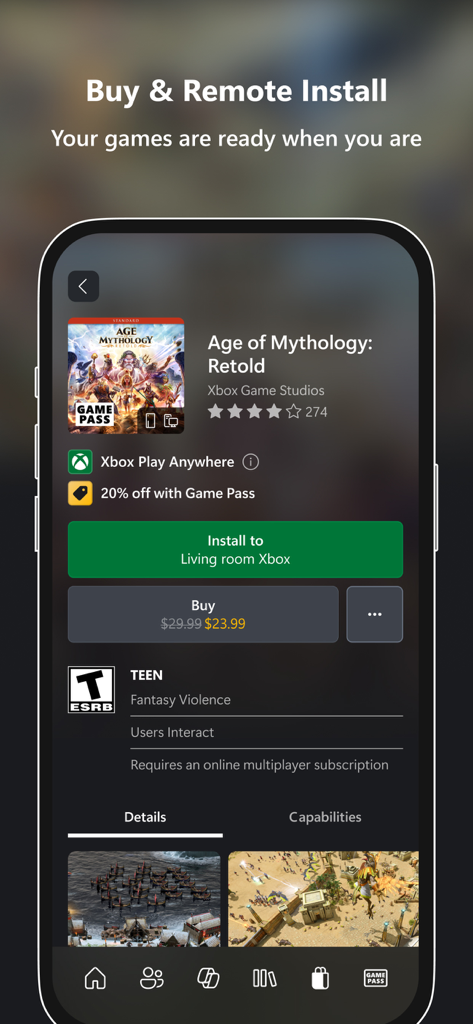
Browse the Game Pass catalog and start downloads to your console remotely. Your games are ready the second you walk through the door.
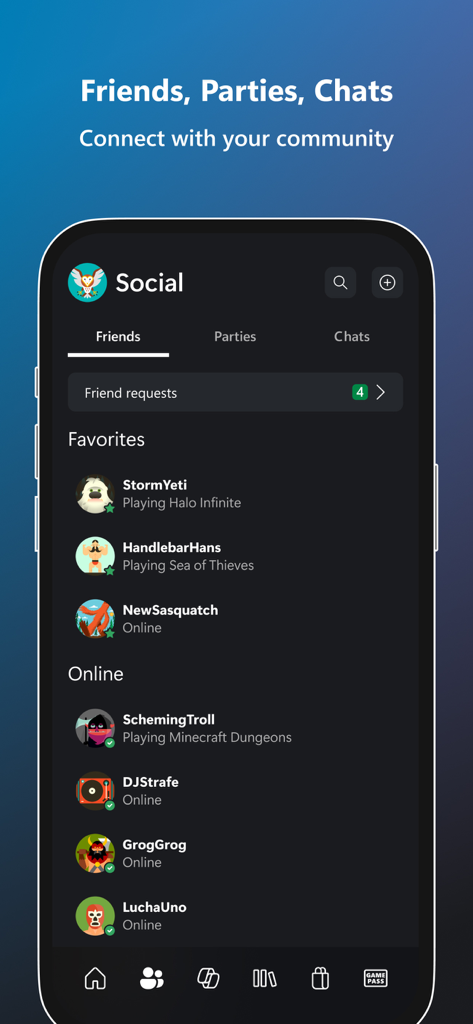
Keep the party going with integrated voice and text chat. Stay in sync with your squad across console and PC, no matter where you are.
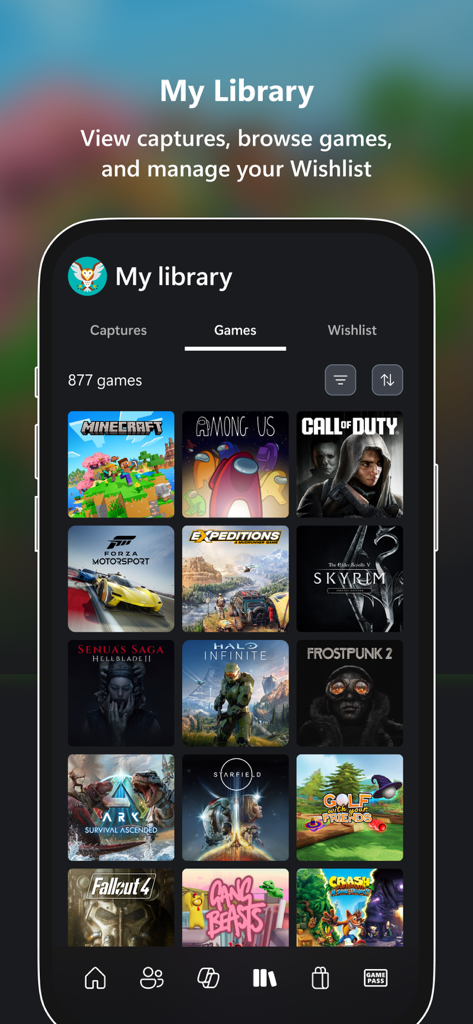
Instantly move your best game clips and screenshots from your console to your phone to share them on social media in seconds.
Trusted by 79M+ people who love this app.
"The remote download feature is a total game-changer for my schedule. I can browse the Game Pass catalog during my lunch break at work and have a new game ready to play the second I walk through my front door. It completely eliminates the wait time and keeps me connected to my achievement progress wherever I am."
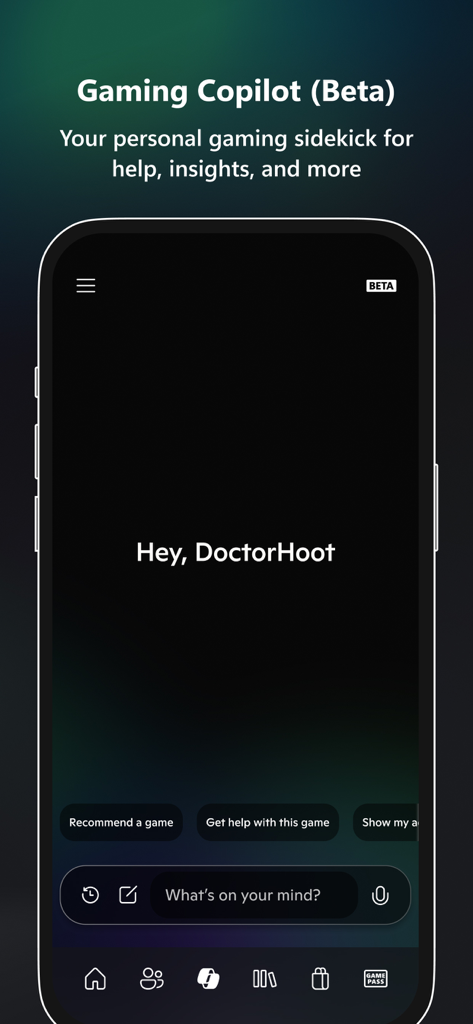
"I love how easy it is to share my best gameplay clips directly to TikTok and Instagram from my phone. The integrated party chat is also super smooth, allowing me to stay in the loop with my squad even when I am away from my console. The Gaming Copilot is also a great addition for getting through tough levels!"
Everything you need to know about Xbox.
Description
Latest Version
2512.1.5
Size
96.0 MB
First Released
Nov 19, 2013
Join over 79 million gamers who never miss a beat. Pre-install games so they’re ready when you are, chat with your squad on the go, and share your legendary clips instantly. Download the free Xbox app and take your console lifestyle everywhere.
Everything you need to know about Xbox
The Xbox app connects you with friends through integrated voice and text chat, even if they play on console or PC. You can see their activity, notifications, and messages, staying connected to your gaming community.
Yes, the Xbox app provides integrated voice and text chat that works with friends on both console and PC. This allows cross-platform communication directly within the app.
Yes, you can buy games and add-on content directly within the Xbox app without leaving it. The app also allows you to remotely download purchased games to your console.
You can remotely install games to your console using the Xbox app. After purchasing or selecting a game, choose the 'Install to [Console Name]' option to have it ready for play when you are.
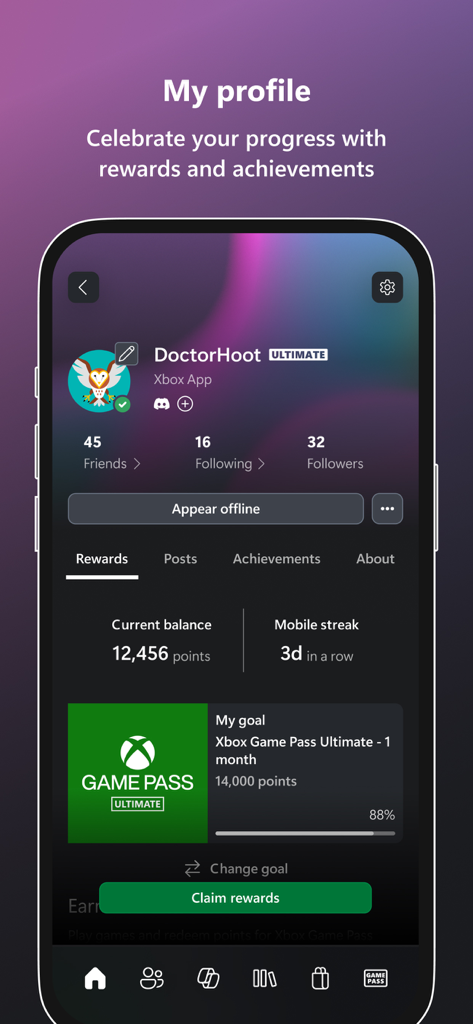
Yes, the Xbox app supports Game Pass. You can explore the Game Pass catalog, view and redeem Perks, and access other benefits directly through the application.
The Xbox app allows you to easily share game clips and screenshots from your console. You can share them to your favorite gaming and social networks directly through the app's interface.
Gaming Copilot is a beta feature in the Xbox app acting as a personal gaming sidekick. It provides recommendations, in-game assistance, help, and insights to improve gameplay and overcome challenges.
You can find the terms of service for the Xbox app by referring to Microsoft's EULA for gaming applications on iOS. A direct link is provided within the app description.
Apps with similar features and user experience
Filip Nemecek

Blizzard Entertainment, Inc.

V Kontakte OOO
Microsoft Corporation

Shulong Information Technology (Zhejiang) Co., Ltd.

PlayStation Mobile Inc.

Nintendo Co., Ltd.

EA Swiss Sarl
Nintendo Co., Ltd.