Zen Brush 2

Zen Brush 2

Download on App Store
Spark by MWM logo
Logo of Zen Brush 2

Zen Brush 2: Master the Meditative Art of East Asian Ink Brush

Experience the silky, fluent feel of traditional calligraphy on your iPad. A minimalist sanctuary designed for artists and mindfulness seekers to find their flow in every stroke.

Publisher

P SOFTHOUSE Co., Ltd.

Category

Entertainment

Downloads

520K+

User Rating

4.1/5

Total Ratings

1K+

Locales

2

Master the Minimalist Flow

Discover the interface used by 520K+ users.
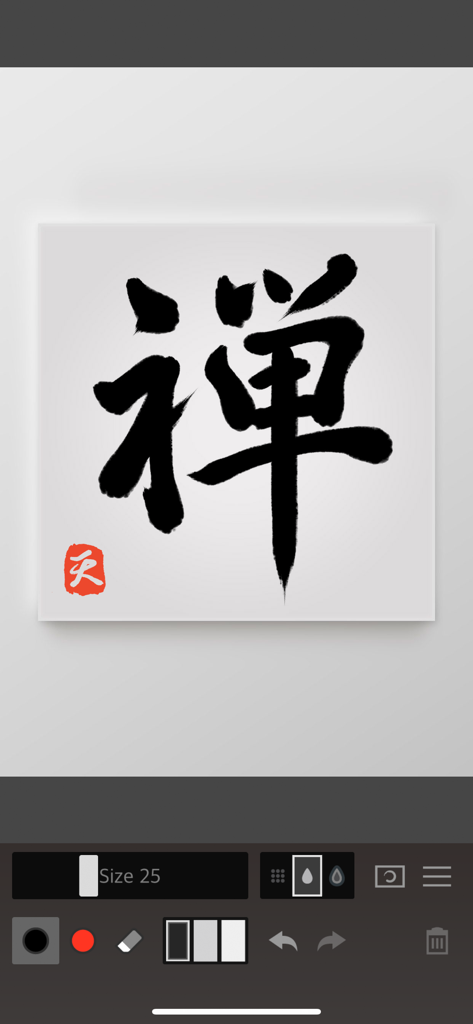
Black ink calligraphy with a red seal on a digital canvas in the Zen Brush 2 app interface

Black ink calligraphy with a red seal on a digital canvas in the Zen Brush 2 app interface

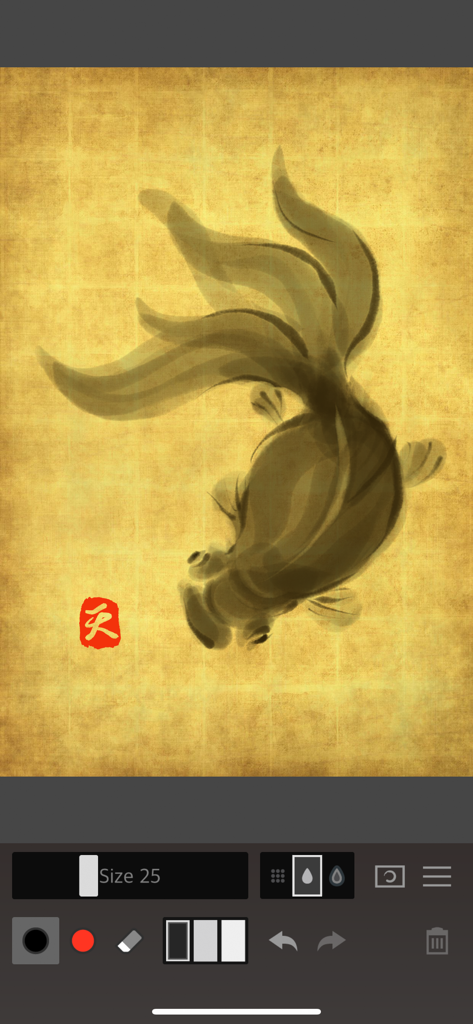
A digital ink painting of a goldfish on a gold textured canvas within the Zen Brush 2 app.

A digital ink painting of a goldfish on a gold textured canvas within the Zen Brush 2 app.

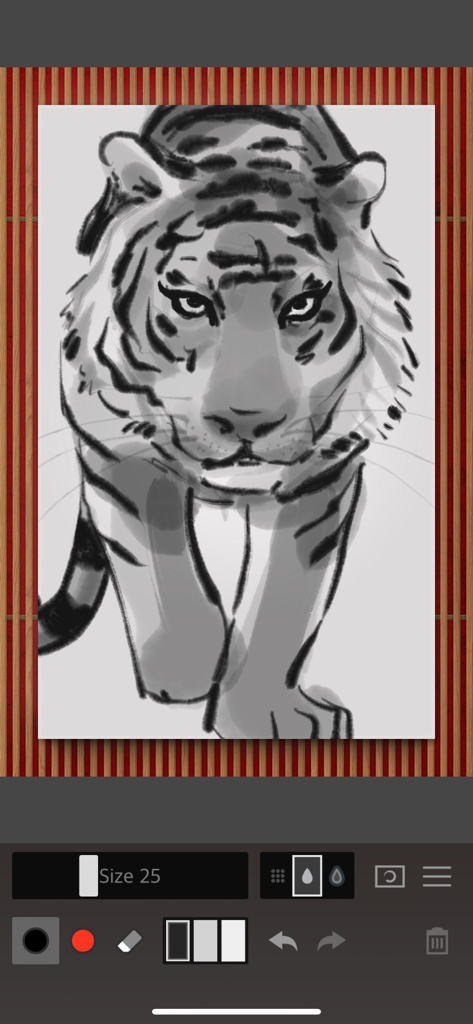
A digital ink wash illustration of a tiger created with the Zen Brush 2 app interface

A digital ink wash illustration of a tiger created with the Zen Brush 2 app interface

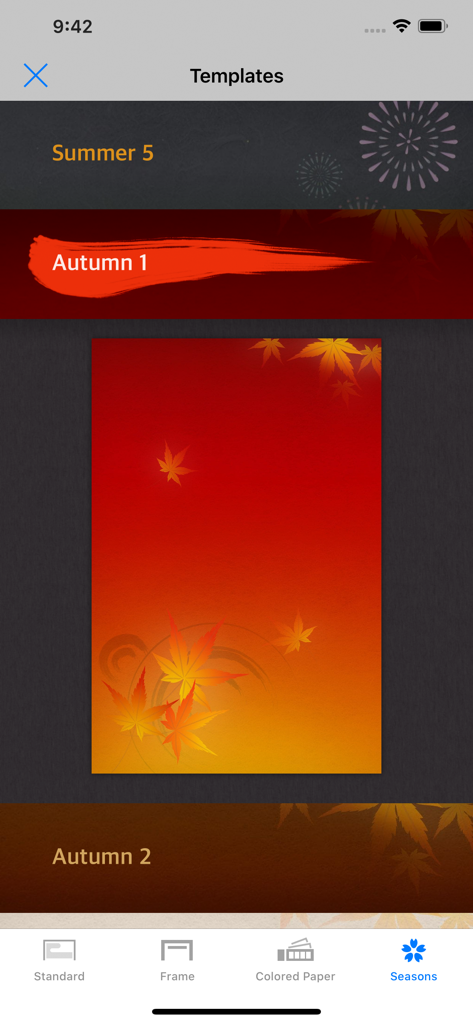
Zen Brush 2 interface showing seasonal background templates with an autumn maple leaf theme selected.

Zen Brush 2 interface showing seasonal background templates with an autumn maple leaf theme selected.

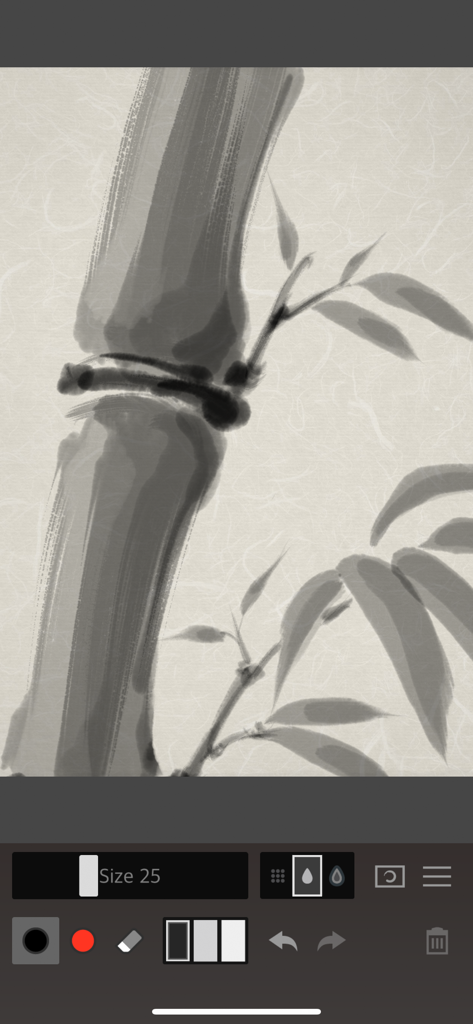
Digital ink wash painting of bamboo stalks and leaves in the Zen Brush 2 app

Digital ink wash painting of bamboo stalks and leaves in the Zen Brush 2 app

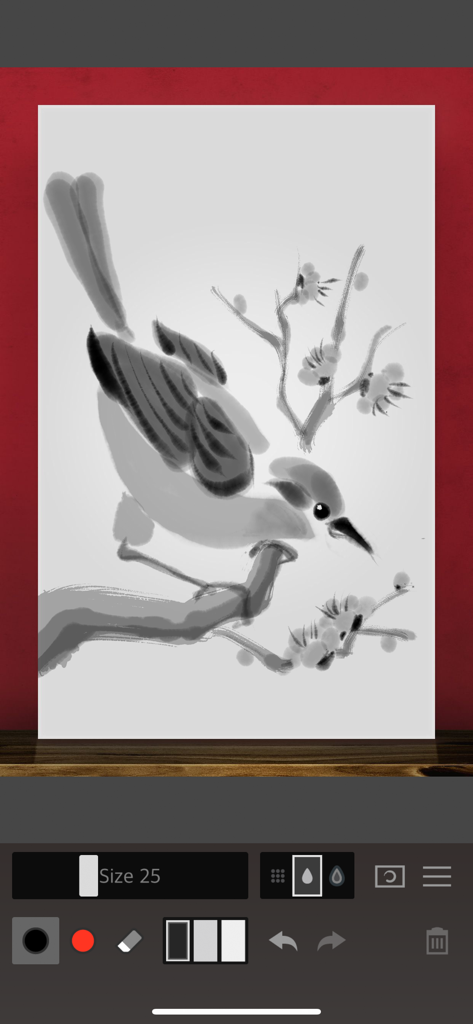
Zen Brush 2 app interface showing a Japanese style ink wash painting of a bird on a flowering branch.

Zen Brush 2 app interface showing a Japanese style ink wash painting of a bird on a flowering branch.

Create with the Spirit of Zen

The tools that make this app stand out, trusted by 520K+ users.

🖌️

Authentic Ink Dispersion

Feel the silky movement of ink on paper with a refined drawing engine that simulates realistic depth and delicate brushwork.

🧘

Mindful Simplicity

Eliminate creative blocks with a clutter-free workspace that lets you start drawing instantly—perfect for quick meditation or focused art.

✍️

Tactile Precision

Master every stroke with full Apple Pencil support, featuring advanced tilt and pressure sensitivity for a professional-grade feel.

Loved by users worldwide

Trusted by 520K+ people who love this app.

"

"As a professional designer, I often find myself overwhelmed by complex software. Zen Brush 2 is the perfect minimalist escape. The brush engine captures every subtle tilt of my Apple Pencil, making the digital ink feel incredibly real and fluid. It is my go-to tool for finding creative flow."

Marcus Thorne
"

"I use Zen Brush 2 as a form of daily meditation. There is something deeply calming about the way the ink spreads across the screen. You don't need to be a master artist to create something beautiful here; the simplicity of the tools allows you to just focus on the movement and the moment."

Elena Rodriguez

About the app

Everything you need to know about Zen Brush 2.

Description

Zen Brush 2 is a drawing app focused on the strong yet beautiful feel of the East Asian ink brush. With a new drawing engine that brings to life a feeling of silky fluent painting and the delicacy of an ink brush, providing a simple and intuitive user interface imbued with the Zen spirit, this app is designed to be optimal for performing Zen art. Simply start the app and you are immediately ready to draw. Anyone can create superb Zen art anywhere and at any time with this app’s uniquely rich expressiveness. You can publish your work to Facebook and Twitter with the "Share" and "Open in" functions. You can also share or edit your images by opening them in other apps such as Instagram, WhatsApp, LINE, Photoshop Mix, etc. - The next step in the evolution of the Zen Brush app which achieved more than 1.5 million downloads on all platforms combined. - Includes a new brush engine providing an even stronger, beautiful expressiveness. - Includes a gallery feature that makes it possible to save your work in progress. - Includes red ink in addition to the black ink (*). - Ink dispersion effect enables a three-dimensional feeling of depth. * Actual colors vary depending on the template. Features: - 92 background style templates. - Simple brush size adjustment with slider. - Simple main tools: Ink brush, red brush, eraser brush. - 3 levels of ink dispersion. - 3 levels of ink tone. - Canvas zoom (zoom in and out with pinch gestures). - Guide lines (9 types). - Undo / redo (5 levels). - Save your work to the photo library. - Open in other apps (Formats: JPEG, PNG, transparent PNG (no background)). - Share artwork (Facebook, Twitter, etc.). - Simulated finger pressure. - Support for pressure sensitive styluses. * Apple Pencil / Wacom Bamboo Stylus / Adonit / Scriba / SonarPen - Support for iPad Pro. - Support for 3D Touch. - Adjustable brush pressure sensitivity (5 levels). - Adjustable tilt sensitivity (5 levels). * Requires a pen that supports tilt. - Supports multitasking (Slide Over / Split View). - Support for iMessage App.

Latest Version

1.33

Size

71.9 MB

First Released

Sep 3, 2015

Start Your Artistic Meditation

Discover the beauty of East Asian ink with the world's most intuitive drawing experience. Download Zen Brush 2 and find your flow today.

Download on App Store