Samsung Smart TV Remote Plus

Samsung Smart TV Remote Plus

Descargar en App Store
Spark by MWM logo
Logo de Samsung Smart TV Remote Plus
Samsung Smart TV Remote Plus: El Teclado y Touchpad Definitivos para tu iPhone

Deja de luchar con botones torpes. Busca, escribe y navega por tu Samsung Smart TV sin esfuerzo con un touchpad de precisión y un teclado móvil completo, todo desde el dispositivo que ya tienes en la mano.

Editor

MeisterApps BV

Categoría

Utilities

Descargas

440K+

Valoración

4.5/5

Total valoraciones

18K+

Idiomas

22

Precisión al Alcance de tu Mano

Descubre la interfaz utilizada por 440K+ usuarios.
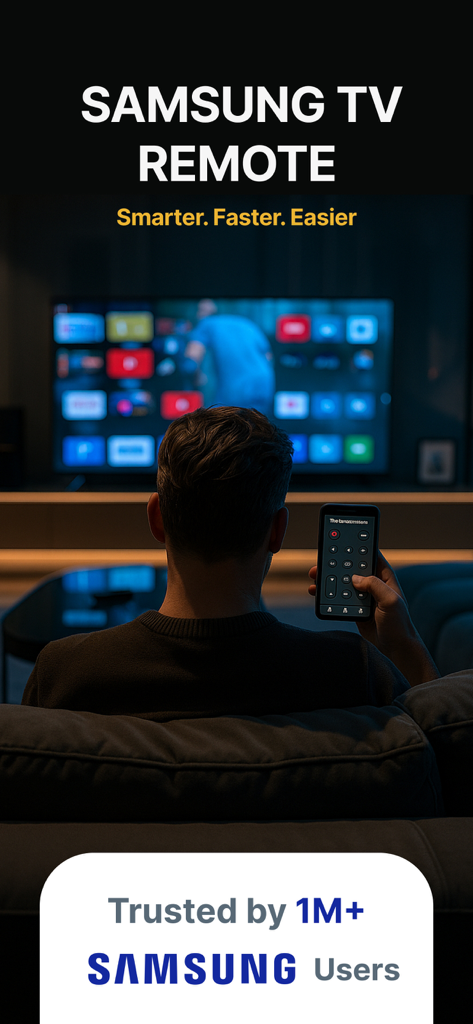
Una persona controlando una Samsung Smart TV con una aplicación de control remoto en su smartphone

Una persona controlando una Samsung Smart TV con una aplicación de control remoto en su smartphone

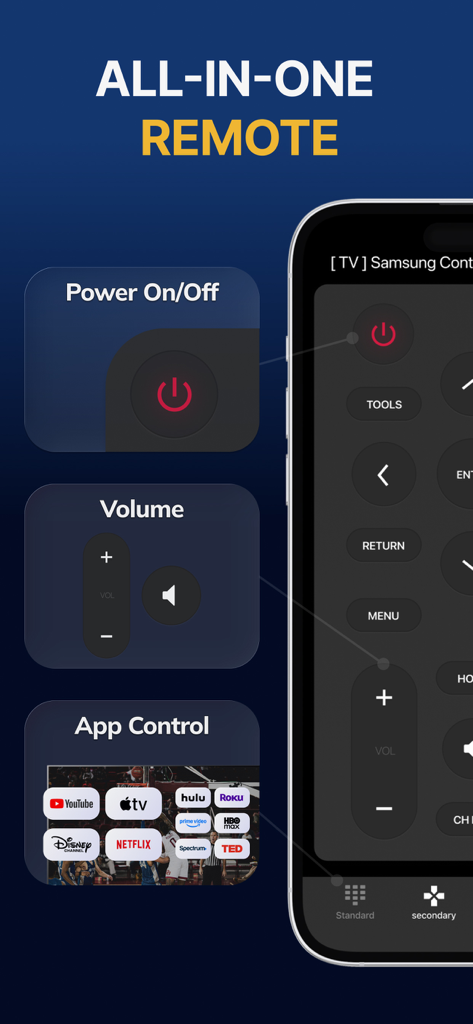
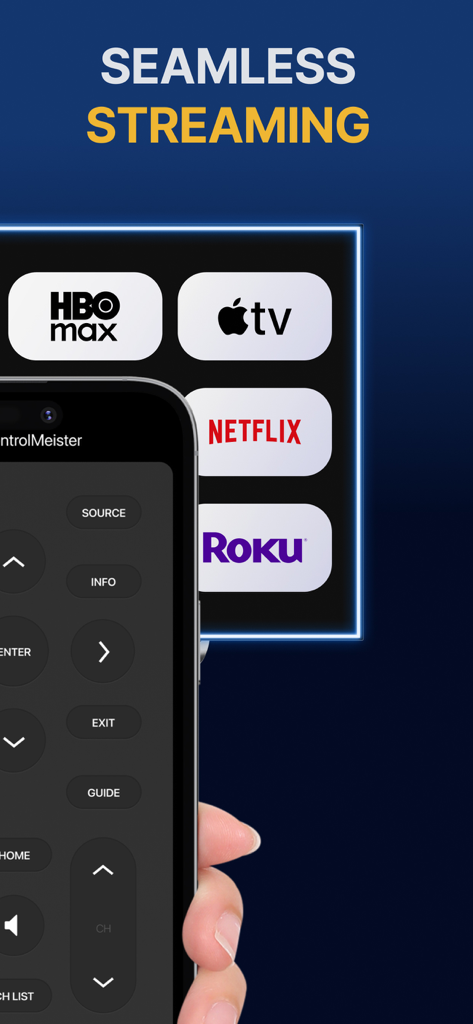
Interfaz de la aplicación Samsung Smart TV Remote Plus mostrando accesos directos a encendido, volumen y aplicaciones de streaming

Interfaz de la aplicación Samsung Smart TV Remote Plus mostrando accesos directos a encendido, volumen y aplicaciones de streaming

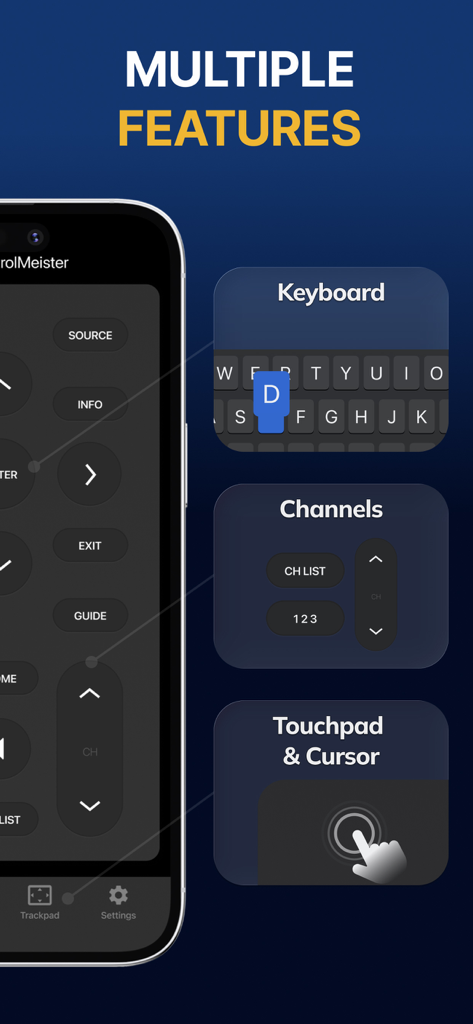
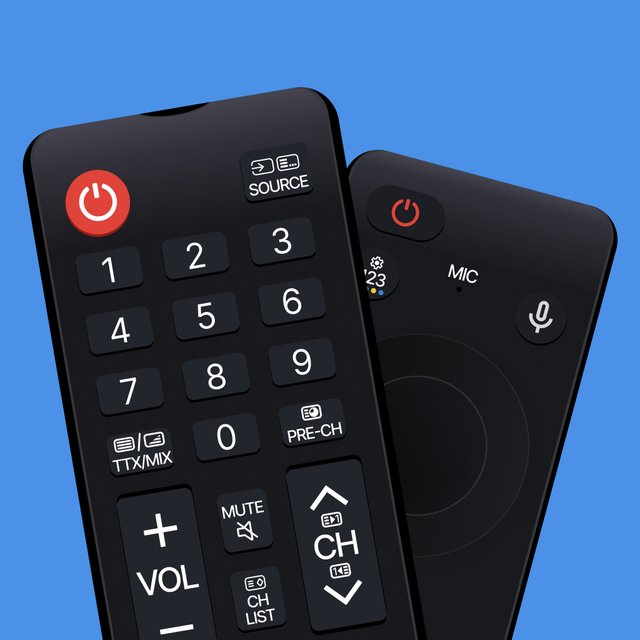
Interfaz de la aplicación Samsung Smart TV Remote Plus mostrando teclado, control de canales y funciones de touchpad

Interfaz de la aplicación Samsung Smart TV Remote Plus mostrando teclado, control de canales y funciones de touchpad

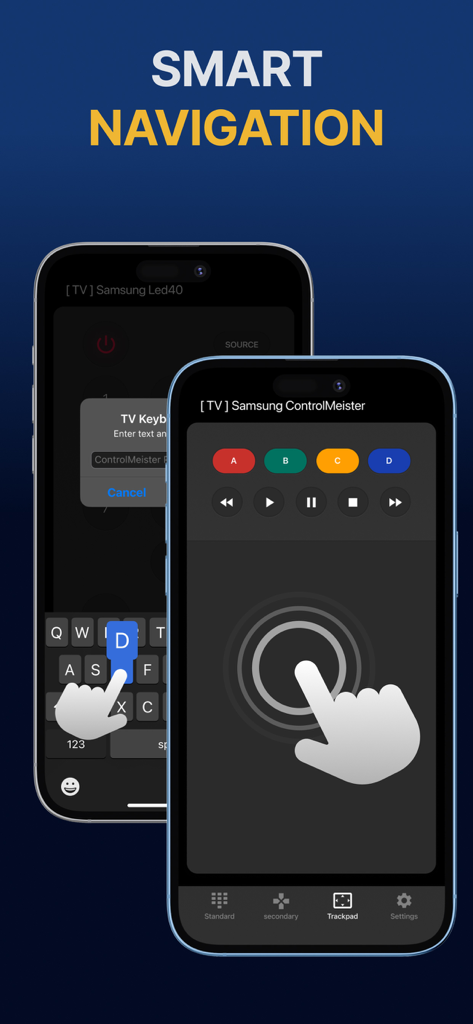
Pantalla de iPhone mostrando la aplicación de control remoto Samsung Smart TV con touchpad y teclado para navegación inteligente

Pantalla de iPhone mostrando la aplicación de control remoto Samsung Smart TV con touchpad y teclado para navegación inteligente

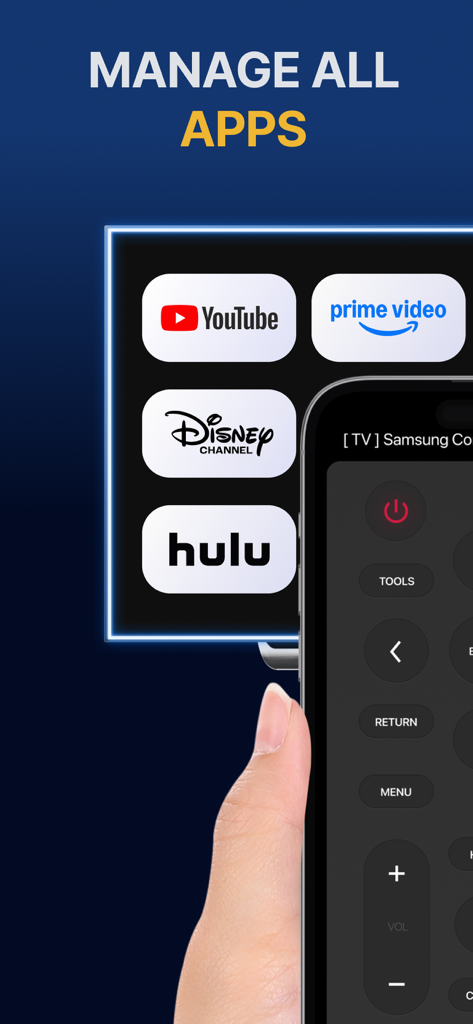
Pantalla de iPhone mostrando una interfaz de control remoto para gestionar aplicaciones de streaming como YouTube y Hulu en una TV Samsung.

Pantalla de iPhone mostrando una interfaz de control remoto para gestionar aplicaciones de streaming como YouTube y Hulu en una TV Samsung.

iPhone mostrando la interfaz de la aplicación Samsung Smart TV Remote Plus con botones e iconos de servicios de streaming

iPhone mostrando la interfaz de la aplicación Samsung Smart TV Remote Plus con botones e iconos de servicios de streaming

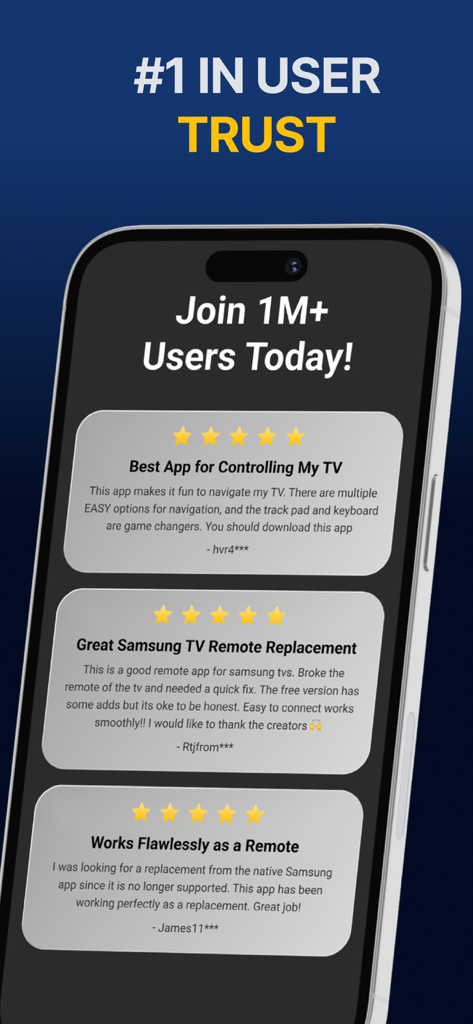
Una muestra de reseñas positivas de usuarios de cinco estrellas para la aplicación Samsung Smart TV Remote Plus.

Una muestra de reseñas positivas de usuarios de cinco estrellas para la aplicación Samsung Smart TV Remote Plus.

Domina tu TV con Precisión Total

Las herramientas que hacen destacar esta app, elegida por 440K+ usuarios.

⌨️

Escritura Ultrarrápida

Pon fin a la frustración de buscar letras en tu pantalla. Usa el teclado de tu iPhone para introducir títulos de películas, URLs y contraseñas en segundos.

👆

Touchpad de Precisión

Navega por los menús y el navegador web con gestos de deslizamiento fluidos. Controla el cursor de tu TV con la misma velocidad y precisión que un ratón.

📱

El Control Remoto que Nunca se Pierde

Deja de buscar debajo de los cojines del sofá. Como tu teléfono siempre está a tu lado, tu control remoto está exactamente donde lo necesitas, cuando lo necesitas.

Amada por usuarios en todo el mundo

Con la confianza de 440K+ personas que aman esta app.

"

"Buscar programas en Netflix y Prime era una tarea ardua con el control remoto estándar. Poder usar el teclado de mi iPhone para escribir títulos ha cambiado por completo la forma en que uso mi TV. Es rápido, sensible y, sinceramente, mucho más intuitivo que el control remoto que venía en la caja."

Sarah Jenkins
"

"Con dos niños en casa, nuestro control remoto físico siempre desaparece. Tener esta aplicación en mi iPhone y iPad significa que nunca más busco entre los cojines del sofá. La configuración fue instantánea y el touchpad hace que navegar por la web en mi Samsung TV sea realmente usable."

David Miller

Sobre la app

Todo lo que necesitas saber sobre Samsung Smart TV Remote Plus.

Descripción

The #1 remote control for your Samsung Smart TV. Turn your iPhone or iPad into a remote. ControlMeister universal remote app for Samsung Smart TVs offers full remote functionality. Easily control your channels, volume, menus, apps and navigation. It even has an advanced keyboard and mouse pad. This allows you to operate your smart TV easier and faster. Enter a URL or password in record time. This app is so much better than your normal remote. ControlMeister is the best free iPhone/iPad remote control unit for Samsung TV to browse thru your favorite apps. Save time and enter text easily on web browser or other apps. Access to movies, music and games will become so much simpler and easier! Functionalities: ■ Control your Samsung Smart TV with gestures from your iPhone and iPad. ControlMeister supports the latest Samsung Smart TVs. ■ Easily use apps on your Samsung Smart TV with the keyboard of this app. This also works in the ‘search’ option. Great if you want to visit websites on your television. Great when using apps like FB, Twitter, Vimeo, WhatsApp, Telegram, Amazon or Spotify. ■ Use the touchpad and keyboard to control the TV's web browser, apps and menu settings. No more fiddling with tiny keys using the factory remote control. ■ Control the cursor with your finger with the touchpad. Control channels, volume, search & apps with the swipe of your finger. Advantages: ■ Easy browsing ■ Fast search ■ No more lost remotes ■ Save time ■ Best signal ■ Better for environment ■ Latest technology With ControlMeister you can easily use a keyboard on your Samsung Smart TV so you don’t have to scroll through letters. The keyboard automatically pops up when necessary, so you don’t need to think about this. You can stay focused on your TV shows, movies or news. Control the cursor on your Samsung TV with your finger with the touchpad. Use gestures on your iPhone or iPad to control the TV’s web browser. With swipe gestures you can. change the volume and channel while keeping your eyes on the TV screen! Requirements: * Samsung Smart TV (2012 or newer) * WiFi * iPhone or iPad Which TV-model year do I have? You can see that by looking at the middle letter in your model type (on the back of your Samsung TV). E = 2012 F = 2013 H = 2014 J = 2015 K = 2016 M = 2017 N = 2018 R = 2019 T = 2020 A = 2021 Q = QLED (also supported) Example: UE55_E_S8000 = 2012. UE78_H_U8500L = 2014. Disclaimer: - This universal remote control for Samsung TVs does not support the keyboard function for Netflix & YouTube. They disabled this. - ControlMeister can only offer app control for Samsung TVs from 2016, or newer. UNLIMITED ACCESS PRO SUBSCRIPTION You need a subscription for unlimited access to all features without advertising and interruptions. Payment will be charged to iTunes Account at confirmation of purchase. Subscription automatically renews unless auto-renew is turned off at least 24-hours before the end of the current period. The account will be charged for renewal within 24-hours before the end of the current period and identify the cost of the renewal. Subscriptions may be managed by the user and auto-renewal may be turned off by going to the user's Account Settings after purchase. Any unused portion of a free trial period, if offered, will be forfeited when the user purchases a subscription to that publication, where applicable. - Terms of use: https://www.controlmeister.com/terms-of-use/ - Privacy policy: https://www.controlmeister.com/privacy-policy/ If you have any questions, please discover the FAQs on our website. Or, send an e-mail to info@controlmeister.com

Última versión

1.5.5

Tamaño

80.3 MB

Fecha de lanzamiento

22 sept 2019

¿Listo para Mejorar tu Experiencia con la TV Samsung?

Únete a más de 440.000 usuarios y convierte tu iPhone en el teclado y touchpad definitivo. Dile adiós para siempre a los controles perdidos y a la escritura lenta.

Descargar en App Store