Sony TV Screen Mirroring Cast

Sony TV Screen Mirroring Cast

Descargar en App StoreDescargar en Google Play
Spark by MWM logo
Logo de Sony TV Screen Mirroring Cast

Sony TV Screen Mirroring Cast: Duplica tu iPhone o iPad a la Pantalla Grande al Instante

Di adiós a los cables desordenados y al hardware costoso. Transmite de forma inalámbrica tus fotos, videos y contenido web favoritos desde tu dispositivo iOS a cualquier Smart TV Sony en solo unos pocos toques.

Editor

AirBeamTV BV

Categoría

Photo & Video

Descargas

479K+

Valoración

3.8/5

Total valoraciones

6K+

Idiomas

17

Experimenta la Pantalla Grande

Descubre la interfaz utilizada por 479K+ usuarios.
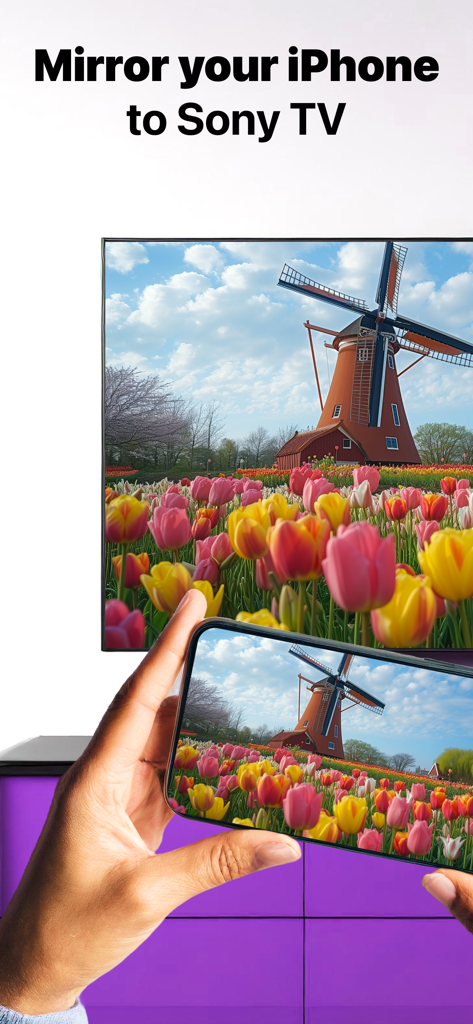
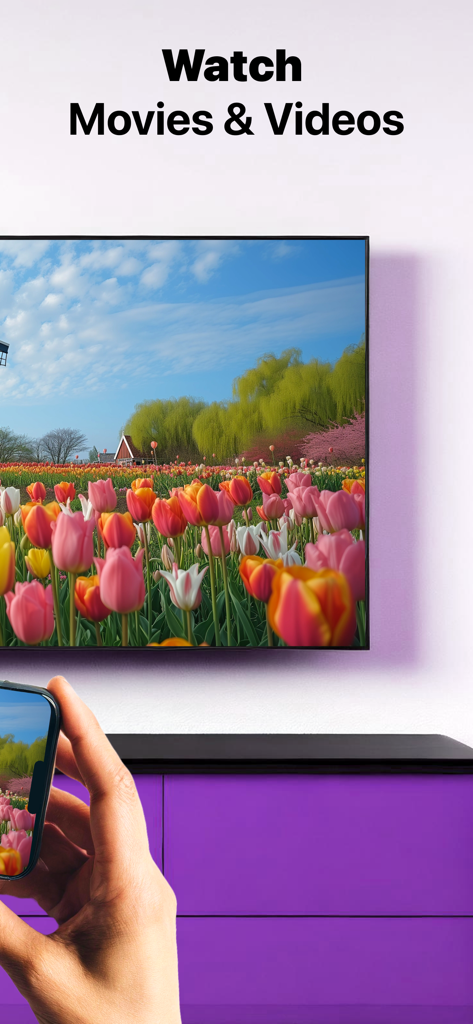
Una pantalla de iPhone duplicando una foto de un molino de viento y tulipanes coloridos en un Smart TV Sony

Una pantalla de iPhone duplicando una foto de un molino de viento y tulipanes coloridos en un Smart TV Sony

Una persona usando un iPhone para duplicar de forma inalámbrica un video de un campo de tulipanes en un Smart TV Sony.

Una persona usando un iPhone para duplicar de forma inalámbrica un video de un campo de tulipanes en un Smart TV Sony.

Una persona viendo un TV Sony con texto que indica que la aplicación funciona con todos los TV Sony

Una persona viendo un TV Sony con texto que indica que la aplicación funciona con todos los TV Sony

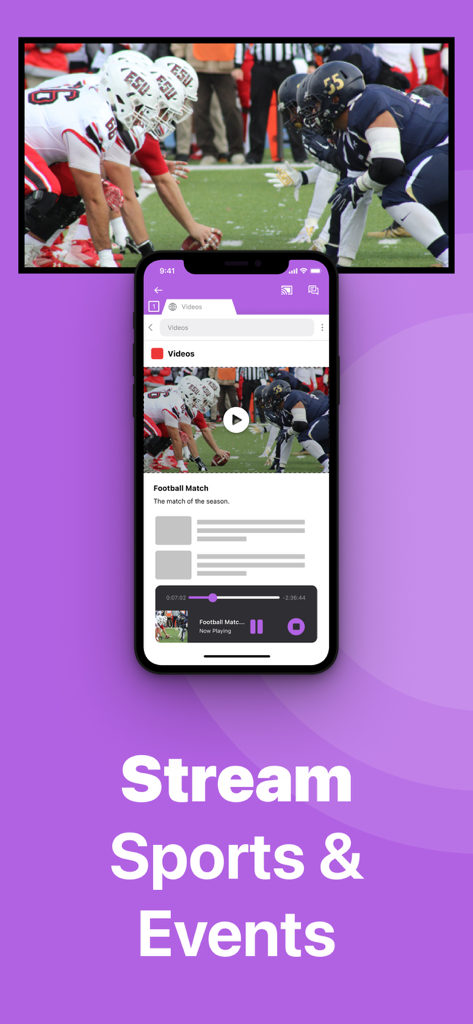
Un iPhone duplicando un partido de fútbol americano en vivo en una pantalla grande de TV Sony

Un iPhone duplicando un partido de fútbol americano en vivo en una pantalla grande de TV Sony

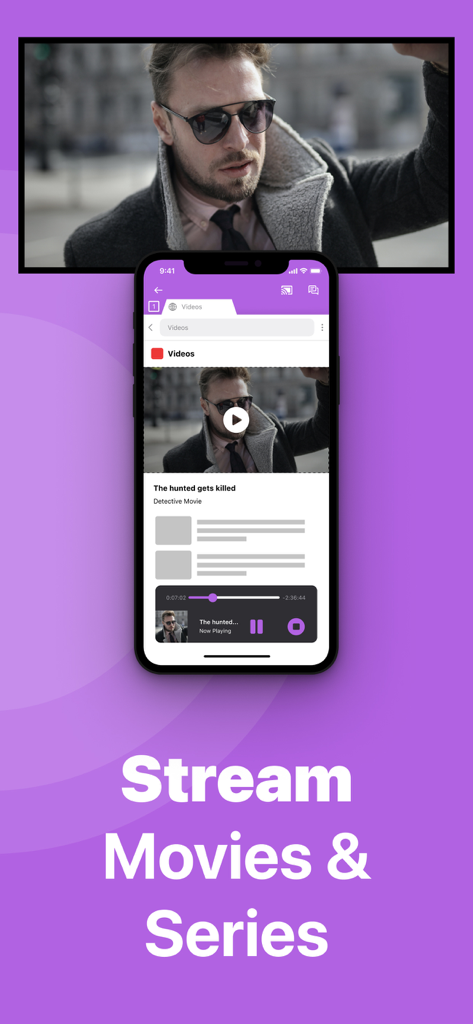
Pantalla de iPhone duplicando una película en un TV Sony con texto Transmite Películas y Series

Pantalla de iPhone duplicando una película en un TV Sony con texto Transmite Películas y Series

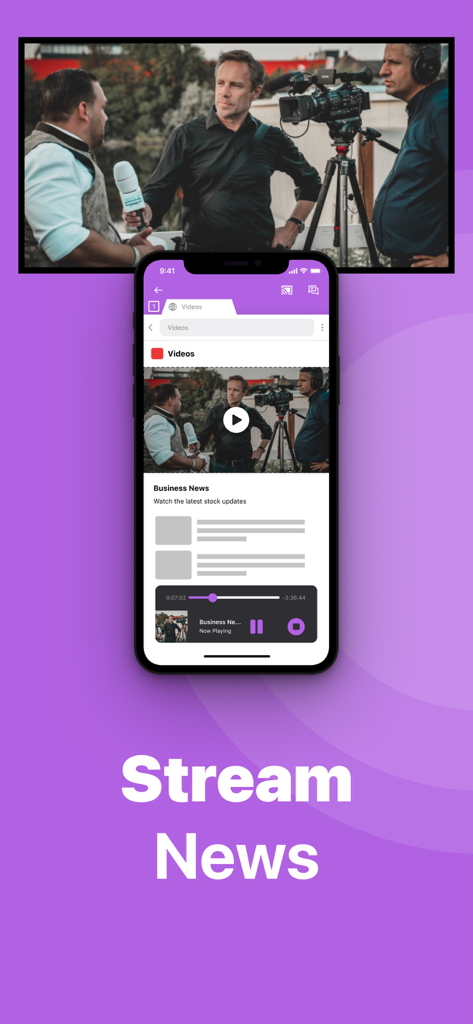
Un iPhone duplicando un video de noticias de negocios en una pantalla grande de Smart TV Sony de forma inalámbrica.

Un iPhone duplicando un video de noticias de negocios en una pantalla grande de Smart TV Sony de forma inalámbrica.

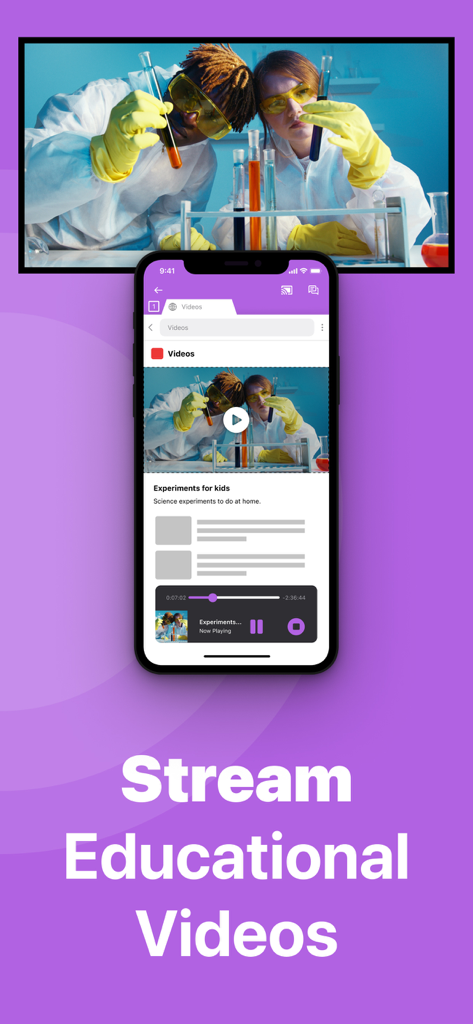
Un iPhone duplicando un video educativo de ciencia en una pantalla grande de Smart TV Sony.

Un iPhone duplicando un video educativo de ciencia en una pantalla grande de Smart TV Sony.

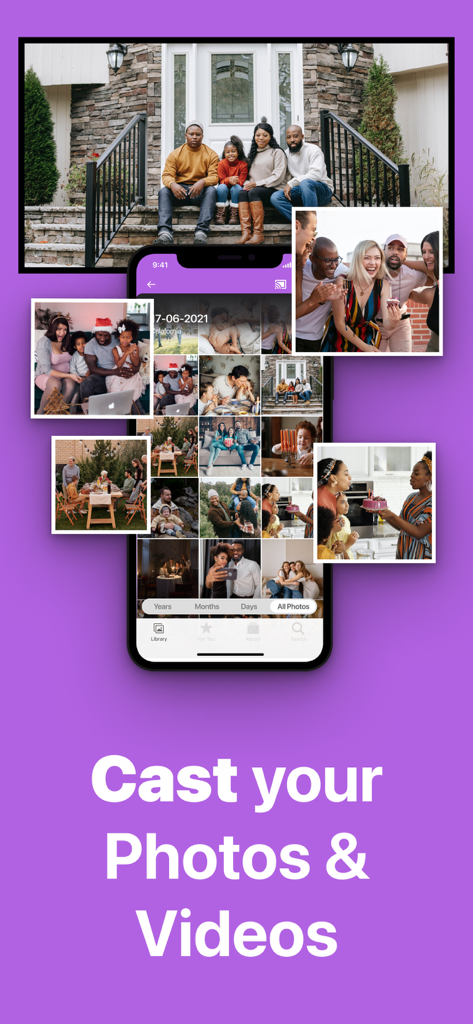
Pantalla de iPhone duplicando fotos y videos familiares en un TV Sony de forma inalámbrica

Pantalla de iPhone duplicando fotos y videos familiares en un TV Sony de forma inalámbrica

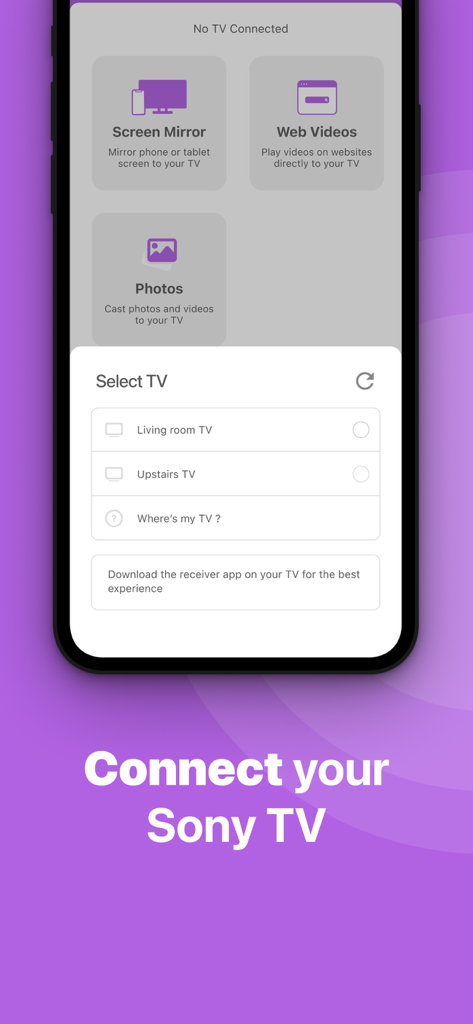
Interfaz de smartphone de la aplicación Sony TV Screen Mirroring que muestra una lista de televisores inteligentes disponibles para conectar.

Interfaz de smartphone de la aplicación Sony TV Screen Mirroring que muestra una lista de televisores inteligentes disponibles para conectar.

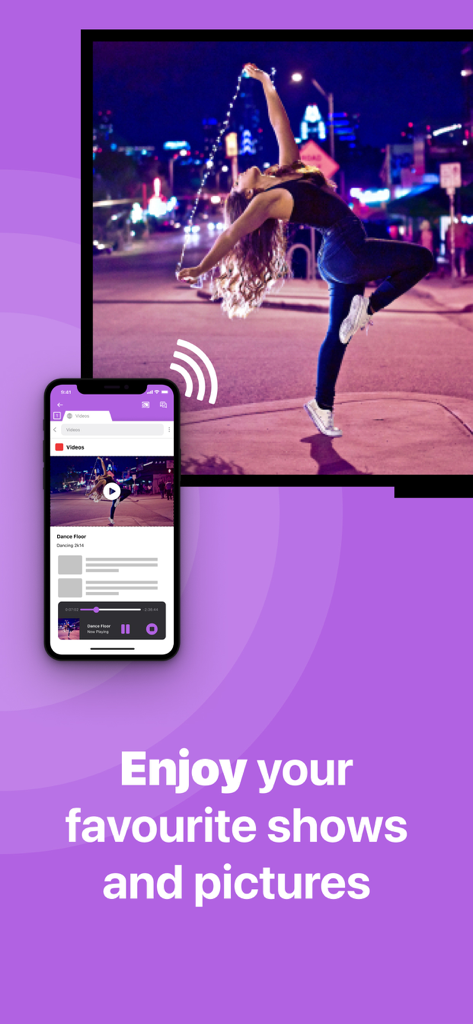
Un smartphone transmitiendo de forma inalámbrica un video de baile a una pantalla de televisión grande usando la aplicación Sony TV Screen Mirroring

Un smartphone transmitiendo de forma inalámbrica un video de baile a una pantalla de televisión grande usando la aplicación Sony TV Screen Mirroring

Todo lo que Necesitas para una Conexión Perfecta

Las herramientas que hacen destacar esta app, elegida por 479K+ usuarios.

🔌

Libertad 100% Inalámbrica

Deshazte de los costosos adaptadores y los enredos de cables HDMI. Duplica la pantalla de tu iPhone o iPad al instante utilizando solo tu red Wi-Fi doméstica existente.

🎬

Transmite Cualquier Video Web

Disfruta de noticias en vivo, deportes de nicho y videos basados en la web en la pantalla grande, incluso si no tienen una aplicación nativa en tu TV Sony.

🖼️

Comparte Recuerdos Familiares

Convierte tu TV Sony en un marco digital gigante. Reúne a todos para revivir fotos de vacaciones y videos caseros en alta resolución.

Amada por usuarios en todo el mundo

Con la confianza de 479K+ personas que aman esta app.

"

"Como padre que captura constantemente los partidos de fútbol y las obras escolares de mis hijos, esta aplicación ha sido una salvación. Tenemos un Sony Bravia de 2017 que no es compatible con AirPlay, y no quería comprar más hardware. Esta aplicación me permite mostrarle a toda la familia nuestros últimos videos en la pantalla grande en segundos. ¡Es mucho mejor que pasar mi teléfono por la sala!"

David Miller
"

"Me encanta lo fácil que fue hacer que esto funcionara. Uso mi iPad para rutinas de ejercicio y clases de cocina en línea, pero la pantalla es demasiado pequeña para un entrenamiento. Esta aplicación me permite duplicar todo a mi TV Sony de forma inalámbrica sin adaptadores HDMI complicados. Es la solución perfecta y rentable para cualquiera que quiera tender el puente entre iOS y Sony."

Sarah Jenkins

Sobre la app

Todo lo que necesitas saber sobre Sony TV Screen Mirroring Cast.

Descripción

Enjoy anything on the big screen without any hassle. Just wirelessly connect your phone or tablet to your Sony TV. Finally, you can get rid of those annoying and unsafe cables. You don't need expensive hardware either. In less than 5 minutes you can make your life easier and more comfortable. Get this app and screen mirror, cast or stream anything to your TV from your iOS device. This works on any Sony Smart TV from the 2012 models onward. In using the app, there will be a couple of seconds of latency (usually between 1 and 3). So this mirroring is not suitable for gaming. Enjoy series, movies, sport, live streams, breaking news or web videos. In big size of course! How the app works: 1. Make sure that your iPhone or iPad is connected to the same local network as your Sony TV. Don't use multiple VLANs, a VPN or subnets. 2. Launch the Mirror for Sony TV app. It will start looking for your Sony TV(s) on your local network. When a TV is found, please select it. When you use this app for the first time, depending on your model Sony TV, the TV might ask you to "allow" the connection. In that case, take your TV Remote Control and press OK to allow the connection from your TV to your iPhone or iPad. 3. Turn on notifications for this app. We will not spam you, but we will use this to let you know if your TV is working correctly or not. So please, please allow it, otherwise when things don't work as they should, you are left in the dark. 4. Click on Start Mirroring to start mirroring on the TV that is currently selected. After that, you can just go to any other app on your iPhone or iPad and the mirroring just continues to run. 5. To stop mirroring, there are two options. (1) click on the red top bar that you will see on your iPhone or iPad. (2) Go to the Mirror for Sony TV app and click on Stop Mirroring. Limitations and known issues: DRM Some apps block Screen Mirroring. This means that application developers can choose themselves if they want to block Screen Mirroring. For instance, Netflix, Disney and AppleTV+ have decided to block this. There is a simple test that you can do to see if the app that you want to mirror has blocked Screen Mirroring: Open that particular app and slide up Control Center on your iPhone/iPad. Then, click on Screen Recording and start recording the screen to your Camera Roll. Watch the app that you want to mirror and at some point stop the screen recording. Then go to your Photos app and watch the video that was recorded. If the recorded video shows the app you want to mirror, it works fine. If the video is empty, then the app you want to mirror does not allow Screen Mirroring. You can purchase the Mirror for Sony TV Pro Version through an in app purchase. The Pro Version has the following features: 1. Adds audio to the screen mirroring 2. Provides for free lifetime updates of the app 3. Gives the option to choose higher screen resolutions. * Payment will be charged to iTunes Account at confirmation of purchase. * Subscription automatically renews unless auto-renew is turned off at least 24-hours before the end of the current period. * Account will be charged for renewal within 24-hours prior to the end of the current period, and identify the cost of the renewal. * Subscriptions may be managed by the user and auto-renewal may be turned off by going to the user’s Account Settings after purchase. * Any unused portion of a free trial period, if offered, will be forfeited when the user purchases a subscription to that publication, where applicable. Feel free to check: Our Terms of Use: http://bit.ly/ABTV-TOU21 Our Privacy Policy: https://www.airbeam.tv/privacy-policy/ Support: If you have questions or would like to provide feedback, please send us an e-mail or chat with us on our Facebook page. When you like the app, please don't forget to give it a positive rating! Thanks in advance from the AirBeamTV development team! Please give us feedback by mailing to support@airbeam.tv

Última versión

5.1.9

Tamaño

157.0 MB

Fecha de lanzamiento

3 nov 2017

Experimenta tu iPhone en tu TV Sony — No se requieren cables

Únete a más de 479.000 usuarios que disfrutan de la duplicación inalámbrica sin esfuerzo. Descarga ahora y mejora tu cine en casa en menos de 5 minutos.

Descargar en App StoreDescargar en Google Play