Rekono OnePass

Rekono OnePass

Télécharger sur App Store
Spark by MWM logo
Logo de Rekono OnePass

Rekono OnePass : Votre Hub d'Identité Numérique Sécurisé Tout-en-Un

Découvrez une sécurité sans friction avec une authentification push ultra-rapide, des paiements 3-D Secure fluides et la signature de documents professionnels, le tout protégé par votre biométrie.

Éditeur

Rekono d.o.o.

Catégorie

Utilities

Téléchargements

40K+

Note

4.8/5

Nombre d'avis

5K+

Langues

1

La Sécurité en un Coup d'Œil

Découvrez l'interface utilisée par 40K+ utilisateurs.
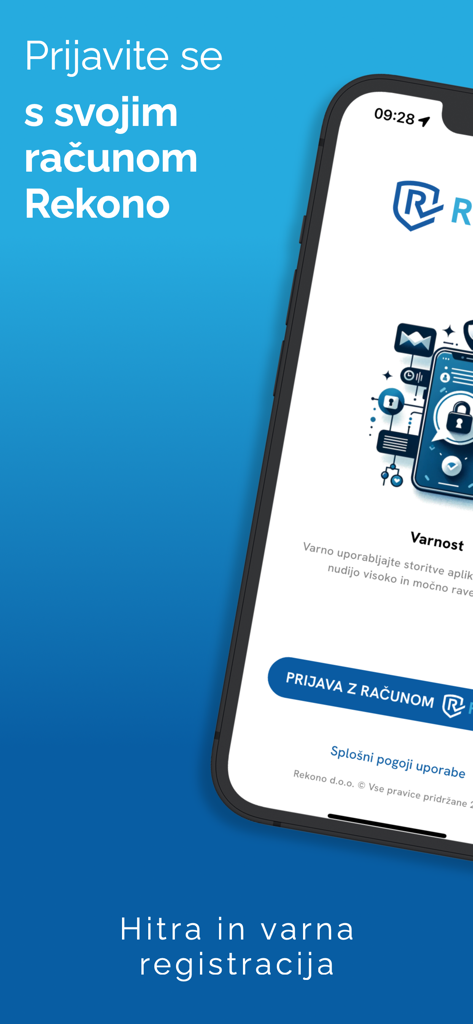
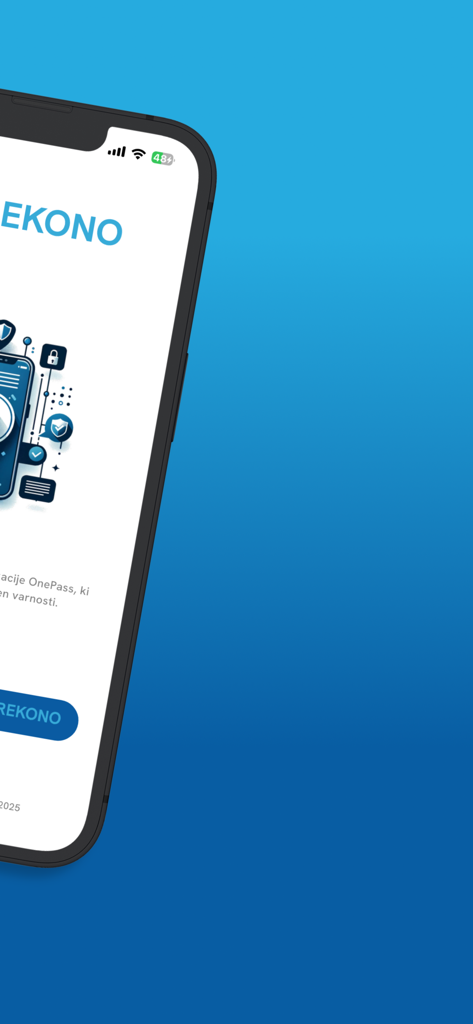
Écran de connexion de l'application mobile Rekono OnePass pour une identité numérique et une authentification sécurisées

Écran de connexion de l'application mobile Rekono OnePass pour une identité numérique et une authentification sécurisées

Écran de smartphone affichant l'interface d'accueil de l'application de sécurité Rekono OnePass

Écran de smartphone affichant l'interface d'accueil de l'application de sécurité Rekono OnePass

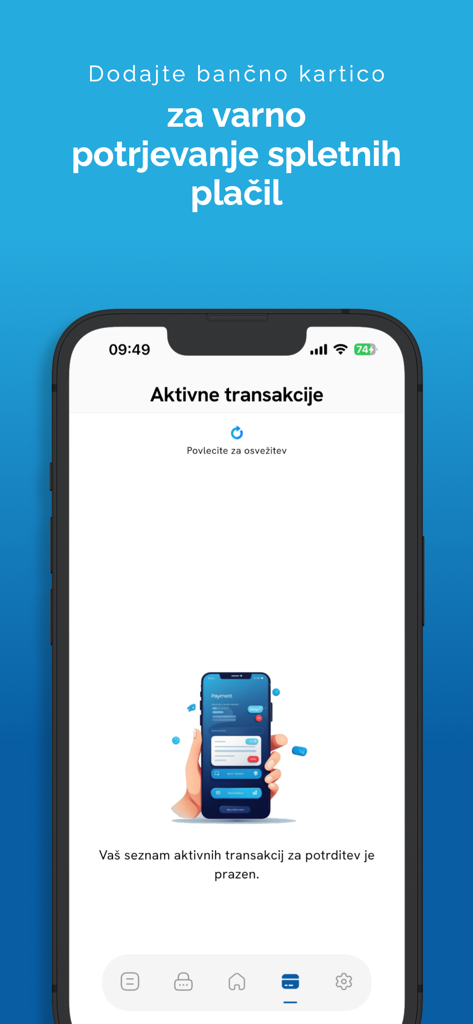
Smartphone affichant l'écran des transactions actives de l'application Rekono OnePass pour des paiements en ligne sécurisés

Smartphone affichant l'écran des transactions actives de l'application Rekono OnePass pour des paiements en ligne sécurisés

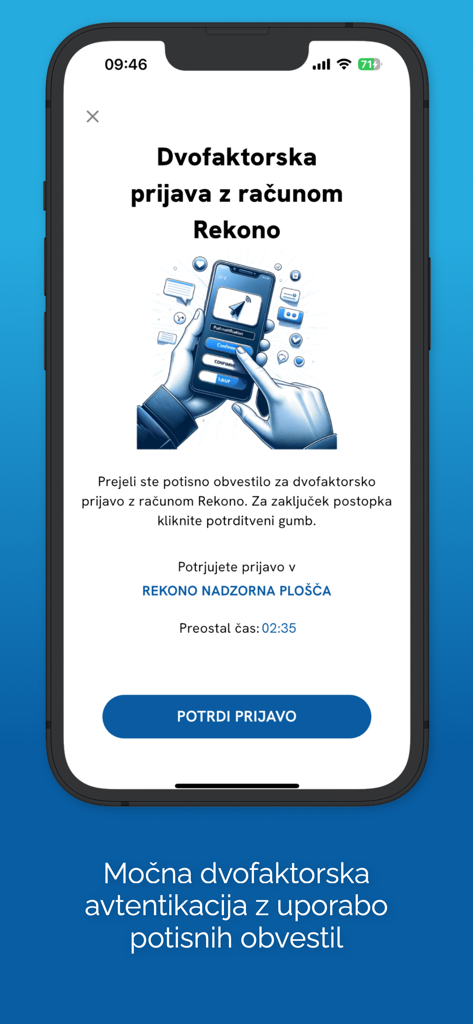
Écran de l'application Rekono OnePass affichant une demande d'authentification à deux facteurs avec un bouton de confirmation sur un iPhone.

Écran de l'application Rekono OnePass affichant une demande d'authentification à deux facteurs avec un bouton de confirmation sur un iPhone.

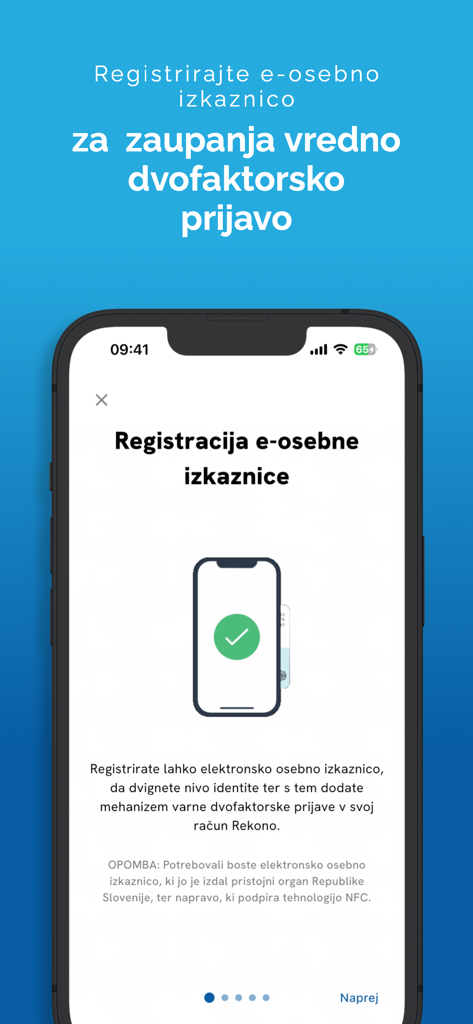
Écran de l'application Rekono OnePass pour enregistrer une carte d'identité électronique pour une authentification sécurisée

Écran de l'application Rekono OnePass pour enregistrer une carte d'identité électronique pour une authentification sécurisée

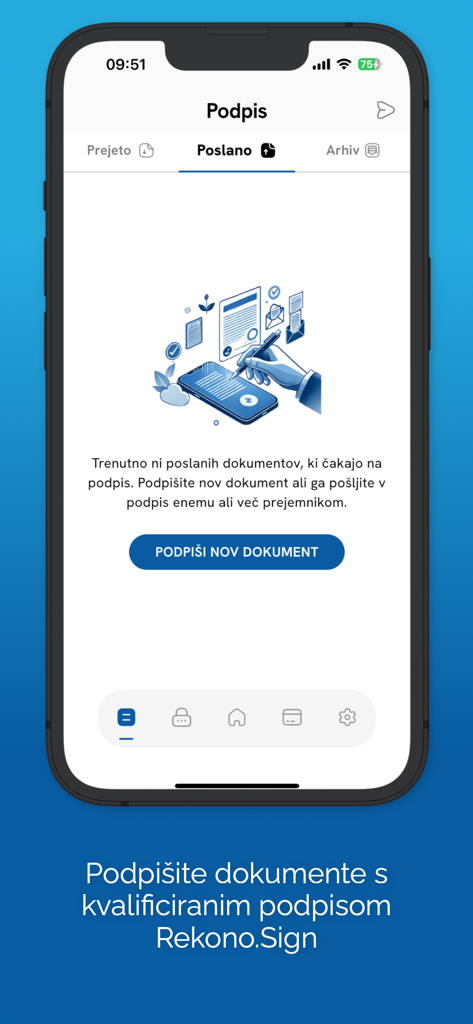
Écran de l'application mobile Rekono OnePass montrant la section de signature de documents numériques avec une option pour signer de nouveaux documents en utilisant Rekono Sign.

Écran de l'application mobile Rekono OnePass montrant la section de signature de documents numériques avec une option pour signer de nouveaux documents en utilisant Rekono Sign.

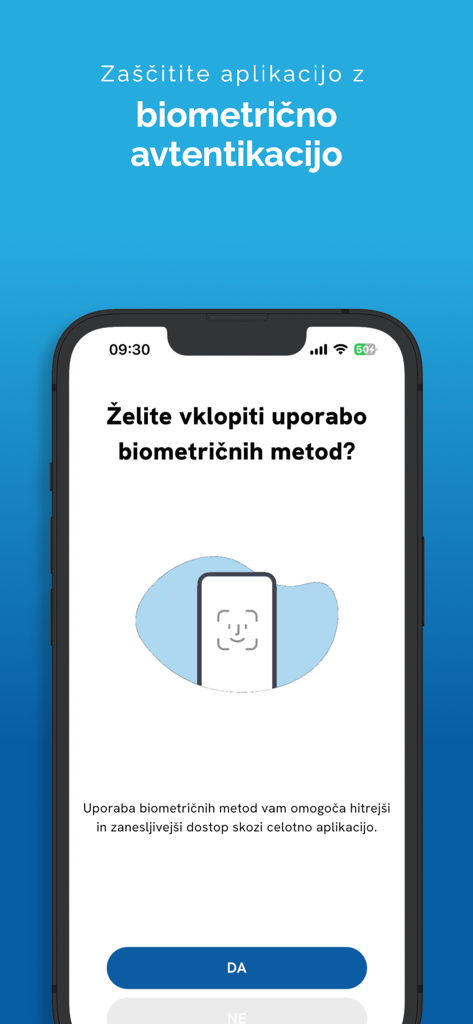
Écran de configuration de l'authentification biométrique sur l'application mobile Rekono OnePass

Écran de configuration de l'authentification biométrique sur l'application mobile Rekono OnePass

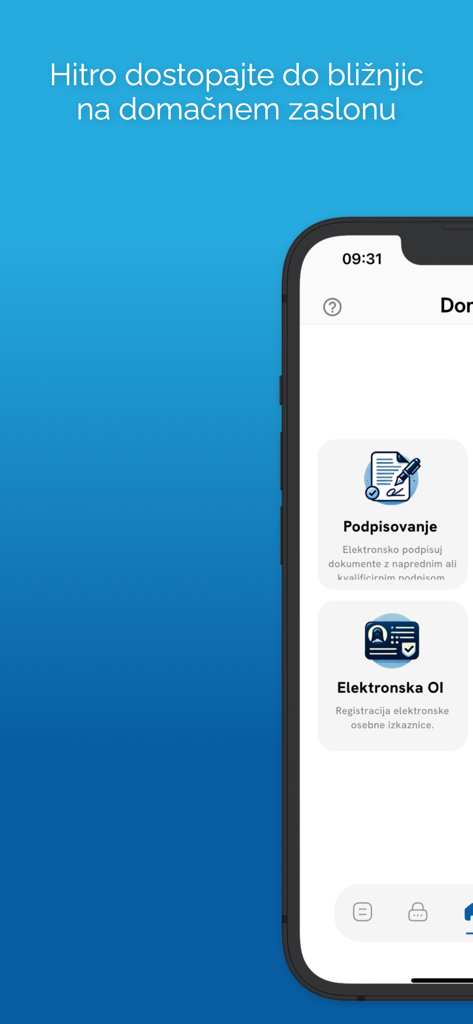
Interface mobile de Rekono OnePass présentant les fonctionnalités de signature numérique et de carte d'identité électronique

Interface mobile de Rekono OnePass présentant les fonctionnalités de signature numérique et de carte d'identité électronique

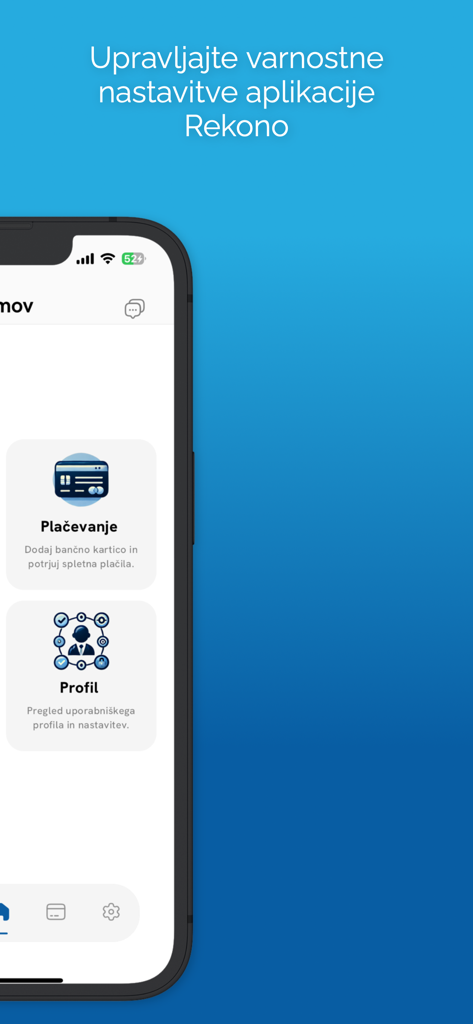
Interface de l'application mobile Rekono OnePass affichant les options du menu pour les paramètres de sécurité des paiements et du profil

Interface de l'application mobile Rekono OnePass affichant les options du menu pour les paramètres de sécurité des paiements et du profil

Maîtrisez Votre Identité Numérique

Les outils qui font la différence, choisis par 40K+ utilisateurs.

Authentification en un clic

Oubliez les codes OTP manuels. Approuvez instantanément les connexions via des notifications push sécurisées et FaceID ou TouchID biométrique.

✍️

Signatures Juridiquement Contraignantes

Signez des contrats et des documents directement depuis le stockage de votre appareil. Une solution de signature de qualité professionnelle dans la paume de votre main.

🛡️

Protégez Vos Paiements

Prenez le contrôle de vos transactions en ligne avec les alertes push 3-D Secure. Examinez et autorisez les paiements bancaires en toute confiance.

Plébiscitée par les utilisateurs du monde entier

Approuvée par 40K+ personnes qui adorent cette app.

"

"En tant que consultante indépendante constamment en déplacement, Rekono OnePass a été une véritable bouée de sauvetage. Pouvoir signer numériquement des contrats et des accords de non-divulgation directement depuis mon iPhone sans avoir à ouvrir mon ordinateur portable ou à trouver une imprimante a énormément rationalisé mon flux de travail. L'intégration biométrique rend tout incroyablement sécurisé et pourtant d'une rapidité déconcertante."

Sarah Jenkins
"

"J'ai essayé toutes les applications 2FA disponibles, mais Rekono OnePass est de loin la plus intuitive. Le système de notification push pour confirmer les paiements en ligne et les connexions est tellement mieux que de taper des codes manuels. Cela me donne la tranquillité d'esprit de savoir que mes transactions financières sont protégées par le 3-D Secure, sans la friction habituelle des applications bancaires."

Michael Rivera

À propos de l'app

Tout ce que vous devez savoir sur Rekono OnePass.

Description

Rekono OnePass application provides easier and faster access to your Rekono account, it’s management, features and usability. It is implemented to support the latest development standards, so it includes and utilizes all of the device’s functionalities and sensors (biometric authentication, QR code scanning using device’s camera, push notifications and other security features). Two-factor PUSH authentication You can now have much more control over your Rekono account as well as an improved and faster 2-factor authentication mechanism. With the implementation of push notifications, you can sign in to your Rekono accounts with your devices by simply clicking a button, which provides faster, if not even the fastest 2-factor authentication mechanism which is thoroughly secured by your device application’s PIN code or biometric authentication, if the device supports it. Rekono OnePass provides a simple and user-friendly design with a comfortable overview of your Rekono account information, OTP codes and settings, which you can freely adapt to your likes and needs. OTPs One-time passwords (OTPs) are now more clearly displayed on the main application screen when you log in to your Rekono account. By default, Rekono OTP code is automatically enrolled the moment you log in to the application and register your device, so OTP code cannot be deleted or erased. OTPs can now be added manually or automatically when scanning QR code with the QR code camera application scanner. This provides a simpler and faster way of adding OTP codes to the Rekono OnePass application. Manually adding OTPs is still supported in the application, when you must add OTP’s issuer shared secret and name with which OTP will be presented on the main screen. Due to various user’s likes and needs, you have the possibility to modify the application settings, themes, languages and security provisions to your own taste. Bank card enrollment using PIN/PAN You will now be able to enroll your bank provider for online transactions in the application by using your bank card credentials. The intuitive process of adding the bank is short and consists of simple understandable steps. 3-D Secure PUSH notifications With Rekono OnePass, you can now confirm online payments within the application, in quick and easy steps. To begin with, you make an online payment at a specific internet provider or merchant. After successfully executing the transaction, you then receive push notification to your device, which you click and navigate to the confirmation screen in the app. You then authenticate yourself with biometrics or a PIN code that you have set up in your application. A few moments later the transaction screen is displayed with all the information about the transaction. By confirming/rejecting the transaction, the 3-D Secure transaction process is completed. Local document signing and signing documents by using Push notifications One of the most prominent features in 2.0.0 release is the document signing. You can now digitally sign local documents right from the device's file system by simply selecting a file or a document from your device's storage and loading it in the app. With a click of a button the document will be securely signed by using Rekono Sign services on our secure servers. By means of PUSH notifications, you will be able to digitally sign documents on-the-fly when a service provider or a customer submits a document to the Rekono.Sign services. A few moments later you will receive a push notification informing you that there are documents waiting to be signed. After interacting with the notification, you will receive a detailed preview of the submitted documents, so you can decide to sign or reject the selected documents. After successful signing, the documents can be downloaded to your device or you can share them across other platforms or applications.

Dernière version

4.5.2

Taille

106.1 MB

Date de sortie

28 avr. 2020

Prêt à Rationaliser Votre Monde Sécurisé ?

Rejoignez des milliers de professionnels utilisant Rekono OnePass pour authentifier, signer des documents et autoriser des paiements d'un simple toucher. Sécurisez votre identité numérique dès aujourd'hui.

Télécharger sur App Store