Samsung Smart TV Remote Plus

Samsung Smart TV Remote Plus

Télécharger sur App Store
Spark by MWM logo
Logo de Samsung Smart TV Remote Plus
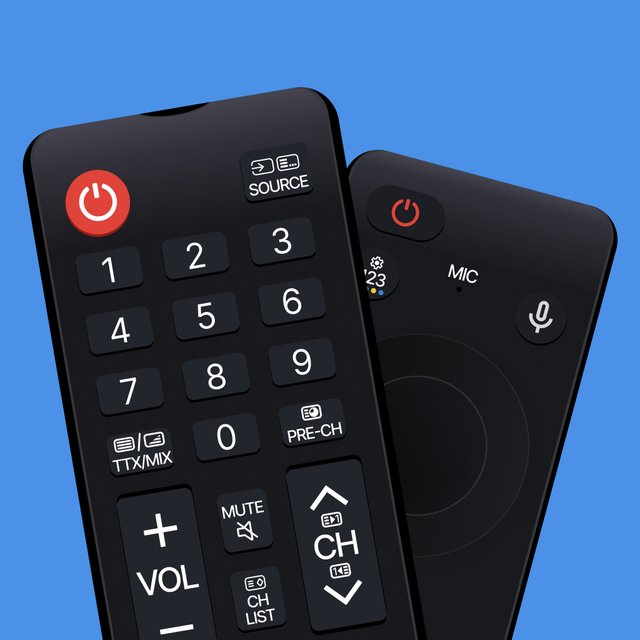
Samsung Smart TV Remote Plus : Le Clavier et Touchpad Ultime pour Votre iPhone

Arrêtez de vous battre avec des boutons peu pratiques. Recherchez, tapez et naviguez sur votre Samsung Smart TV sans effort grâce à un touchpad de précision et un clavier mobile complet, le tout depuis l'appareil que vous avez déjà en main.

Éditeur

MeisterApps BV

Catégorie

Utilities

Téléchargements

440K+

Note

4.5/5

Nombre d'avis

18K+

Langues

22

La Précision à Portée de Main

Découvrez l'interface utilisée par 440K+ utilisateurs.
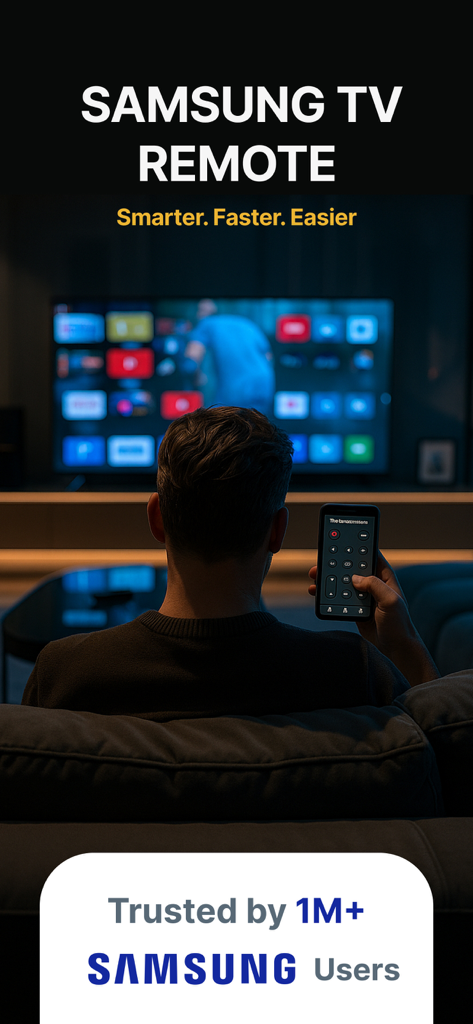
Une personne contrôlant une Samsung Smart TV avec une application de télécommande sur son smartphone

Une personne contrôlant une Samsung Smart TV avec une application de télécommande sur son smartphone

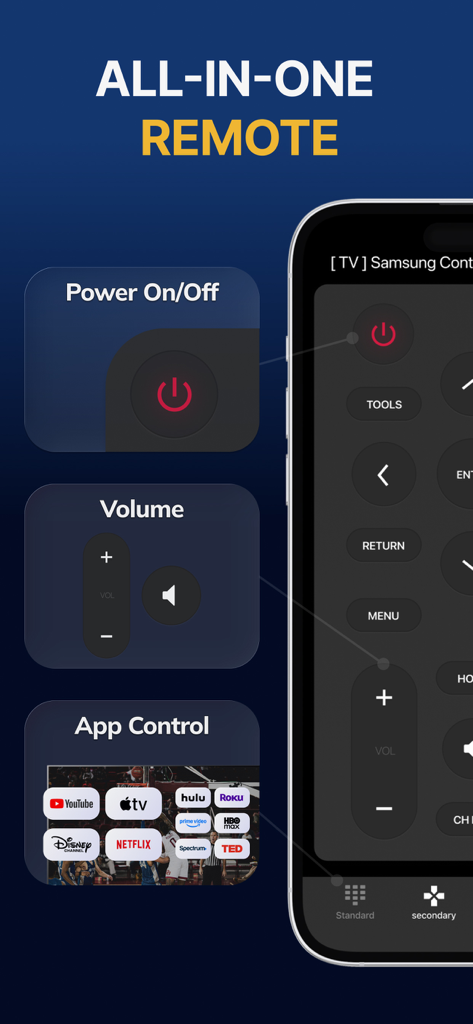
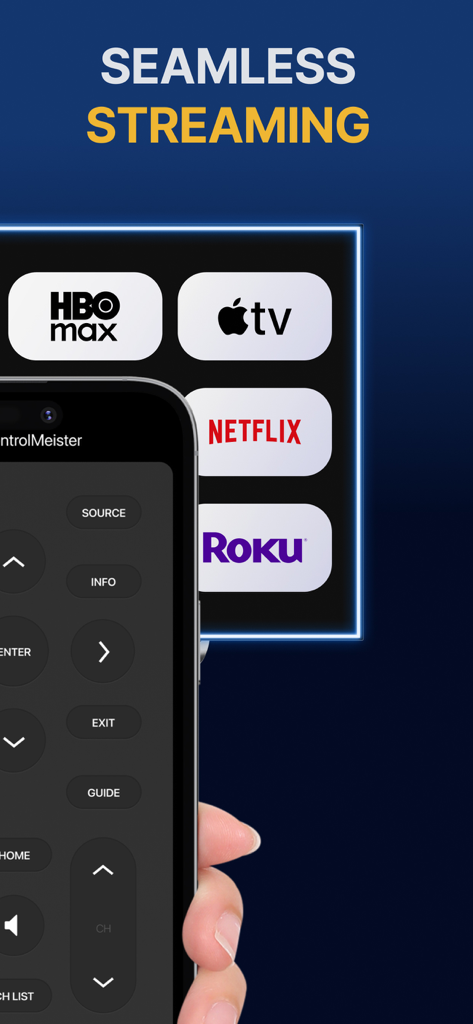
Interface de l'application Samsung Smart TV Remote Plus montrant les raccourcis pour le volume, l'alimentation et les applications de streaming

Interface de l'application Samsung Smart TV Remote Plus montrant les raccourcis pour le volume, l'alimentation et les applications de streaming

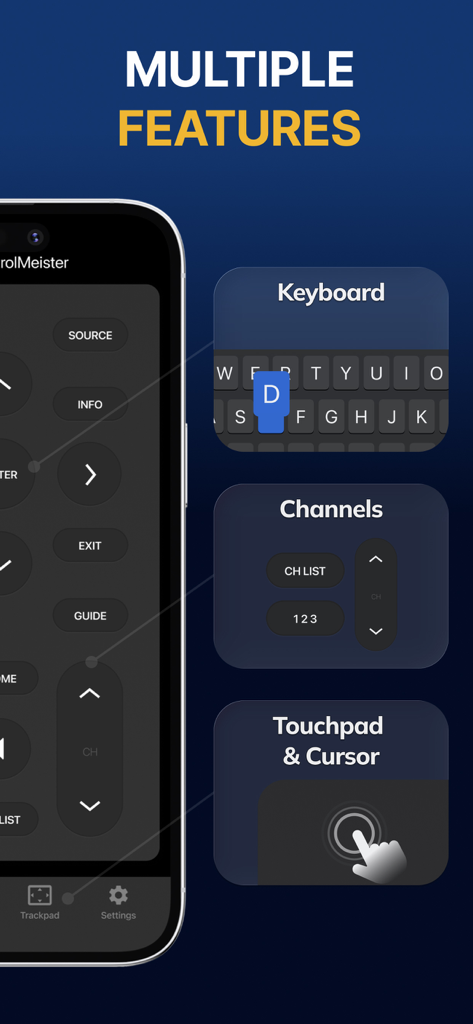
Interface de l'application Samsung Smart TV Remote Plus affichant le contrôle du clavier, des chaînes et les fonctionnalités du touchpad

Interface de l'application Samsung Smart TV Remote Plus affichant le contrôle du clavier, des chaînes et les fonctionnalités du touchpad

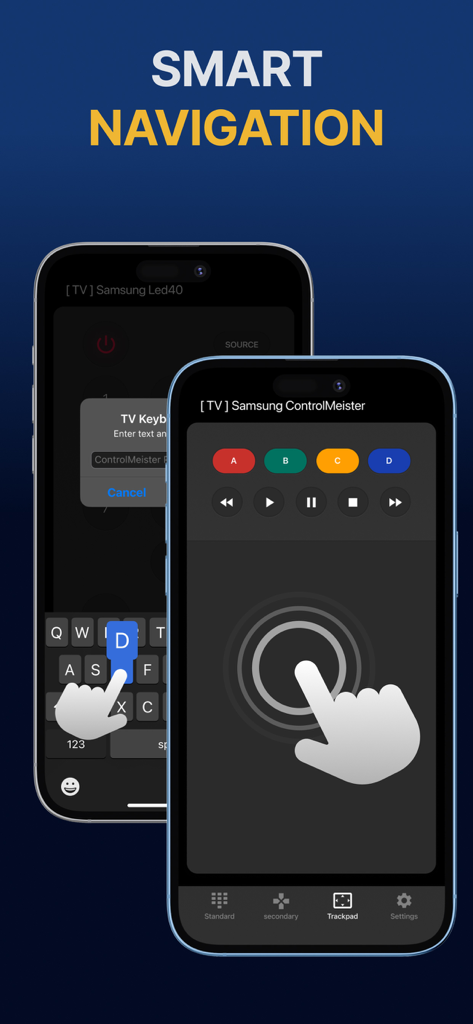
Affichage iPhone montrant l'application de télécommande Samsung Smart TV avec touchpad et clavier pour une navigation intelligente

Affichage iPhone montrant l'application de télécommande Samsung Smart TV avec touchpad et clavier pour une navigation intelligente

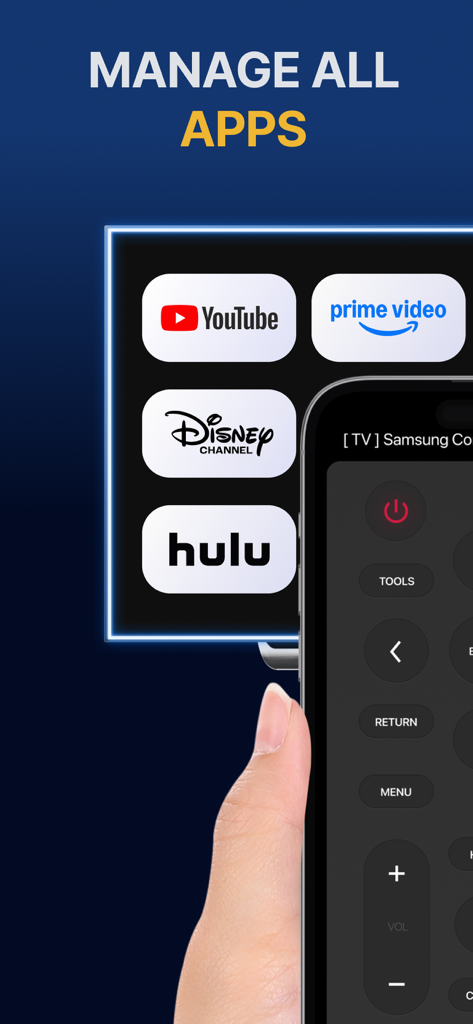
Écran d'iPhone montrant une interface de télécommande pour gérer les applications de streaming comme YouTube et Hulu sur une TV Samsung.

Écran d'iPhone montrant une interface de télécommande pour gérer les applications de streaming comme YouTube et Hulu sur une TV Samsung.

iPhone montrant l'interface de l'application Samsung Smart TV Remote Plus avec des boutons et des icônes de services de streaming

iPhone montrant l'interface de l'application Samsung Smart TV Remote Plus avec des boutons et des icônes de services de streaming

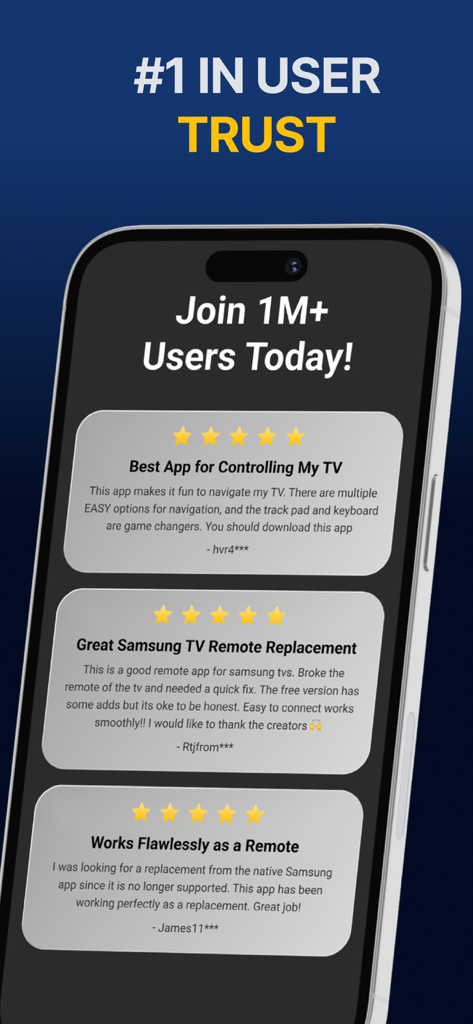
Un affichage d'avis d'utilisateurs positifs cinq étoiles pour l'application Samsung Smart TV Remote Plus.

Un affichage d'avis d'utilisateurs positifs cinq étoiles pour l'application Samsung Smart TV Remote Plus.

Maîtrisez Votre TV avec une Précision Totale

Les outils qui font la différence, choisis par 440K+ utilisateurs.

⌨️

Saisie Ultra-Rapide

Mettez fin à la frustration de chercher les lettres sur votre écran. Utilisez le clavier de votre iPhone pour saisir les titres de films, les URL et les mots de passe en quelques secondes.

👆

Touchpad de Précision

Naviguez dans les menus et le navigateur Web avec des gestes de balayage fluides. Contrôlez le curseur de votre TV avec la même vitesse et précision qu'une souris.

📱

La Télécommande Qui Ne Se Perd Jamais

Arrêtez de chercher sous les coussins du canapé. Puisque votre téléphone est toujours à vos côtés, votre télécommande est exactement là où vous en avez besoin, quand vous en avez besoin.

Plébiscitée par les utilisateurs du monde entier

Approuvée par 440K+ personnes qui adorent cette app.

"

"Rechercher des émissions sur Netflix et Prime était une corvée avec la télécommande standard. Pouvoir utiliser le clavier de mon iPhone pour taper les titres a complètement changé ma façon d'utiliser ma TV. C'est rapide, réactif et honnêtement beaucoup plus intuitif que la télécommande fournie dans la boîte."

Sarah Jenkins
"

"Avec deux enfants à la maison, notre télécommande physique disparaît toujours. Avoir cette application sur mon iPhone et mon iPad signifie que je ne cherche plus jamais dans les coussins du canapé. La configuration a été instantanée, et le touchpad rend la navigation sur le Web sur ma Samsung TV vraiment utilisable."

David Miller

À propos de l'app

Tout ce que vous devez savoir sur Samsung Smart TV Remote Plus.

Description

The #1 remote control for your Samsung Smart TV. Turn your iPhone or iPad into a remote. ControlMeister universal remote app for Samsung Smart TVs offers full remote functionality. Easily control your channels, volume, menus, apps and navigation. It even has an advanced keyboard and mouse pad. This allows you to operate your smart TV easier and faster. Enter a URL or password in record time. This app is so much better than your normal remote. ControlMeister is the best free iPhone/iPad remote control unit for Samsung TV to browse thru your favorite apps. Save time and enter text easily on web browser or other apps. Access to movies, music and games will become so much simpler and easier! Functionalities: ■ Control your Samsung Smart TV with gestures from your iPhone and iPad. ControlMeister supports the latest Samsung Smart TVs. ■ Easily use apps on your Samsung Smart TV with the keyboard of this app. This also works in the ‘search’ option. Great if you want to visit websites on your television. Great when using apps like FB, Twitter, Vimeo, WhatsApp, Telegram, Amazon or Spotify. ■ Use the touchpad and keyboard to control the TV's web browser, apps and menu settings. No more fiddling with tiny keys using the factory remote control. ■ Control the cursor with your finger with the touchpad. Control channels, volume, search & apps with the swipe of your finger. Advantages: ■ Easy browsing ■ Fast search ■ No more lost remotes ■ Save time ■ Best signal ■ Better for environment ■ Latest technology With ControlMeister you can easily use a keyboard on your Samsung Smart TV so you don’t have to scroll through letters. The keyboard automatically pops up when necessary, so you don’t need to think about this. You can stay focused on your TV shows, movies or news. Control the cursor on your Samsung TV with your finger with the touchpad. Use gestures on your iPhone or iPad to control the TV’s web browser. With swipe gestures you can. change the volume and channel while keeping your eyes on the TV screen! Requirements: * Samsung Smart TV (2012 or newer) * WiFi * iPhone or iPad Which TV-model year do I have? You can see that by looking at the middle letter in your model type (on the back of your Samsung TV). E = 2012 F = 2013 H = 2014 J = 2015 K = 2016 M = 2017 N = 2018 R = 2019 T = 2020 A = 2021 Q = QLED (also supported) Example: UE55_E_S8000 = 2012. UE78_H_U8500L = 2014. Disclaimer: - This universal remote control for Samsung TVs does not support the keyboard function for Netflix & YouTube. They disabled this. - ControlMeister can only offer app control for Samsung TVs from 2016, or newer. UNLIMITED ACCESS PRO SUBSCRIPTION You need a subscription for unlimited access to all features without advertising and interruptions. Payment will be charged to iTunes Account at confirmation of purchase. Subscription automatically renews unless auto-renew is turned off at least 24-hours before the end of the current period. The account will be charged for renewal within 24-hours before the end of the current period and identify the cost of the renewal. Subscriptions may be managed by the user and auto-renewal may be turned off by going to the user's Account Settings after purchase. Any unused portion of a free trial period, if offered, will be forfeited when the user purchases a subscription to that publication, where applicable. - Terms of use: https://www.controlmeister.com/terms-of-use/ - Privacy policy: https://www.controlmeister.com/privacy-policy/ If you have any questions, please discover the FAQs on our website. Or, send an e-mail to info@controlmeister.com

Dernière version

1.5.5

Taille

80.3 MB

Date de sortie

22 sept. 2019

Prêt à Améliorer Votre Expérience Samsung TV ?

Rejoignez plus de 440 000 utilisateurs et transformez votre iPhone en clavier et touchpad ultime. Dites adieu aux télécommandes perdues et à la saisie lente pour toujours.

Télécharger sur App Store