Arduino Manager

Arduino Manager

Scarica su App Store
Spark by MWM logo
Logo di Arduino Manager

Arduino Manager: Il Dashboard Professionale Definitivo per i Tuoi Progetti IoT

Dai vita alle tue invenzioni fai-da-te con visualizzazione dati in tempo reale, controlli widget personalizzati e un generatore di codice intelligente. Comanda senza problemi Arduino, ESP32 e Raspberry Pi Pico dai tuoi dispositivi iOS preferiti.

Editore

Fabrizio Boco

Categoria

Productivity

Download

121K+

Valutazione

3.0/5

Valutazioni totali

100

Lingue

2

Il Centro di Comando del Tuo Progetto

Scopri l'interfaccia usata da 121K+ utenti.
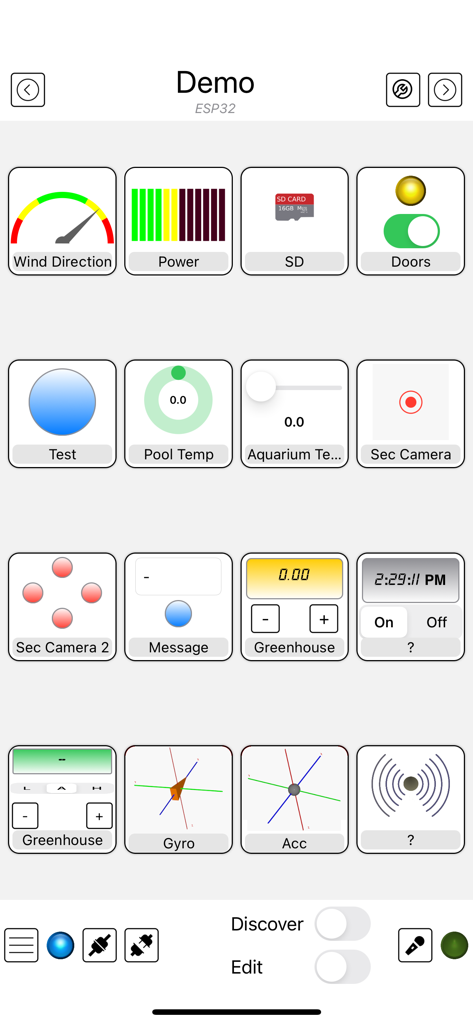
Interfaccia dell'app Arduino Manager che mostra vari widget di controllo come grafici, interruttori e indicatori per un progetto a microcontrollore

Interfaccia dell'app Arduino Manager che mostra vari widget di controllo come grafici, interruttori e indicatori per un progetto a microcontrollore

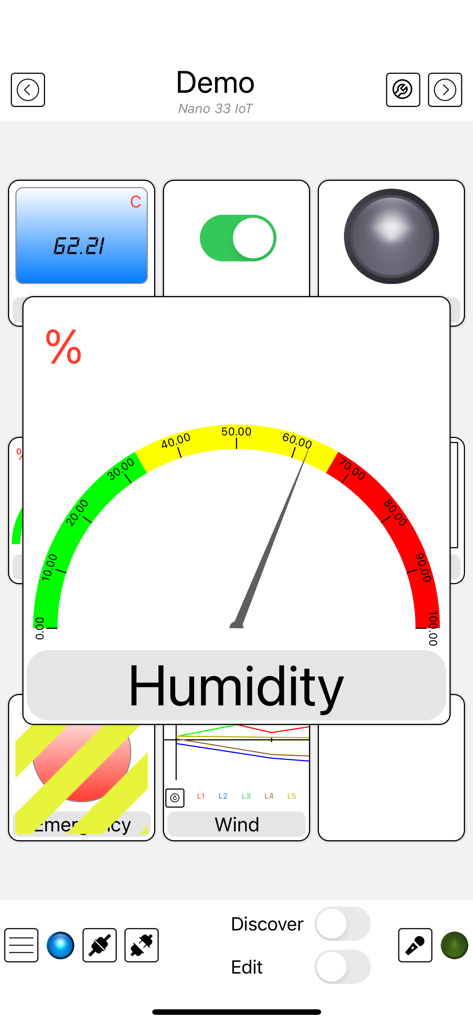
Interfaccia dell'app Arduino Manager che mostra un indicatore di umidità e vari widget per sensori IoT

Interfaccia dell'app Arduino Manager che mostra un indicatore di umidità e vari widget per sensori IoT

Interfaccia dell'app Arduino Manager che mostra una griglia di widget personalizzati per controllare e monitorare progetti elettronici fai-da-te

Interfaccia dell'app Arduino Manager che mostra una griglia di widget personalizzati per controllare e monitorare progetti elettronici fai-da-te

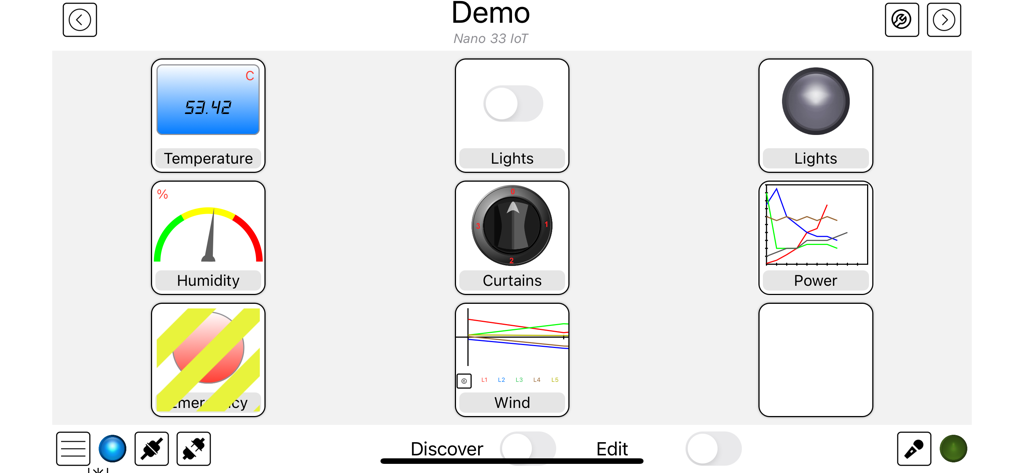
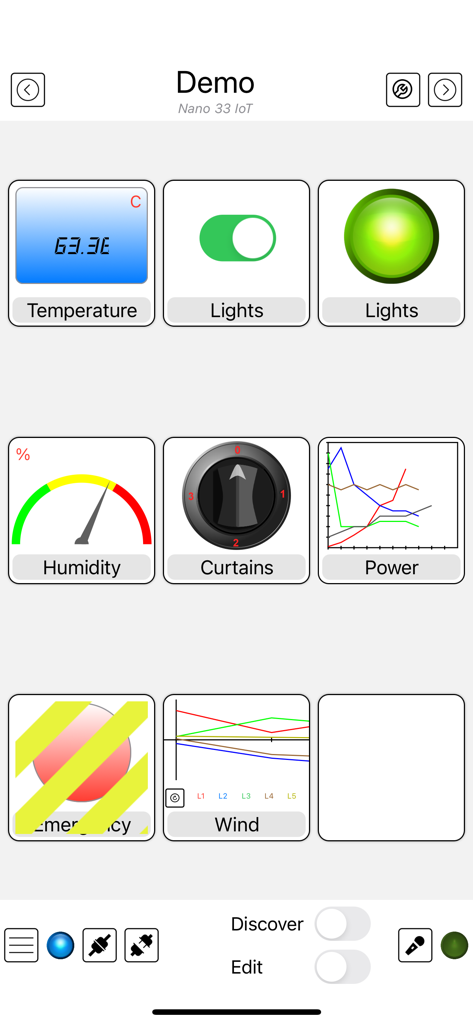
Interfaccia del dashboard Arduino Manager con widget per il controllo della temperatura, dell'umidità e dell'illuminazione.

Interfaccia del dashboard Arduino Manager con widget per il controllo della temperatura, dell'umidità e dell'illuminazione.

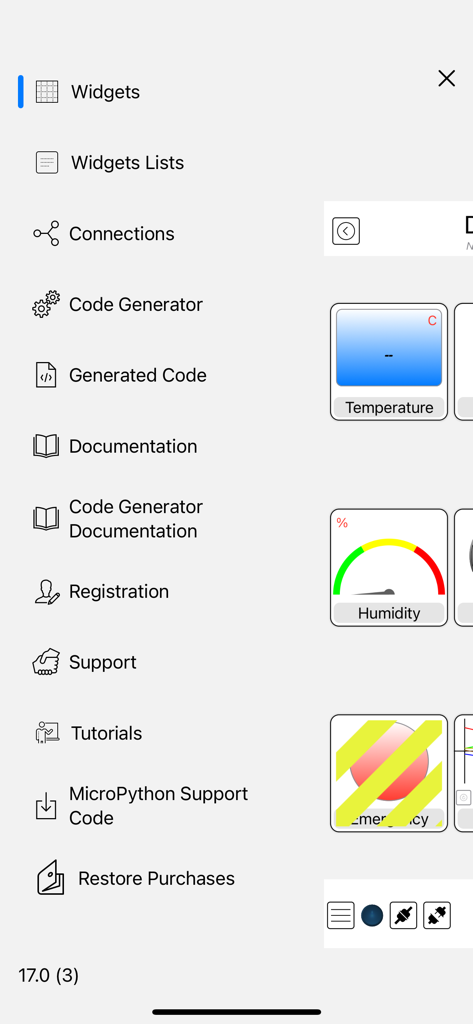
Menu laterale dell'app Arduino Manager con opzioni per la generazione di codice e la configurazione dei widget.

Menu laterale dell'app Arduino Manager con opzioni per la generazione di codice e la configurazione dei widget.

Costruisci Meglio, Codifica Più Velocemente

Gli strumenti che rendono questa app unica, scelti da 121K+ utenti.

Generazione di Codice Istantanea

Salta il noioso boilerplate. Genera automaticamente il ponte di comunicazione tra il tuo hardware e il tuo dispositivo iOS per far funzionare il tuo progetto in minuti, non in ore.

📊

Dashboard Dati Professionali

Visualizza i tuoi dati con grafici in tempo reale, log della console e widget interattivi. Trasforma il tuo progetto fai-da-te in un centro di comando raffinato e ad alte prestazioni.

🔌

Connettività Universale

Un'app per ogni scheda. Sia che tu utilizzi ESP32, Arduino UNO o Raspberry Pico, connettiti senza sforzo tramite WiFi, Bluetooth o Ethernet con sincronizzazione iCloud completa.

Amata dagli utenti di tutto il mondo

Scelto da 121K+ persone che amano questa app.

"

"Arduino Manager è un vero punto di svolta per i miei progetti di automazione domestica. Il Generatore di Codice mi ha fatto risparmiare ore di programmazione manuale e il Widget Grafico fornisce un livello di visualizzazione dati che di solito richiede settimane per essere costruito da zero. Trasforma i miei sensori fai-da-te in un sistema di monitoraggio di livello professionale sul mio iPad."

Kevin R.
"

"Ho provato decine di app IoT, ma nessuna gestisce la varietà di schede come questa. Sia che stia usando un ESP32 per la mia illuminazione o un Pico W per la mia robotica, l'interfaccia è impeccabile. Il Controller per Rover è divertentissimo da usare, e poter attivare comandi dal mio Apple Watch fa sembrare i miei progetti il futuro."

Marcus T.

Info sull'app

Tutto quello che devi sapere su Arduino Manager.

Descrizione

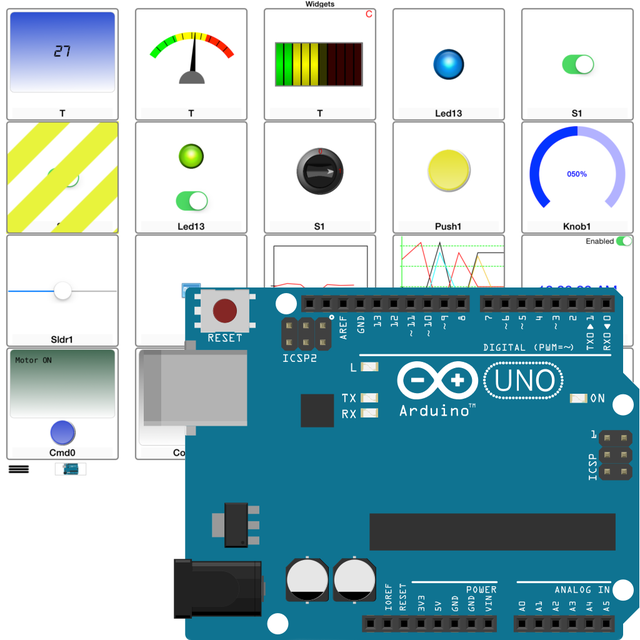
Supported Boards: UNO R4 WiFi, UNO R3, Nano, MEGA2560, ESP32, ESP8622, Zero, MKR1000, Nano 33 IoT, Teensy e nRF52 BLE, Raspberry Pico Pi W (also using SDK). ESP32, Raspberry Pico and Pico W with MicroPython. Arduino Manager is an app to control the Arduino board and receive information from it through: - Ethernet Shield (arduino.cc) - HM-10 / HM19 - Adafruit * WINC1500 WiFi * CC3000 WiFi * nRF52 BLE * nRF8001 Bluefruit LE * LE SPI Friend The app shows a grid and tapping on it you can insert specialized widgets to send and receive information from Arduino. For a better visualization or control, each widget can be zoomed by the means of a double tap on it; tap on Configure for configuring the widget itself. Some widgets are: - Display Widget: shows values coming from your Arduino (i.e. Temperature). It can show numbers with 0,1,2,3 decimal digits or rolling text - LED Widget: shows a LED that can be turned on and off through digital values from Arduino - Switch Widget: sets a digital value to Arduino - Switch & LED Widget: a combination of the two previous widgets to save space when they are used together with the same variable - Push Button Widget: temporarily sets a digital value to Arduino - Knob Widget: sets a non-digital value to Arduino - SD Widget: shows the list of files in the root of SD Card and selecting a file it shows the content - Graph Widget: graphs values in (almost) real time coming from your Arduino (e.g. instantaneous temperature) - Logged Data Graph Widget: graphs up to 5 values logged onto the SD Card attached to Arduino. Libraries have helping functions to log data onto the SD Card - Alarm Widget: configures an alarm on the Arduino board which is then fired at the desired time. The alarm is fired even if the iOS device is not connected and retained across power off - power on cycles - Command Widget: allows to send a command (text message) to Arduino once the yellow button is tapped. You can add more Command Widgets to send different commands - Rover Controller Widget: allows driving a rover robot just rotating the device - Sound Alarm Widget: sounds an alarm each time the associated condition is verified - Threshold Widget: allows setting a threshold to the Arduino board (e.g. the room temperature under which the board has to start an heater) - Console Widget: helps the user to debug the Arduino code, receiving and displaying debugging messages Other widgets are available, please see support site. Each widget is associated with a name and a variable (i.e. name: Temperature, variable: T). The variable is either written or read by the sketch running on the board allowing the iOS app receiving information from Arduino or controlling it. The app can be easily connected to more boards, each page of widgets can connects to a different board at the same time. User can easily manage different lists of widgets and switch among them in order to control different projects. Any widget list can be shared between own devices via iCloud and/or other users via an email message. Many Arduino libraries are available to easily integrate your own projects with Arduino Manager. Libraries, related documentation, demo sketches and a video tutorial are available for free from my site. Available In-App purchases: - Code Generator: allows to generate the communication infrastructure between the Arduino board and iOS device and the code for each chosen widget in order to simplify the programming effort on Arduino board. - PIN Code Generator: allows the user to associate a pin to each Widget and generate the code to manage that pin. In most cases this avoid writing any code - Voice Commands: You can now control most of the AM features by mean of voice commands (in English only). It also unlocks Voice Commands Widget Continuous use of background location can decrease battery life.

Ultima versione

23.2.0

Dimensione

29.8 MB

Data di lancio

31 gen 2012

Prendi il Controllo delle Tue Creazioni

Smetti di perdere tempo con codice boilerplate di comunicazione. Scarica Arduino Manager e trasforma il tuo iPhone o iPad in un centro di comando di livello professionale per i tuoi progetti, oggi stesso.

Scarica su App Store