Dorico for Education

Dorico for Education

Scarica su App Store
Spark by MWM logo
Logo di Dorico for Education

Dorico for Education: Notazione musicale professionale per la nuova generazione di compositori

Dai vita alle tue composizioni con il software di notazione più intelligente al mondo. Progettato per studenti ed educatori, Dorico for Education ti consente di creare, editare e riprodurre spartiti straordinari direttamente sul tuo iPad.

Scarica su App Store

Editore

Steinberg Media Technologies GmbH

Categoria

Music

Download

100

Valutazione

1.0/5

Valutazioni totali

0

Lingue

1

Precisione in ogni nota

Scopri l'interfaccia usata da 100 utenti.
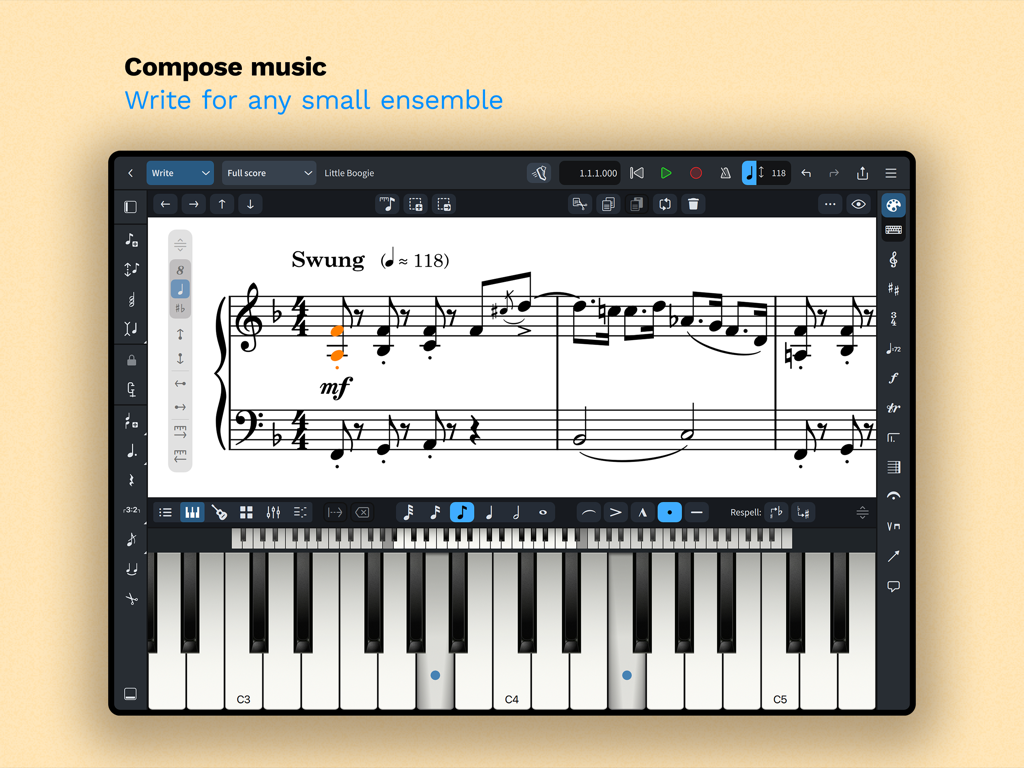
Interfaccia dell'app Dorico for Education per iPad per comporre musica con uno spartito per pianoforte e una tastiera virtuale.

Interfaccia dell'app Dorico for Education per iPad per comporre musica con uno spartito per pianoforte e una tastiera virtuale.

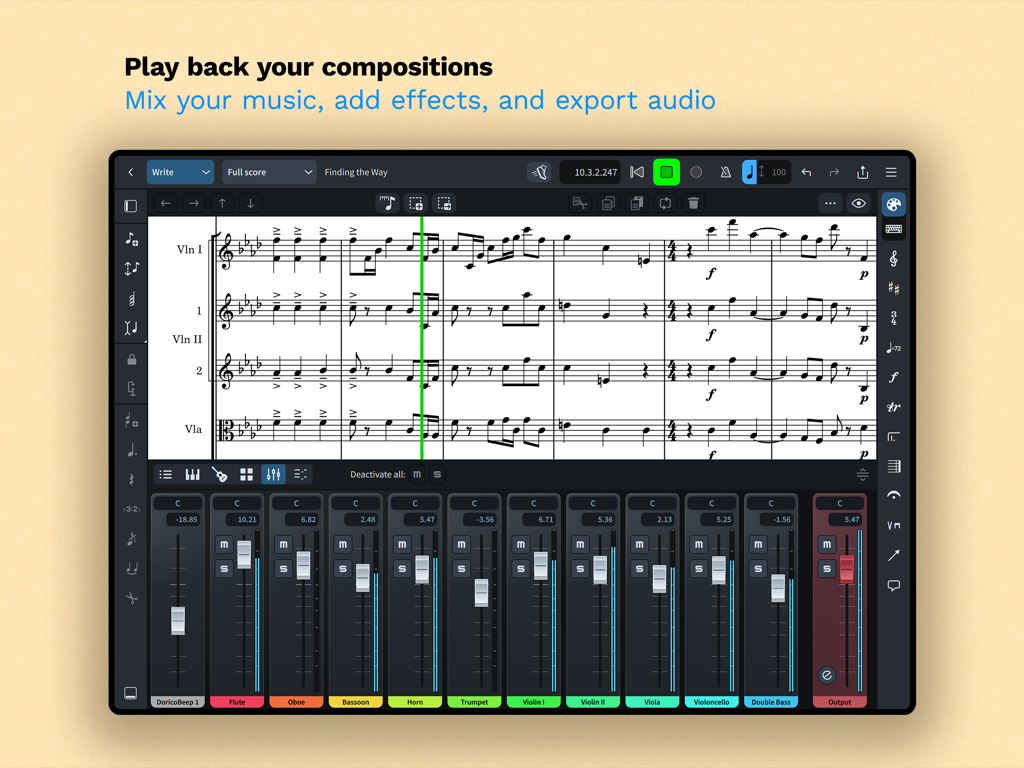
Interfaccia di notazione musicale in Dorico for Education che mostra uno spartito e un pannello mixer strumenti

Interfaccia di notazione musicale in Dorico for Education che mostra uno spartito e un pannello mixer strumenti

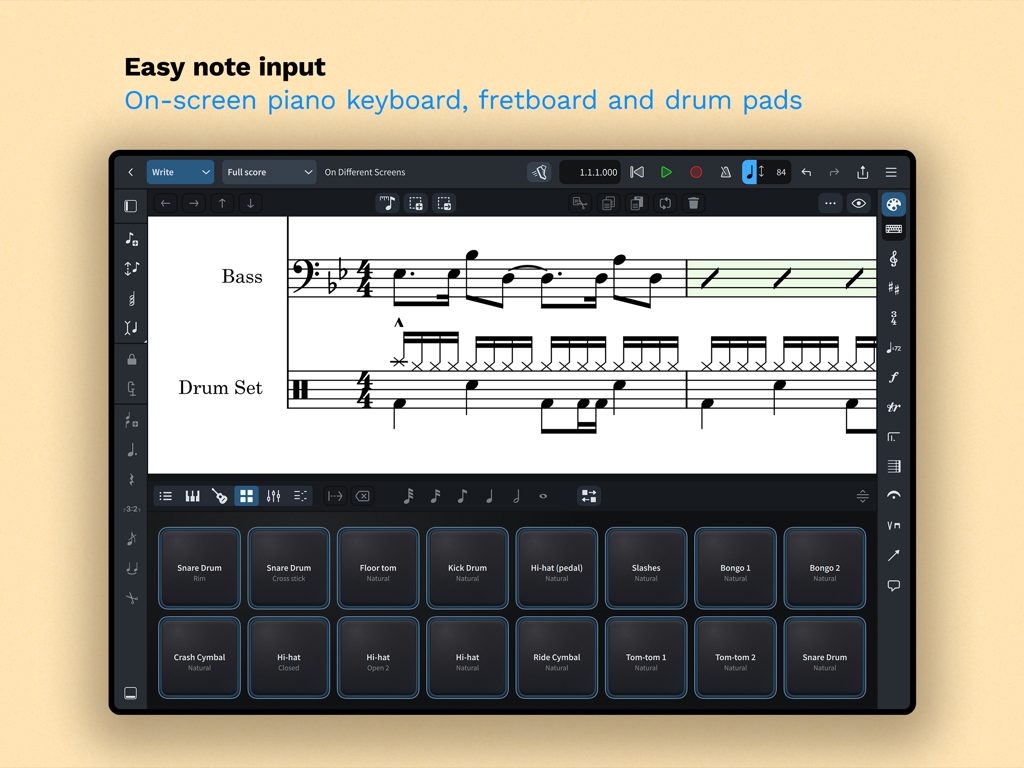
App Dorico for Education su iPad che mostra pad virtuali per la notazione musicale e l'inserimento di note

App Dorico for Education su iPad che mostra pad virtuali per la notazione musicale e l'inserimento di note

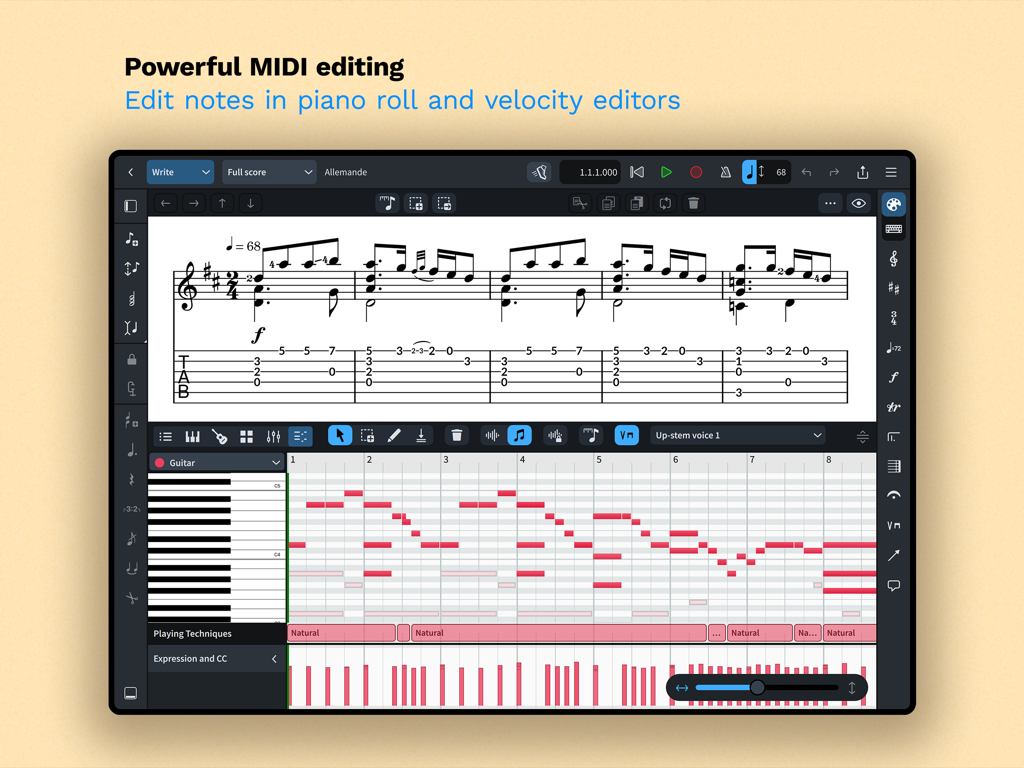
Editing MIDI di Dorico for Education con editor di piano roll e velocity

Editing MIDI di Dorico for Education con editor di piano roll e velocity

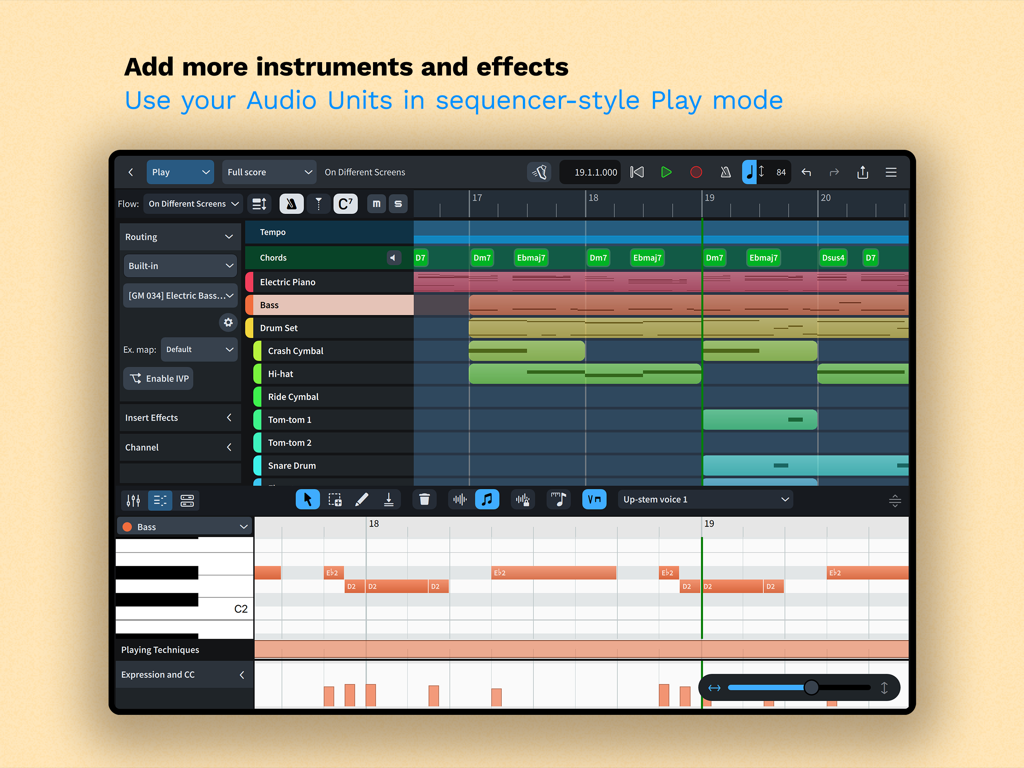
App Dorico for Education che mostra la modalità di riproduzione in stile sequencer con tracce strumento ed editor di piano roll su iPad

App Dorico for Education che mostra la modalità di riproduzione in stile sequencer con tracce strumento ed editor di piano roll su iPad

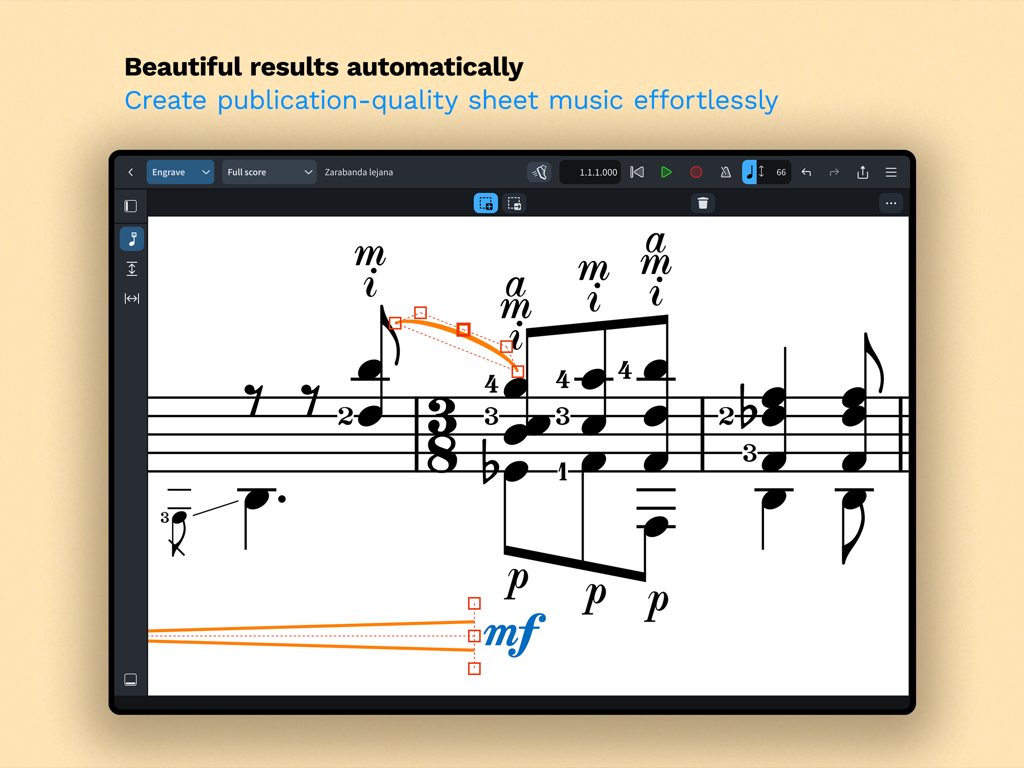
App Dorico for Education che mostra strumenti di notazione musicale professionale e di editing su iPad

App Dorico for Education che mostra strumenti di notazione musicale professionale e di editing su iPad

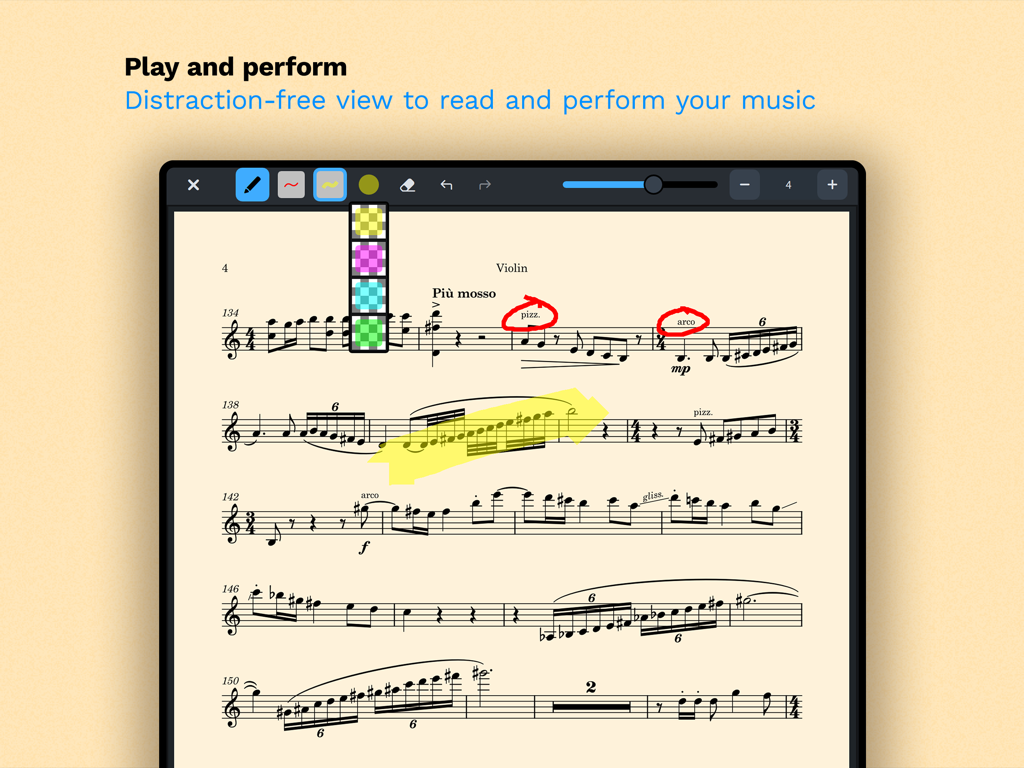
Screenshot iPad di Dorico for Education che mostra uno spartito per violino con annotazioni e strumenti di evidenziazione in modalità performance

Screenshot iPad di Dorico for Education che mostra uno spartito per violino con annotazioni e strumenti di evidenziazione in modalità performance

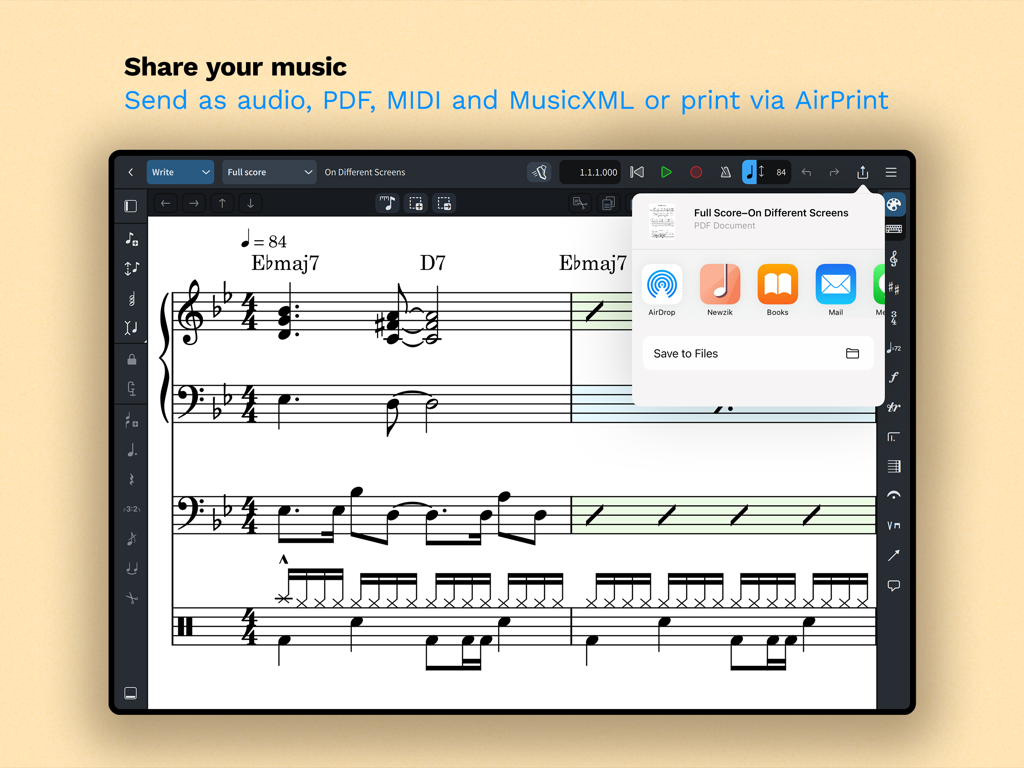
Interfaccia iPad che mostra le opzioni di condivisione della partitura musicale per PDF, MIDI e MusicXML in Dorico for Education.

Interfaccia iPad che mostra le opzioni di condivisione della partitura musicale per PDF, MIDI e MusicXML in Dorico for Education.

Composizione professionale, ovunque tu sia

Gli strumenti che rendono questa app unica, scelti da 100 utenti.

🎼

Editing di qualità editoriale

Dedica più tempo alla composizione e meno alla formattazione con il miglior layout automatico del settore per spartiti di livello professionale.

✍️

Input intuitivo con matita e tocco

Scrivi in modo naturale usando la tua Apple Pencil o la tastiera su schermo, con notazione intelligente che si adatta mentre crei.

🚀

Potenza da desktop su iPad

Sperimenta la piena compatibilità multipiattaforma e strumenti MIDI professionali che ti consentono di passare senza problemi dalla sala prove allo studio.

Amata dagli utenti di tutto il mondo

Scelto da 100 persone che amano questa app.

"

"Dorico per iPad ha completamente cambiato il mio flusso di lavoro. Poter abbozzare partiture orchestrali nella sala prove usando la mia Apple Pencil e poi finalizzare l'editing sul mio laptop è un vero punto di svolta. Rende i miei compiti professionali a tal punto da poter essere pubblicati senza alcuno sforzo."

Julian R., Studente di composizione
"

"Le funzioni di layout automatico sono una salvezza per gli insegnanti impegnati. Posso arrangiare un brano veloce per i miei studenti mentre sono in giro e avere parti belle e leggibili stampate tramite AirPrint prima ancora che inizi la prova. È il software di notazione più intuitivo che abbia usato in 15 anni."

Sarah M., Direttrice di banda delle scuole superiori

Info sull'app

Tutto quello che devi sapere su Dorico for Education.

Descrizione

Compose your own music with Dorico. Create beautiful music notation for any number of instruments quickly and easily with the on-screen keyboard, drum pads and fretboard. Play back instantly with the included sounds, including the high-quality Iconica Sketch sound library, and shape the performance with powerful MIDI editing tools. When your piece is finished, share it as PDF, audio or MusicXML, or print directly to your AirPrint-enabled printer. Perform using the built-in read mode, and annotate with your Apple Pencil. Dorico is the award-winning music notation and composition software from Steinberg for macOS, Windows, and iPadOS. It’s easy enough to learn and use that it is used by students in schools, and deep enough that it satisfies the needs of the most demanding professionals in the worlds of concert music, music for film and TV, and music publishing. Dorico for iPad is fully compatible with Dorico for macOS and Windows, so you can work on your projects on the move on your iPad and in your studio on your desktop or laptop computer, or share projects with musicians using Dorico on any platform. Dorico’s interface is split into four modes. In Setup mode, you can add and change instruments, create and reorder sections of music (called “flows”), and choose how your music will be formatted for your musicians into layouts. In Write mode, you can input and edit music and other notations using simple, well-organized toolboxes and panels. In Engrave mode (included if you buy a paid subscription to Dorico’s advanced features), you can make graphical tweaks to every item in your project. Finally, in Play mode, you have access to powerful sequencer-style MIDI editing tools, including piano roll and velocity editors. Dorico includes built-in virtual instruments and effects to allow you to play back your compositions, and you can also easily use any compatible Audio Unit plug-in or external MIDI device, and tweak playback using the on-screen Mixer. Input music using an on-screen piano keyboard, or by connecting a MIDI keyboard to your iPad directly via USB or using a compatible USB-to-Lightning adaptor. If you have a Magic Keyboard or other external keyboard, you can make use of extensive keyboard shortcuts to work quickly and efficiently. HIGHLIGHTS • Best automatic engraving of any software • Easy note input using on-screen keyboard, MIDI keyboard, or external keyboard • Intelligently adjusts notation as you write • Any number of movements or pieces in a single project • Automatic layout of instrumental parts • Expressive playback using included sounds and effects • Supports Audio Unit virtual instruments and effects processors • Sequencer-style piano roll MIDI editor • Sophisticated chord symbols, unpitched percussion and drum set notation • Unbarred music, tuplets across barlines, etc. all handled correctly — no workarounds • Transfer to and from other apps via MusicXML, MIDI, PDF, etc. For support, please visit www.dorico.com/forum If you like Dorico, please support us by rating this app in the App Store. Thank you!

Ultima versione

6.1.10

Dimensione

968.3 MB

Data di lancio

9 lug 2024

Porta le tue composizioni a un livello superiore oggi stesso

Unisciti alla prossima generazione di compositori ed educatori. Scarica Dorico for Education e trasforma il tuo iPad in una workstation musicale professionale.

Scarica su App Store