MirrorMeister Screen Mirroring

MirrorMeister Screen Mirroring

Scarica su App Store
Spark by MWM logo
Logo di MirrorMeister Screen Mirroring
Screen Mirroring MirrorMeister: Trasmetti in modalità wireless il tuo iPhone su qualsiasi Smart TV

Dimentica cavi aggrovigliati e adattatori costosi. Trasmetti facilmente foto, video, sport e social media dal tuo iPhone o iPad sul grande schermo per un'esperienza visiva migliore e più confortevole.

Scarica su App Store

Editore

MeisterApps BV

Categoria

Photo & Video

Download

2M+

Valutazione

4.5/5

Valutazioni totali

23K+

Lingue

17

La beatitudine del grande schermo

Scopri l'interfaccia usata da 2M+ utenti.
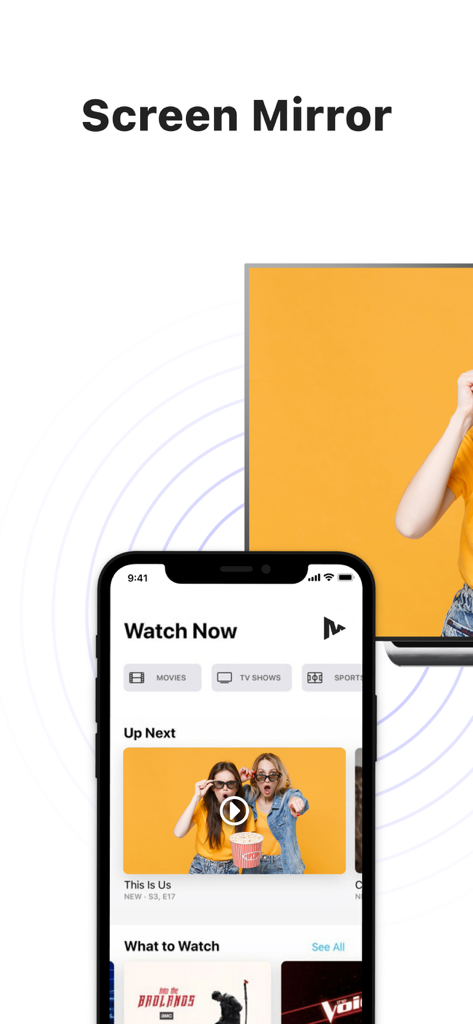
Un iPhone che visualizza contenuti video trasmessi in modalità wireless su un grande schermo di Smart TV

Un iPhone che visualizza contenuti video trasmessi in modalità wireless su un grande schermo di Smart TV

Screenshot dell'app MirrorMeister che mostra il mirroring dello schermo in modalità wireless su una Smart TV con un traguardo di download

Screenshot dell'app MirrorMeister che mostra il mirroring dello schermo in modalità wireless su una Smart TV con un traguardo di download

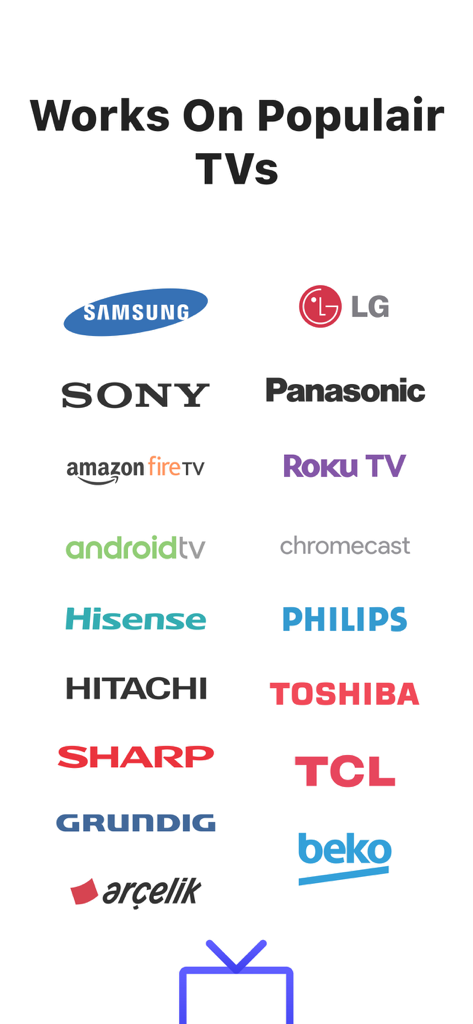
Loghi di marchi TV popolari supportati dall'app di mirroring dello schermo MirrorMeister, inclusi Samsung LG Sony e Roku TV

Loghi di marchi TV popolari supportati dall'app di mirroring dello schermo MirrorMeister, inclusi Samsung LG Sony e Roku TV

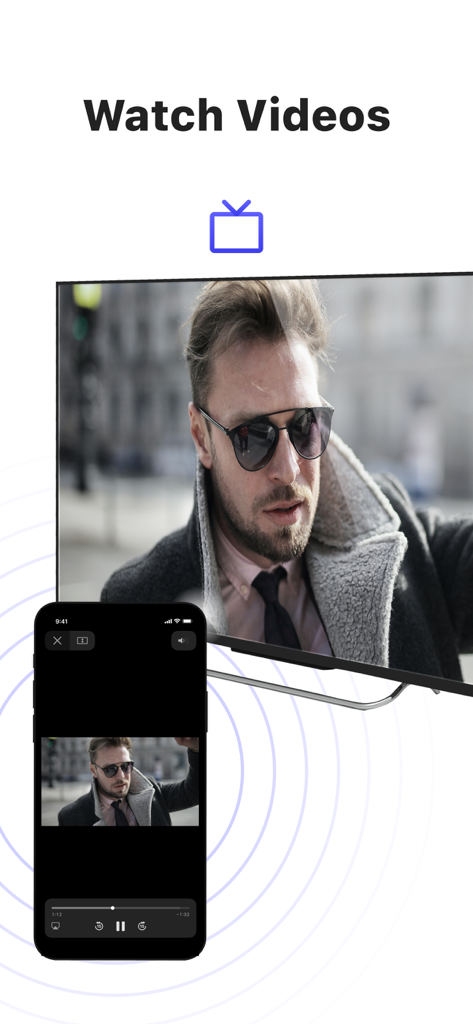
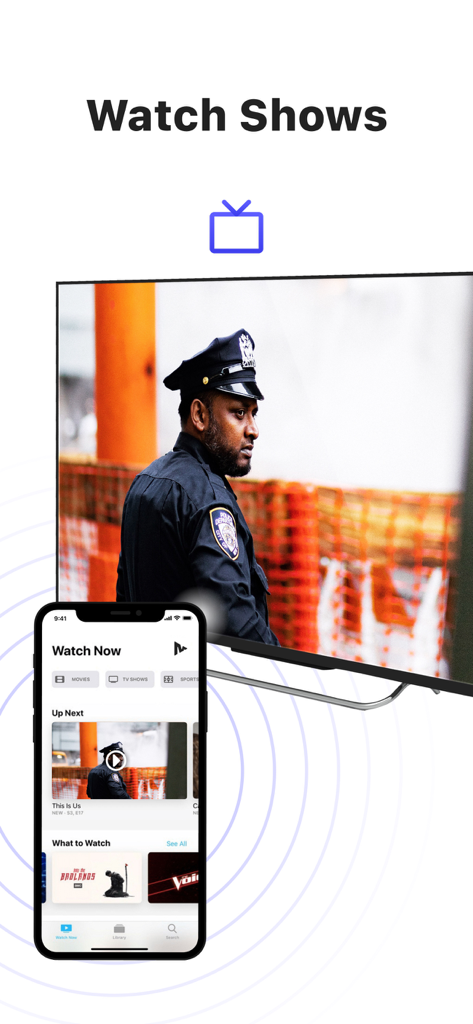
Mirroring dello schermo di un iPhone che trasmette un video di un uomo a una grande TV intelligente utilizzando l'app MirrorMeister

Mirroring dello schermo di un iPhone che trasmette un video di un uomo a una grande TV intelligente utilizzando l'app MirrorMeister

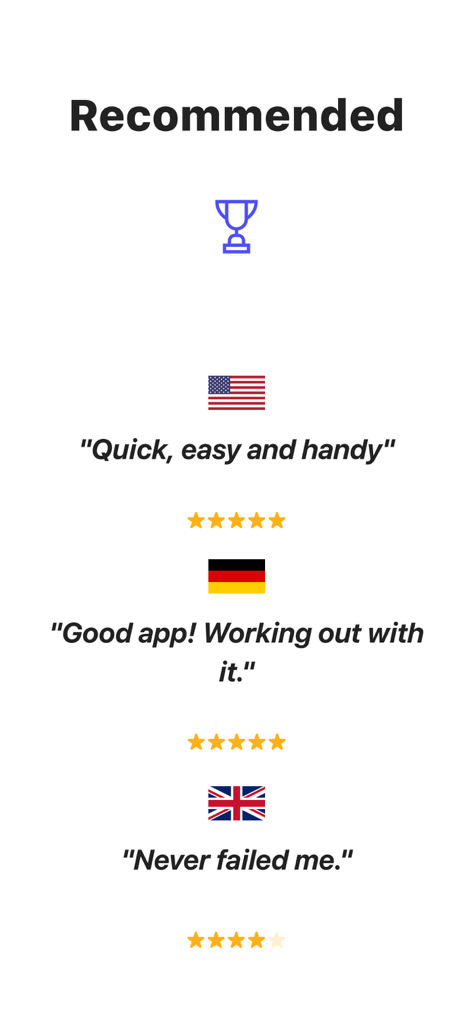
Recensioni degli utenti e valutazioni in stelle per l'app di mirroring dello schermo MirrorMeister da USA Germania e Regno Unito

Recensioni degli utenti e valutazioni in stelle per l'app di mirroring dello schermo MirrorMeister da USA Germania e Regno Unito

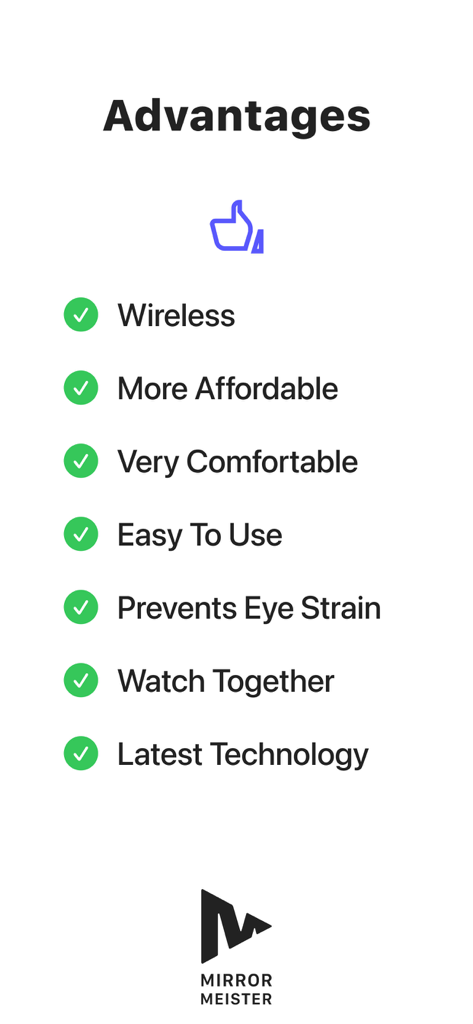
Un elenco di vantaggi per l'utilizzo dell'app MirrorMeister, inclusa la connessione wireless e la prevenzione dell'affaticamento degli occhi

Un elenco di vantaggi per l'utilizzo dell'app MirrorMeister, inclusa la connessione wireless e la prevenzione dell'affaticamento degli occhi

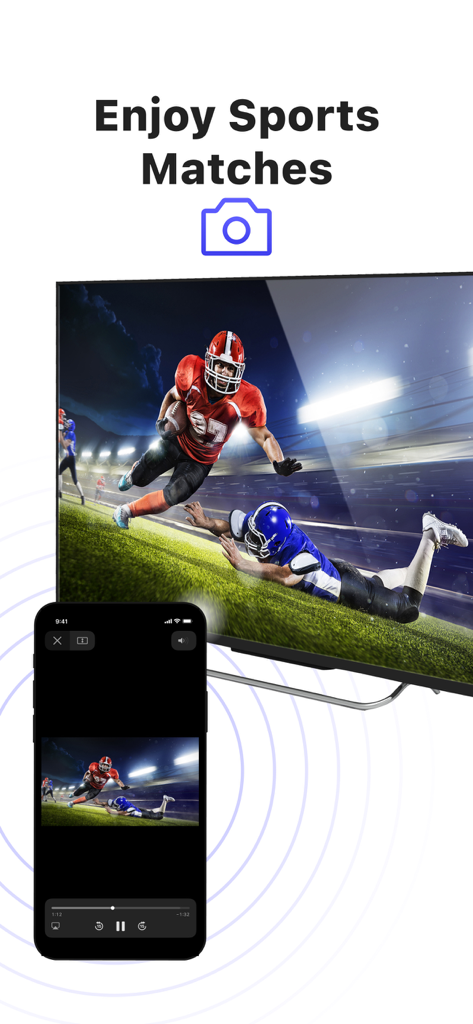
Mirroring dello schermo di un iPhone che trasmette una partita di football americano su una grande TV intelligente

Mirroring dello schermo di un iPhone che trasmette una partita di football americano su una grande TV intelligente

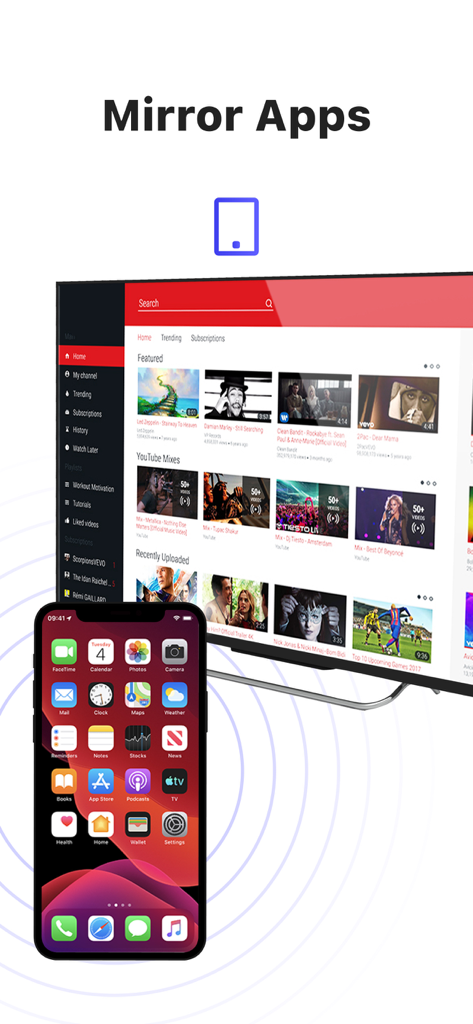
Un iPhone che trasmette in modalità wireless il proprio schermo su una grande TV intelligente che visualizza contenuti video

Un iPhone che trasmette in modalità wireless il proprio schermo su una grande TV intelligente che visualizza contenuti video

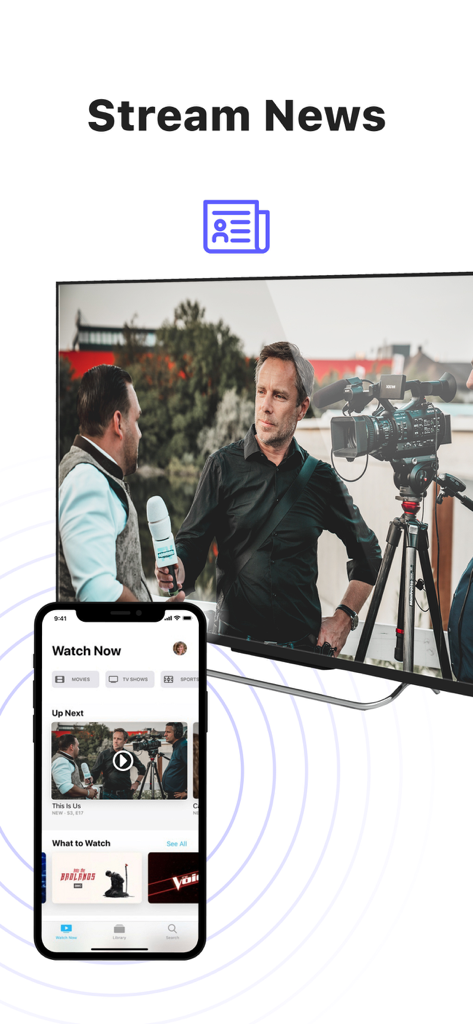
Mirroring dello schermo di un iPhone che trasmette notizie su una grande TV intelligente

Mirroring dello schermo di un iPhone che trasmette notizie su una grande TV intelligente

Un iPhone che trasmette uno show televisivo su un grande televisore intelligente utilizzando l'app MirrorMeister

Un iPhone che trasmette uno show televisivo su un grande televisore intelligente utilizzando l'app MirrorMeister

Dai un tocco grandioso ai tuoi contenuti

Gli strumenti che rendono questa app unica, scelti da 2M+ utenti.

📺

Compatibilità universale

Non hai una Apple TV? Nessun problema. Trasmetti in modalità wireless il tuo iPhone o iPad su quasi tutte le marche di Smart TV, tra cui Samsung, LG, Sony, Roku e Hisense, all'istante.

Connessione senza ingombri

Dimentica gli adattatori HDMI costosi e i cavi antiestetici. Goditi un soggiorno pulito e minimalista con una soluzione di streaming 100% wireless.

👨‍👩‍👧‍👦

Perfetto per i momenti condivisi

Riunisci famiglia e amici condividendo foto delle vacanze, video di casa o tendenze dei social media sul grande schermo, riducendo l'affaticamento degli occhi digitali.

Amata dagli utenti di tutto il mondo

Scelto da 2M+ persone che amano questa app.

"

"MirrorMeister è un salvavita per le riunioni di famiglia! Posso finalmente mostrare gli highlights delle partite di calcio di mia figlia sulla nostra TV Samsung direttamente dal mio iPhone senza cercare i cavi. L'impostazione è stata intuitiva e la qualità dell'immagine è ottima per condividere ricordi con tutti nella stanza."

Sarah Miller
"

"Come persona che segue istruttori di fitness su YouTube, questa app mi ha salvato il collo, letteralmente. Trasmettere i miei allenamenti sul grande schermo fa un'enorme differenza. La uso anche per trasmettere contenuti web che non hanno un'app TV nativa. È veloce, affidabile e incredibilmente facile da usare."

James Peterson

Analisi recensioni

Approfondimenti dalle recensioni degli utenti.

Punteggio sentimento

29%
Negativo

Riepilogo

This mobile app receives overwhelmingly negative feedback, primarily due to poor reliability and a perceived high cost for features often available for free. Users frequently report significant connectivity issues, including frequent disconnections, TVs not being found, and problems after updates, alongside a specific bug on iOS 26 requiring a connection code. Performance concerns are widespread, with numerous complaints about lag, choppy video, blurry quality, and audio synchronization issues. While a small number of users found the app to work perfectly, the majority are frustrated with a subscription model that demands payment even after trials, with some reporting re-payment demands for previously purchased Pro versions.

Temi comuni

Pricing & Subscription Model(20)
Connectivity & Disconnections(14)
Performance Issues(13)
Positive Functionality(9)
Compatibility & Device Specific Bugs(8)
Audio Problems(5)

Info sull'app

Tutto quello che devi sapere su MirrorMeister Screen Mirroring.

Descrizione

There's no need to use tiny screens, annoying HDMI cables or expensive hardware. Prevent eyestrain, save money and get rid of those unsightly & unsafe cables. Discover MirrorMeister today! Easily connect your TV to your iOS devices with MirrorMeister's revolutionary app. Totally wireless smartcast of course! Enjoy movies, sport, photos, news and all apps on the big screen and make your life more comfortable. MirrorMeister is a screen mirroring app that allows you to play the media that’s playing on your phone/ tablet to your smart tv. - Mirror your phone/ tablet to your smart TV. - No ugly, clumsy & unsafe cables! - One app for popular TV brands (Samsung, Sony, LG, Panasonic, Hisense, etc.) - Watch movies. - Stream sports. - Screen mirroring cast to tv. - Binge-watch series. - Watch breaking news. - Show photos to loved-ones and impress friends & family. - Cast YouTube, Facebook, TikTok, Instagram to TV. MirrorMeister supports: 1. iPhone & iPad 2. Smart TV: Samsung, Roku TV, Sony, LG, Panasonic, Philips, Grundig, Arçelik, Beko, Hisense, TCL, Toshiba, Sharp, Hitachi, Skyworth, Changhong, and any other TV using Android TV operational system. 3. Streaming devices: Roku Streaming Player, Chromecast, Amazon FireTV, Xiaomi Mi Box. Screen Mirroring Advantages: * Larger screen: * Better viewing experience * Share content with others * No additional hardware required * No compatibility issues * Improved battery life: * Easy setup * Smartview * Streaming content * Use as a second display * High-quality video and audio INSTRUCTIONS: 1. Make sure that your iPhone or iPad is connected to the same local network as your TV. Don't use multiple VLANs or subnets. 2. Launch the MirrorMeister app. 3. When you open MirrorMeister for the first time, a simple setup process will guide you step by step on how to connect the mirror app to your TV. 4. To enable sound while screen mirroring, turn down the sound of your iPhone or iPad and turn ON the sound of your TV. Don’t forget to switch OFF the mute button on the side of your iPhone so sound is enabled. PRIVACY: Even though there are notifications about Screen Recording, we don’t record your screen into files and we don’t send any content to a server. We only temporarily store data in memory, before it is streamed to the TV. Upon streaming, the content is removed from memory. Limitations and known issues: DRM Some apps don't allow screen mirroring. For instance, iTunes, Netflix, Disney or Apple TV: when you start screen mirroring one of those apps on your iPhone or iPad, the TV screen will turn black. This is a choice that this company made, there is nothing that MirrorMeister can do about it. Gaming Please note that our screen mirroring app is not suitable for high-intensity gaming on a Smart TV because of some delay (latency). The delay is normally between 1 and 3 seconds. Support If you need any assistance using the mirroring app, please contact us via email or Facebook Messenger. Our support staff is available 24/7 to help you. UNLIMITED ACCESS PRO SUBSCRIPTION You need a subscription for unlimited access to all features without advertising and interruptions. Payment will be charged to iTunes Account at confirmation of purchase. Subscription automatically renews unless auto-renew is turned off at least 24-hours before the end of the current period. The account will be charged for renewal within 24-hours before the end of the current period and identify the cost of the renewal. Subscriptions may be managed by the user and auto-renewal may be turned off by going to the user's Account Settings after purchase. Any unused portion of a free trial period, if offered, will be forfeited when the user purchases a subscription to that publication, where applicable. - Terms of use: https://www.mirrormeister.com/terms-of-use/ - Privacy policy: https://www.mirrormeister.com/privacy-policy-meisterapps/

Ultima versione

2.2.10

Dimensione

127.6 MB

Data di lancio

14 ott 2020

Pronto a vedere il quadro generale?

Unisciti a oltre 2 milioni di utenti che hanno abbandonato i cavi. Scarica subito MirrorMeister per goderti i tuoi video, app e ricordi preferiti su qualsiasi Smart TV in pochi secondi.

Scarica su App Store
FAQ

Domande Frequenti

Tutto quello che devi sapere su MirrorMeister Screen Mirroring

Cos'è MirrorMeister?

MirrorMeister è un'app di screen mirroring che collega in modalità wireless i tuoi dispositivi iOS, come iPhone e iPad, alla tua smart TV. Ti permette di visualizzare media e app dal tuo dispositivo su uno schermo più grande.

Quali marche di TV supporta MirrorMeister?

MirrorMeister supporta una vasta gamma di marchi TV popolari, tra cui Samsung, Sony, LG, Panasonic, Hisense, Philips, TCL, Toshiba, Sharp, Hitachi e qualsiasi TV che utilizzi il sistema operativo Android TV. Supporta anche Roku TV.

Posso eseguire il mirroring di contenuti da app di streaming come Netflix con MirrorMeister?

No, MirrorMeister non supporta il mirroring di contenuti da app come Netflix, iTunes, Disney o Apple TV. Queste app utilizzano la Digital Rights Management (DRM) che impedisce lo screen mirroring, risultando in uno schermo nero sulla tua TV.

MirrorMeister è adatto per il gaming?

No, MirrorMeister non è adatto per il gaming ad alta intensità su una Smart TV. C'è un ritardo (latenza) normale da 1 a 3 secondi, che influisce sull'esperienza di gioco.

Come si configura MirrorMeister sulla mia TV?

Per configurare MirrorMeister, assicurati che il tuo dispositivo iOS e la tua TV siano sulla stessa rete locale. Avvia l'app e un semplice processo di configurazione ti guiderà passo dopo passo per collegare l'app di mirroring alla tua TV.

MirrorMeister raccoglie i dati di registrazione del mio schermo?

No, MirrorMeister non registra il tuo schermo in file né invia contenuti a un server. Memorizza temporaneamente i dati solo nella memoria prima di trasmetterli alla TV, e poi i contenuti vengono rimossi dalla memoria.

Ho bisogno di un abbonamento per MirrorMeister?

Sì, è necessario un ABBONAMENTO PRO UNLIMITED ACCESS per accedere a tutte le funzionalità di MirrorMeister senza pubblicità e interruzioni. Il pagamento viene addebitato sul tuo account iTunes.

Quali dispositivi di streaming supporta MirrorMeister?

Oltre alle connessioni dirette con Smart TV, MirrorMeister supporta dispositivi di streaming come Roku Streaming Player, Chromecast, Amazon FireTV e Xiaomi Mi Box.

Posso guardare sport in diretta con MirrorMeister?

Sì, MirrorMeister ti permette di trasmettere e goderti sport in diretta, film, serie TV e ultime notizie dal tuo dispositivo iOS sulla tua smart TV per un'esperienza visiva migliore.

Sono necessari cavi per utilizzare MirrorMeister per lo screen mirroring?

No, MirrorMeister offre uno screen mirroring completamente wireless. Elimina la necessità di cavi HDMI o altre connessioni fisiche, offrendo un'esperienza senza cavi per la tua comodità.