PDF Scanner Document Converter

PDF Scanner Document Converter

Scarica su App Store
Spark by MWM logo
Logo di PDF Scanner Document Converter
Convertitore di Documenti Scanner PDF: Scansione Semplice nel Palmo della Tua Mano

Trasforma il tuo iPhone in un potente ufficio mobile. Scansiona, digitalizza e organizza documenti con una qualità professionale e condivisione PDF istantanea per uno stile di vita senza disordine.

Scarica su App Store

Editore

兰 陈

Categoria

Business

Download

173K+

Valutazione

4.5/5

Valutazioni totali

1K+

Lingue

1

Il tuo Ufficio, Tascabile

Scopri l'interfaccia usata da 173K+ utenti.
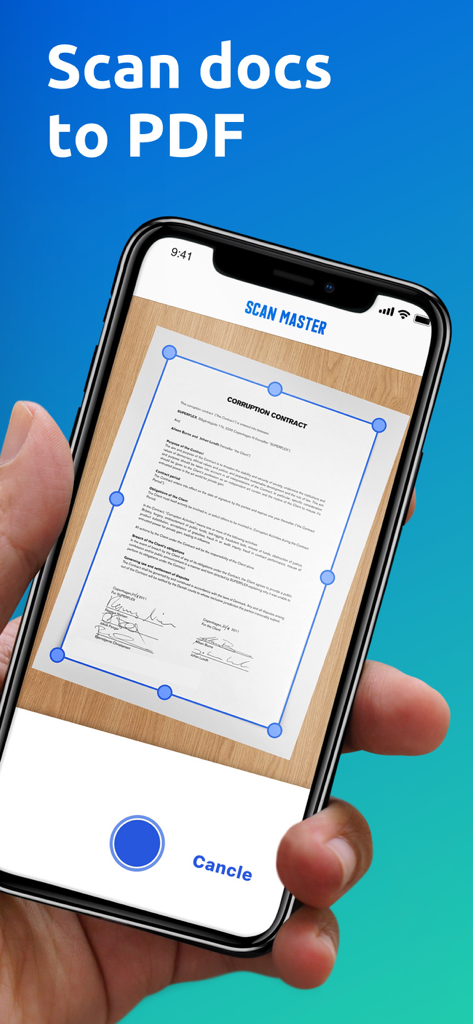
Interfaccia dell'app mobile per la scansione di documenti in PDF con rilevamento automatico dei bordi

Interfaccia dell'app mobile per la scansione di documenti in PDF con rilevamento automatico dei bordi

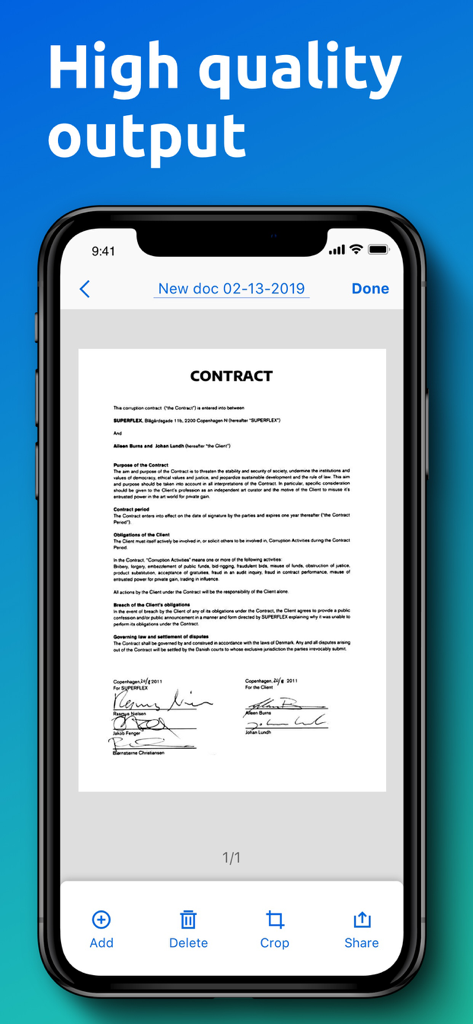
Schermata dell'iPhone che mostra una scansione digitale di alta qualità di un contratto firmato nell'app PDF Scanner

Schermata dell'iPhone che mostra una scansione digitale di alta qualità di un contratto firmato nell'app PDF Scanner

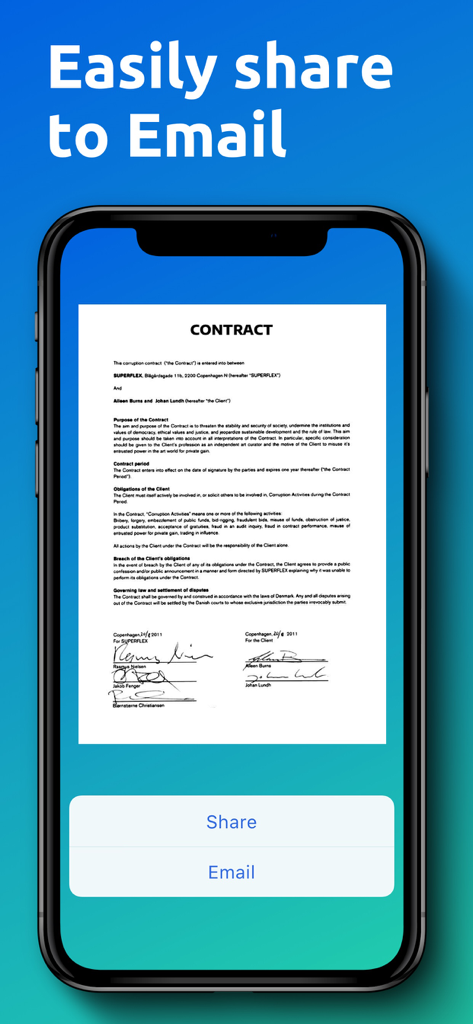
Una schermata dell'app mobile che mostra un contratto scansionato con pulsanti email e condivisione.

Una schermata dell'app mobile che mostra un contratto scansionato con pulsanti email e condivisione.

Il tuo Ufficio Completo, Tascabile

Gli strumenti che rendono questa app unica, scelti da 173K+ utenti.

Acquisizione Automatica Intelligente

Scansione senza attriti. La nostra tecnologia avanzata rileva automaticamente i bordi del documento e corregge la prospettiva per PDF professionali e cristallini con un solo tocco.

📂

Archiviazione Digitale Semplice

Rimani organizzato senza sforzo. I documenti vengono denominati automaticamente per data e ora, permettendoti di trovare ricevute, contratti o appunti in pochi secondi con la nostra ricerca intelligente.

📤

Condivisione Istantanea con un Tocco

Chiudi affari e invia report più velocemente. Esporta scansioni di alta qualità direttamente via email, nella tua galleria fotografica o nel cloud storage per mantenere aggiornati in tempo reale il tuo team e i tuoi clienti.

Amata dagli utenti di tutto il mondo

Scelto da 173K+ persone che amano questa app.

"

"Viaggio costantemente per incontri con i clienti e Scanner Master mi ha salvato la vita per i miei report spese. Il rilevamento dei bordi è incredibilmente nitido, facendo sembrare le mie ricevute scannerizzate professionalmente piuttosto che una semplice foto. Mi ha fatto risparmiare ore di archiviazione manuale ogni singolo mese."

Sarah Jenkins, Consulente Freelance
"

"Come studente universitario, digitalizzo sempre risorse della biblioteca. Questa app trasforma capitoli di libri spessi in PDF perfettamente piatti e leggibili in pochi secondi. La correzione della prospettiva è magica: non devo più preoccuparmi di ombre o angolazioni strane quando ho fretta di scansionare appunti."

Marcus Thorne, Studente Universitario

Info sull'app

Tutto quello che devi sapere su PDF Scanner Document Converter.

Descrizione

Cannot find a table scanner when you need to scan some documents? Scanner Master app is designed to make scanning more convenient for you. It will turn your device into a mini mobile scanner which allows you to easily scan any documents, save them in PDF format and share them right from your phone whenever you need. How to use it? Position you phone over the page you want and Scanner Master app will automatically scan it. You can save the final PDF document with just one tap once it processes successfully. Each PDF document will have a specific title so that you can quickly search for the one you want. Main Features: *Scan Anything You Need Get Scanner Master app on your phone then this genius tool will help you scan any scannable objects you need – receipts, paper notes, book pages, texts, reports, invoices, coupons, posters and any other pages no matter where you are. *Easily Organize Your Documents. You will be able to digitize all your paperwork and save the transformed PDF documents on your device. Each document has a specific title according to the date and time you create it so that you can quickly search the document you want without getting confused. Whether you are using Scanner Master for your work or for school. It’s definitely a time-saving app and a genius tool to increase your productivity. *Advanced Image Technology You can scan in color, grayscale or black & white. Once you position your phone over a scannable object, Scanner Master will automatically scan it with high quality document edge detection and perspective correction. *Document Sharing High quality output enables you to restore all your materials properly. You can share the PDF documents right from your device via email. You can also save them to your Gallery and print them out whenever you need. *Premium - Payment will be charged to iTunes Account at confirmation of purchase. - Subscription automatically renews unless auto-renew is turned off at least 24-hours before the end of the current period. - Account will be charged for renewal within 24-hours prior to the end of the current period: 1 month subscription with 7-day trial - $4.99 after trial ends; 1 year subscription with 7-day trial - $35.99 after trial ends. - Subscriptions may be managed by the user and auto-renewal may be turned off by going to the user’s Account Settings after purchase. - Any unused portion of a free trial period, if offered, will be forfeited when the user purchases a subscription to that publication, when applicable. Privacy Policy: https://scanner-master-ios.web.app/ScanMaster_PrivacyPoilcy.html Terms of Use: https://scanner-master-ios.web.app/ScanMaster_TermsConditions.html Don’t hesitate to email us at: freenetvpn.net@gmail.com if you have any suggestions or questions.

Ultima versione

1.6.2

Dimensione

20.9 MB

Data di lancio

10 mar 2019

Pronto a Liberarti dal Disordine Digitale?

Unisciti a oltre 173.000 professionisti e studenti che hanno trasformato il loro iPhone in un ufficio mobile di alta gamma. Inizia la tua prova gratuita di 7 giorni e sperimenta la potenza di uno scanner professionale in tasca.

Scarica su App Store