Roku TV Remote Control & Cast

Roku TV Remote Control & Cast

Scarica su App Store
Spark by MWM logo
Logo di Roku TV Remote Control & Cast
Telecomando e Cast per Roku TV: L'Hub Definitivo per Mirroring e Controllo Wireless

Dì addio a cavi aggrovigliati e telecomandi smarriti. Effettua facilmente il mirroring del tuo iPhone in tempo reale, trasmetti i tuoi ricordi preferiti con una qualità cristallina e prendi il pieno controllo della tua Roku TV con un singolo tocco.

Editore

Aleh Piashkou

Categoria

Utilities

Download

208K+

Valutazione

4.7/5

Valutazioni totali

1K+

Lingue

13

Prova la Magia

Scopri l'interfaccia usata da 208K+ utenti.
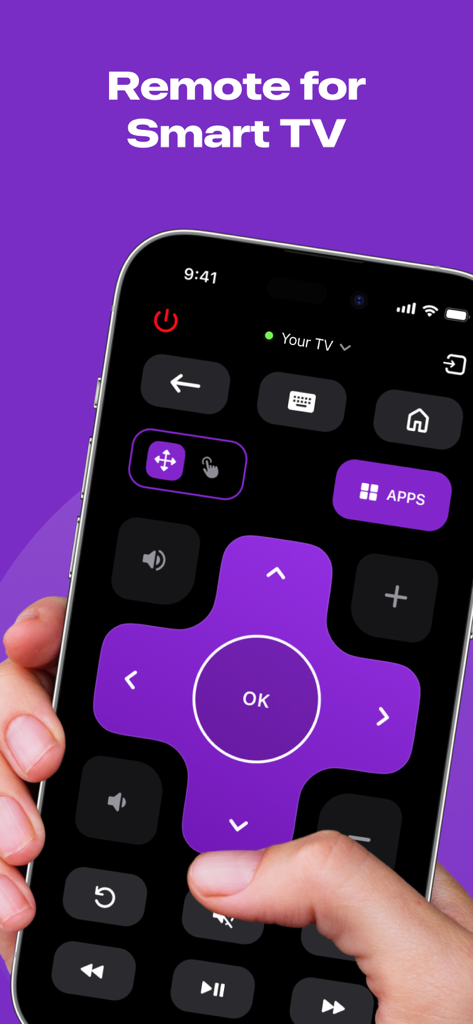
Interfaccia del telecomando digitale per Smart TV su uno schermo iPhone

Interfaccia del telecomando digitale per Smart TV su uno schermo iPhone

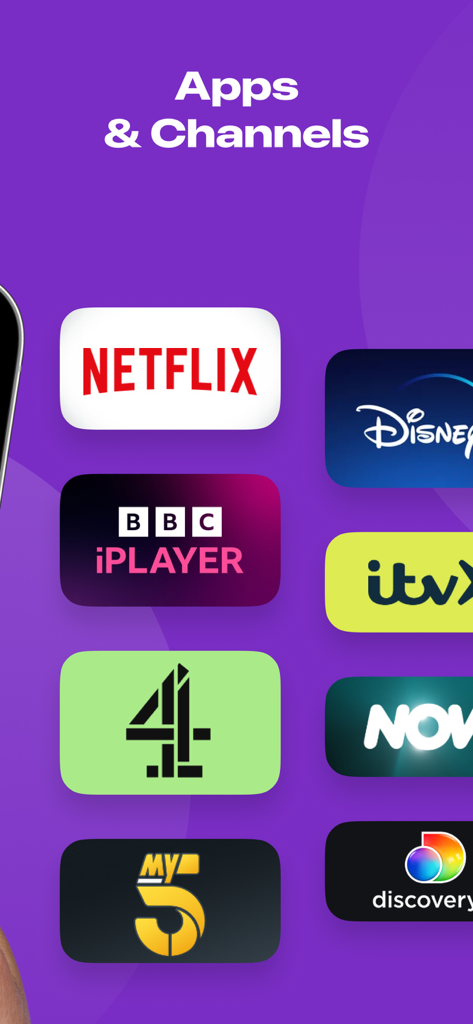
Un elenco di app e canali di streaming, tra cui Netflix e Disney Plus

Un elenco di app e canali di streaming, tra cui Netflix e Disney Plus

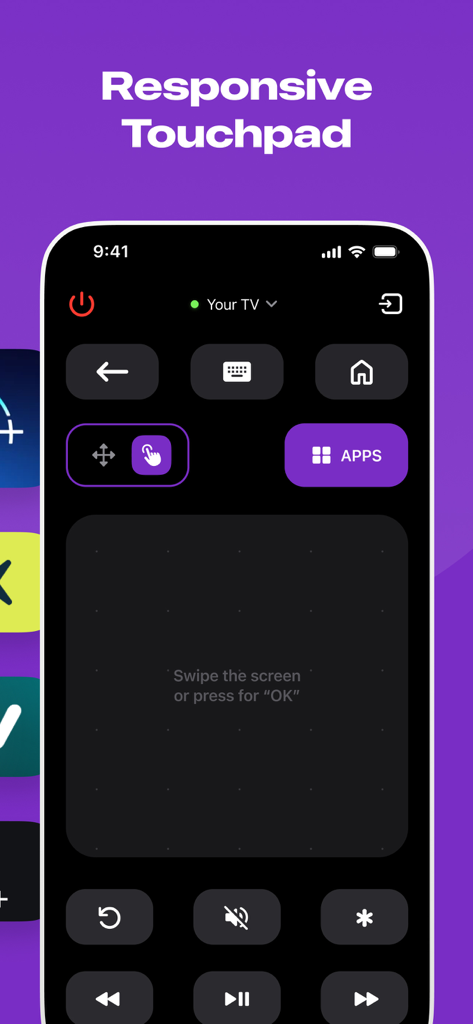
Interfaccia dell'app Roku TV Remote che mostra un touchpad reattivo per la navigazione.

Interfaccia dell'app Roku TV Remote che mostra un touchpad reattivo per la navigazione.

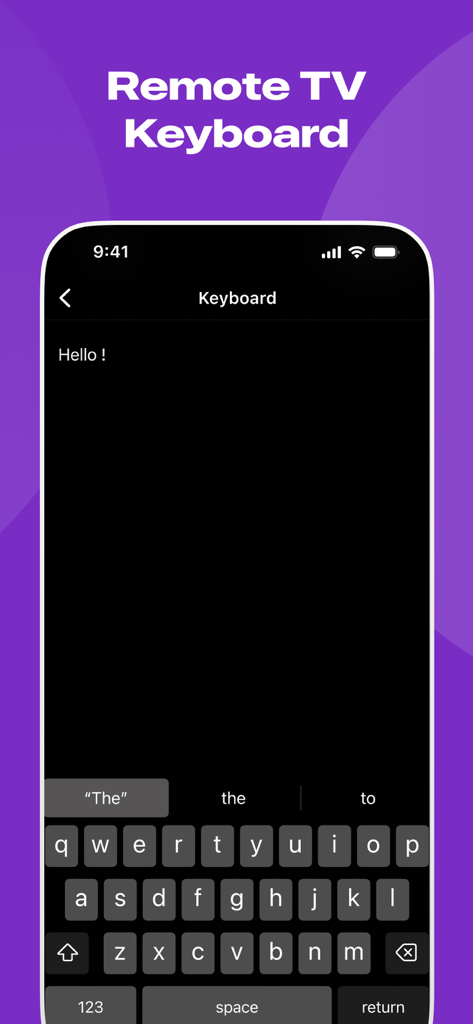
Funzione tastiera del telecomando TV per Roku su iPhone

Funzione tastiera del telecomando TV per Roku su iPhone

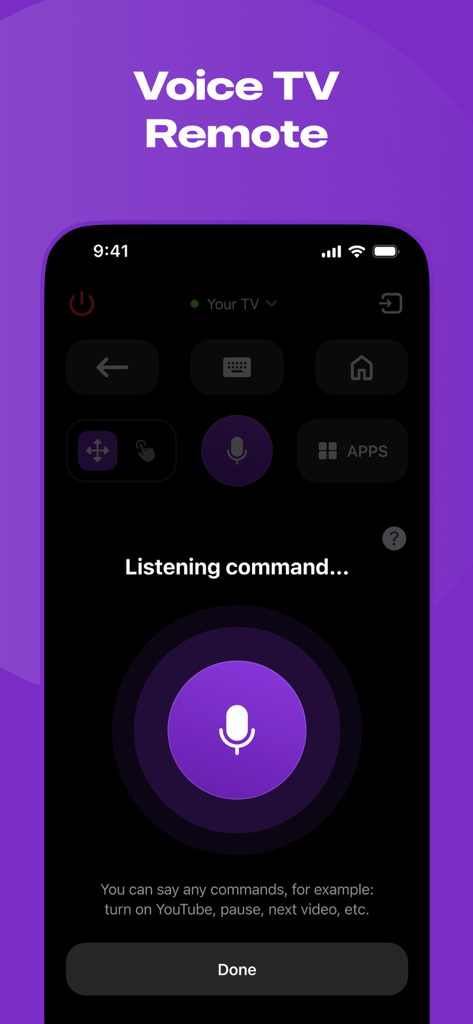
Un'interfaccia di un'app mobile per un telecomando Roku TV che mostra una funzione di controllo vocale con un grande pulsante del microfono e un prompt di ascolto

Un'interfaccia di un'app mobile per un telecomando Roku TV che mostra una funzione di controllo vocale con un grande pulsante del microfono e un prompt di ascolto

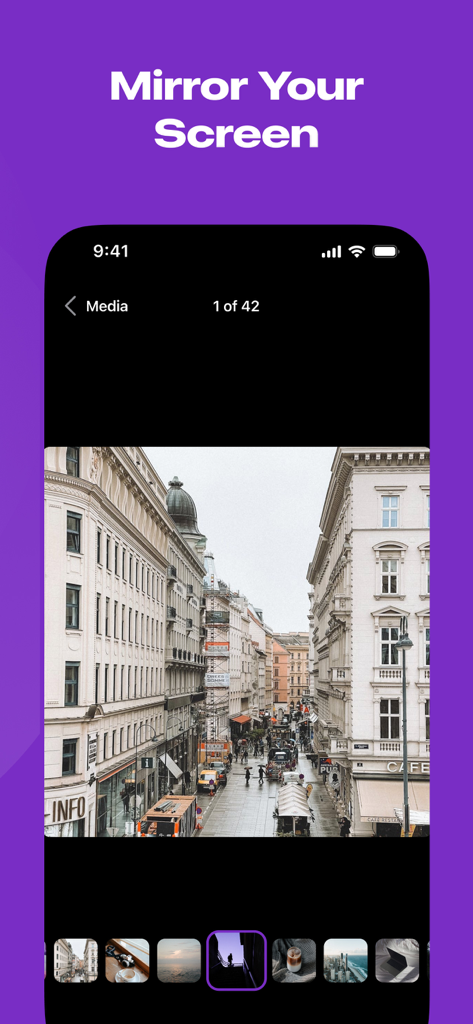
Schermata dell'iPhone che mostra una galleria fotografica sotto l'intestazione Mirror Your Screen

Schermata dell'iPhone che mostra una galleria fotografica sotto l'intestazione Mirror Your Screen

Il Compagno Definitivo per Roku

Gli strumenti che rendono questa app unica, scelti da 208K+ utenti.

📱

Telecomando Sempre Pronto

Non rovistare più tra i cuscini del divano. Controlla la tua TV, avvia le app e regola il volume con un'interfaccia più veloce e affidabile di un telecomando di plastica.

📡

Mirroring Wireless

Trasmetti istantaneamente i tuoi TikTok preferiti, i giochi mobili o le foto di famiglia. Abbandona gli adattatori costosi e goditi una configurazione pulita e minimalista senza cavi aggrovigliati.

Streaming HD Senza Lag

Vivi i tuoi contenuti multimediali in un'incredibile alta definizione. La nostra tecnologia in tempo reale garantisce che ogni presentazione o video appaia sullo schermo grande fluido come sul tuo telefono.

Amata dagli utenti di tutto il mondo

Scelto da 208K+ persone che amano questa app.

"

"Ho perso il mio telecomando fisico Roku mesi fa e finalmente ho trovato questa app. È una salvezza! Adoro poter mostrare istantaneamente ai miei figli video di calcio e foto delle vacanze ai nonni direttamente dal mio iPhone. Nessun cavo, nessun lag, solo una qualità super chiara. È così intuitivo che anche mia madre può usarlo quando fa da babysitter."

Sarah J.
"

"Per chi fa spesso presentazioni rapide e odia portare con sé i dongle, ShareRemote è un punto di svolta. Il mirroring dello schermo è incredibilmente reattivo, con una latenza quasi nulla, il che è raro per il casting wireless. Ha trasformato la mia Roku TV in un display professionale per il mio portfolio in pochi secondi. Vale sicuramente l'abbonamento per la sola affidabilità."

Marcus T.

Analisi recensioni

Approfondimenti dalle recensioni degli utenti.

Punteggio sentimento

27%
Negativo

Riepilogo

This mobile app elicits a highly polarized response from users. A small segment finds it very useful, praising its remote control capabilities and even noting its functionality as superior to the original app. However, the overwhelming majority of feedback is negative, primarily due to the app's mandatory payment structure for core features, leading many to label it a scam or unusable. Users frequently report frustration with recurring charges and connectivity problems.

Temi comuni

App Utility(2)
Performance and Functionality(2)
Overall User Experience(2)
Remote Control Feature(1)
Convenience(1)

Info sull'app

Tutto quello che devi sapere su Roku TV Remote Control & Cast.

Descrizione

Introducing ShareRemote iOS screen mirroring app. Whether you're showing off your latest photos, streaming videos with friends, or presenting that killer presentation, our app is your go-to for making it all happen effortlessly. **Why You'll Love It:** 1. **No More Wires:** Tangled cables? No, thank you! Our app lets you mirror your device wirelessly. Just a quick tap, and voila – your screen is on the big stage! 2. **Crystal Clear Picture:** Your memories and content deserve the best. Our app keeps the quality top-notch, making sure your pictures and videos look as fabulous on the big screen as they do on your device. 3. **Keep it Real-Time:** Show off your skills live! Whether you're playing games, giving a presentation, or just goofing around, our app mirrors every move in real-time. It's like having your own mini movie premiere. 4. **Easy Peasy Interface:** No tech degree needed here! Our app is designed to be super easy to use. Just open, tap, and watch the magic unfold. It's so simple even your grandma could do it. Whether you're a pro or just looking to spice up your digital life, our screen mirroring app is the sidekick you've been waiting for. Turn any screen into a portal to your device. Download now and let the mirroring adventures begin! ShareRemote subscription plans are: - Yearly subscription - 6 months subscription - Monthly subscription - Weekly subscription - Payment will be charged to iTunes Account at confirmation of purchase. - Subscription automatically renews unless auto-renew is turned off at least 24-hours prior to the end of the current period. - The account is charged for renewal within 24-hours before the end of the current period. - Subscriptions may be managed by the user and auto-renewal may be turned off by going to the user’s Account Settings after purchase. - The cost of renewal is equal to the value that “Apple’s App Store Matrix” determines as the equivalent of the subscription price in $USD. - Any unused portion of a free trial period, if offered, will be forfeited when the user purchases a subscription to that publication. *Prices are equal to the value that "Apple's App Store Matrix" determines is the equivalent of the subscription price in $USD. Privacy Policy - https://docs.google.com/document/d/1ahEeO01U4RiZyrZyXq2MkmMjxl8cBKmxlYxlrHaGwUg/edit?usp=sharing Terms of Use - https://docs.google.com/document/d/1xD4dteABb8nb7IY_UNEBLtTUo7Z4KFDfuvoq2gmuVk8/edit?usp=sharing

Ultima versione

1.5

Dimensione

52.3 MB

Data di lancio

23 gen 2024

Pronto a Padroneggiare la Tua Roku TV?

Unisciti a oltre 208.000 utenti che hanno abbandonato i telecomandi smarriti e i cavi aggrovigliati. Scarica ShareRemote oggi stesso e inizia a eseguire il mirroring del tuo mondo in tempo reale.

Scarica su App Store
FAQ

Domande Frequenti

Tutto quello che devi sapere su Roku TV Remote Control & Cast

Cos'è l'app Roku TV Remote Control & Cast?

L'app Roku TV Remote Control & Cast funziona come un telecomando per smart TV e fornisce il mirroring wireless dello schermo. Offre controlli reattivi, una tastiera, comandi vocali e consente di inviare foto e video su uno schermo più grande.

L'app Roku TV Remote Control & Cast consente il mirroring dello schermo?

Sì, l'app Roku TV Remote Control & Cast consente il mirroring wireless dello schermo. Gli utenti possono visualizzare foto, trasmettere video o presentare dal proprio dispositivo su uno schermo più grande con qualità cristallina e prestazioni in tempo reale.

Quali funzioni di controllo remoto offre Roku TV Remote Control & Cast?

Roku TV Remote Control & Cast offre funzioni di controllo remoto complete, tra cui controllo dell'accensione, navigazione, accesso alle app, regolazione del volume e riproduzione multimediale. Include anche un touchpad reattivo, una tastiera remota e il controllo vocale per la TV.

Quali opzioni di abbonamento sono disponibili per Roku TV Remote Control & Cast?

Roku TV Remote Control & Cast offre diverse opzioni di abbonamento. Gli utenti possono scegliere tra piani annuali, semestrali, mensili e settimanali per accedere a tutte le funzionalità dell'app.

Come gestisco il rinnovo automatico per il mio abbonamento a Roku TV Remote Control & Cast?

Gli utenti possono gestire i propri abbonamenti a Roku TV Remote Control & Cast e disattivare il rinnovo automatico. Ciò si ottiene navigando nelle Impostazioni dell'account dell'utente su iTunes dopo l'acquisto.

Dove si trova l'Informativa sulla privacy per l'app Roku TV Remote Control & Cast?

L'Informativa sulla privacy per Roku TV Remote Control & Cast è disponibile tramite un link diretto fornito nella descrizione dell'app. Garantisce agli utenti l'accesso alle informazioni relative alle pratiche di gestione dei dati.