Samsung Smart TV Remote Plus

Samsung Smart TV Remote Plus

Scarica su App Store
Spark by MWM logo
Logo di Samsung Smart TV Remote Plus
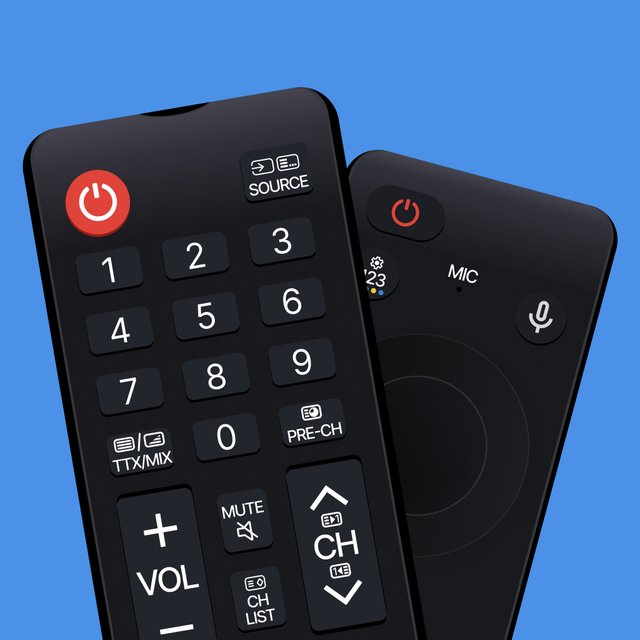
Samsung Smart TV Remote Plus: La Tastiera e il Touchpad Definitivi per il Tuo iPhone

Smetti di lottare con pulsanti goffi. Cerca, digita e naviga sulla tua Samsung Smart TV senza sforzo con un touchpad di precisione e una tastiera mobile completa, tutto dal dispositivo che hai già in mano.

Editore

MeisterApps BV

Categoria

Utilities

Download

440K+

Valutazione

4.5/5

Valutazioni totali

18K+

Lingue

22

Precisione a Portata di Mano

Scopri l'interfaccia usata da 440K+ utenti.
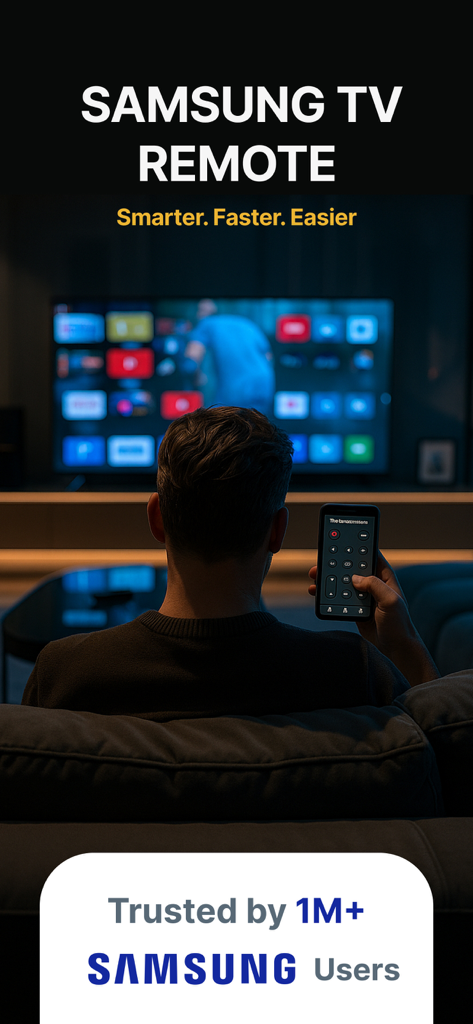
Una persona che controlla una Samsung Smart TV con un'app di telecomando sul proprio smartphone

Una persona che controlla una Samsung Smart TV con un'app di telecomando sul proprio smartphone

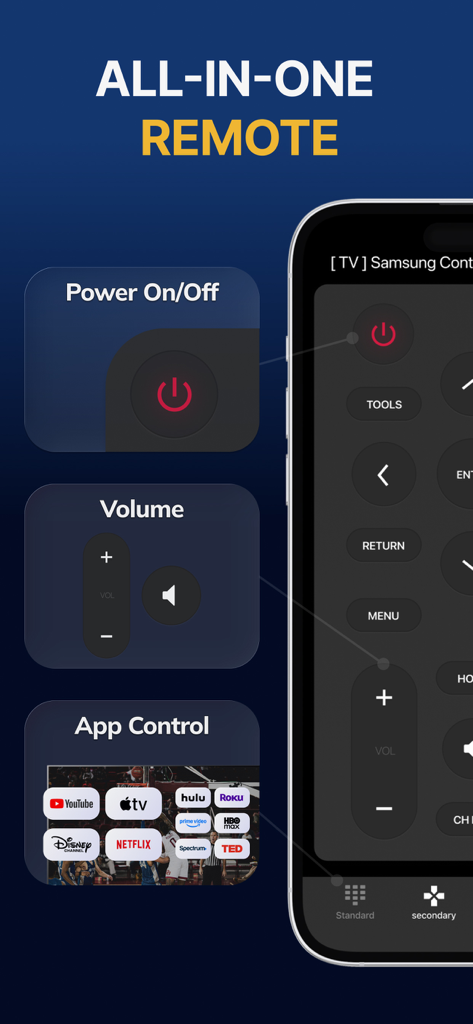
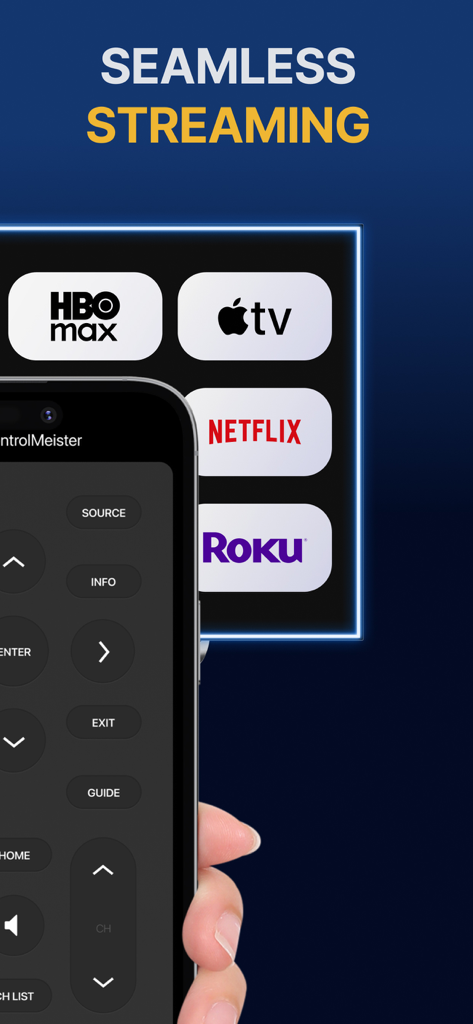
Interfaccia dell'app Samsung Smart TV Remote Plus che mostra scorciatoie per le app di streaming, volume e accensione

Interfaccia dell'app Samsung Smart TV Remote Plus che mostra scorciatoie per le app di streaming, volume e accensione

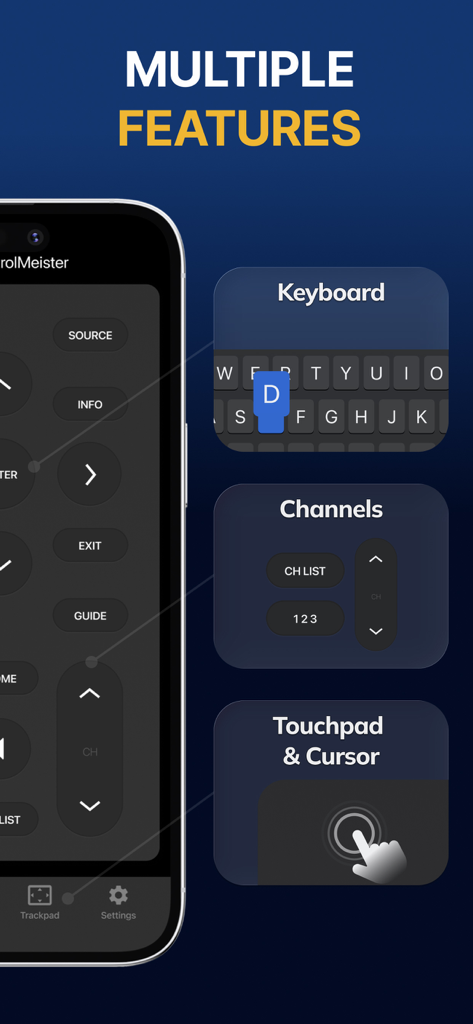
Interfaccia dell'app Samsung Smart TV Remote Plus che visualizza funzionalità di tastiera, controllo canali e touchpad

Interfaccia dell'app Samsung Smart TV Remote Plus che visualizza funzionalità di tastiera, controllo canali e touchpad

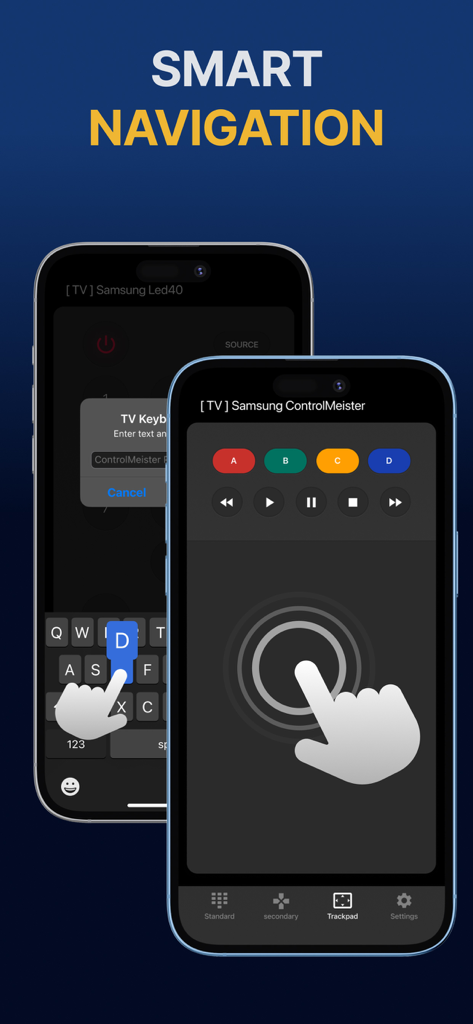
Display dell'iPhone che mostra l'app del telecomando Samsung Smart TV con touchpad e tastiera per la navigazione intelligente

Display dell'iPhone che mostra l'app del telecomando Samsung Smart TV con touchpad e tastiera per la navigazione intelligente

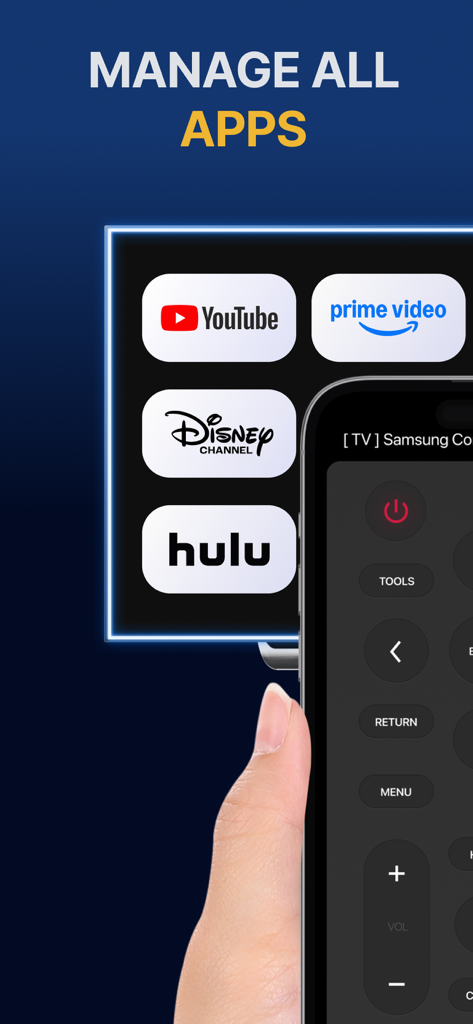
Schermata dell'iPhone che mostra un'interfaccia di telecomando per la gestione di app di streaming come YouTube e Hulu su una TV Samsung.

Schermata dell'iPhone che mostra un'interfaccia di telecomando per la gestione di app di streaming come YouTube e Hulu su una TV Samsung.

iPhone che mostra l'interfaccia dell'app Samsung Smart TV Remote Plus con pulsanti e icone dei servizi di streaming

iPhone che mostra l'interfaccia dell'app Samsung Smart TV Remote Plus con pulsanti e icone dei servizi di streaming

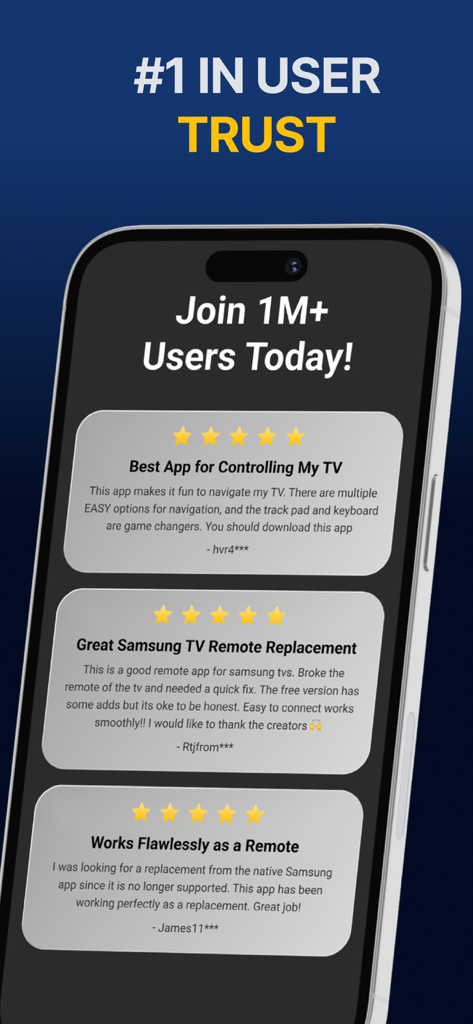
Una visualizzazione di recensioni positive degli utenti a cinque stelle per l'app Samsung Smart TV Remote Plus.

Una visualizzazione di recensioni positive degli utenti a cinque stelle per l'app Samsung Smart TV Remote Plus.

Padroneggia la Tua TV con Precisione Totale

Gli strumenti che rendono questa app unica, scelti da 440K+ utenti.

⌨️

Digitazione Fulminea

Elimina la frustrazione di cercare le lettere sullo schermo. Usa la tastiera del tuo iPhone per inserire titoli di film, URL e password in pochi secondi.

👆

Touchpad di Precisione

Naviga menu e browser web con fluidi gesti di scorrimento. Controlla il cursore della TV con la stessa velocità e precisione di un mouse.

📱

Il Telecomando Che Non Si Perde Mai

Smetti di cercare sotto i cuscini del divano. Dato che il tuo telefono è sempre al tuo fianco, il tuo telecomando è esattamente dove ti serve, quando ti serve.

Amata dagli utenti di tutto il mondo

Scelto da 440K+ persone che amano questa app.

"

"Cercare programmi su Netflix e Prime era un vero tormento con il telecomando standard. Poter usare la tastiera del mio iPhone per digitare i titoli ha cambiato completamente il modo in cui uso la mia TV. È veloce, reattivo e onestamente molto più intuitivo del telecomando fornito nella confezione."

Sarah Jenkins
"

"Con due bambini in casa, il nostro telecomando fisico scompare sempre. Avere questa app sul mio iPhone e iPad significa che non devo più frugare tra i cuscini del divano. L'installazione è stata istantanea e il touchpad rende la navigazione web sulla mia Samsung TV effettivamente utilizzabile."

David Miller

Info sull'app

Tutto quello che devi sapere su Samsung Smart TV Remote Plus.

Descrizione

The #1 remote control for your Samsung Smart TV. Turn your iPhone or iPad into a remote. ControlMeister universal remote app for Samsung Smart TVs offers full remote functionality. Easily control your channels, volume, menus, apps and navigation. It even has an advanced keyboard and mouse pad. This allows you to operate your smart TV easier and faster. Enter a URL or password in record time. This app is so much better than your normal remote. ControlMeister is the best free iPhone/iPad remote control unit for Samsung TV to browse thru your favorite apps. Save time and enter text easily on web browser or other apps. Access to movies, music and games will become so much simpler and easier! Functionalities: ■ Control your Samsung Smart TV with gestures from your iPhone and iPad. ControlMeister supports the latest Samsung Smart TVs. ■ Easily use apps on your Samsung Smart TV with the keyboard of this app. This also works in the ‘search’ option. Great if you want to visit websites on your television. Great when using apps like FB, Twitter, Vimeo, WhatsApp, Telegram, Amazon or Spotify. ■ Use the touchpad and keyboard to control the TV's web browser, apps and menu settings. No more fiddling with tiny keys using the factory remote control. ■ Control the cursor with your finger with the touchpad. Control channels, volume, search & apps with the swipe of your finger. Advantages: ■ Easy browsing ■ Fast search ■ No more lost remotes ■ Save time ■ Best signal ■ Better for environment ■ Latest technology With ControlMeister you can easily use a keyboard on your Samsung Smart TV so you don’t have to scroll through letters. The keyboard automatically pops up when necessary, so you don’t need to think about this. You can stay focused on your TV shows, movies or news. Control the cursor on your Samsung TV with your finger with the touchpad. Use gestures on your iPhone or iPad to control the TV’s web browser. With swipe gestures you can. change the volume and channel while keeping your eyes on the TV screen! Requirements: * Samsung Smart TV (2012 or newer) * WiFi * iPhone or iPad Which TV-model year do I have? You can see that by looking at the middle letter in your model type (on the back of your Samsung TV). E = 2012 F = 2013 H = 2014 J = 2015 K = 2016 M = 2017 N = 2018 R = 2019 T = 2020 A = 2021 Q = QLED (also supported) Example: UE55_E_S8000 = 2012. UE78_H_U8500L = 2014. Disclaimer: - This universal remote control for Samsung TVs does not support the keyboard function for Netflix & YouTube. They disabled this. - ControlMeister can only offer app control for Samsung TVs from 2016, or newer. UNLIMITED ACCESS PRO SUBSCRIPTION You need a subscription for unlimited access to all features without advertising and interruptions. Payment will be charged to iTunes Account at confirmation of purchase. Subscription automatically renews unless auto-renew is turned off at least 24-hours before the end of the current period. The account will be charged for renewal within 24-hours before the end of the current period and identify the cost of the renewal. Subscriptions may be managed by the user and auto-renewal may be turned off by going to the user's Account Settings after purchase. Any unused portion of a free trial period, if offered, will be forfeited when the user purchases a subscription to that publication, where applicable. - Terms of use: https://www.controlmeister.com/terms-of-use/ - Privacy policy: https://www.controlmeister.com/privacy-policy/ If you have any questions, please discover the FAQs on our website. Or, send an e-mail to info@controlmeister.com

Ultima versione

1.5.5

Dimensione

80.3 MB

Data di lancio

22 set 2019

Pronto a Migliorare la Tua Esperienza TV Samsung?

Unisciti a oltre 440.000 utenti e trasforma il tuo iPhone nel touchpad e nella tastiera definitivi. Dì addio per sempre ai telecomandi smarriti e alla digitazione lenta.

Scarica su App Store