TV Remote Control “Universo”

TV Remote Control “Universo”

Scarica su App Store
Spark by MWM logo
Logo di TV Remote Control “Universo”
Telecomando TV “Universo”: Il Centro di Comando Definitivo per la Tua Smart Home

Smetti di cercare i telecomandi smarriti e elimina il disordine. Trasforma il tuo iPhone in un controller universale di alta precisione con navigazione touchpad, digitazione facile con tastiera e accesso con un solo tocco a ogni TV di casa tua.

Scarica su App Store

Editore

Nemo Apps LLC

Categoria

Utilities

Download

464K+

Valutazione

4.7/5

Valutazioni totali

8K+

Lingue

23

Controllo a Portata di Mano

Scopri l'interfaccia usata da 464K+ utenti.
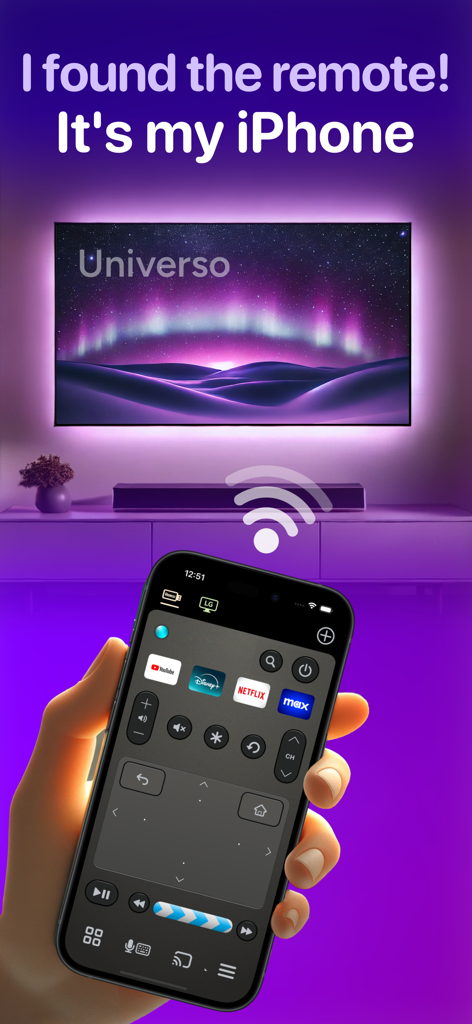
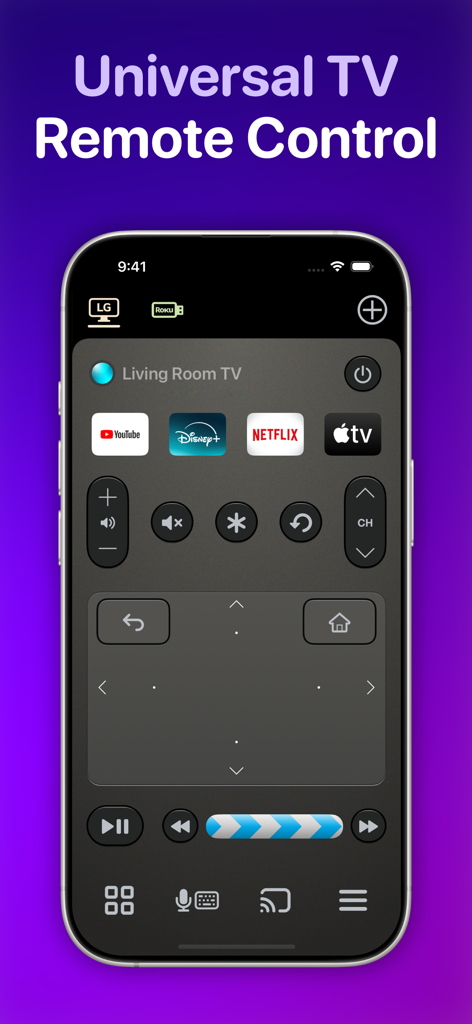
Schermata iPhone che mostra l'app di controllo remoto TV Universo con un touchpad e scorciatoie per lo streaming.

Schermata iPhone che mostra l'app di controllo remoto TV Universo con un touchpad e scorciatoie per lo streaming.

Interfaccia dell'app di controllo remoto TV universale Universo su un iPhone con touchpad e scorciatoie per app di streaming

Interfaccia dell'app di controllo remoto TV universale Universo su un iPhone con touchpad e scorciatoie per app di streaming

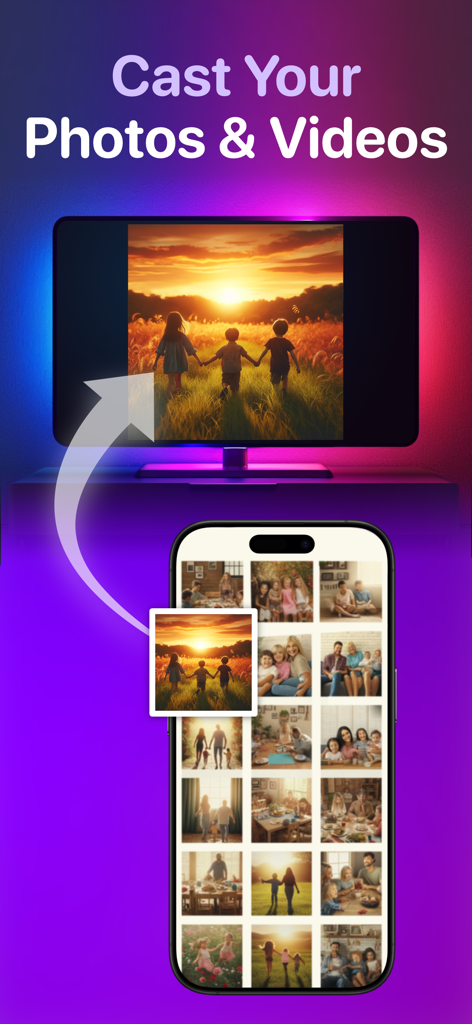
Interfaccia dell'app per iPhone che mostra la funzione per inviare foto e video a una smart TV

Interfaccia dell'app per iPhone che mostra la funzione per inviare foto e video a una smart TV

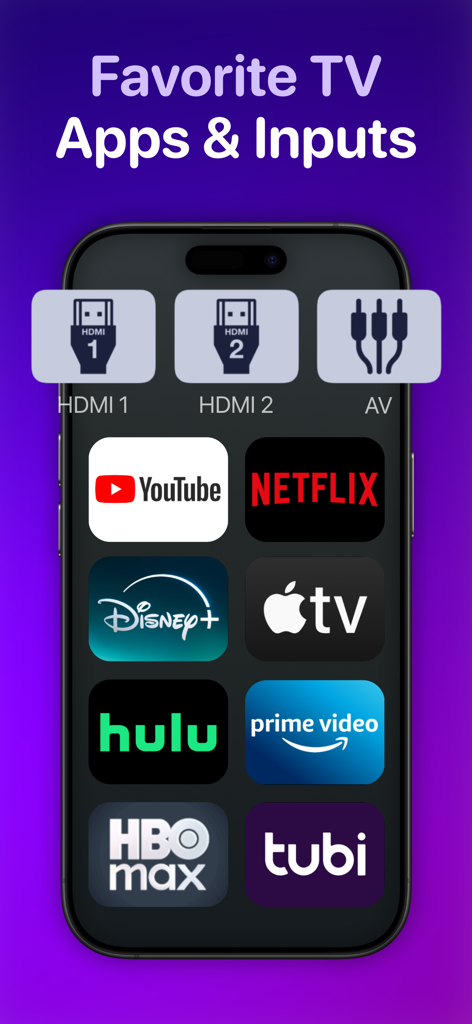
Uno schermo smartphone che mostra scorciatoie per app di streaming popolari e ingressi TV.

Uno schermo smartphone che mostra scorciatoie per app di streaming popolari e ingressi TV.

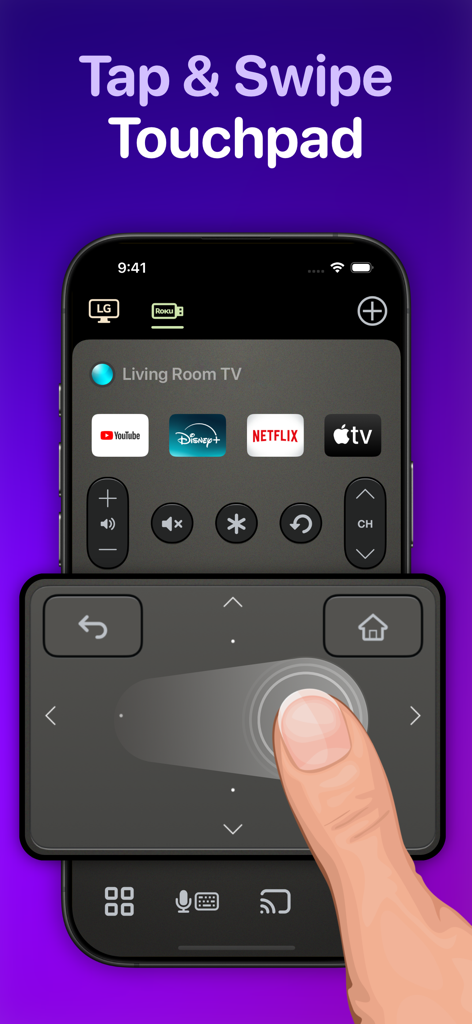
Utente che naviga in una smart TV utilizzando il touchpad scorrevole sull'app di controllo remoto Universo

Utente che naviga in una smart TV utilizzando il touchpad scorrevole sull'app di controllo remoto Universo

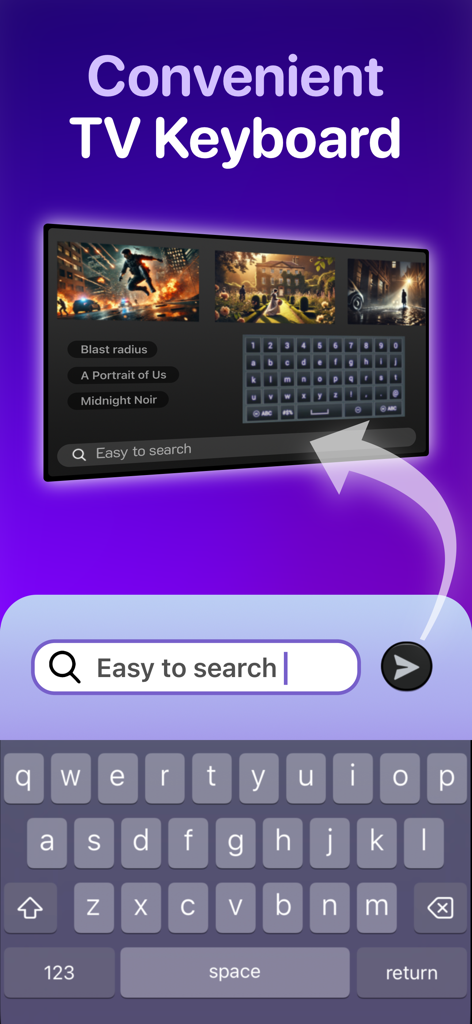
Tastiera dell'iPhone utilizzata per cercare contenuti su uno schermo TV intelligente

Tastiera dell'iPhone utilizzata per cercare contenuti su uno schermo TV intelligente

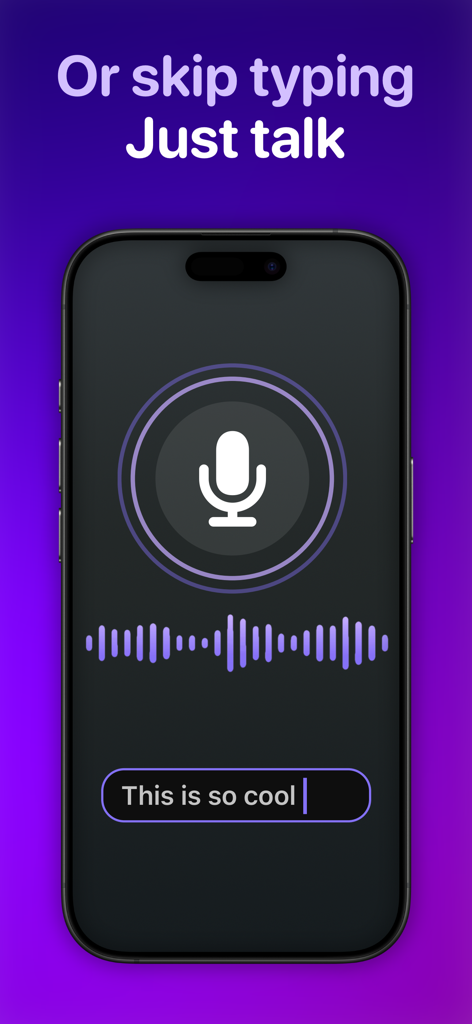
Schermata iPhone che mostra la funzione di trascrizione da voce a testo per un'app di controllo remoto TV universale

Schermata iPhone che mostra la funzione di trascrizione da voce a testo per un'app di controllo remoto TV universale

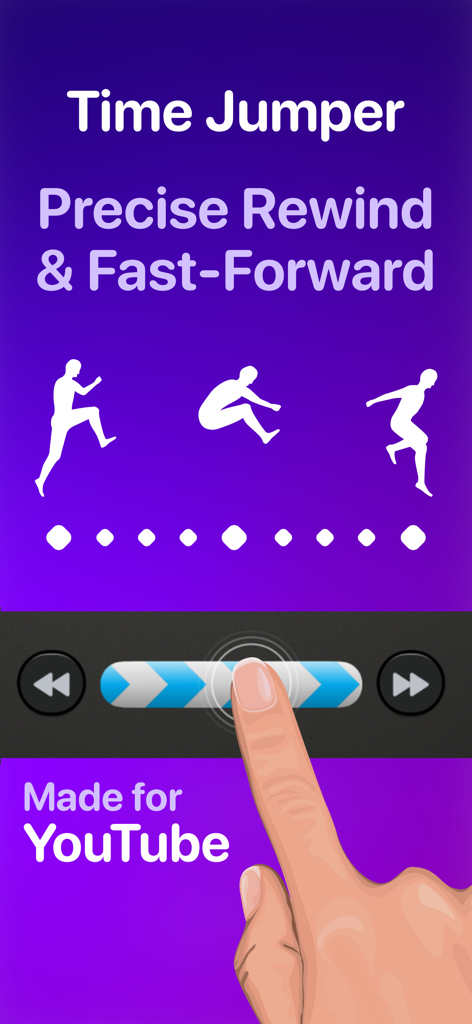
Interfaccia che mostra la funzione Time Jumper per riavvolgere e avanzare con precisione su YouTube

Interfaccia che mostra la funzione Time Jumper per riavvolgere e avanzare con precisione su YouTube

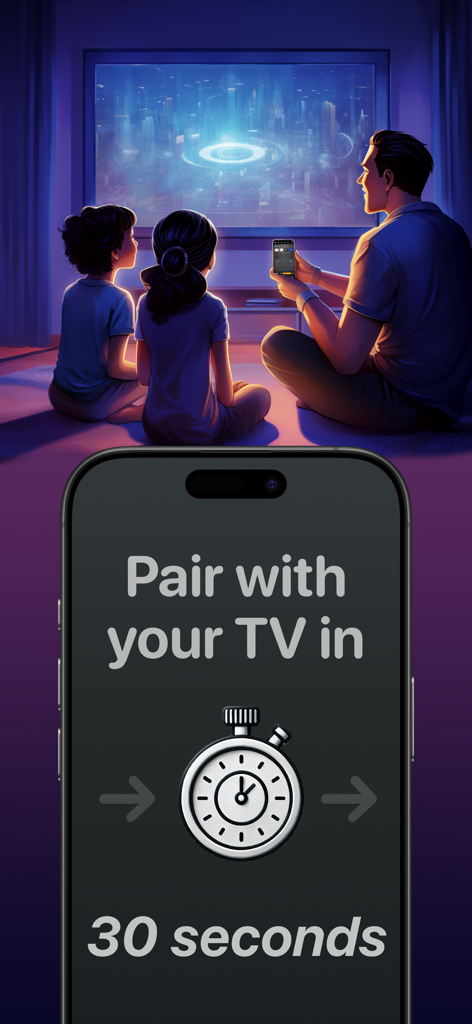
Una famiglia guarda la TV con uno schermo iPhone che mostra un timer di abbinamento di trenta secondi per l'app di controllo remoto Universo

Una famiglia guarda la TV con uno schermo iPhone che mostra un timer di abbinamento di trenta secondi per l'app di controllo remoto Universo

Domina il Tuo Intrattenimento Domestico

Gli strumenti che rendono questa app unica, scelti da 464K+ utenti.

⌨️

Cerca alla Velocità del Pensiero

Smetti di cercare lettere su un D-pad. Usa la tastiera del tuo iPhone o la trascrizione vocale per trovare film e digitare password in pochi secondi.

🖐️

Controllo di Precisione Senza Guardare

Naviga nei menu usando un ampio touchpad scorrevole progettato per l'uso con una sola mano, così non dovrai mai abbassare lo sguardo sul telefono mentre guardi.

🏠

L'Hub Universale Definitivo

Passa senza interruzioni tra il tuo Samsung del soggiorno, il Roku della camera da letto e le console di gioco con scorciatoie personalizzate per le tue app preferite e gli ingressi HDMI.

Amata dagli utenti di tutto il mondo

Scelto da 464K+ persone che amano questa app.

"

"Finalmente un telecomando universale che sembra davvero di alta qualità. Tra il nostro Samsung in soggiorno e il Roku in camera da letto, ero solito destreggiarmi tra tre telecomandi diversi. Ora, uso semplicemente i pulsanti HDMI personalizzati per passare direttamente alla mia PS5 o a Netflix. L'input da tastiera è un vero salvavita per accedere alle app di streaming!"

Sarah Miller
"

"La funzione Time Jumper cambia le regole del gioco per guardare YouTube: finalmente posso scorrere i video con vera precisione. Adoro il touchpad scorrevole perché posso navigare nei menu senza distogliere lo sguardo dalla TV. È molto più reattivo del telecomando fisico fornito con il mio LG."

Jason Chen

Info sull'app

Tutto quello che devi sapere su TV Remote Control “Universo”.

Descrizione

Turn your iPhone into a universal remote control for smart televisions and streaming devices. Simplify Entertainment When you’re ready to relax at the end of a hard day, do you want to spend the next 10 minutes hunting for a lost TV remote in the sofa cushions? Place this app on all your iPhones, and a fully functional remote control is always one tap away. Designed to Keep Your Eyes on the TV • With a spacious swipe touchpad right under your thumb, you can navigate the user interface of your TV without needing to look down at your phone. • Make a long swipe to take several steps in one motion. • Tap a side of the pad to step once. • Long press a side of the pad to smoothly scroll through menus and program lists. • Built-in back and home buttons keep all navigation convenient in one spot. Skip to the Action • Introducing the Time Jumper. It’s a media “scrubber” that gives you precision control over the current play position in a video. Slowly shift it to rewind or advance 10 seconds at a time. Flick it rapidly to leap to a far-off scene in the video. • Time Jumper works great with YouTube and apps that implement rewind and fast forward similarly. • Our remote control includes standard playback buttons like play, pause, rewind and fast-forward. Multi-Device Support • Set up remote controls for multiple TV’s and streaming devices in one place. One tap switches between them. Cast Your Photos and Home Movies to Your TV • Make it family slideshow time by sharing photos and videos from your iPhone onto the big screen. Keyboard Input and Voice Search • Enter text on your TV easily with the standard iOS keyboard or with automatic voice transcription. Customizable App and Input Buttons • Launch apps like YouTube, Netflix, Max, and Disney with one tap. Switch TV inputs/sources like HDMI1, HDMI2, or Antenna (“Live TV”). • For your most-used apps and TV inputs, make quick access buttons on the main panel. For example, if you have a PlayStation on HDMI1, and an Xbox on HDMI2, make a button for each. Other Features offered on many TV’s: • Power on/off. This app uses Wake-on-LAN (WoL) to power on TV’s that support it. • Audio buttons for volume control and mute. • Inputs, settings, menu, caption buttons. • Change channels with channel up/down buttons and numpad. • Previous channel button to flip between two channels. Great for sports. • TV guide button to see an on-TV program list. • Haptic feedback when command is sent to TV. How Does This App Work? • This app connects with your TV securely on your home wireless network. It doesn’t use IR (Infrared) like a traditional remote control. • Wi-Fi connection is great. You don’t need to point your phone at the TV for it to work. Also, there is no cross-interference between two TV’s. • This app uses Apple Bonjour (zeroconf) and Universal Plug and Play (UPnP) discovery to detect devices on your home network automatically to make setup easy. Compatibility This app is compatible with the latest versions of most major TV platforms, including: • Samsung Tizen • LG WebOS • Sony Bravia • Vizio SmartCast • Roku • Fire TV OS • Google TV Supports devices including: • Chromecast • Roku Streaming Stick • Amazon Fire TV Stick • Nvidia Shield And many TV models from: • Samsung (2016+) • LG • Sony • Vizio (2016+) • TCL • Hisense • Sharp • Toshiba Also: Philips, Insignia, Panasonic, JVC, RCA, Onn, Element, Magnavox, Grundig, Onida, OnePlus, Realme, Xiaomi, Skyworth, Blaupunkt, Metz, XGIMI, Haier, Pioneer, Westinghouse This app is not affiliated with the TV brands mentioned here. All trademarks are property of their respective owners. We try to make the most out of the functionality offered by the TV platform for control by apps. But the capabilities offered vary by manufacturer and model. So some of the remote control features listed here may not be available for your TV. Terms of use: https://www.apple.com/legal/internet-services/itunes/dev/stdeula

Ultima versione

3.4.0

Dimensione

112.7 MB

Data di lancio

4 mar 2024

Aggiorna al Telecomando Pro-Grade che il Tuo TV Merita

Smetti di cercare i telecomandi smarriti e inizia a controllare. Unisciti a oltre 464.000 utenti che hanno trasformato il loro iPhone nel centro di comando definitivo per ogni schermo della loro casa.

Scarica su App Store