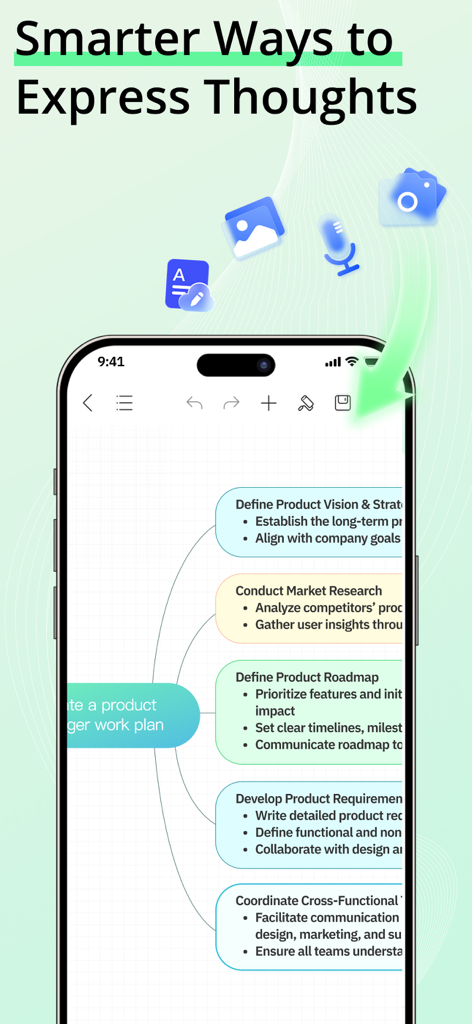
EdrawMind is an AI Mind Map tool that helps you generate mind maps and drawings from text, slides, or documents, and convert them into slides, audio, or video. Quickly create professional-looking mind maps with built-in templates, and share them as images or PDFs.
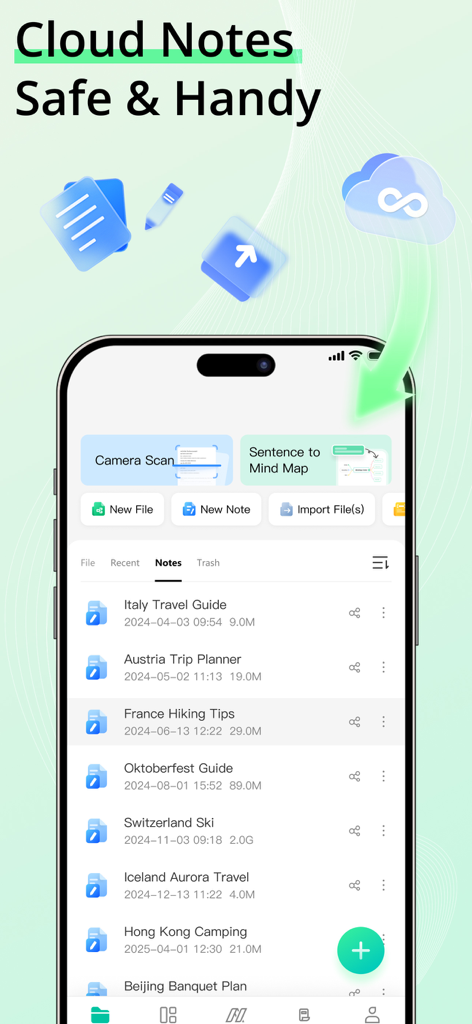
NEW: Cloud Notes & Smart Memory
● Cloud Notes: Securely save all your AI Mind Maps, drawings, and ideas in the cloud and access them anytime, anywhere.
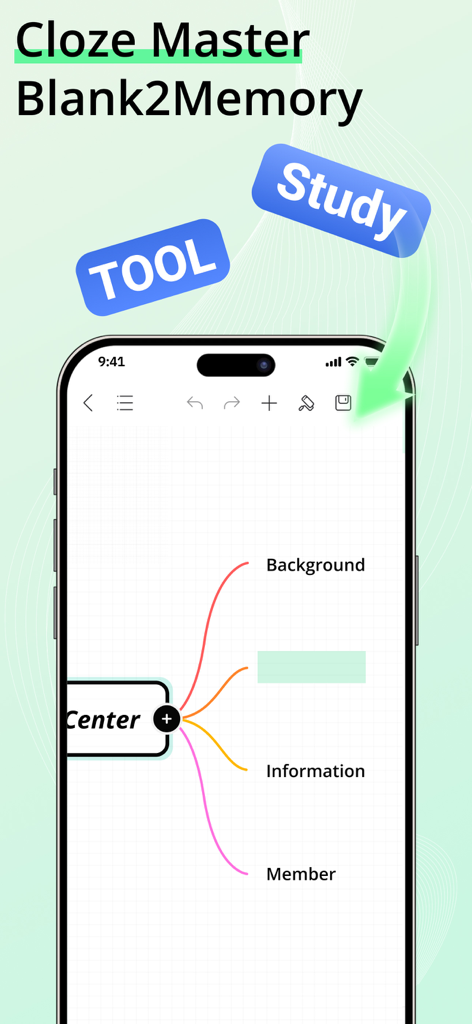
● Smart Memory: Automatically track and recall key information from your AI Mind Maps to boost productivity and creative flow.
BOOST YOUR PRODUCTIVITY WITH EDRAWMIND AI
One-Click AI Mind Map
● Visualize ideas and relationships easily with AI-powered mind mapping.
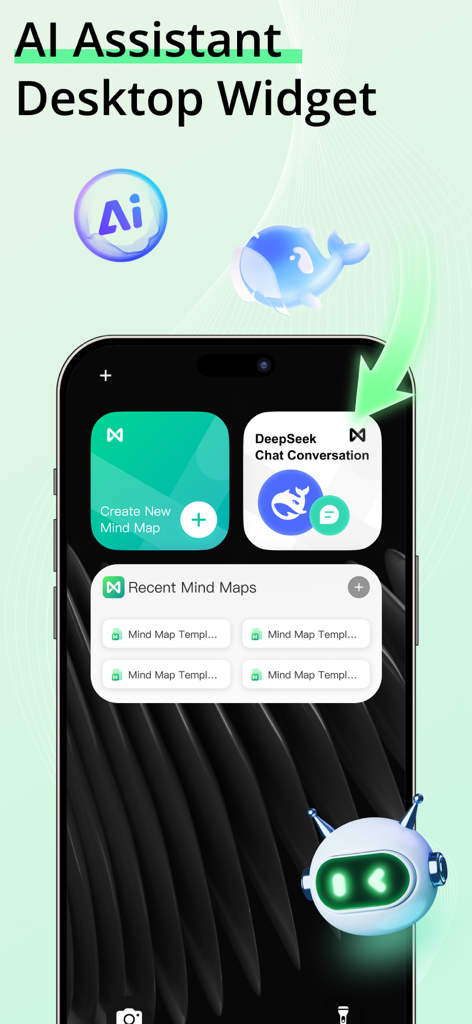
● Intelligent assistant auto-organizes your AI Mind Map with one tap.
AI Summary
● Analyze, organize, and summarize content automatically, generating AI Mind Maps instantly.
● Supported file formats: PPT, WORD, PDF, HTML, TXT, Markdown.
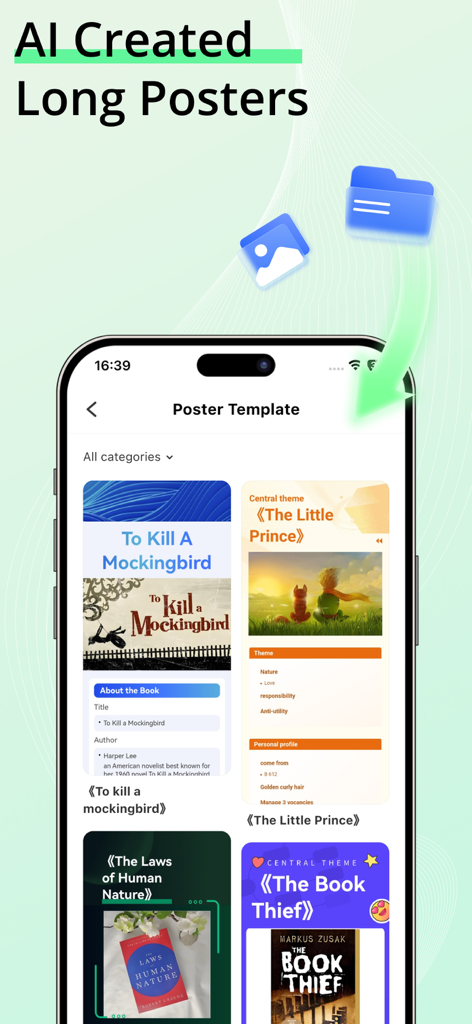
AI Mind Map to Poster
● Transform your AI Mind Map outlines into stunning posters instantly.
● Customize poster themes effortlessly, from business to fashion, fresh to minimalistic.
AI Drawing
● Create stunning graphics with AI Drawing in seconds.
● Convert text to images or turn images into artwork using AI Drawing tools.
▶ VISUALIZE IDEAS WITH AI MIND MAPS
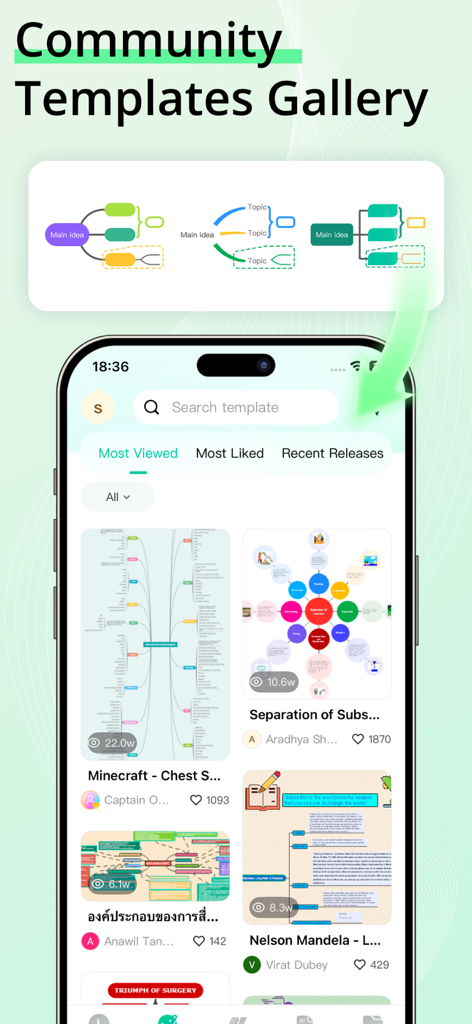
Templates
● Explore built-in templates and 15,000+ free user-shared templates for inspiration.
Rich Layouts & Themes
● Customize your AI Mind Map with 22 layouts, 47 themes, 750+ cliparts, and hand-drawn effects.
Structure
● 22 structures for AI Mind Maps, including mind map, concept map, bubble map, brace map, sunburst chart, timeline, tree chart, fishbone diagram, org chart, Gantt chart, spider diagram, and family tree.
Insert
● Enrich topics with images, audio notes, equations, labels, hyperlinks, topic links, drawings, etc.
Smart Formatting
● Add, delete, or move nodes, and your AI Mind Map automatically adjusts.
Outline Mode
● Edit your AI Mind Map in structured text for faster navigation.
Equation / LaTeX
● Insert mathematics and chemical equations.
Audio Note
● Record ideas instantly with Cloud Notes and never miss important thoughts.
▶ CREATE STUNNING AI MIND MAPS & AI DRAWINGS WITHOUT LIMITS
Custom Themes
● Fully customize your AI Mind Map and AI Drawing outputs.
Diversified Layouts
● Professional layouts to structure ideas and simplify complex issues.
Hand-Drawn Style
● Switch your AI Mind Map to a hand-drawn look with one click.
Colored Branches
● Stimulate creativity with rainbow-colored branches.
Stickers & Cliparts
● Over 700 cliparts, emojis, and symbols to enhance your AI Mind Map or AI Drawing.
▶ SAVE, SHARE, AND PROTECT
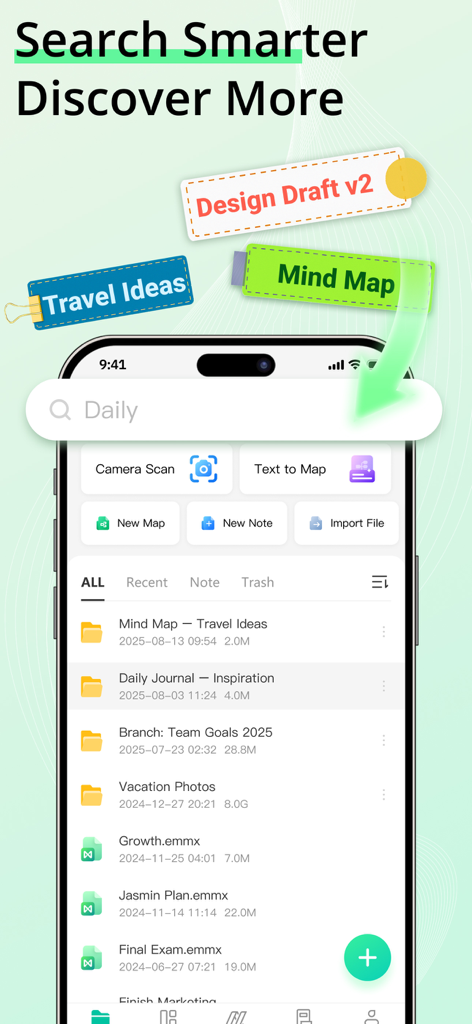
Import
● MindManager, FreeMind, Lighten, MindNode, Markdown, OPML, TextBundle, Word(DOCX).
Export
● PDF, PNG, Markdown, Word, Excel, PowerPoint, OPML, TextBundle.
File Sync
● Automatically sync all AI Mind Maps and Cloud Notes to iCloud.
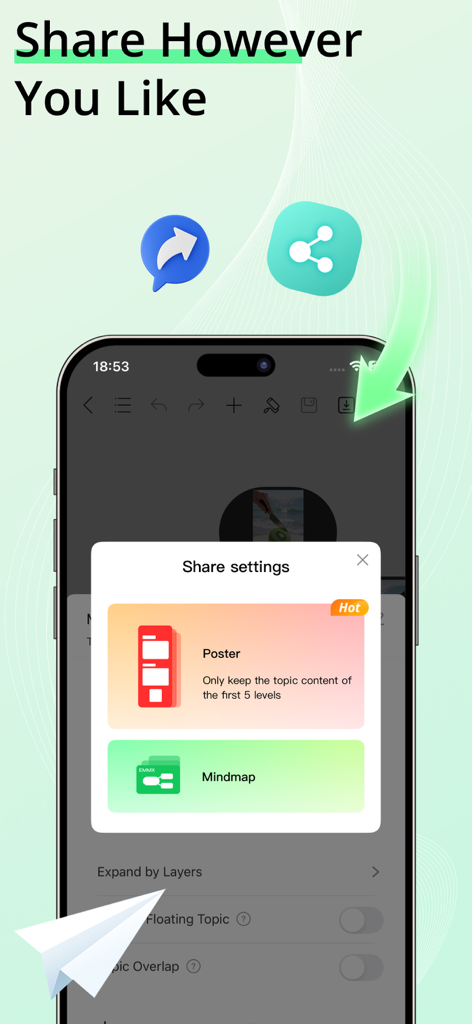
Share
● Share your AI Mind Map or AI Drawing on social media, or download as images.
Password Protection
● Secure your AI Mind Maps, AI Drawings, and Cloud Notes with a password.
Subscription Information
Payment will be charged to your iTunes account upon confirmation of purchase. Subscriptions automatically renew unless auto-renew is turned off at least 24 hours before the end of the current period. Manage subscriptions for a seamless experience.
Privacy Policy
https://www.edrawsoft.com/mindmaster/privacy-policy.php
Terms of Service
https://www.edrawsoft.com/mindmaster/terms-of-service.php
Support:
Email: support@edrawsoft.com
X: Edraw@edrawsoft
Facebook: EdrawSoftware