Inko › Whiteboard: Draw+Pencil

Inko › Whiteboard: Draw+Pencil

ダウンロード: App Store
Spark by MWM logo
ロゴ: Inko › Whiteboard: Draw+Pencil
Inko: クリエイティブチームのためのピクセルパーフェクトなコラボレーションホワイトボード

iPad、Mac、Apple TV間でリアルタイムに共同でブレインストーミングやスケッチを行いましょう。Wi-Fiなしでも、設定不要で遅延のない安全なコラボレーションを体験してください。

開発元

Creaceed SRL

カテゴリ

Business

ダウンロード

898K+

ユーザー評価

4.5/5

評価数

2K+

対応言語

24

動きの中でのコラボレーション

このインターフェースを利用する 898K+ 人のユーザー.

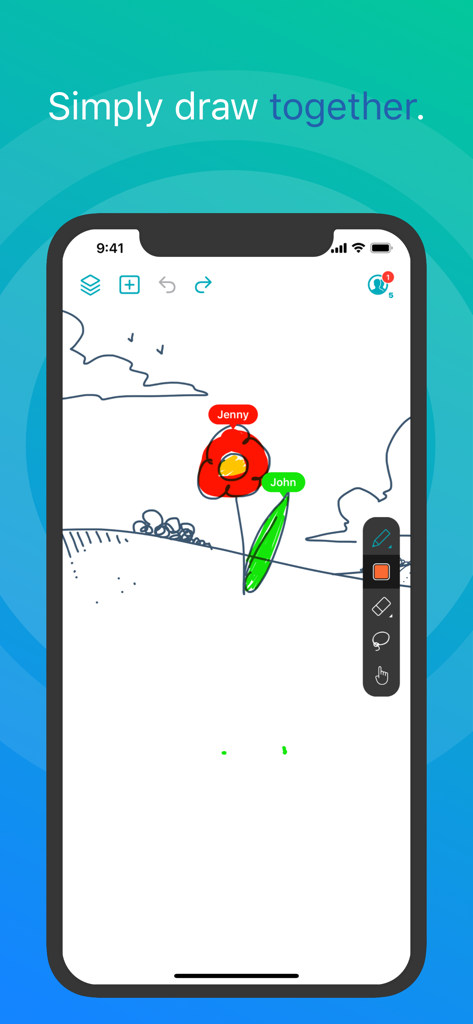
Inkoアプリで、2人のユーザーがデジタルホワイトボード上でリアルタイムに共同作業しています。

Inkoアプリで、2人のユーザーがデジタルホワイトボード上でリアルタイムに共同作業しています。

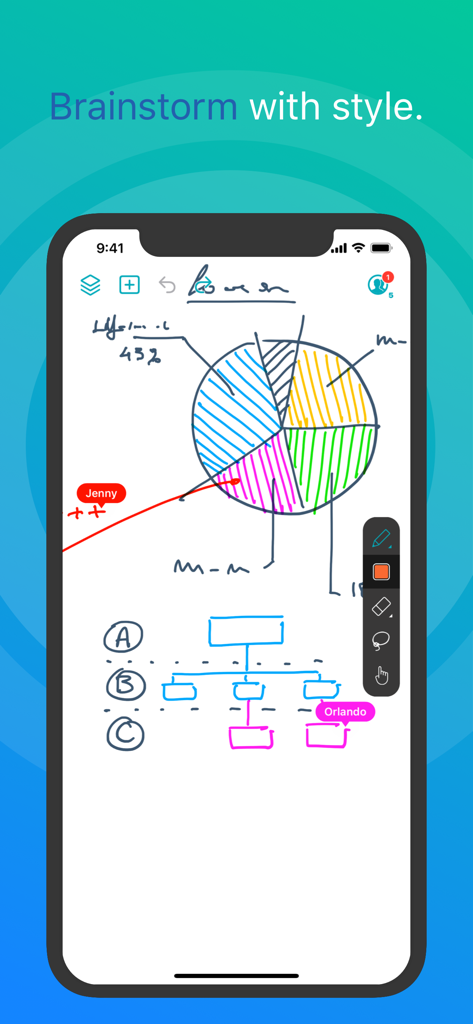
Inkoアプリのスクリーンショット。円グラフとフローチャートが表示されたデジタルホワイトボード上で、リアルタイムに共同で描画しています。

Inkoアプリのスクリーンショット。円グラフとフローチャートが表示されたデジタルホワイトボード上で、リアルタイムに共同で描画しています。

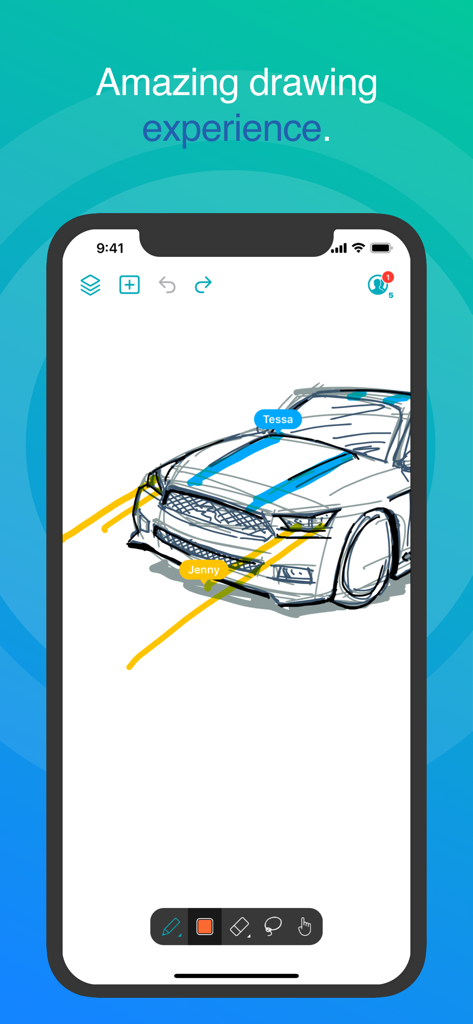
Inkoアプリのインターフェース。複数のユーザーラベルが表示されたデジタルホワイトボード上で、リアルタイムに車の共同描画を行っています。

Inkoアプリのインターフェース。複数のユーザーラベルが表示されたデジタルホワイトボード上で、リアルタイムに車の共同描画を行っています。

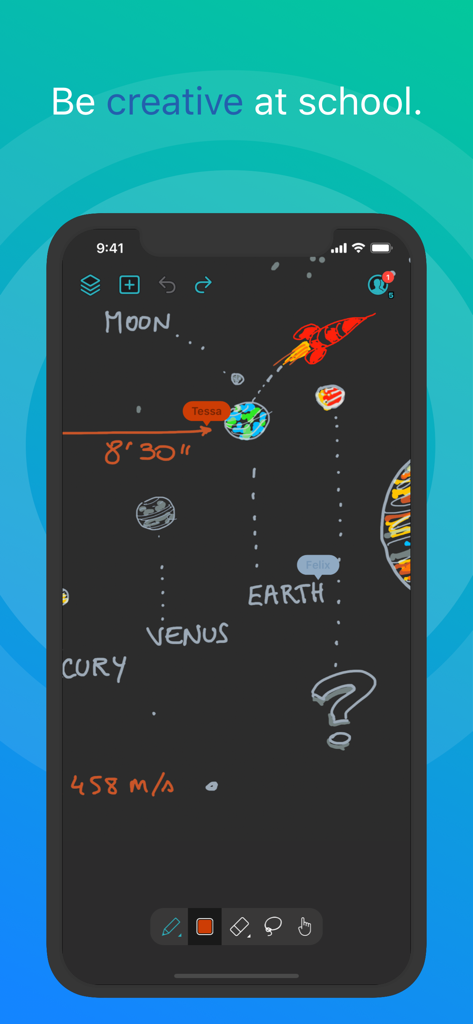
Inkoホワイトボードアプリで、太陽系を共同で描画しています。

Inkoホワイトボードアプリで、太陽系を共同で描画しています。

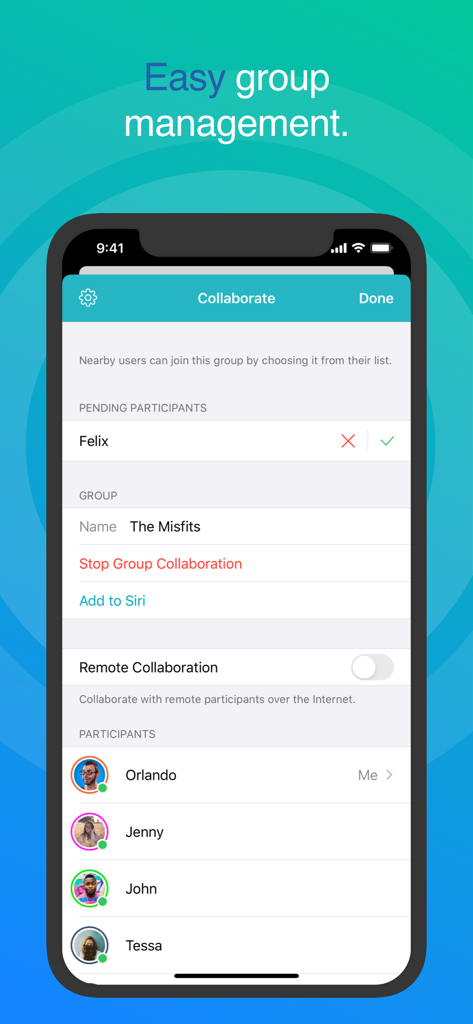
Inkoホワイトボードのコラボレーション画面。簡単なグループ管理と参加者リストが表示されています。

Inkoホワイトボードのコラボレーション画面。簡単なグループ管理と参加者リストが表示されています。

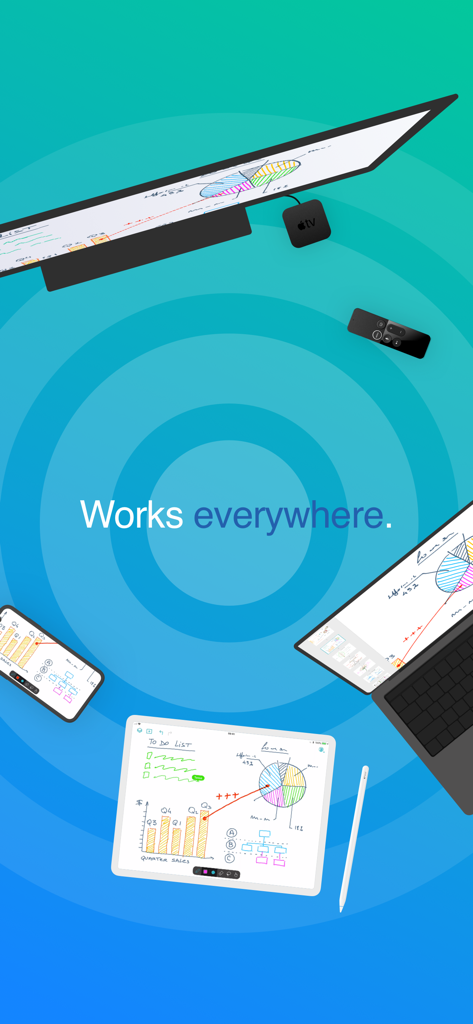
iPad、iPhone、Mac、Apple TV間で同期されたInkoホワイトボードアプリ。共同で描画したスケッチやチャートが表示されています。

iPad、iPhone、Mac、Apple TV間で同期されたInkoホワイトボードアプリ。共同で描画したスケッチやチャートが表示されています。

コラボレーションによるアイデア創出を向上させる

このアプリを際立たせるツール、 898K+ 人のユーザーが選択.

摩擦ゼロの接続

アカウント作成不要で、すぐに共同作業を開始できます。カフェやクライアントサイトでのブレインストーミングにピアツーピア接続を使用し、Wi-Fiアクセスポイントを必要としません。

✏️

プログレードの精度

MetalアクセラレーテッドレンダリングによるフルApple Pencilサポートを活用しましょう。複雑なズーム操作中でも、完璧にシャープで応答性の高い、ピクセルフリーの体験をお楽しみください。

📺

大画面の利点

Apple TVに投影して、会議室や教室を変革しましょう。リモートを革新的なレーザーポインターとして使用し、オーディエンスをデザインのあらゆるディテールに誘導します。

世界中のユーザーに愛されています

Trusted by 898K+ 人がこのアプリを愛用しています.

"

"Inkoは、クライアントとのディスカバリーセッションを完全に変えました。Wi-Fiのないカフェでも、遅延なくリアルタイムでUIワイヤーフレームをスケッチできることは、大きなアドバンテージです。ピクセルフリーレンダリングにより、ピッチ中にディテールにズームインしても、すべてがシャープに保たれます。これまでに使用した中で最もプロフェッショナルなデジタルホワイトボードです。"

Sarah Jenkins, Senior UX Designer
"

"このアプリは、私の1対1のiPad教室にとってゲームチェンジャーです。Apple TVコンパニオンアプリを使用して、部屋を歩き回りながら生徒を助けるためにメモを投影しています。ハイライターツールはApple Remoteでレーザーポインターのように機能し、子供たちの関心を維持するのがとても簡単です。直感的で、高速で、複雑なセットアップは必要ありません。"

Mark Thompson, High School Math Teacher

アプリについて

について知っておくべきこと Inko › Whiteboard: Draw+Pencil.

説明

Inko is a collaborative whiteboard that lets you draw together using multiple iPad, iPhone or Mac, and even interact on Apple TV. Ideal for team coworkers in a brainstorming session, for a creative classroom project, or for an interactive meeting between a graphic designer and their client. Create a group and just start drawing together! No need for complex network setup, or even any network at all, thanks to nearby connectivity. Be it in a bar, or on the beach. Oh, and your drawing even goes to the big screen too thanks to the free companion app for Apple TV! It instantly connects and interacts with all devices in the room. A great alternative to those bulky & expensive interactive boards. Inko 2 now brings remote collaboration over the Internet(*), Dark Mode support, a Mac app, and much more. Even though Inko is both simple and intuitive, it's also backed with advanced features like beautiful pixel-free rendering that stays sharp when zooming in. It also offers precise Apple Pencil support for an amazing drawing experience, lag-free and undo-capable real-time interactions, as well as hi-res PDF exports to share with your group when you’re done. COLLABORATION & CONNECTIVITY • Highly responsive, "appears-as-it-happens" multi-user drawing with no lag. • Participants’ labels on drawing trails that show who is currently drawing. • Nearby collaboration: nomadic connectivity for local devices, even without Wi-Fi access point (peer-to-peer or LAN). • Remote collaboration: seamless connectivity over the Internet for global reach via invitation link sharing. • Up to 8 participants for peer-to-peer connectivity or 12 participants for LAN/Internet. • Group saving for quick setup of future sessions. • Security & privacy: TLS connection between devices (nearby) and end-to-end encryption with daily data removal on server (remote). • No account creation. DRAWING & VISUALIZATION • Beautiful pixel-free visualization that stays sharp when zooming, as well as vibrant colors on wide color displays (P3). • High-performance Metal rendering. • Extensive Apple Pencil support (finger action, angle, pressure, high-speed & predictive sampling). • Pen tool with two sizes & one calligraphic variant. • Lasso editing: select, move, rescale. • Ephemeral highlighter to point things out. On Apple TV, it even features innovative motion-driven interaction with the remote, like a laser pointer. • Single- and multi-user undo/redo & reliable syncing. OTHER FEATURES • Optimized for latest iOS: file sharing, Split View Multitasking on iPad, Drag & Drop, Today Widget, Quick Actions, Universal Link, Siri Shortcuts, SF Symbols, Smart Screenshot, Dark Mode… • Universal app for iPad, iPhone & Mac. Free Apple TV companion app(**). • Export images, hi-res PDF, or native archive for a productive workflow. • iCloud sync for personal drawings. PRICING Multi-user collaboration requires a subscription. Two plans are proposed that enable all your devices (iPad, iPhone, Mac) and let other users join using just the free app: • Nearby Plan enables local collaboration over peer-to-peer or LAN. • Remote Plan enables remote collaboration over the Internet. Also includes all features of Nearby Plan. Both plans offer a fully functional 7-day free trial. The free app provides full drawing capabilities in single-user mode, lets you access, organize, & export your drawings, and let you try out nearby collaboration for 5-minute time-limited sessions. Volume purchase (VPP) is available for schools & businesses: see Inko (Volume Ed.). HELP & FEEDBACK Send your questions/feedback to inko@creaceed.com (*) requires Remote Plan (**) only works with local connectivity. With older Apple TV models, you can use AirPlay Mirroring. Terms of Use: https://creaceed.com/terms Privacy Policy: https://creaceed.com/privacy

最新バージョン

2.5

サイズ

33.6 MB

リリース日

Mar 28, 2018

次のビッグアイデアを描く準備はできましたか?

Inkoを選ぶ数千人のプロフェッショナルや教育者に加わり、シームレスなリアルタイムコラボレーションを体験しましょう。7日間の無料トライアルを開始し、すべてのAppleデバイスで世界で最も応答性の高いデジタルホワイトボードを体験してください。

ダウンロード: App Store