Manga Library, The FREE Manga and Comics Reader: Import your CBZ, ZIP, PDF, RAR, CBR files.

Manga Library, The FREE Manga and Comics Reader: Import your CBZ, ZIP, PDF, RAR, CBR files.

ダウンロード: App Store
Spark by MWM logo
ロゴ: Manga Library, The FREE Manga and Comics Reader: Import your CBZ, ZIP, PDF, RAR, CBR files.

Manga Library:本格的なコレクター向けのプロ仕様リーダー

デジタルアーカイブを完全にコントロール。シームレスなWiFi転送から、大規模なコレクションの遅延のない閲覧まで、Manga LibraryはiPhoneとiPadで究極のマンガ体験を提供するために構築されています。

開発元

Hakim Kaoues

カテゴリ

Books

ダウンロード

317K+

ユーザー評価

3.1/5

評価数

200

対応言語

2

あなたのコレクションを可視化

このインターフェースを利用する 317K+ 人のユーザー.

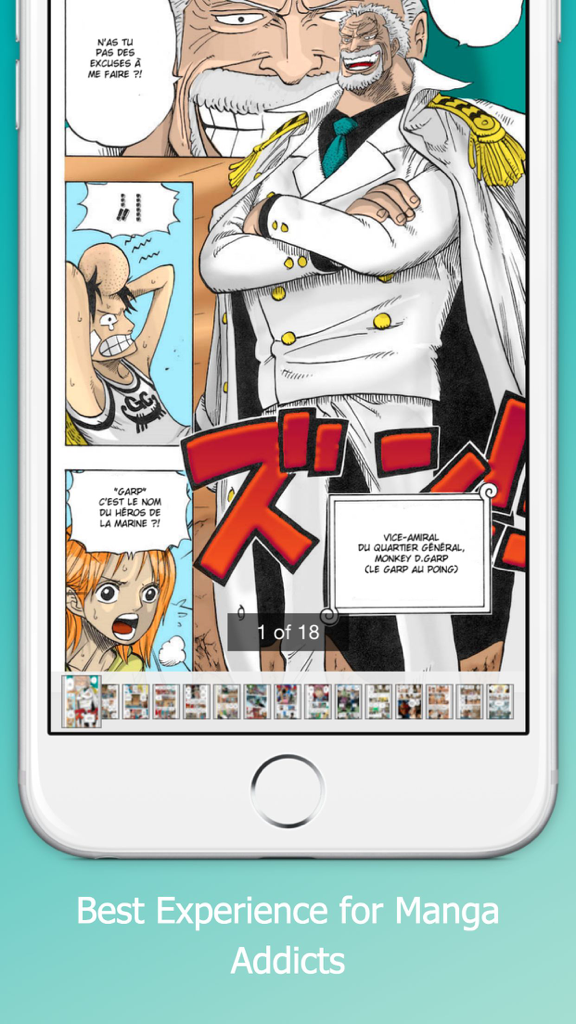
カラフルなマンガのページとナビゲーション用サムネイルを表示するマンガリーダーアプリのインターフェース

カラフルなマンガのページとナビゲーション用サムネイルを表示するマンガリーダーアプリのインターフェース

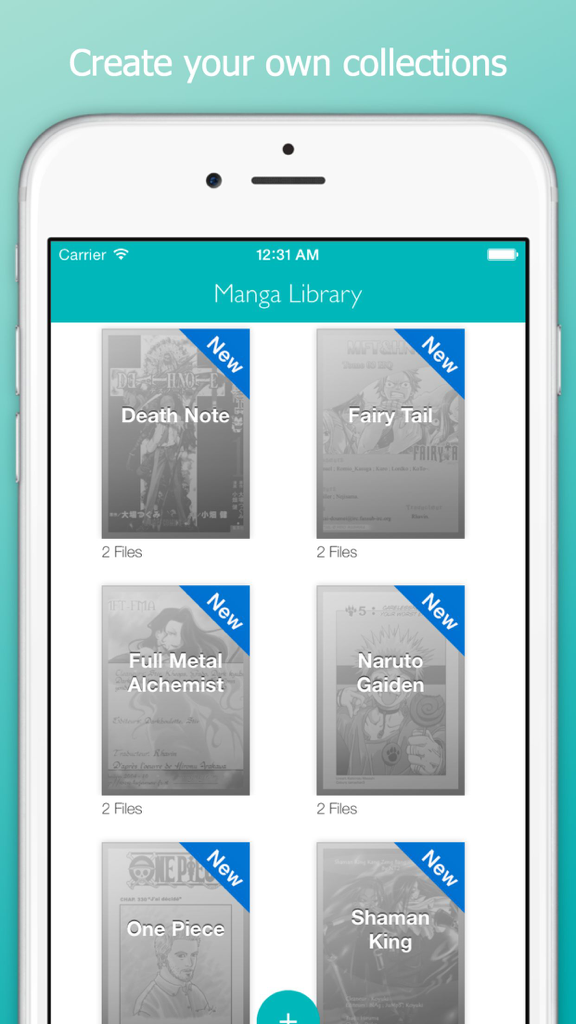
iPhone上で、デスノートやワンピースなどの整理されたマンガコレクションをグリッド表示するManga Libraryアプリ

iPhone上で、デスノートやワンピースなどの整理されたマンガコレクションをグリッド表示するManga Libraryアプリ

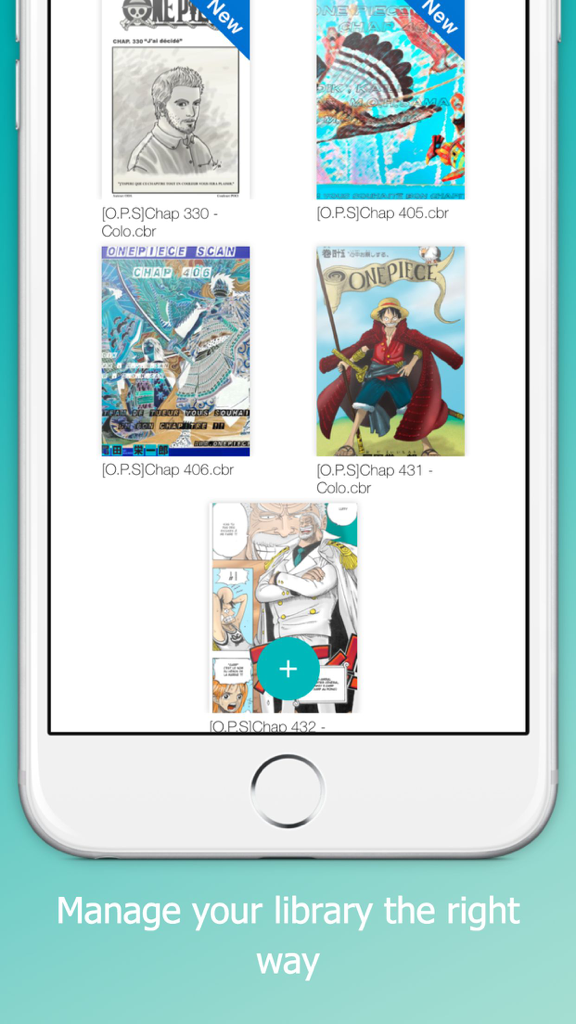
ワンピースなどのマンガの表紙にファイル名と「新着」バッジが表示されたライブラリ画面

ワンピースなどのマンガの表紙にファイル名と「新着」バッジが表示されたライブラリ画面

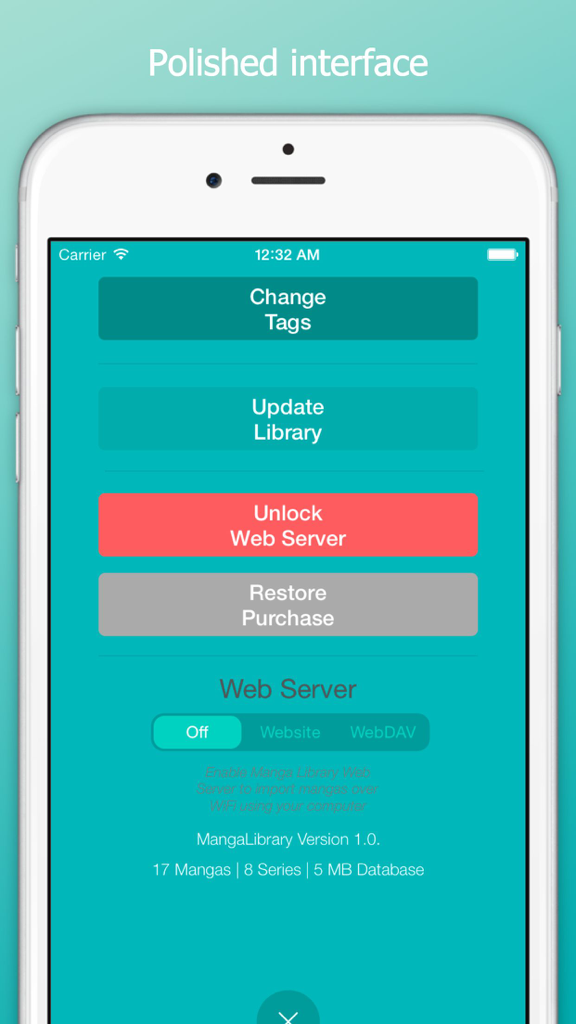
ウェブサーバーとインポートのオプションが表示されたManga Libraryアプリの設定画面

ウェブサーバーとインポートのオプションが表示されたManga Libraryアプリの設定画面

究極のコレクターのために

このアプリを際立たせるツール、 317K+ 人のユーザーが選択.

🚀

強力なパフォーマンス

数千もの巻数を軽快にナビゲート。当社のエンジンは、クラッシュや速度低下を起こすことなく、大規模なコレクションを処理します。

📖

ユニバーサルフォーマット対応

あなたのスタイルでファイルを閲覧。事前処理不要で、.cbr、.cbz、.pdf、.rarファイルをネイティブサポート。

📶

プロ仕様のワイヤレス同期

ケーブルは不要。WebDAVやローカルWiFiサーバーを使用して、PCやNASからライブラリを直接転送できます。

世界中のユーザーに愛されています

Trusted by 317K+ 人がこのアプリを愛用しています.

"

"ついに、私の200GBもの膨大なコレクションを余裕で処理できるリーダーに出会えました。WebDAV転送機能のおかげで、NASからiPadへのライブラリ同期が驚くほどスムーズです。CBRファイル用として、これまでで最もクリーンで高速なインターフェースです。"

Alex Rivera
"

"すでに所有しているマンガを読むためだけに月額料金を払うのにはうんざりしていました。このアプリは完璧です。ZIPからPDFまであらゆるフォーマットに対応しており、事前処理も必要ありません。長時間フライトの準備をしているとき、バックグラウンドインポート機能には本当に助けられています。"

Jordan Chen

アプリについて

について知っておくべきこと Manga Library, The FREE Manga and Comics Reader: Import your CBZ, ZIP, PDF, RAR, CBR files..

説明

Manage your manga library the right way with Manga Library on your iPhone / iPad. Manga Library was designed with one goal in mind: providing the best experience for manga addicts with large collections. Features: - Polished interface - Can handle very large comic collections without crashing or becoming unusable - Imports new mangas in the background - Doesn't need to pre-process manga files before you can read them - Supports .cbr, .cbz and pdf files Importing Manga - iTunes with USB cable: - Connect your iPhone/iPad to your computer and launch iTunes - In the Applications section, select Manga Library in the list at the bottom - Drag and drop manga files into the Documents area - If Manga Library is already running, display the settings window ("Plus" Button) and tap on "Update" Importing Comics - Web Server over WiFi (In-App purchase required for unlimited use): - Make sure your iPhone/iPad and computer are on the same WiFi network - Launch Manga Library - Display the settings window ("Plus" Button) and set the Web Server setting to "Website" mode - Open the provided URL in a web browser on your computer - To upload mangas as part of collections, first create a folder then upload the manga files into it Instead of a web browser, if you prefer to use a WebDAV client (e.g. Transmit or ForkLift for Mac or CyberDuck for Mac / Windows), set the Web Server setting to "WebDAV" mode and connect the client to the provided URL. Deleting or changing a manga or series status: - Tap and hold on a manga thumbnail or a series thumbnail - Choose the appropriate option in the pop-up menu that appears

最新バージョン

1.0.1

サイズ

6.6 MB

リリース日

Aug 12, 2015

今すぐ究極のデジタルマンガライブラリを構築しましょう

コレクションの完全なコントロールを求める317,000人以上のパワーユーザーに加わりましょう。CBZ、CBR、PDFファイルをWiFiやUSB経由でインポートし、iPhoneやiPadでクラッシュのないプレミアムな読書体験をお楽しみください。

ダウンロード: App Store