
PDF Scanner App: TapScanner



iPhoneをパワフルなポータブルスキャナーに変えましょう。1億人以上のユーザーと共に、プロフェッショナルなPDFを瞬時にスキャン、署名、共有できます。AI搭載OCRと安全なクラウドバックアップで、ペーパーレスな生活がここに始まります。
開発元
カテゴリ
Businessダウンロード
10M+ユーザー評価
評価数
331K+対応言語
8このインターフェースを利用する 10M+ 人のユーザー.
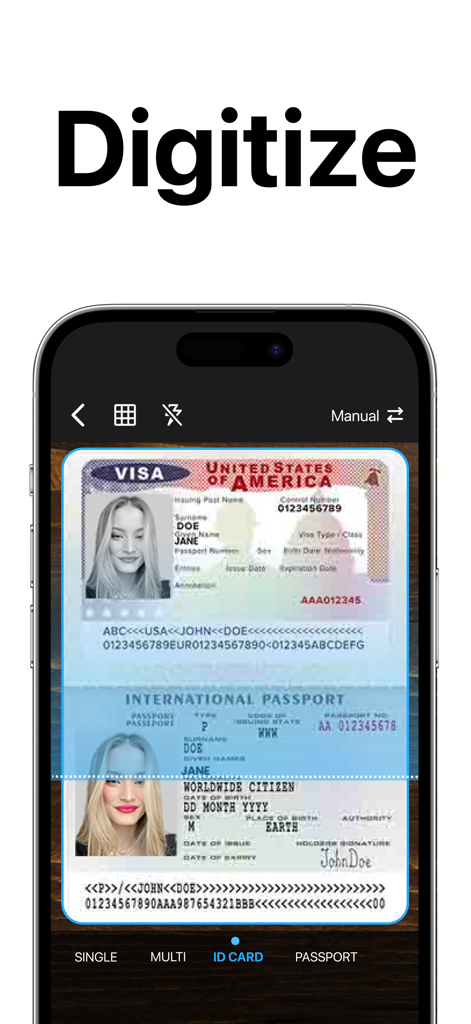
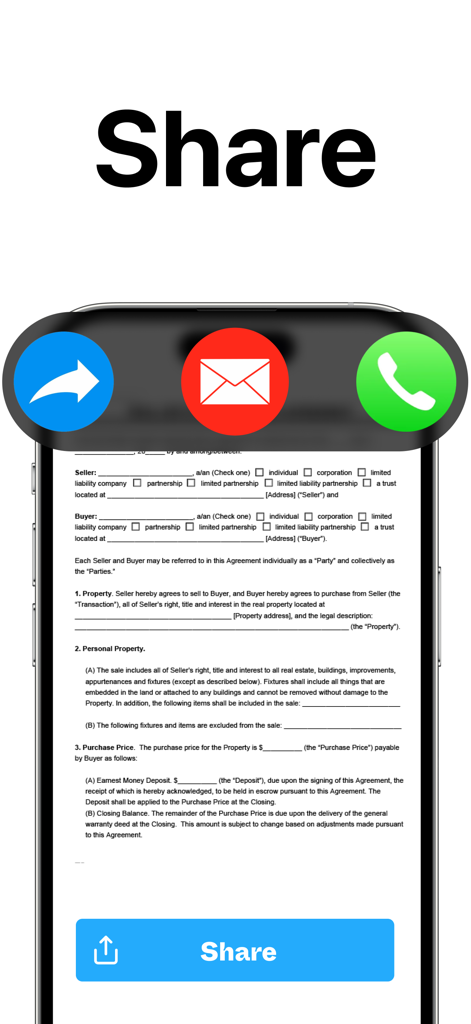
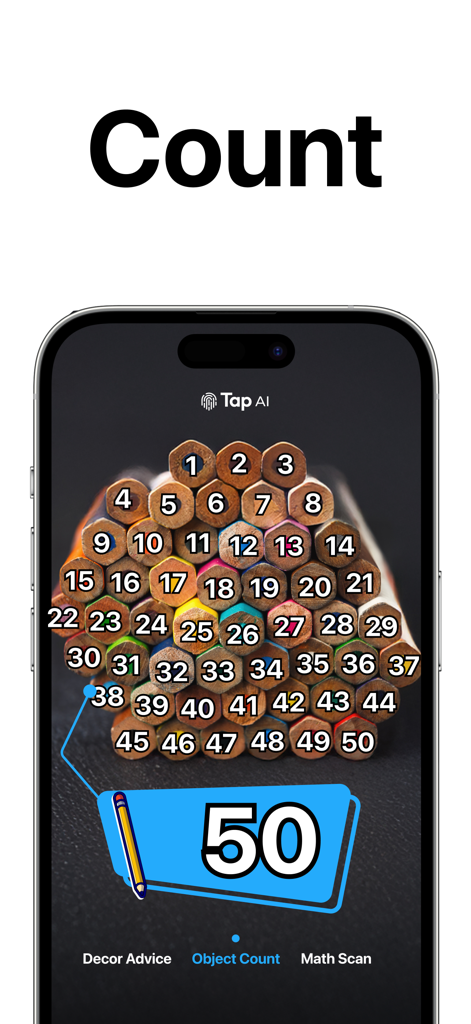
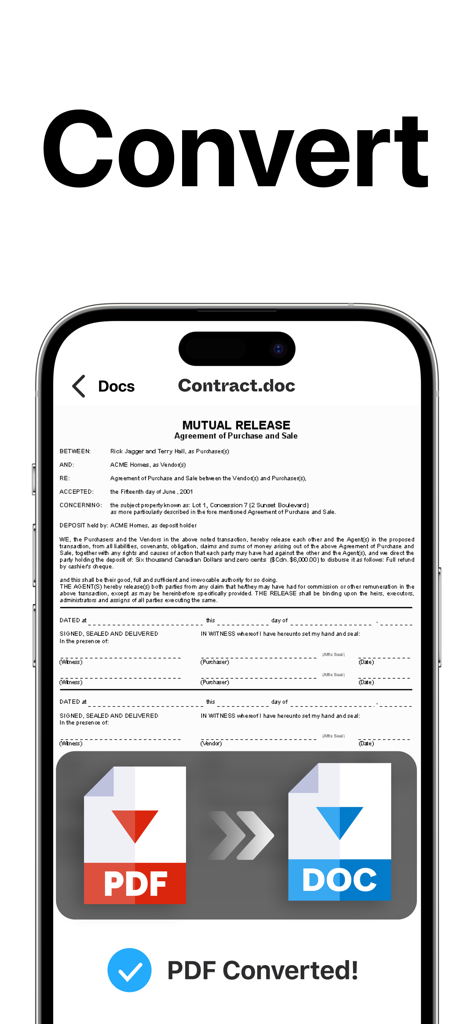
このアプリを際立たせるツール、 10M+ 人のユーザーが選択.
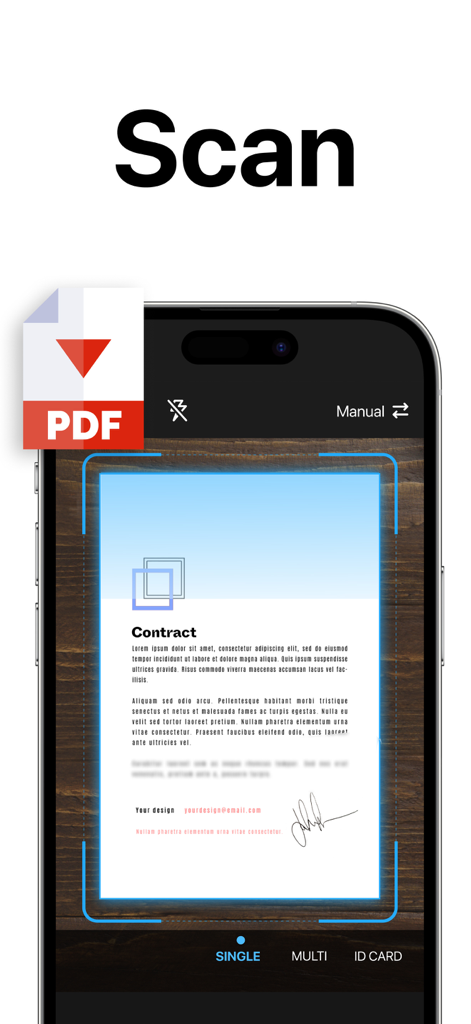
自動クロップ、影の除去、鮮明度向上により、あらゆるスキャンが社用スキャナーから出力されたかのように見えます。
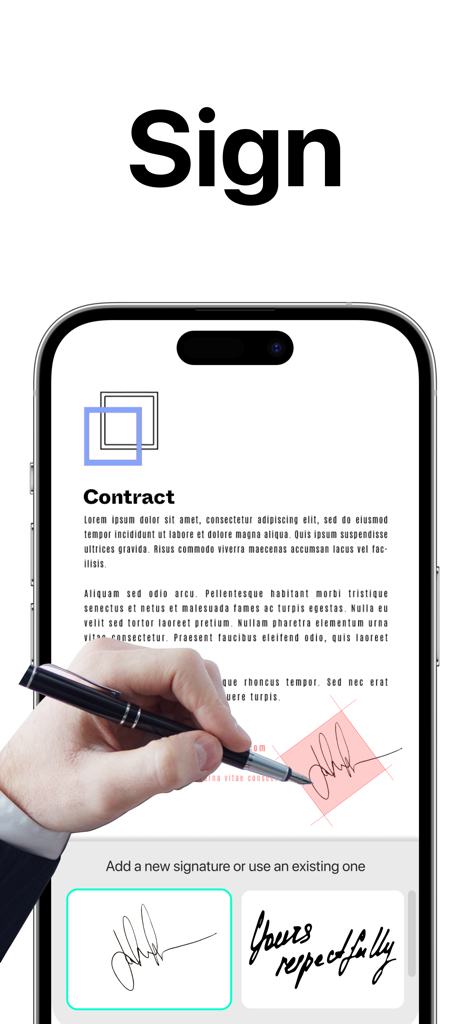
プリンターを必要とせずに、デバイス上で直接デジタル署名を追加し、PDFページを管理することで、より迅速に取引を完了できます。
画像からテキストを抽出して即座に編集でき、お気に入りのクラウドストレージサービス全体でファイルを安全かつアクセス可能に保ちます。
Trusted by 10M+ 人がこのアプリを愛用しています.
"常に移動しているフリーランスコンサルタントとして、TapScannerは私の不可欠なモバイルオフィスです。影除去フィルターと電子署名ツールにより、物理的なプリンターやデスクスキャナーなしで、プロフェッショナルな署名入り契約書を数分で送信できます。管理ワークフローを完全に合理化しました。"
"このアプリは私の大学院生活の救世主です。OCR機能は信じられないほど正確で、図書館の本から研究論文に直接テキストを簡単に抽出できます。複数のスキャンを単一の整理されたPDFにマージし、クラウドに同期できることで、数え切れないほどのタイピング時間を節約できました。"
について知っておくべきこと PDF Scanner App: TapScanner.
説明
最新バージョン
4.64.0
サイズ
177.4 MB
リリース日
May 30, 2018
TapScannerを信頼してスマートフォンをパワフルなモバイルオフィスに変える、1億人以上のプロフェッショナルや学生に仲間入りしましょう。どこでもスキャン、署名、共有ができます。
について知っておくべきこと PDF Scanner App: TapScanner
PDF Scanner App: TapScanner converts various documents to PDF, including receipts, business cards, whiteboards, IDs, books, and photos directly from your mobile device.
Yes, PDF Scanner App: TapScanner features automatic cropping and sorting of documents, streamlining the scanning process and saving user time.
Yes, PDF Scanner App: TapScanner allows users to attach an E-signature and edit fields within documents using its PDF sign tools.
PDF Scanner App: TapScanner enhances documents with powerful filters, removing shadows, adjusting contrast, brightness, and converting to black and white for professional results.
Yes, PDF Scanner App: TapScanner automatically backs up scanned documents from your phone to your preferred cloud service, ensuring high-quality PDF output.
Yes, PDF Scanner App: TapScanner uses OCR to convert images to editable text. Users can export accurate text and unlock content from scans, enhanced by machine learning.
Yes, PDF Scanner App: TapScanner integrates a built-in QR scanner within its cam scan module, supporting links, text, ISBN, and emails.
To split PDF files in PDF Scanner App: TapScanner, import a PDF file, and the application will divide it into multiple separate PDF documents.
Yes, PDF Scanner App: TapScanner allows users to merge multiple PDF files quickly, simplifying document organization and editing processes.
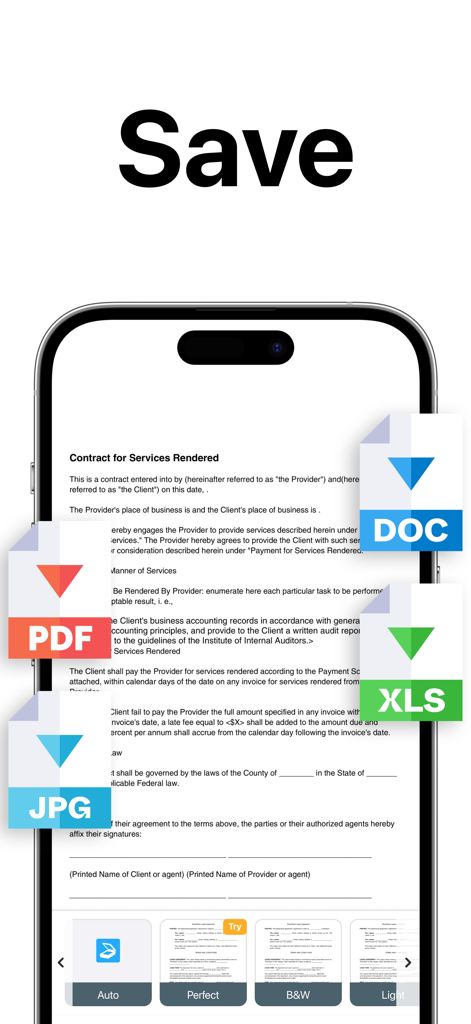
PDF Scanner App: TapScanner converts between JPG and PDF, and between PDF and Word. It also transforms camera or gallery images into PDFs.
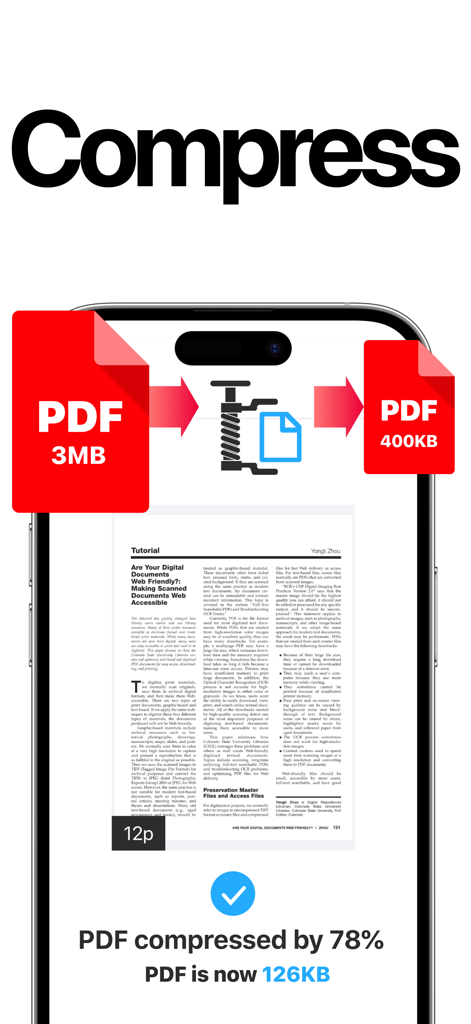
Yes, PDF Scanner App: TapScanner compresses PDF files, reducing their size for easier sharing via email or chat and saving storage space.
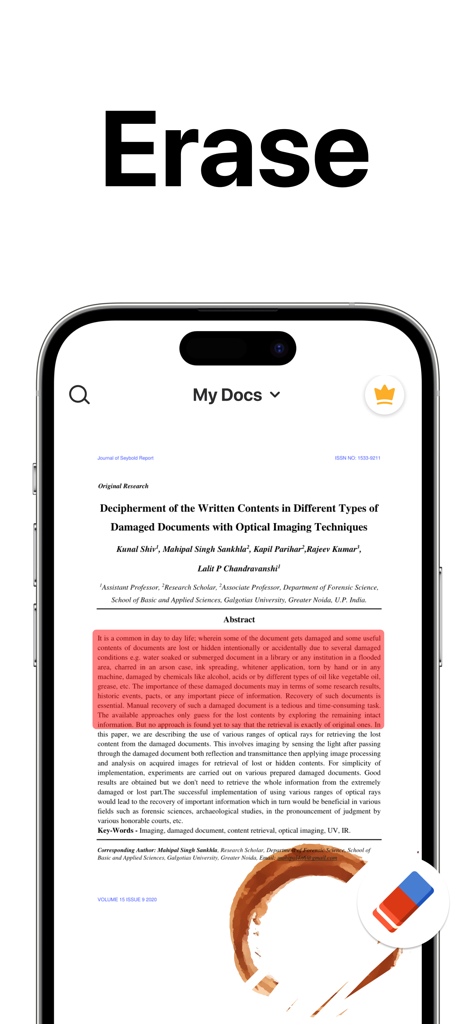
Yes, PDF Scanner App: TapScanner offers a feature to remove watermarks, ensuring perfect and clean scans without stains.
Yes, PDF Scanner App: TapScanner allows users to protect PDF files with a password, enhancing document security.
Yes, PDF Scanner App: TapScanner enables users to print documents directly from within the application.
Users can easily and quickly share documents from PDF Scanner App: TapScanner to email, social media, and instant messaging applications.
PDF Scanner App: TapScanner helps organize documents by allowing users to create folders and tag scans. Documents are searchable by name, tag, or folder.
Subscriptions for PDF Scanner App: TapScanner are billed weekly, monthly, or annually, depending on the specific plan selected by the user.
Yes, PDF Scanner App: TapScanner subscriptions auto-renew at the chosen package's cost unless cancelled 24 hours before the current period ends.
Users manage their PDF Scanner App: TapScanner subscription and turn off auto-renewal via their iTunes Account Settings after purchase.
PDF Scanner App: TapScanner offers a "Try Now For Free!" option. It provides initial access freely, but extended features require subscriptions.
似た機能とユーザー体験を持つアプリ

Balzo srl

NEXT K.U.M. LTD

INTSIG Information Co., Ltd

Adobe Inc.

KINGSOFT OFFICE SOFTWARE CORPORATION LIMITED

ILOVEPDF S.L.

The Grizzly Labs

Microsoft Corporation

INDY MOBILE APP COMPANY LIMITED
