Samsung Smart TV Remote Plus

Samsung Smart TV Remote Plus

ダウンロード: App Store
Spark by MWM logo
ロゴ: Samsung Smart TV Remote Plus
Samsung Smart TV Remote Plus:iPhoneのための究極のキーボードとタッチパッド

使いにくいボタンに悩むのはもう終わり。iPhoneのタッチパッドとフルキーボードを使えば、Samsung Smart TVの検索、入力、操作が驚くほど簡単になります。すべて、すでに手元にあるデバイスで。

開発元

MeisterApps BV

カテゴリ

Utilities

ダウンロード

440K+

ユーザー評価

4.5/5

評価数

18K+

対応言語

22

指先での精密操作

このインターフェースを利用する 440K+ 人のユーザー.

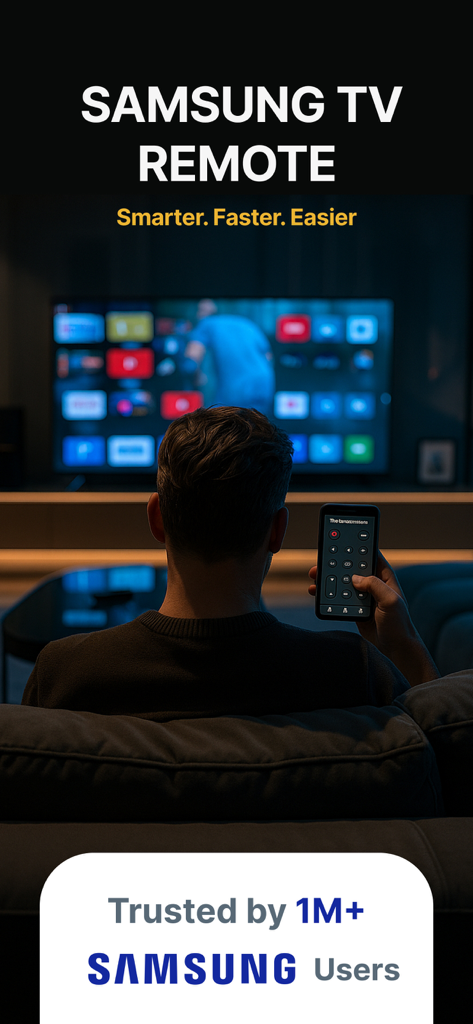
スマートフォン上のリモートアプリでSamsung Smart TVを操作する人物

スマートフォン上のリモートアプリでSamsung Smart TVを操作する人物

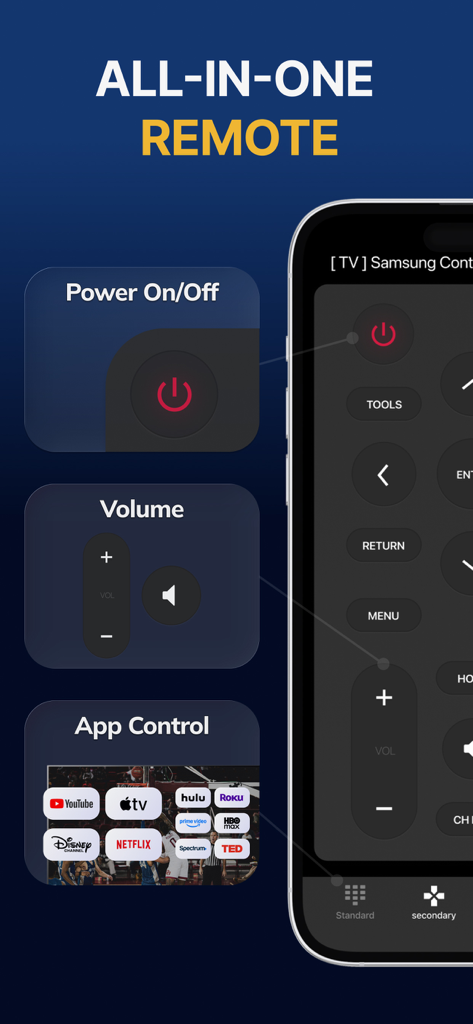
電源、音量、ストリーミングアプリのショートカットが表示されたSamsung Smart TV Remote Plusアプリのインターフェース

電源、音量、ストリーミングアプリのショートカットが表示されたSamsung Smart TV Remote Plusアプリのインターフェース

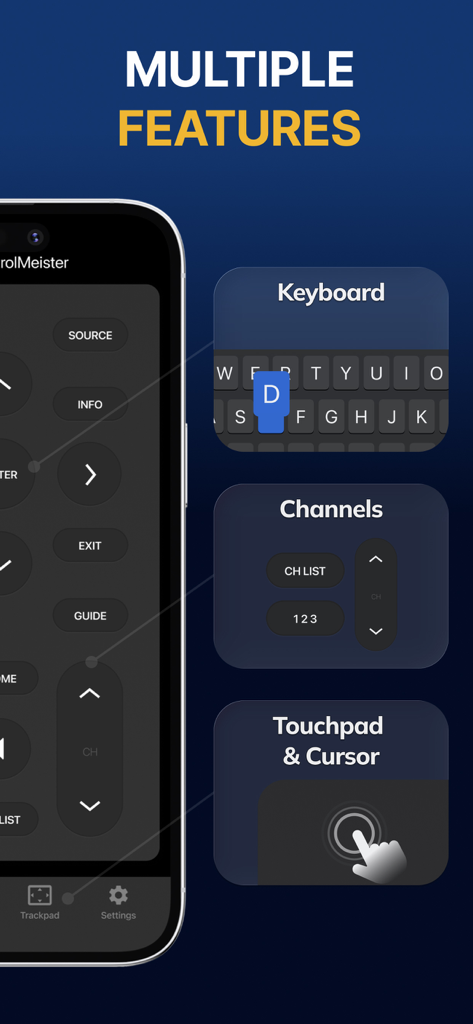
キーボード、チャンネルコントロール、タッチパッド機能を備えたSamsung Smart TV Remote Plusアプリのインターフェース

キーボード、チャンネルコントロール、タッチパッド機能を備えたSamsung Smart TV Remote Plusアプリのインターフェース

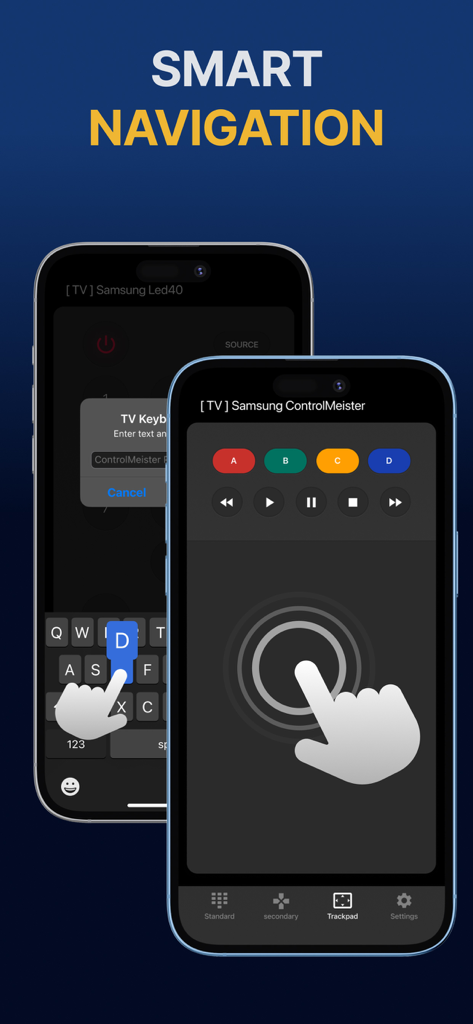
スマートナビゲーション用のタッチパッドとキーボードを備えたSamsung Smart TVリモートアプリが表示されたiPhoneのディスプレイ

スマートナビゲーション用のタッチパッドとキーボードを備えたSamsung Smart TVリモートアプリが表示されたiPhoneのディスプレイ

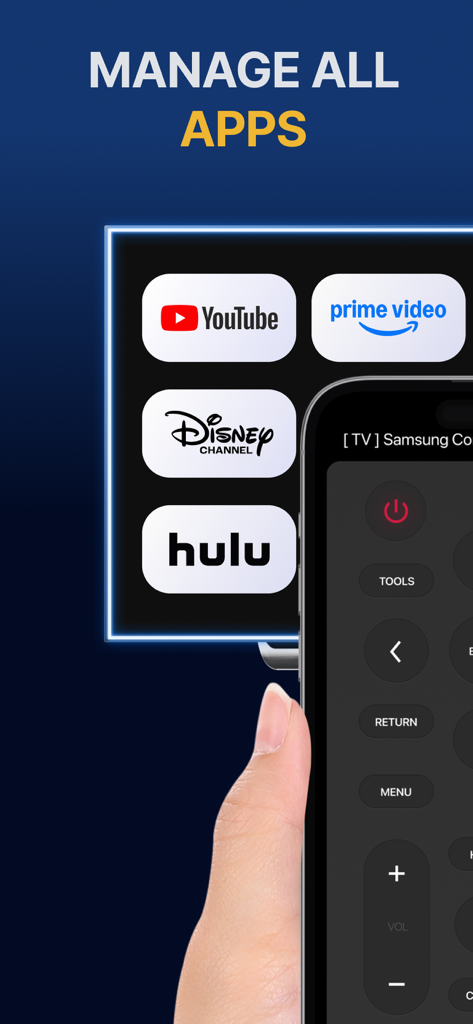
Samsung TV上のYouTubeやHuluなどのストリーミングアプリを管理するためのリモートコントロールインターフェースが表示されたiPhone画面

Samsung TV上のYouTubeやHuluなどのストリーミングアプリを管理するためのリモートコントロールインターフェースが表示されたiPhone画面

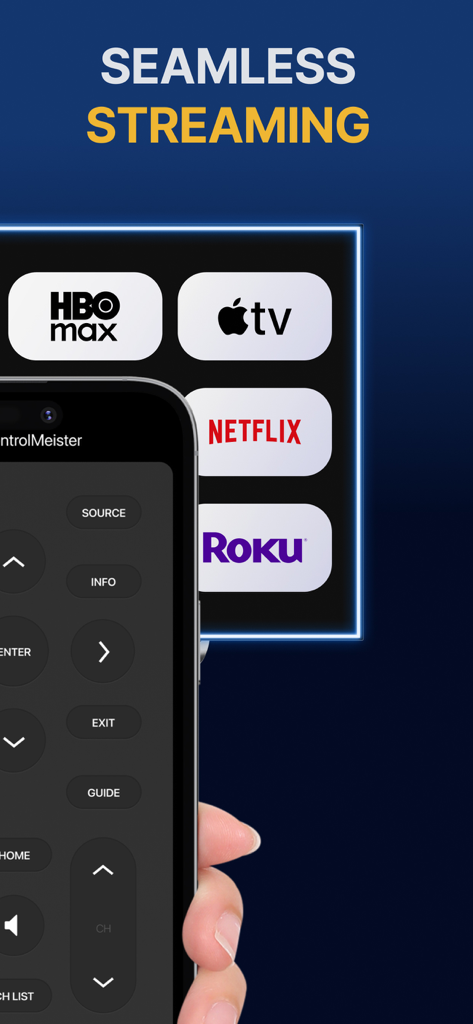
ボタンとストリーミングサービスアイコンを備えたSamsung Smart TV Remote Plusアプリのインターフェースが表示されたiPhone

ボタンとストリーミングサービスアイコンを備えたSamsung Smart TV Remote Plusアプリのインターフェースが表示されたiPhone

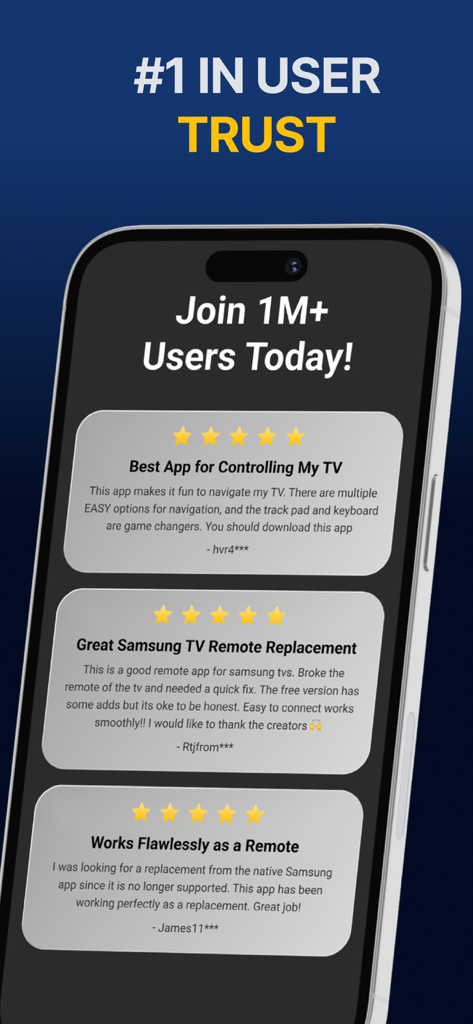
Samsung Smart TV Remote Plusアプリの肯定的な5つ星ユーザーレビューの表示

Samsung Smart TV Remote Plusアプリの肯定的な5つ星ユーザーレビューの表示

完璧な精度でテレビをマスター

このアプリを際立たせるツール、 440K+ 人のユーザーが選択.

⌨️

超高速タイピング

画面上の文字を探すイライラに終止符を。iPhoneのキーボードを使って、数秒で映画のタイトル、URL、パスワードを入力できます。

👆

高精度タッチパッド

流れるようなスワイプ操作で、メニューやウェブブラウザをナビゲート。マウスと同じ速度と精度でテレビのカーソルを操作できます。

📱

失くさないリモコン

ソファの隙間を探すのはもうやめましょう。スマホはいつも手元にあるので、リモコンは必要な時に、必要な場所にあります。

世界中のユーザーに愛されています

Trusted by 440K+ 人がこのアプリを愛用しています.

"

"NetflixやPrimeで番組を探すのは、標準リモコンでは大変でした。iPhoneのキーボードでタイトルを入力できるようになったことで、テレビの使い方が完全に変わりました。速くて反応が良く、正直、付属のリモコンよりもはるかに直感的です。"

Sarah Jenkins
"

"子供が二人いる家庭では、物理的なリモコンはいつもどこかへ消えてしまいます。iPhoneやiPadにこのアプリがあれば、もうソファの隙間を探し回る必要はありません。セットアップはすぐに完了し、タッチパッドのおかげでSamsung TVでのウェブブラウジングが実用的になりました。"

David Miller

アプリについて

について知っておくべきこと Samsung Smart TV Remote Plus.

説明

The #1 remote control for your Samsung Smart TV. Turn your iPhone or iPad into a remote. ControlMeister universal remote app for Samsung Smart TVs offers full remote functionality. Easily control your channels, volume, menus, apps and navigation. It even has an advanced keyboard and mouse pad. This allows you to operate your smart TV easier and faster. Enter a URL or password in record time. This app is so much better than your normal remote. ControlMeister is the best free iPhone/iPad remote control unit for Samsung TV to browse thru your favorite apps. Save time and enter text easily on web browser or other apps. Access to movies, music and games will become so much simpler and easier! Functionalities: ■ Control your Samsung Smart TV with gestures from your iPhone and iPad. ControlMeister supports the latest Samsung Smart TVs. ■ Easily use apps on your Samsung Smart TV with the keyboard of this app. This also works in the ‘search’ option. Great if you want to visit websites on your television. Great when using apps like FB, Twitter, Vimeo, WhatsApp, Telegram, Amazon or Spotify. ■ Use the touchpad and keyboard to control the TV's web browser, apps and menu settings. No more fiddling with tiny keys using the factory remote control. ■ Control the cursor with your finger with the touchpad. Control channels, volume, search & apps with the swipe of your finger. Advantages: ■ Easy browsing ■ Fast search ■ No more lost remotes ■ Save time ■ Best signal ■ Better for environment ■ Latest technology With ControlMeister you can easily use a keyboard on your Samsung Smart TV so you don’t have to scroll through letters. The keyboard automatically pops up when necessary, so you don’t need to think about this. You can stay focused on your TV shows, movies or news. Control the cursor on your Samsung TV with your finger with the touchpad. Use gestures on your iPhone or iPad to control the TV’s web browser. With swipe gestures you can. change the volume and channel while keeping your eyes on the TV screen! Requirements: * Samsung Smart TV (2012 or newer) * WiFi * iPhone or iPad Which TV-model year do I have? You can see that by looking at the middle letter in your model type (on the back of your Samsung TV). E = 2012 F = 2013 H = 2014 J = 2015 K = 2016 M = 2017 N = 2018 R = 2019 T = 2020 A = 2021 Q = QLED (also supported) Example: UE55_E_S8000 = 2012. UE78_H_U8500L = 2014. Disclaimer: - This universal remote control for Samsung TVs does not support the keyboard function for Netflix & YouTube. They disabled this. - ControlMeister can only offer app control for Samsung TVs from 2016, or newer. UNLIMITED ACCESS PRO SUBSCRIPTION You need a subscription for unlimited access to all features without advertising and interruptions. Payment will be charged to iTunes Account at confirmation of purchase. Subscription automatically renews unless auto-renew is turned off at least 24-hours before the end of the current period. The account will be charged for renewal within 24-hours before the end of the current period and identify the cost of the renewal. Subscriptions may be managed by the user and auto-renewal may be turned off by going to the user's Account Settings after purchase. Any unused portion of a free trial period, if offered, will be forfeited when the user purchases a subscription to that publication, where applicable. - Terms of use: https://www.controlmeister.com/terms-of-use/ - Privacy policy: https://www.controlmeister.com/privacy-policy/ If you have any questions, please discover the FAQs on our website. Or, send an e-mail to info@controlmeister.com

最新バージョン

1.5.5

サイズ

80.3 MB

リリース日

Sep 22, 2019

Samsung TV体験をアップグレードしませんか?

44万人以上のユーザーに加わり、iPhoneを究極のキーボードとタッチパッドに変えましょう。リモコン探しと遅い入力に、もうさよなら。

ダウンロード: App Store