Stock Map: S&P 500 and More

Stock Map: S&P 500 and More

ダウンロード: App Store
Spark by MWM logo
ロゴ: Stock Map: S&P 500 and More

株価マップ:米国の株式市場を一目で可視化

延々と続くティッカーリストのスクロールはやめましょう。S&P 500、Nasdaq 100、そしてお気に入りを、効率的な投資家のために設計された直感的なイントラデイトレンドヒートマップに変換します。

開発元

Nazim Can Altinova

カテゴリ

Finance

ダウンロード

30K+

ユーザー評価

4.8/5

評価数

2K+

対応言語

1

市場をフルカラーで

このインターフェースを利用する 30K+ 人のユーザー.

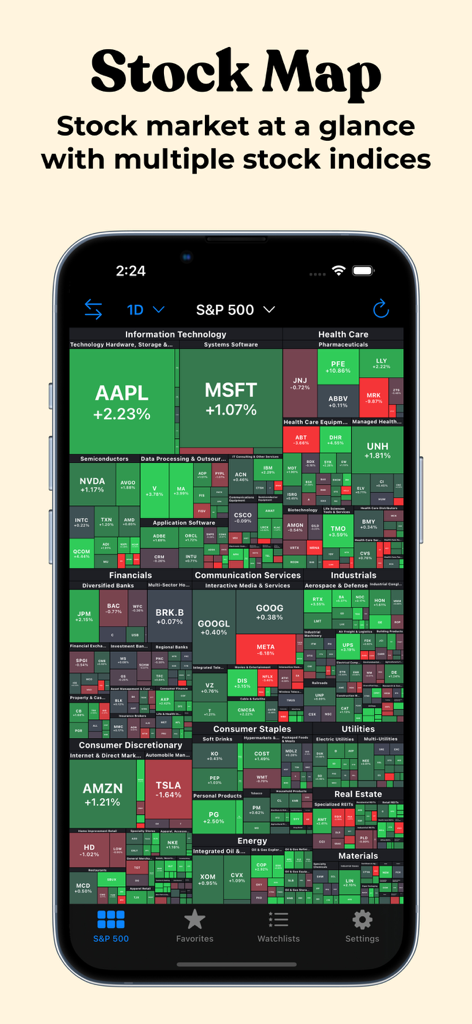
iPhoneのS&P 500株のビジュアルヒートマップを表示する株価マップアプリ

iPhoneのS&P 500株のビジュアルヒートマップを表示する株価マップアプリ

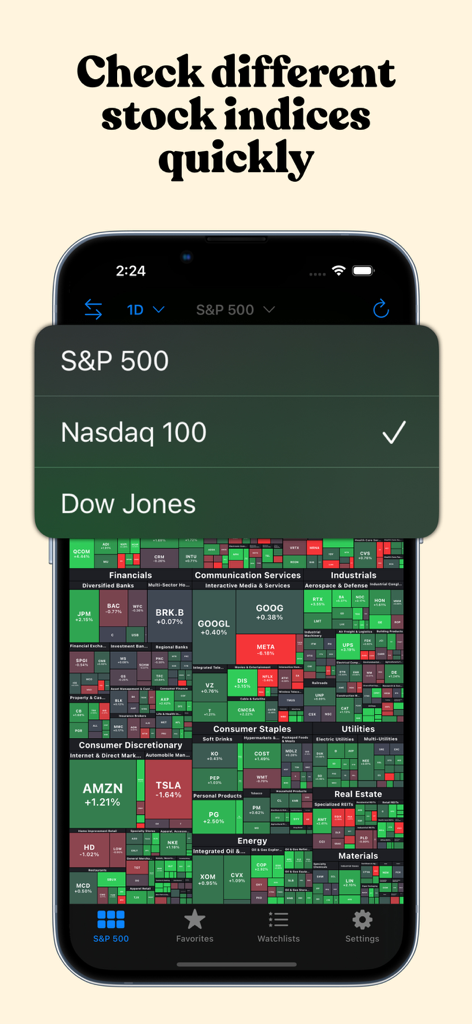
S&P 500、Nasdaq 100、Dow Jones指数間の選択メニューを表示する株価マップアプリ。

S&P 500、Nasdaq 100、Dow Jones指数間の選択メニューを表示する株価マップアプリ。

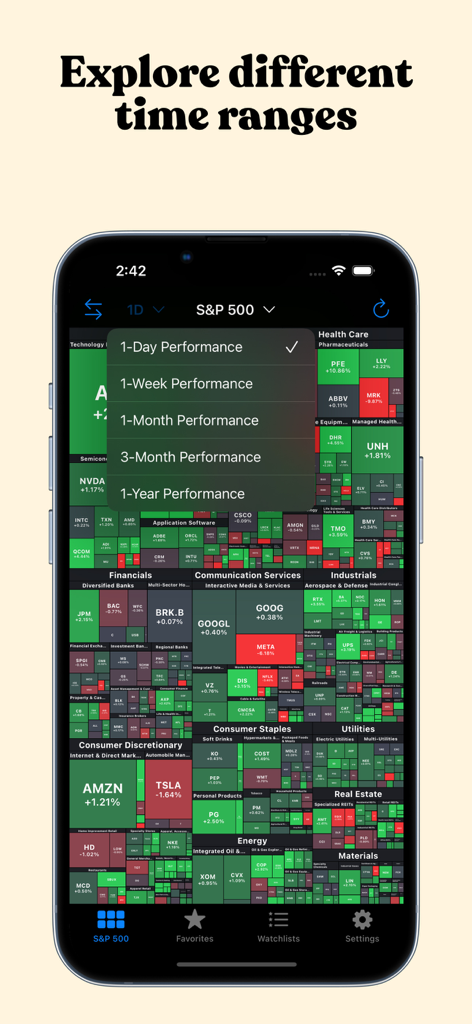
パフォーマンス時間範囲を選択するためのメニューが表示されたS&P 500ヒートマップを表示する株価マップアプリ。

パフォーマンス時間範囲を選択するためのメニューが表示されたS&P 500ヒートマップを表示する株価マップアプリ。

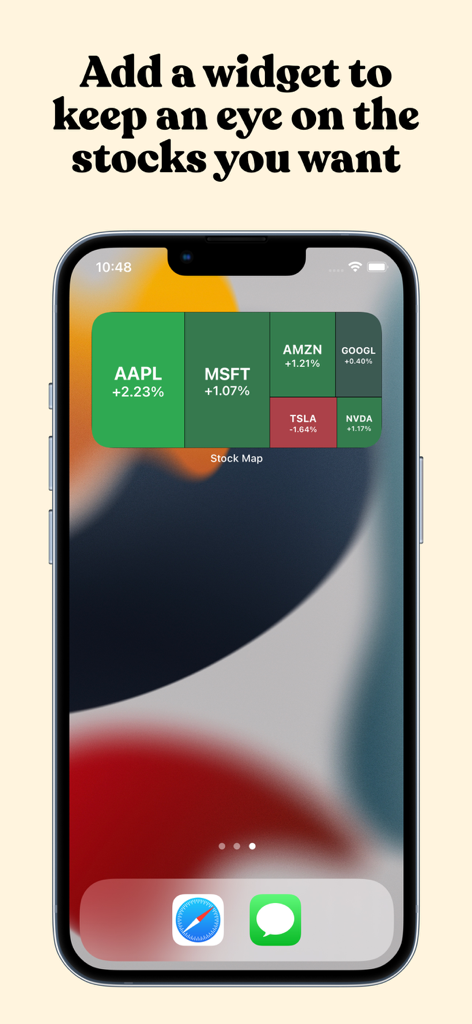
AppleやMicrosoftなどのトップ株のリアルタイム市場トレンドを表示するiPhoneホーム画面上の株価マップツリーマップウィジェット

AppleやMicrosoftなどのトップ株のリアルタイム市場トレンドを表示するiPhoneホーム画面上の株価マップツリーマップウィジェット

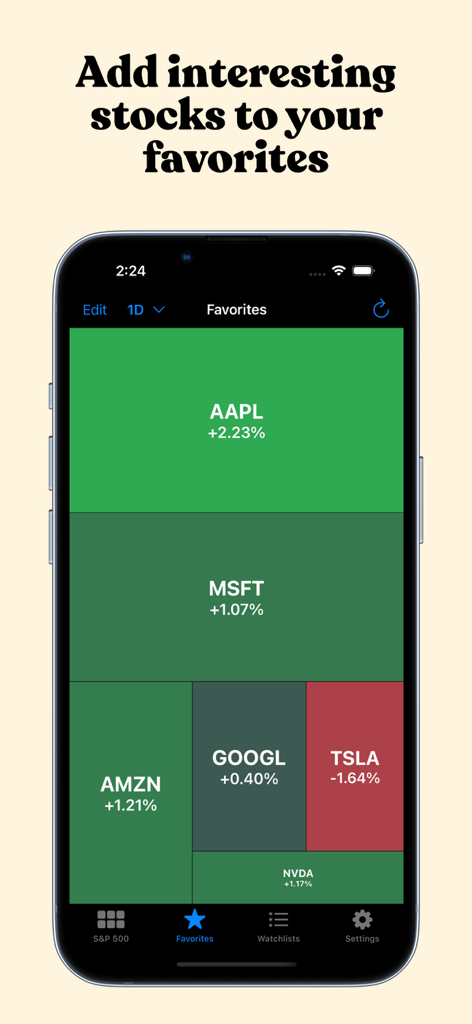
選択した株のパフォーマンスのヒートマップを表示する株価マップアプリのお気に入りタブ

選択した株のパフォーマンスのヒートマップを表示する株価マップアプリのお気に入りタブ

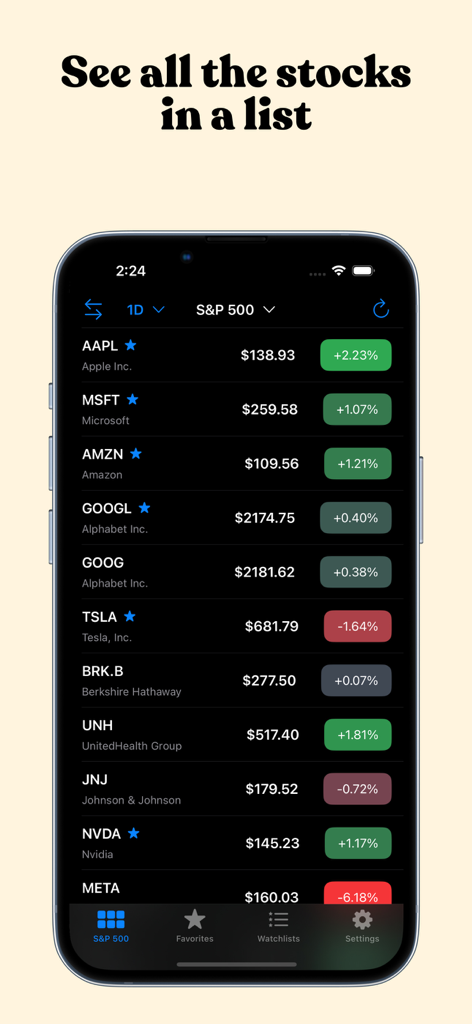
リアルタイム価格と日次パフォーマンスが表示されたS&P 500株のリストを表示する株価マップアプリインターフェイス

リアルタイム価格と日次パフォーマンスが表示されたS&P 500株のリストを表示する株価マップアプリインターフェイス

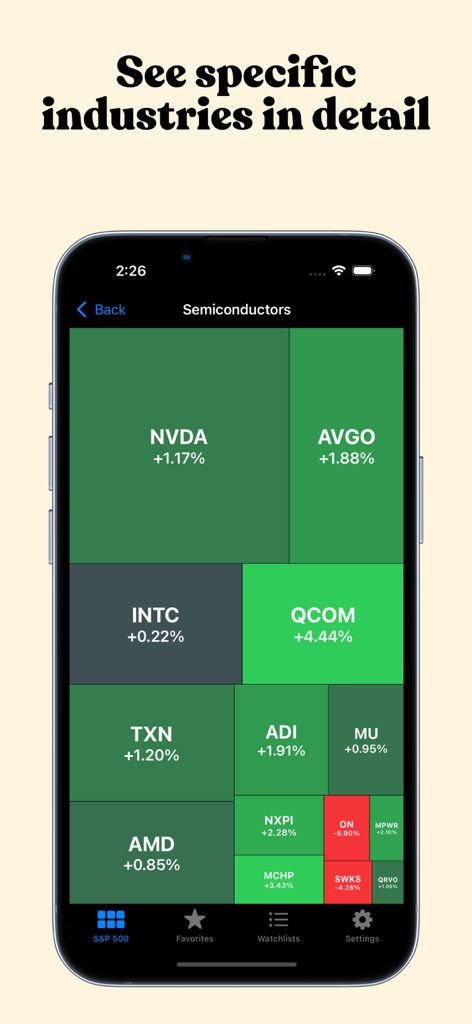
NVDAやAVGOなどの半導体業界株のパフォーマンスを示すツリーマップビジュアライゼーション。

NVDAやAVGOなどの半導体業界株のパフォーマンスを示すツリーマップビジュアライゼーション。

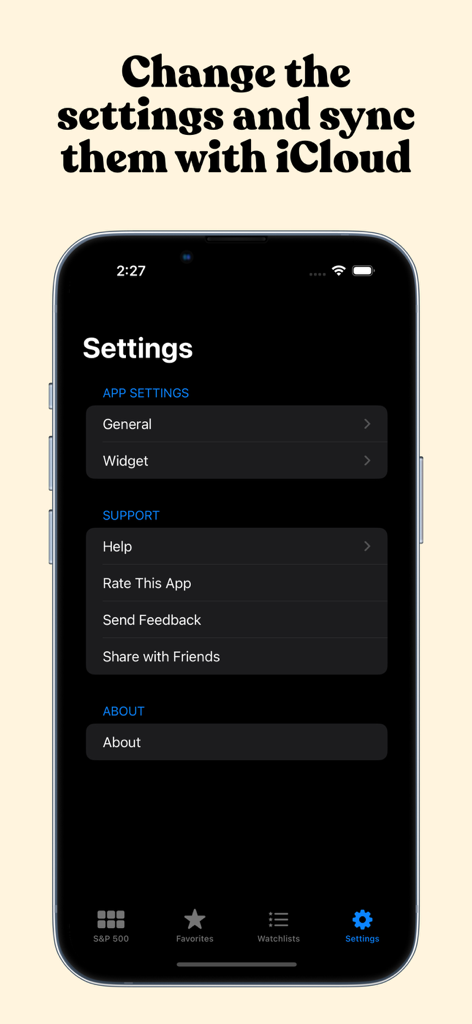
iCloud同期とウィジェット構成を備えた株価マップ設定メニュー

iCloud同期とウィジェット構成を備えた株価マップ設定メニュー

市場トレンドを一目で可視化

このアプリを際立たせるツール、 30K+ 人のユーザーが選択.

🌡️

インタラクティブな市場ヒートマップ

市場のリーダーと遅延企業を即座に見つけます。株価は時価総額でサイズが決定され、パフォーマンスで色分けされているため、セクターローテーションとイントラデイトレンドを数秒で特定できます。

📱

バッテリー効率の良いウィジェット

お気に入りの株や特定の業界をホーム画面から直接監視します。カスタマイズ可能なiOSウィジェットは、バッテリーを消耗させることなくプロフェッショナルグレードの追跡を提供します。

🎯

ドリルダウン市場分析

シングルタップで広範な指数から特定の業界ニッチまで掘り下げます。トップピックをお気に入りに保存し、詳細な調査のためにYahoo FinanceまたはiOS Stocksに直接リンクします。

世界中のユーザーに愛されています

Trusted by 30K+ 人がこのアプリを愛用しています.

"

"株価マップは、仕事中に市場を追跡する方法を完全に変えました。ヒートマップにより、数秒でセクショントレンドを可視化でき、リストベースのアプリよりもはるかに効率的です。ウィジェットは、会議の合間の迅速な更新に最適です。"

David L.、ポートフォリオマネージャー
"

"ついに、明瞭さと可視性を優先する株アプリが登場しました。S&P 500を一目で確認できることで、価格変動の「理由」を即座に理解できるようになります。インターフェースは洗練されており、お気に入りやウィジェットのカスタマイズオプションは最高です。"

Sarah K.、アクティブ投資家

アプリについて

について知っておくべきこと Stock Map: S&P 500 and More.

説明

Look at the US stock market at a glance with Stock Map to understand the intraday trends. Stock Map visualizes all the S&P 500, Nasdaq 100, and Dow Jones stocks in a single view with a heat map/treemap and you can see the companies, sectors, and industries with a single look. Main page displays S&P 500 stocks by default. But that view can be changed to display Nasdaq 100 or Dow Jones stocks by tapping on the title at the top. In the main view, tapping on a sector or an industry opens up a detailed view of that company. That way you can see the stocks that might be too small to see easily. When reached to the inner category, tapping on a stock opens the details of this stock in the iOS Stocks app (or in other apps/websites like Yahoo Finance when the user updates the settings). On the Favorites tab, you can add all of your favorite stocks to this view, and only they will appear in this list, so you can keep an eye on the stocks that you are interested in easily. In addition to the main app, you can add widgets to your home page and keep an eye on the stocks. There are two main widget types, you can either add your favorites or you can add an industry category. To be able to do that, long press on the home page and press the "+" button on the top left corner. In the list that appears, search for Stock Map and add the widget type you would like to add. By default, the widget will be updated every 30 mins to not drain your battery quickly. But update frequency can be adjusted in the Widget settings page inside the app. It can be as low as 10 minutes or as high as 1 hour. Stock Map visualizes the stock market with a market heat map (a.k.a. market treemap). The size of a block is determined by the market cap of that company. And the whole map is sorted by the market cap in descending order. Privacy policy: https://stockmap.app/privacy-policy/ Terms and conditions: https://stockmap.app/terms-and-conditions/ Contact: https://stockmap.app/contact/

最新バージョン

1.28

サイズ

8.6 MB

リリース日

Dec 1, 2021

市場をマスターする一目でわかる

S&P 500とNasdaq 100を可視化して、より賢く取引する30,000人以上の抜け目のない投資家に加わりましょう。今すぐ株価マップをダウンロードして、全体像を把握しましょう。

ダウンロード: App Store