
comdirect photoTAN App



Experience German-engineered security for your international lifestyle. Authorize banking and trading transactions instantly via seamless App2App integration or offline scans—wherever your career takes you.
Publisher
Category
FinanceDownloads
1M+User Rating
Total Ratings
175K+Locales
1Discover the interface used by 1M+ users.
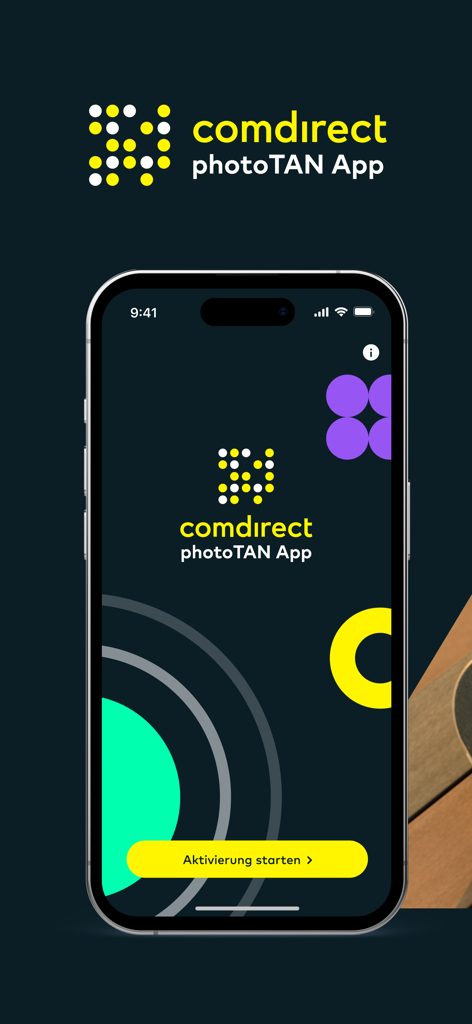


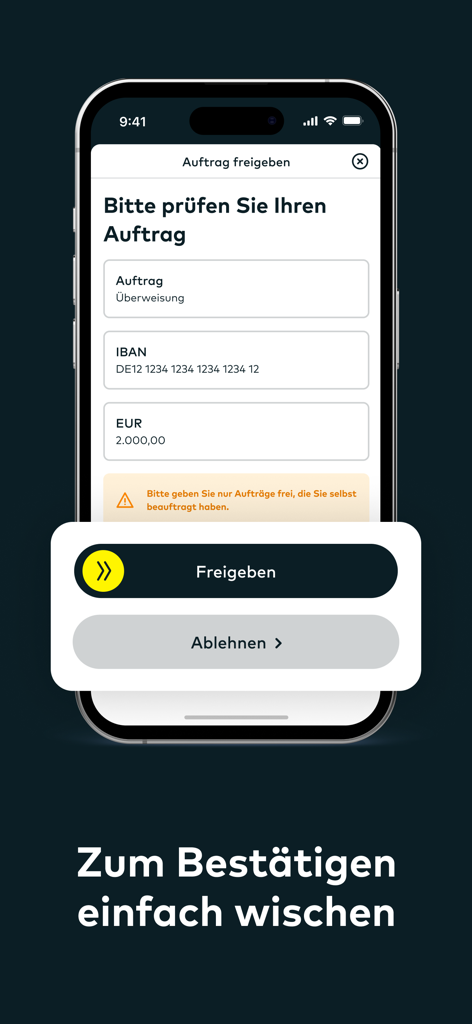
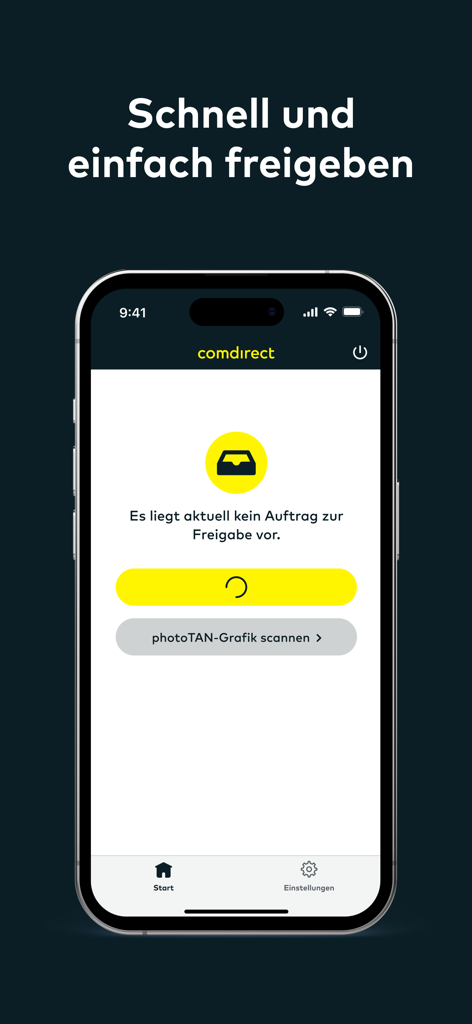
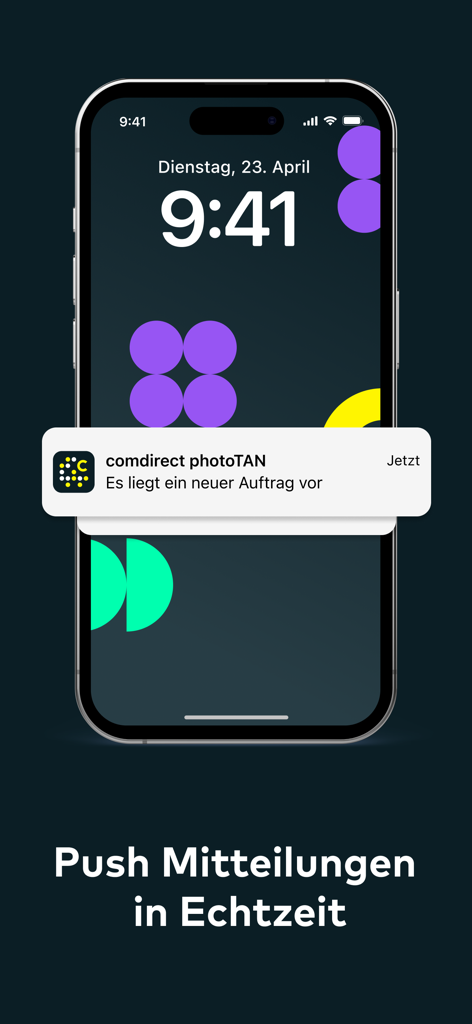
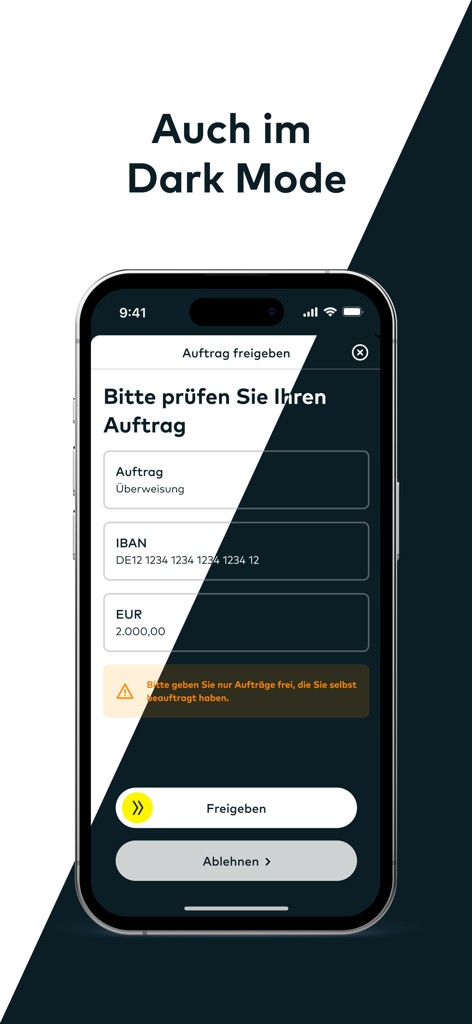
The tools that make this app stand out, trusted by 1M+ users.
Experience frictionless banking with App2App technology. Authorize transfers and trades instantly with a simple swipe, eliminating the need to manually enter TAN codes.
Protect your European assets with world-class encryption. Our photoTAN technology is more robust than SMS, keeping your investments safe from phishing and SIM-swapping.
Manage your finances regardless of your connection. The scan-to-authorize feature works offline, ensuring you can approve transactions even without U.S. data roaming or Wi-Fi.
Trusted by 1M+ people who love this app.
"Living in San Francisco while managing my German accounts used to be a headache, but the App2App feature makes it seamless. I just swipe to approve transactions on my iPhone—no more waiting for SMS codes that never arrive. It is the perfect bridge for my financial life between the US and Germany."
"As someone managing investments across time zones, the security of this app gives me total peace of mind. The ability to scan the photoTAN graphic even when I am on a flight without Wi-Fi is a lifesaver. It is fast, reliable, and exactly what I expect from a premium banking experience."
Insights from user reviews.
Sentiment Score
Summary
The app receives largely negative feedback, primarily due to widespread functionality issues, especially after recent iOS updates (notably iOS 26 and version 9.8.0). Users frequently report that the app becomes unusable, often due to false "Jailbreak detected" errors or Face ID failures, preventing essential banking operations like money transfers. While some users appreciate the ease of use and reliability when the app *does* work, and the security benefits of the separate PhotoTAN system, many find the overall user experience clunky, the login process overly complex, and activation procedures problematic. There are also complaints about limited customer support availability and concerns over the inclusion of political banners.
Common Themes
Everything you need to know about comdirect photoTAN App.
Description
Latest Version
9.10.0
Size
63.1 MB
First Released
Mar 28, 2013
Join over 1 million users managing their assets with the highest security standards. Download the comdirect photoTAN app today and experience seamless, offline-ready transaction authorization wherever your career takes you.
Everything you need to know about comdirect photoTAN App
The comdirect photoTAN App securely and quickly approves online banking transactions. It serves as a verification method for your digital banking activities.
When you initiate a transaction on a computer, the comdirect photoTAN App sends a notification to your smartphone. You open the app, review the transaction details, and then swipe to approve it.
Yes, the comdirect photoTAN App includes a scan function for offline transaction approval. Select "photoTAN Grafik" on your computer, then use the app's scanner on your smartphone.
The comdirect photoTAN App supports the App2App procedure with the comdirect App, comdirect trading App, and comdirect Young. Transactions initiated in these apps open photoTAN for direct approval.
To activate the comdirect photoTAN App, log into your comdirect personal area, follow the "photoTAN aktivieren" guide, and download the app. Complete the in-app instructions to finalize activation.
The comdirect photoTAN App requires camera permission. This permission is essential for scanning the photoTAN graphic during the standard transaction approval process to ensure secure verification.
Yes, the comdirect photoTAN App supports connecting up to 8 comdirect accounts. Each account requires a separate activation letter to be linked to the app.
Users confirm transactions in the comdirect photoTAN App by reviewing the order details and then performing a simple swipe gesture from left to right on the "Freigeben" (Approve) button.
Yes, the comdirect photoTAN App provides real-time push notifications. It alerts users immediately when a new order is available for review and approval within the app.
Yes, the comdirect photoTAN App supports Dark Mode. This feature allows users to operate the app with a dark-themed interface for improved viewing comfort, especially in low light.
Apps with similar features and user experience

Banco de Chile

Raiffeisen Bank S.A.

Synology Inc.

DATEV eG

Atruvia AG

Namirial Spa

UBS AG

MINISTERSTVO VNITRA

Commerzbank AG