
Microsoft Power BI




Empower your decision-making with instant access to your critical dashboards. Monitor KPIs, receive data-driven alerts, and collaborate with your team—all from the palm of your hand.
Publisher
Category
BusinessDownloads
8M+User Rating
Total Ratings
313K+Locales
33Discover the interface used by 8M+ users.
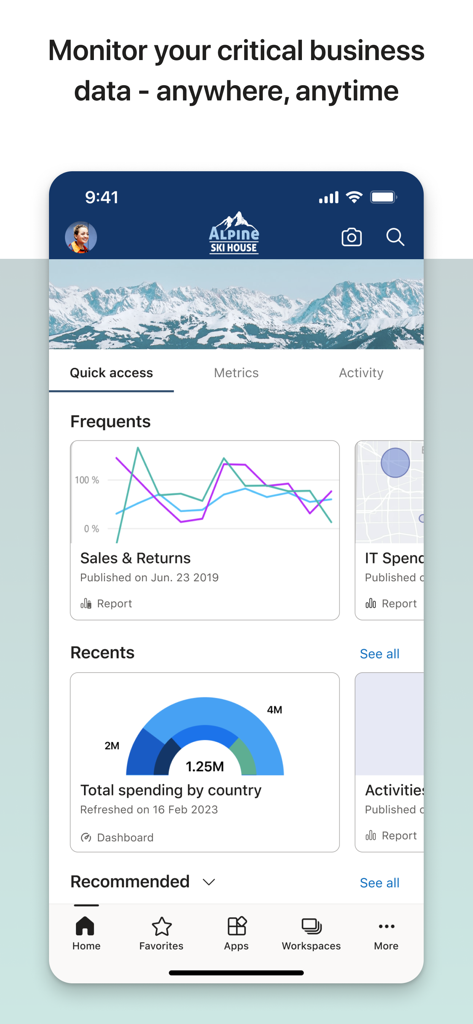
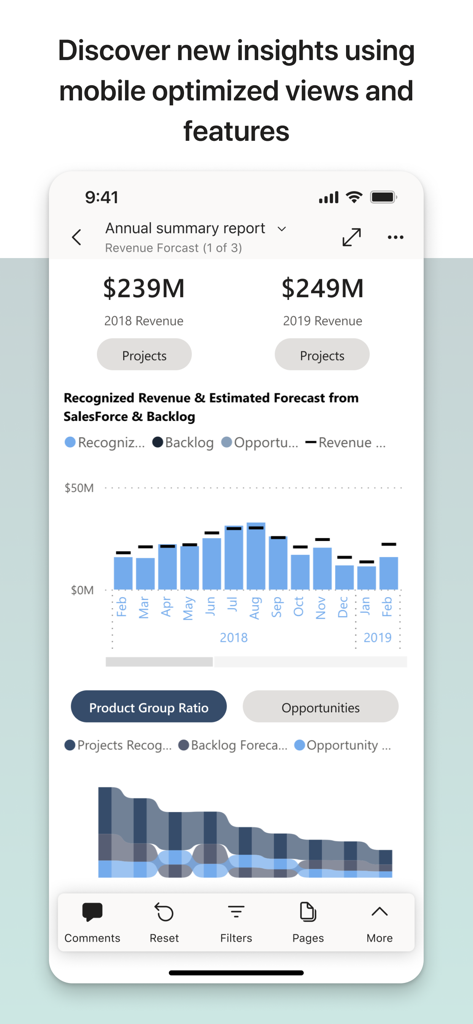
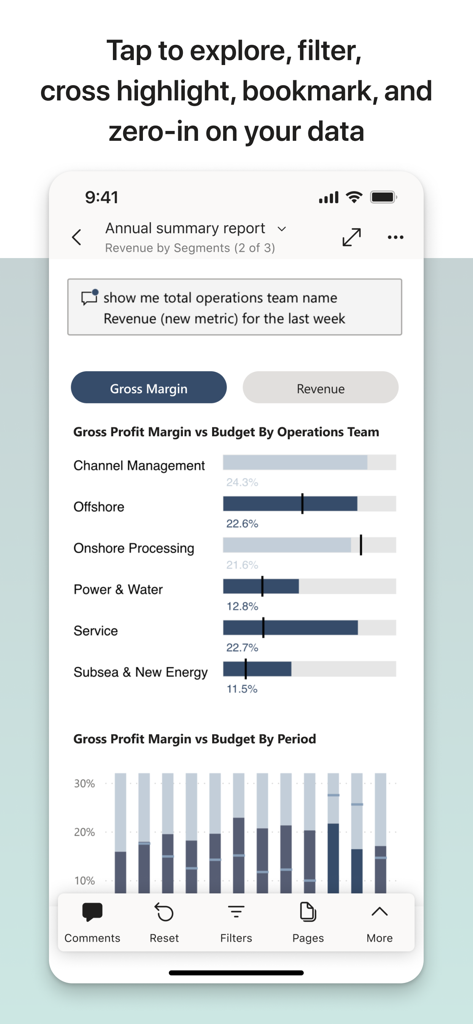
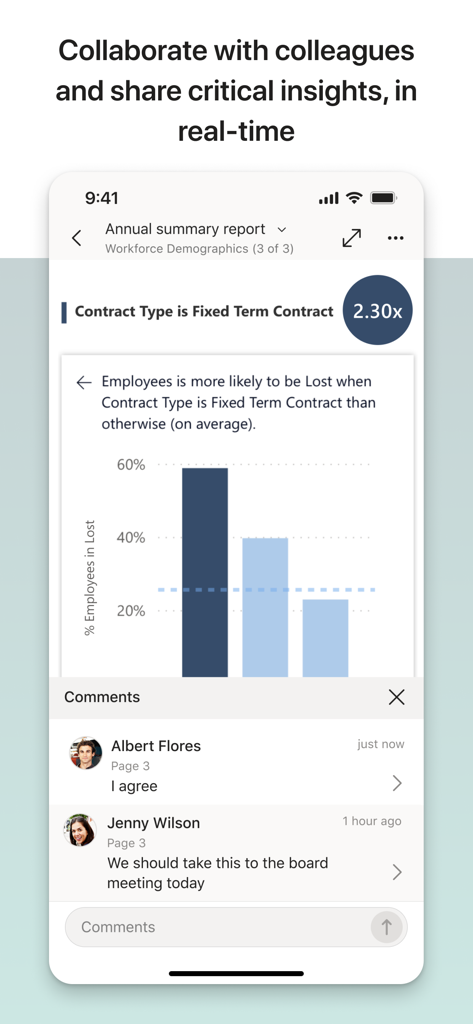
The tools that make this app stand out, trusted by 8M+ users.
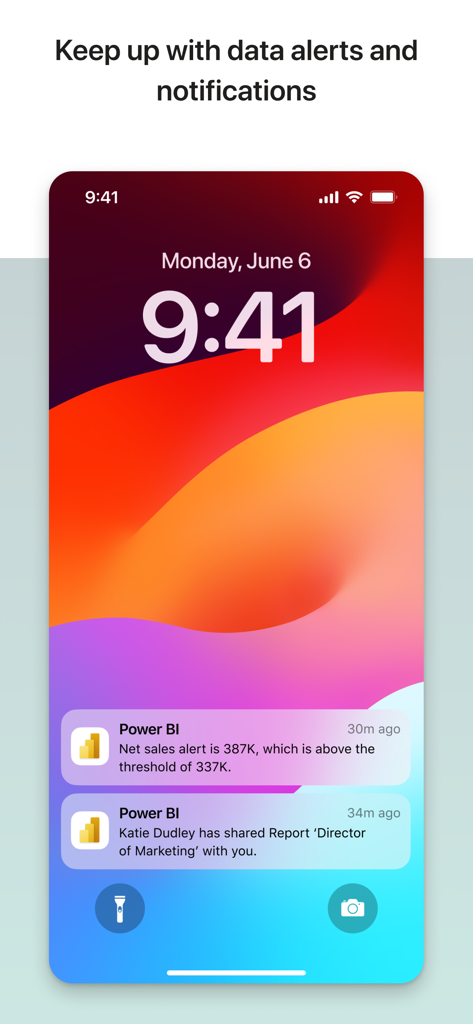
Get instant notifications when your data hits critical thresholds, so you can act before a trend becomes a problem.
Annotate reports with insights and share them instantly via Microsoft Teams to keep your department aligned.
Ask questions in plain English to your virtual analyst and get immediate, meaningful visualizations of your data.
Trusted by 8M+ people who love this app.
"As a VP constantly on the move, this app is my command center. I can monitor our global KPIs from my phone and instantly share annotated insights with my team via Teams. It has completely changed how I prep for board meetings during my commute."
"The real-time data alerts are a lifesaver for our warehouse operations. Being able to scan barcodes to pull up specific inventory reports instantly on-site helps us make decisions in minutes rather than hours. The natural language Q&A feature is incredibly intuitive."
Everything you need to know about Microsoft Power BI.
Description
Latest Version
36.5
Size
199.6 MB
First Released
Dec 21, 2014
Join over 8 million professionals making smarter decisions on the move. Download Microsoft Power BI today and keep your business insights at your fingertips.
Everything you need to know about Microsoft Power BI
Microsoft Power BI Mobile allows users to access and monitor critical business data from anywhere, receive real-time notifications, annotate reports, and share insights. It provides powerful features for on-the-go decision-making.
Yes, users can set data alerts and receive real-time notifications with Microsoft Power BI Mobile. This feature keeps users updated on important changes and shared reports directly on their device's lock screen.
Yes, Microsoft Power BI Mobile supports interactive data exploration. Users can tap to explore, filter, and focus on important data. It offers mobile-optimized views for discovering new insights.
Users can collaborate on reports with colleagues using Microsoft Power BI Mobile. The app allows real-time sharing of critical insights and includes a comments section within reports for direct feedback and discussion.
Yes, Microsoft Power BI Mobile includes a Q&A virtual analyst feature. Users can ask questions in their own words to get meaningful insights and perform data analysis through natural language queries.
No, no setup is needed to start exploring Power BI data instantly with the mobile app. Users can begin accessing their data without any prior configuration steps.
Yes, users can securely access their on-premises data using Microsoft Power BI Mobile. The app ensures safe connectivity to internal data sources for comprehensive analysis.
Yes, Microsoft Power BI Mobile supports scanning barcodes and QR codes. This feature allows users to easily track inventory and acquire real-world data directly in context.
Microsoft Power BI Mobile integrates with the full Power BI suite, including Power BI Desktop and the Power BI web service. This integration ensures a consistent and comprehensive data experience.
Apps with similar features and user experience

Nazim Can Altinova

OptionStrat LLC

Klingshirn Decosmo

Google LLC

Ningbo Deye Technology Co., Ltd.

Stats Company Limited, The

Trade Like A Pro SRL

Chrono Numeric Labs LLC

MetaQuotes Software Corp.
