
MindLine Mind Map



The most straightforward way to transform complex thoughts into structured projects. Join 5 million+ users who brainstorm, plan, and sync their creativity across all devices effortlessly.
Publisher
Category
ProductivityDownloads
5M+User Rating
Total Ratings
41K+Locales
3Discover the interface used by 5M+ users.
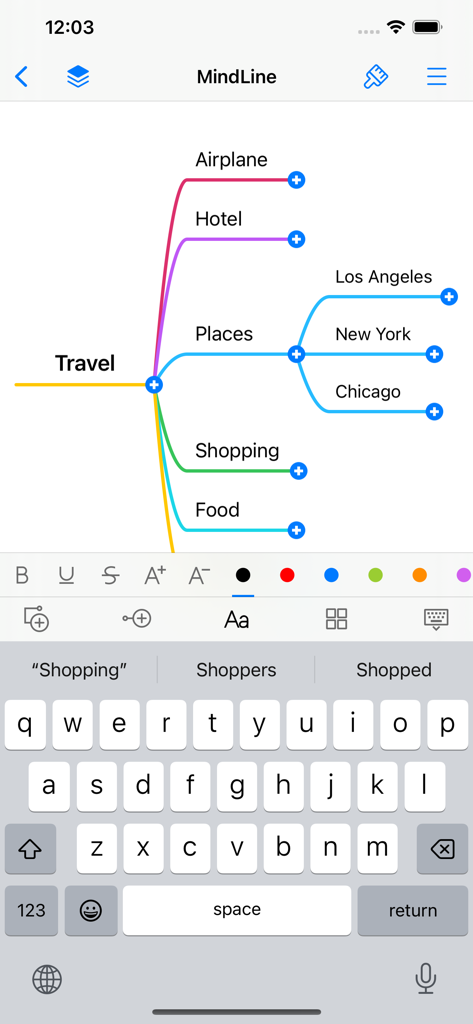
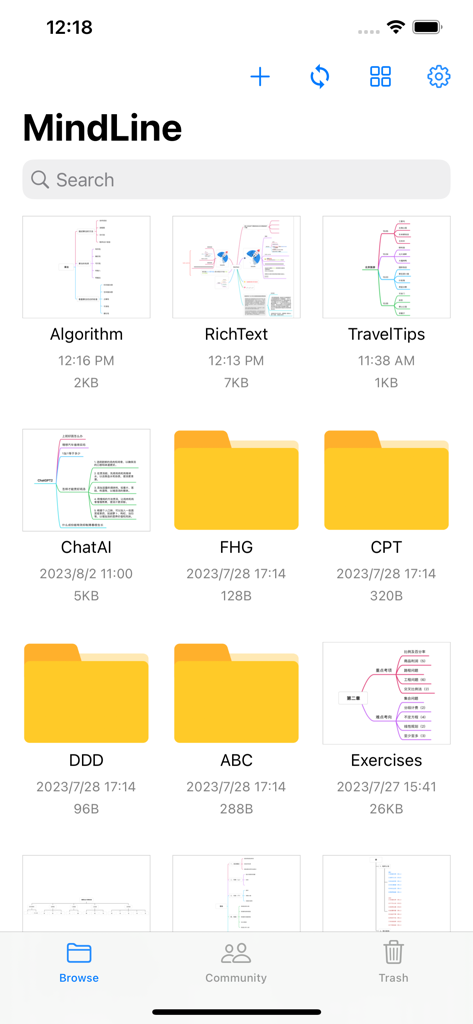
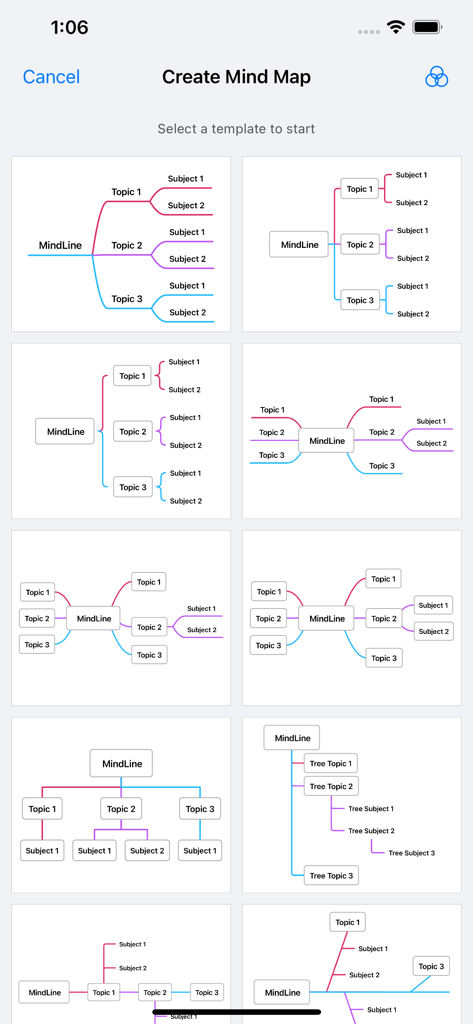
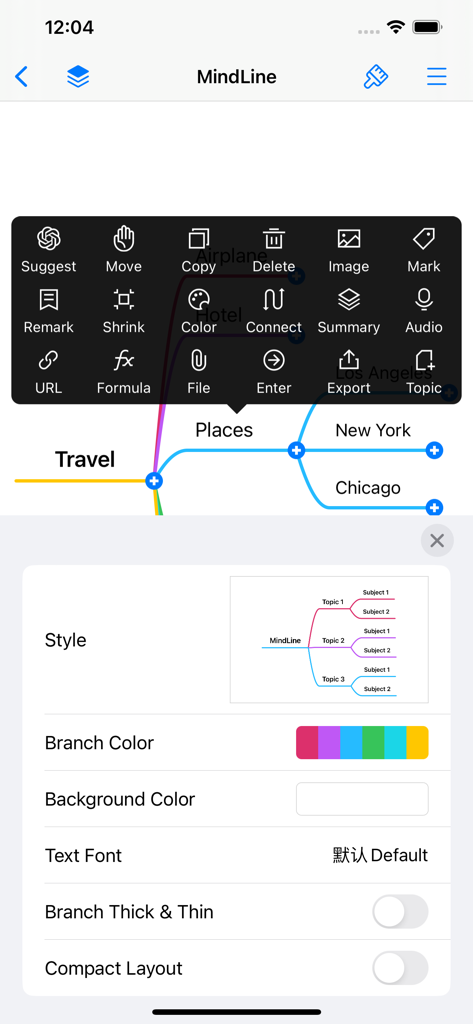
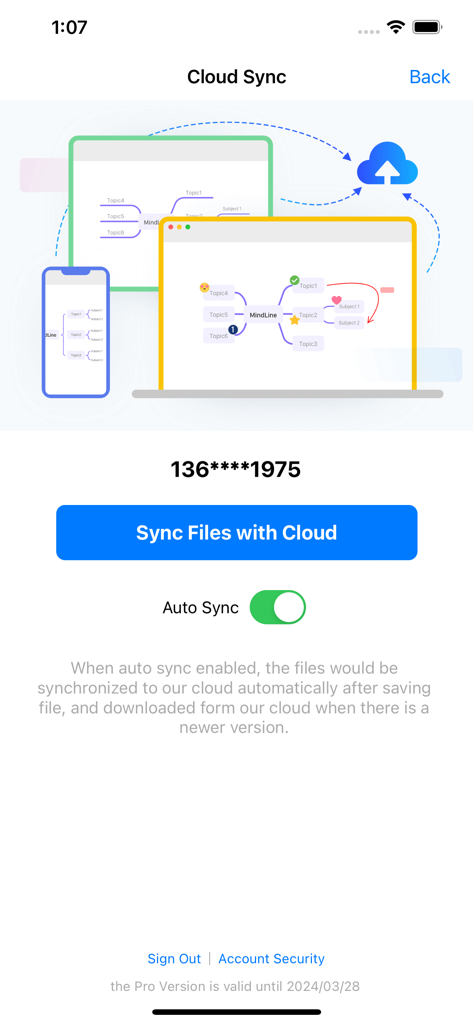
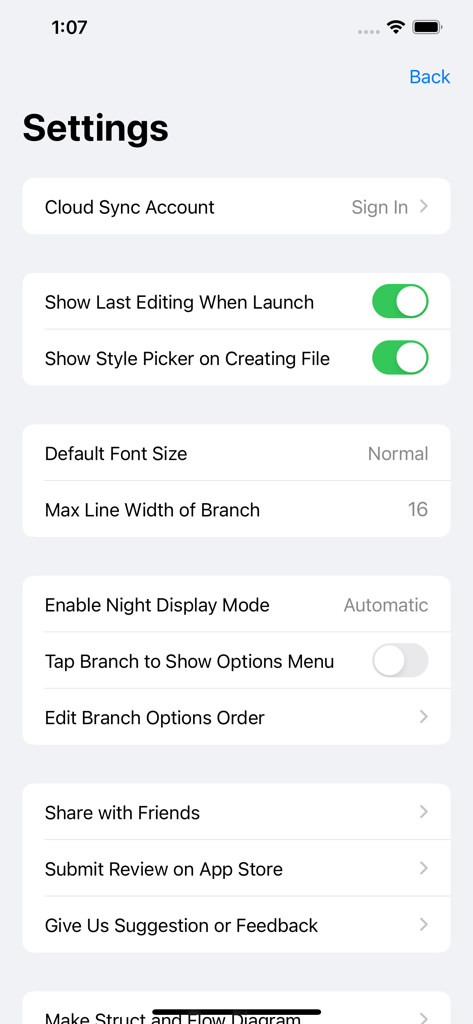
The tools that make this app stand out, trusted by 5M+ users.
Get ideas out of your head and onto the screen with a straightforward interface that removes every barrier to your creative flow.
Start on your iPad and finish on your iPhone. Your mind maps are always backed up and ready wherever your inspiration strikes.
Transform non-linear thoughts into structured, actionable plans. Perfect for students and professionals managing complex projects.
Trusted by 5M+ people who love this app.
"MindLine is the ultimate tool for my brainstorming sessions. I love how straightforward the design is—it doesn't get in the way of my creativity. Being able to sync my maps across all my devices ensures I never lose a great idea, whether I'm at my desk or on the move."
"I've tried many mind mapping apps, but MindLine is by far the most efficient for my university studies. It makes organizing complex lecture topics so much easier. The minimalist UI helps me stay focused on my exam prep without any unnecessary distractions."
Everything you need to know about MindLine Mind Map.
Description
Latest Version
10.0.3
Size
29.0 MB
First Released
Oct 5, 2015
Join over 5 million visual thinkers who use MindLine to declutter their minds and stay organized. Download now to start brainstorming and sync your maps across all your devices instantly.
Everything you need to know about MindLine Mind Map
MindLine Mind Map is a tool for building mind maps quickly. It helps users make notes, organize ideas, arrange tasks, and brainstorm effectively.
Yes, MindLine Mind Map supports cloud services for file backup and synchronization. This ensures data safety and quick access across different devices.
Yes, MindLine Mind Map allows users to select a template to start when creating a new mind map. Various pre-designed structures are available.
MindLine offers editing features such as adding images, URLs, formulas, and audio to nodes. Users can also customize branch colors, text fonts, and overall layout.
MindLine Mind Map ensures data safety by providing a cloud service for backup and synchronization of user files. This makes data quickly available on different devices.
To contact support for MindLine Mind Map, users can send an email to mindline@126.com. This email addresses questions and suggestions directly.
Yes, MindLine Mind Map includes an auto-sync option. Enabling it automatically synchronizes files to the cloud after saving and downloads newer versions.
Yes, users can change the style of their mind maps in MindLine. Options include customizing branch color, background color, text font, and compact layout settings.
MindLine Mind Map allows users to manage various files, including individual mind maps and organized folders. The app provides a dedicated file management interface.
Yes, MindLine Mind Map offers an "Enable Night Display Mode" option in its settings. Users can configure this feature for their viewing preference.
Apps with similar features and user experience

Edwing H Santos Mena

3M Company

IdeasOnCanvas GmbH

佳文 潘

xpt Software & Consulting B.V.

OpenGenius Limited

Expert Software Applications Srl

红霞 鲁

Qrayon, LLC