NiBoard: Whiteboard & Sketch

NiBoard: Whiteboard & Sketch

Download on App Store
Spark by MWM logo
Logo of NiBoard: Whiteboard & Sketch
NiBoard: Whiteboard & Sketch - The Minimalist Canvas for Your Best Ideas

Experience the speed of digital paper. From professional brainstorming to creative doodling, NiBoard offers a clean, distraction-free space optimized for Apple Pencil and your iPad.

Download on App Store

Publisher

Enid Hadaj

Category

Graphics & Design

Downloads

222K+

User Rating

4.5/5

Total Ratings

700

Locales

23

See Your Ideas Flow

Discover the interface used by 222K+ users.
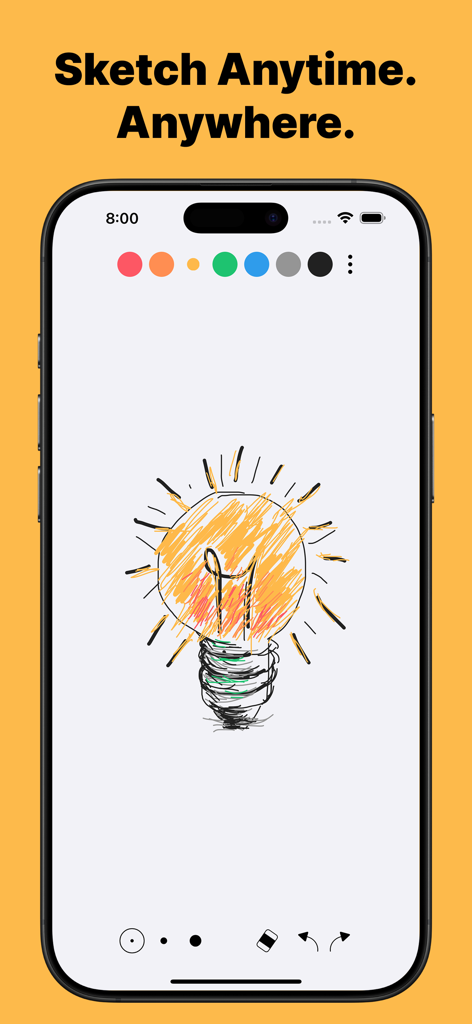
A lightbulb sketch on the NiBoard mobile app interface with the slogan Sketch Anytime Anywhere

A lightbulb sketch on the NiBoard mobile app interface with the slogan Sketch Anytime Anywhere

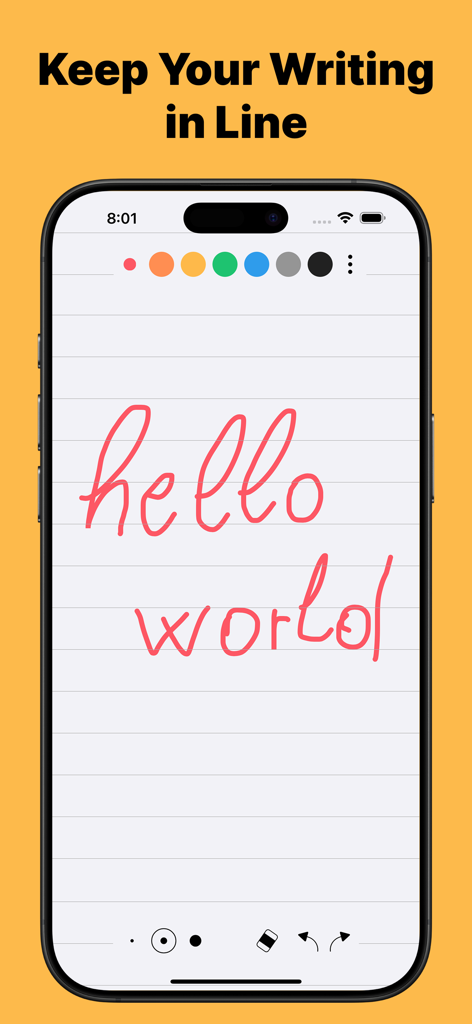
NiBoard app interface showing handwritten text on a digital lined paper background for neat sketching.

NiBoard app interface showing handwritten text on a digital lined paper background for neat sketching.

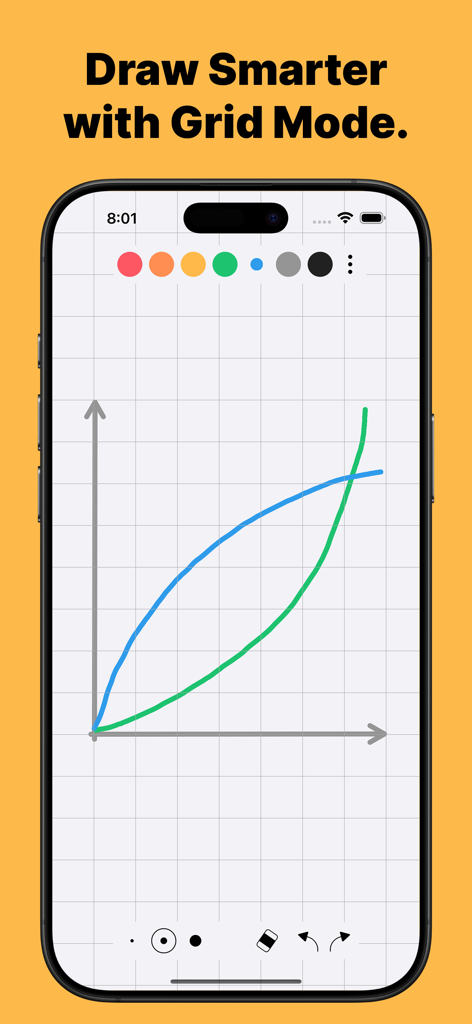
NiBoard app interface on an iPhone displaying a hand-drawn graph with a grid background

NiBoard app interface on an iPhone displaying a hand-drawn graph with a grid background

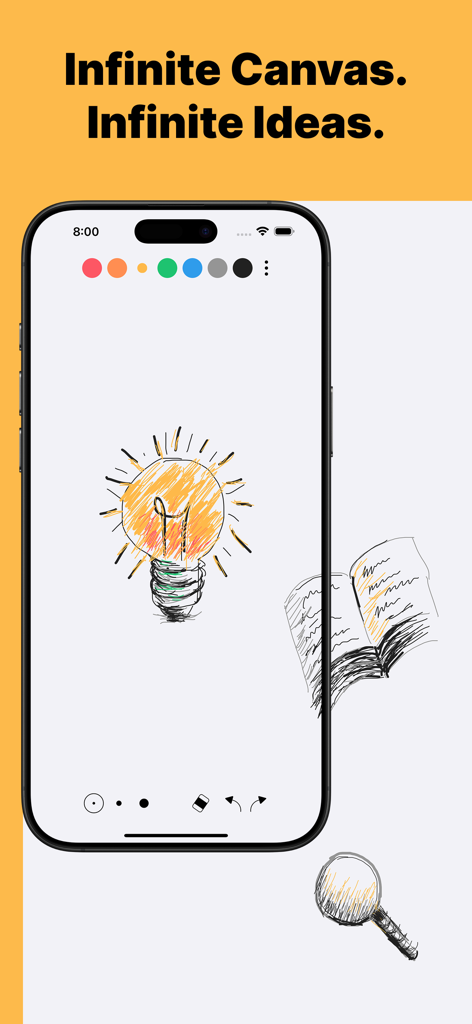
NiBoard whiteboard app interface displaying an infinite canvas with sketches of a lightbulb and a book

NiBoard whiteboard app interface displaying an infinite canvas with sketches of a lightbulb and a book

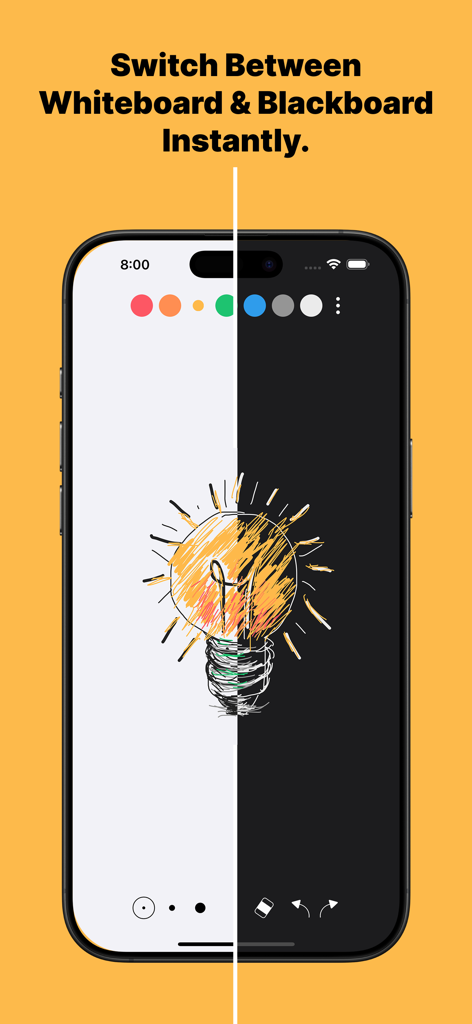
Interface showing the switch between whiteboard and blackboard modes in the NiBoard app with a lightbulb sketch.

Interface showing the switch between whiteboard and blackboard modes in the NiBoard app with a lightbulb sketch.

Designed for the Way You Think

The tools that make this app stand out, trusted by 222K+ users.

✍️

Instant-On Creativity

Skip the complex menus. Start sketching as naturally as pen on paper with full Apple Pencil optimization for a tactile, responsive feel.

♾️

Infinite Canvas

Never run out of room. Our expandable canvas lets you map out complex projects, study notes, and brainstorming sessions without physical limits.

Distraction-Free Focus

Enjoy a clean, minimalist interface designed to keep you in the flow, whether you are wireframing a new app or providing a safe creative outlet for your kids.

Loved by users worldwide

Trusted by 222K+ people who love this app.

"

"NiBoard is exactly what I needed for remote brainstorming. The infinite canvas lets me map out entire project workflows during Zoom calls without ever running out of space. It's clean, fast, and the Pro tools make my rough sketches look professional enough to share with the team."

Marcus T., Freelance UX Designer
"

"As a student, I've tried every note-taking app out there, but NiBoard is my favorite for 'brain dumping' before exams. The Apple Pencil integration is flawless, and the lack of cluttered menus helps me stay focused on my sketches. It’s simple, effective, and perfect for visual learners."

Elena S., University Student

About the app

Everything you need to know about NiBoard: Whiteboard & Sketch.

Description

NiBoard makes drawing simple and fun for everyone—kids and adults alike. Whether you’re an artist, student, teacher, or just love to doodle, NiBoard lets you draw quickly and easily. Enjoy a clean, easy-to-use drawing pad that works great with Apple Pencil. Why You'll Love NiBoard: • Fast & Easy Drawing: Draw freehand quickly—just like using paper and pen. • For Kids & Adults: A simple app that’s perfect for family fun and creative drawing. • Apple Pencil Support: Draw with your finger, Apple Pencil, or both for precise control. • Clean, Minimal Interface: Focus on your creativity without distractions. Free Features: • Freehand Drawing: Get started immediately with intuitive, natural drawing. • 7 Preset Colors: Choose from a vibrant set of colors. • Easy Editing: Use Undo/Redo, Eraser, and Zoom for quick fixes and detailed work. • Save & Share: Easily save your drawings or share them with friends. • Dark Mode: Enjoy a comfortable drawing experience in any lighting. Upgrade to Pro for Even More: • Infinite Canvas: Draw without limits on an expandable canvas. • More Tools: Unlock five additional tools — Line, Arrow, Ellipse, Rectangle, and Text. • Custom Colors: Create your own color palette with the full color picker. • Guided Drawing: Use Grid and Lines Modes for neat sketches. • Autosave: Your work is saved automatically. https://www.apple.com/legal/internet-services/itunes/dev/stdeula/

Latest Version

9.8.8

Size

43.3 MB

First Released

May 3, 2020

Ready to Experience the Simplest Digital Whiteboard?

Join 222,000+ creators who have ditched paper clutter for an infinite canvas. Download NiBoard today and start sketching your ideas with zero friction.

Download on App Store