
OverPicture for Safari



Bring universal Picture-in-Picture to every website on macOS, iOS, and iPadOS. Stay productive and watch while you work with a single click or shortcut—all with total on-device privacy.
Publisher
Category
UtilitiesDownloads
2K+User Rating
Total Ratings
0Locales
1Discover the interface used by 2K+ users.

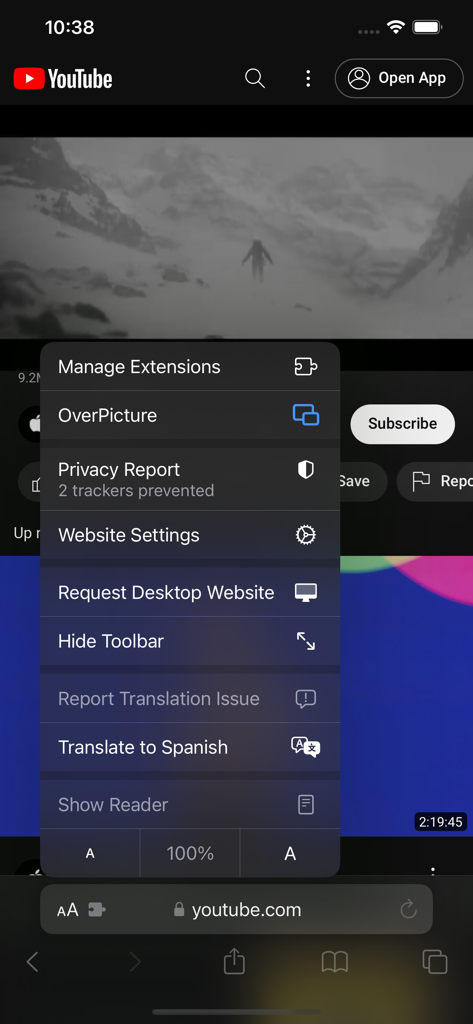
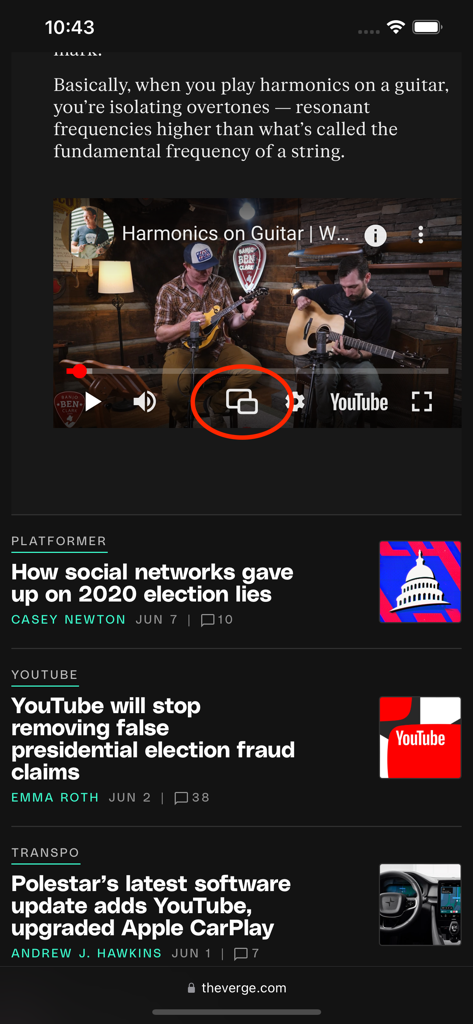
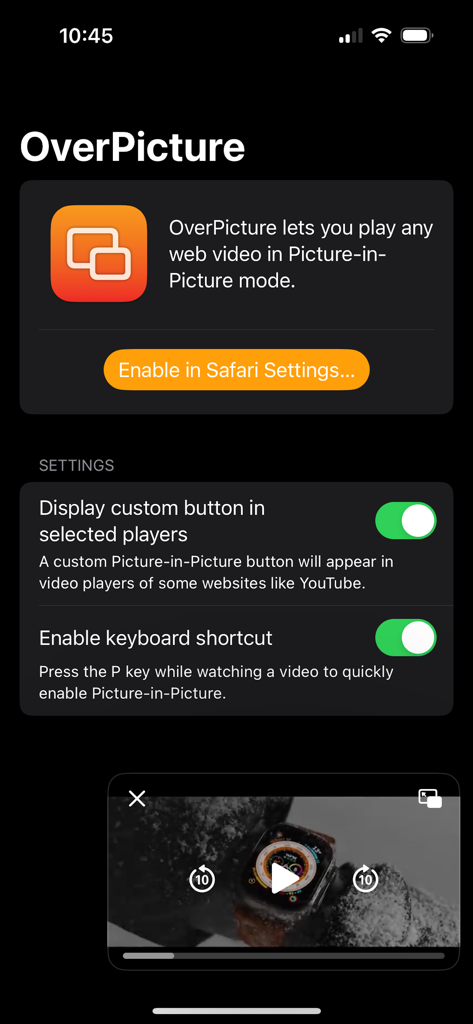
The tools that make this app stand out, trusted by 2K+ users.
Bypass restrictions and play any web video in a floating window with one tap or a simple 'P' keyboard shortcut.
Designed for the Apple ecosystem. Experience seamless functionality whether you are on your MacBook, iPad, or iPhone.
Lightweight, on-device processing ensures your data never leaves your device. No tracking, just pure performance.
Trusted by 2K+ people who love this app.
"As a digital marketer who spends hours on research, OverPicture has become an essential part of my workflow. Being able to pop out a tutorial video with a single tap of the 'P' key while I work in other tabs has significantly boosted my productivity. It is seamless across my Mac and iPad, and the privacy-first approach gives me total peace of mind."
"I finally found the perfect solution for Picture-in-Picture on Safari. I use it mostly for YouTube and educational streams while I'm coding. It’s lightweight, doesn't bloat my browser, and works much better than the native options or other clunky extensions I've tried. A must-have for any Apple power user."
Everything you need to know about OverPicture for Safari.
Description
Latest Version
2.7
Size
12.6 MB
First Released
Dec 30, 2016
Join thousands of power users who have unlocked seamless Picture-in-Picture across macOS, iOS, and iPadOS. Get OverPicture today and stop switching tabs.
Top-ranked apps in the same category

Google LLC

Google LLC

China Mobile Online Services Co., Ltd.

Google LLC

Servicos e Informacoes do Brasil

DEEP FLOW SOFTWARE SERVICES - FZCO

Servicos e Informacoes do Brasil

CHINA TELECOM Corporation Ltd.

Microsoft Corporation