
Photo Scanner .



Preserve your family legacy by turning physical albums into high-quality digital records. Scan, organize, and share your favorite vintage photos instantly using only your iPhone camera.
Publisher
Category
UtilitiesDownloads
53K+User Rating
Total Ratings
4K+Locales
1Discover the interface used by 53K+ users.
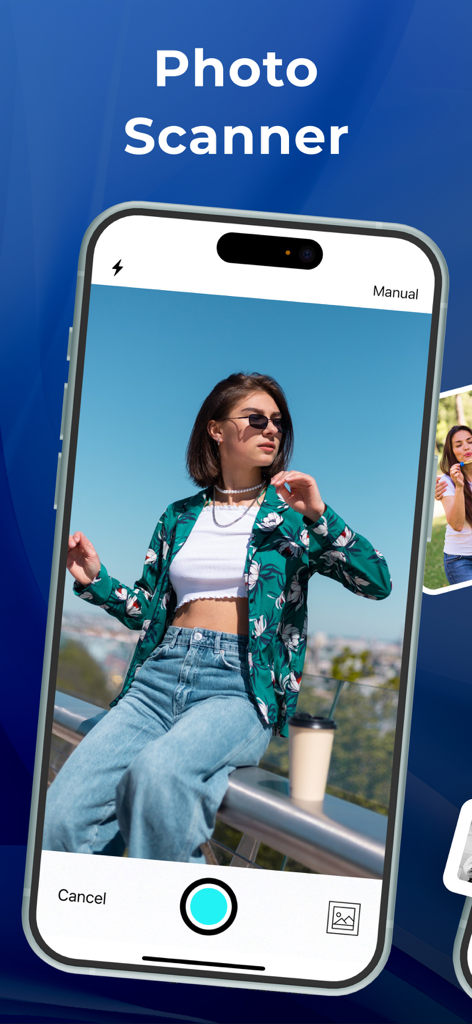
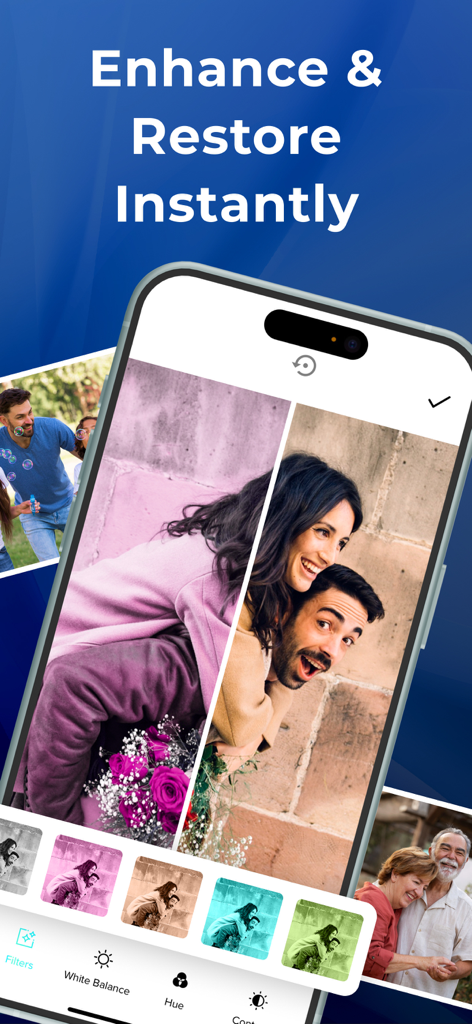
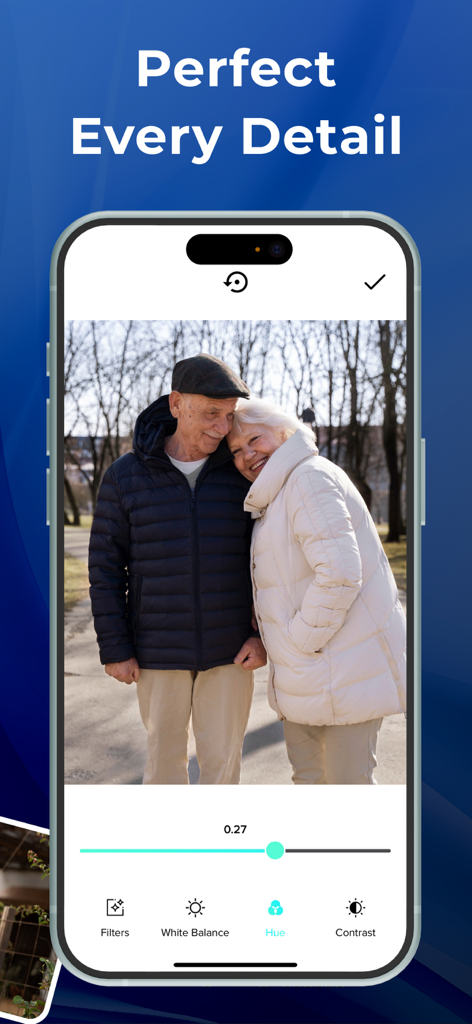
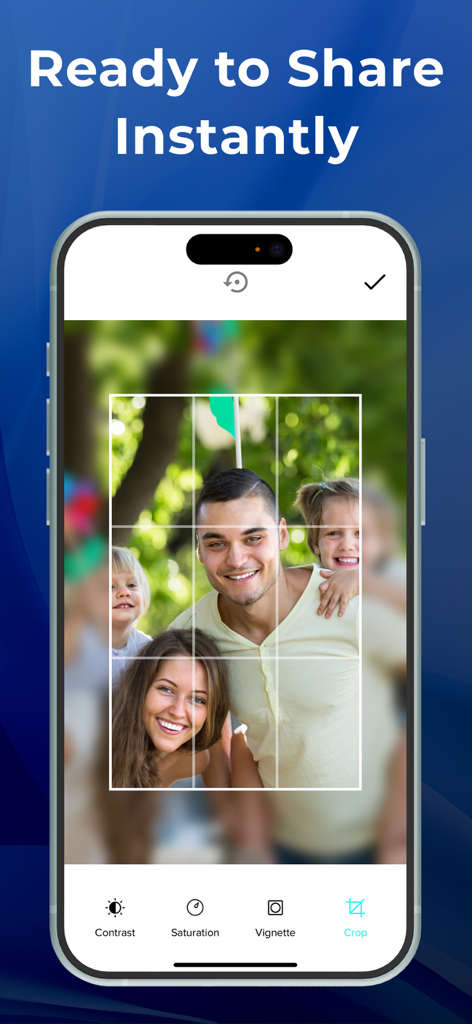
The tools that make this app stand out, trusted by 53K+ users.
Skip the bulky equipment. Use your iPhone camera to turn physical prints into high-quality digital records in a single tap.
Add special notes and dates to every photo so the names and memories behind the faces are never forgotten by future generations.
Organize personalized albums and instantly share precious memories with your children, grandchildren, or friends on Facebook.
Trusted by 53K+ people who love this app.
"I had boxes of old family photos sitting in the attic for years, and I was terrified of losing them. Photo Scanner made it so simple to digitize everything right from my phone! I love that I can add notes to each picture so my grandkids will actually know who is in the photos. It is worth every penny for the peace of mind."
"I have tried just taking pictures of my old prints before, but the glare always ruined them. This app is a game-changer—the quality is amazing and the filters really brought the colors back to life in my 1980s polaroids. Now I am the hero of the family group chat, sending classic shots of my siblings every week!"
Everything you need to know about Photo Scanner ..
Description
Latest Version
9.6
Size
127.9 MB
First Released
Apr 6, 2019
Join thousands of memory keepers who have already turned their shoeboxes of physical photos into digital treasures. Download Photo Scanner today and start sharing your legacy with the people you love.
Everything you need to know about Photo Scanner .
Photo Scanner is an app that digitizes printed photos using your iPhone camera. It creates digital scans, allowing users to edit, apply filters, add notes, and organize them into albums for easy sharing.
Photo Scanner digitizes photos by utilizing your iPhone's camera to create a digital scan from a printed picture in a single shot. The app then allows for editing and automatic saving to your phone's gallery.
Yes, Photo Scanner users can apply many filters to images. The app provides various editing features, including filters, white balance, hue, contrast, saturation, vignette, and cropping tools.
Yes, Photo Scanner supports photo organization. Users can create and manage personalized albums and add special notes to individual photos, ensuring important memories are preserved and structured within the app.
Photo Scanner Premium offers three subscription plans: 1 Year at $49.99, 1 Month at $3.99, and 1 Week at $1.99. Each plan includes a free trial period before billing commences.
Yes, Photo Scanner offers free trials. The 1-year and 1-month Premium plans include a 3-day free trial, while the 1-week plan provides a 2-day free trial before the subscription starts.
Users manage Photo Scanner subscriptions by accessing Account Settings after purchase. Auto-renewal must be turned off at least 24 hours before the current period ends to cancel. This is also possible via iTunes.
The Photo Scanner app's Privacy Policy is available online at https://bestcoolappsllc.wordpress.com/privacy-policy/. This document details how the application handles user information and data.
Yes, Photo Scanner automatically saves the digital pictures created from your old printed photos. These digitized images are stored directly in your phone's gallery for convenient access and sharing.
Yes, users can easily share digitized photos from Photo Scanner. The application automatically saves scanned pictures to your phone's gallery, facilitating simple sharing with family and friends.
Apps with similar features and user experience

FUJIFILM Corporation

ROLLCAKE Inc.

Maple Media Apps, LLC

Maple Media Apps, LLC

Photomyne LTD

Photomyne LTD
App Initio Limited