Screen Time Blocker: app Limit

Screen Time Blocker: app Limit

Download on App Store
Spark by MWM logo
Logo of Screen Time Blocker: app Limit
Screen Time Blocker: app Limit – Reclaim Your Focus and Productivity

Stop doomscrolling and take back control of your day. Block distractions automatically by location or schedule, reduce stress, and join users reclaiming 83 minutes of free time every day.

Publisher

My Media and Entertainment LLC

Category

Health & Fitness

Downloads

53K+

User Rating

4.4/5

Total Ratings

2K+

Locales

20

A Glimpse of Freedom

Discover the interface used by 53K+ users.
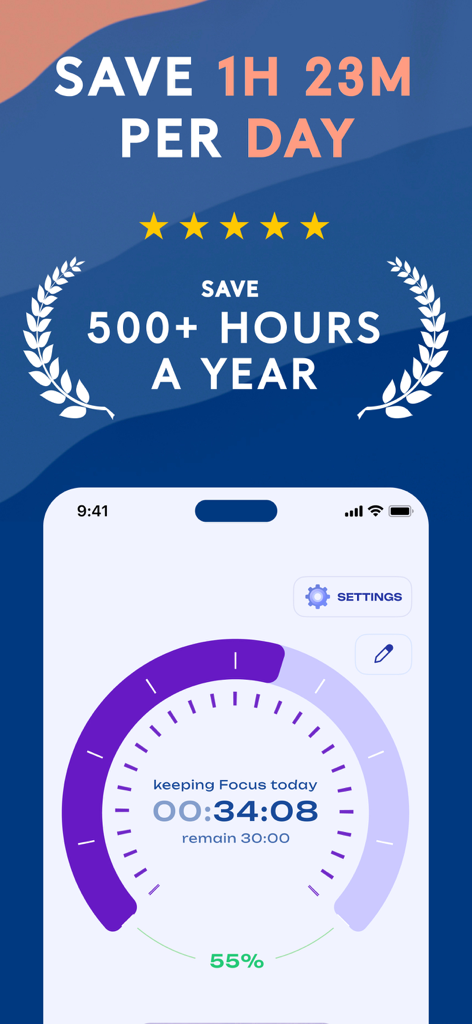
Focus timer screen showing daily and yearly time savings stats

Focus timer screen showing daily and yearly time savings stats

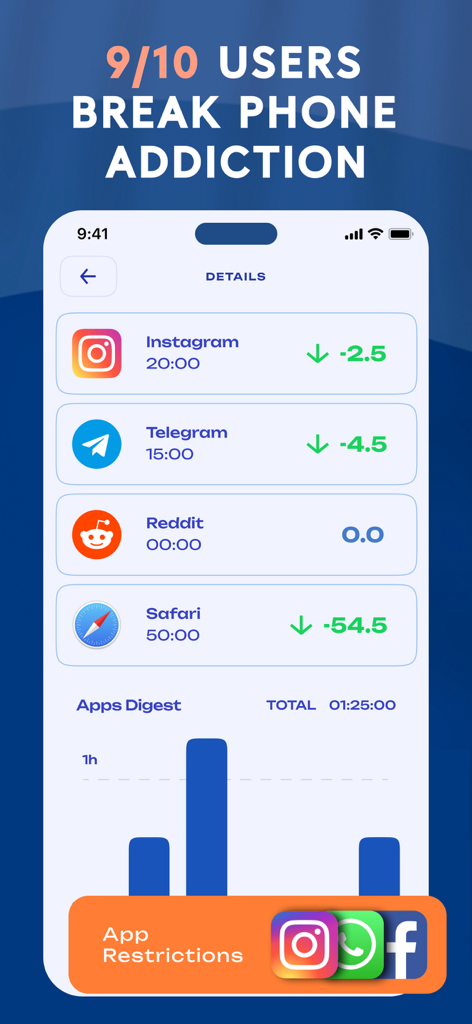
Mobile dashboard showing time reduction statistics for Instagram Telegram and Safari with an apps digest bar chart

Mobile dashboard showing time reduction statistics for Instagram Telegram and Safari with an apps digest bar chart

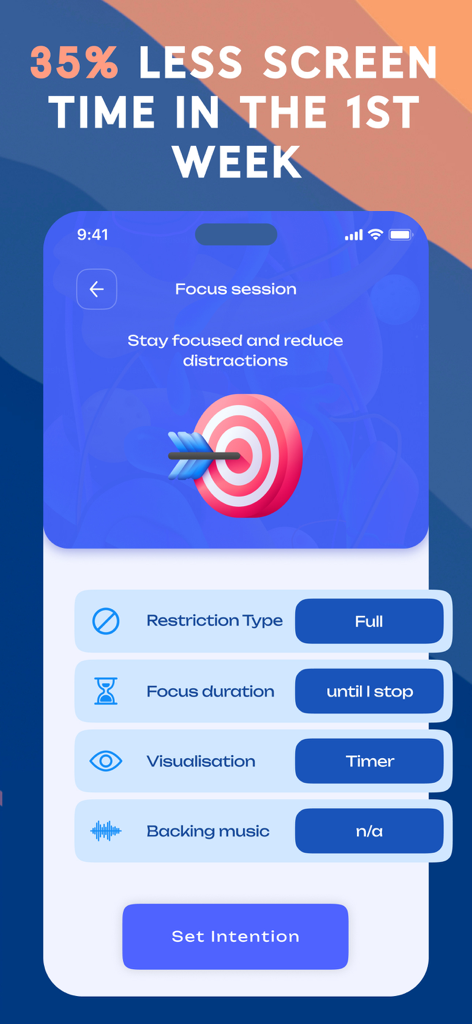
Mobile app screen for setting up a focus session to block distractions and improve productivity

Mobile app screen for setting up a focus session to block distractions and improve productivity

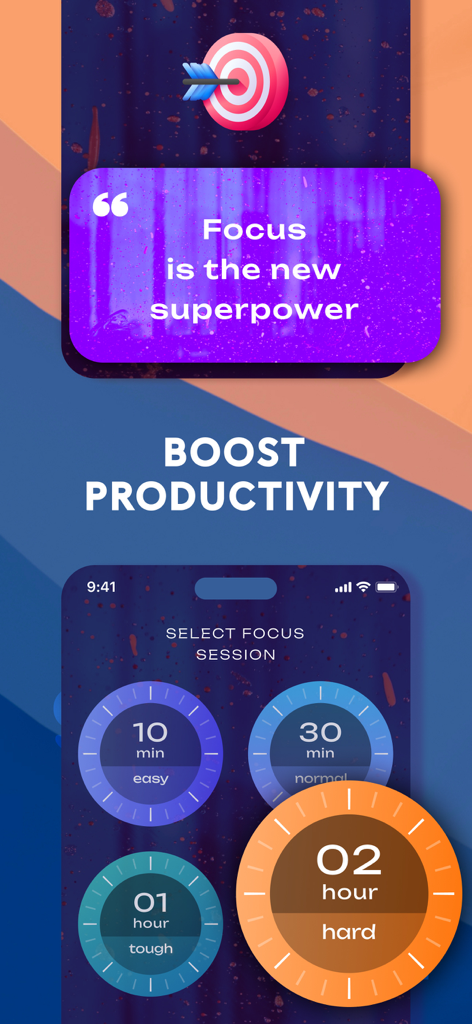
Focus session selection screen with timer options to boost productivity

Focus session selection screen with timer options to boost productivity

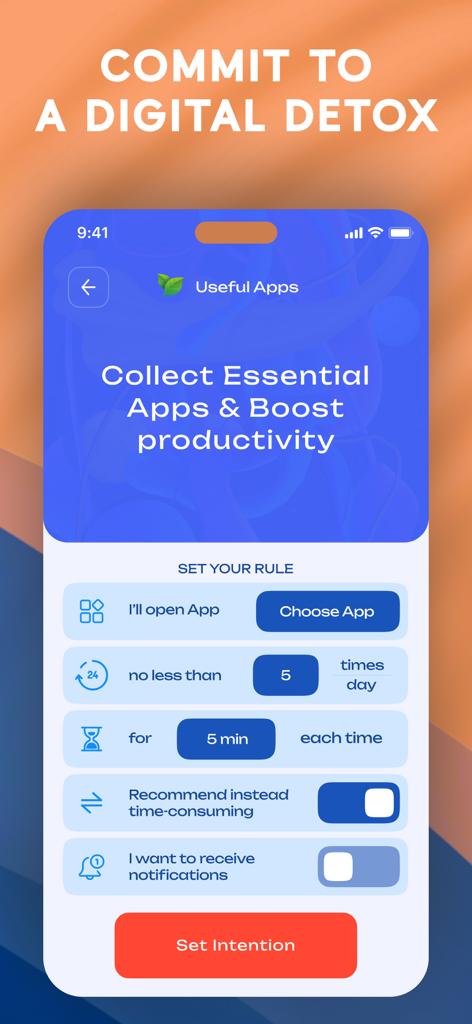
Interface of Screen Time Blocker app showing how to set specific app usage limits and digital detox intentions

Interface of Screen Time Blocker app showing how to set specific app usage limits and digital detox intentions

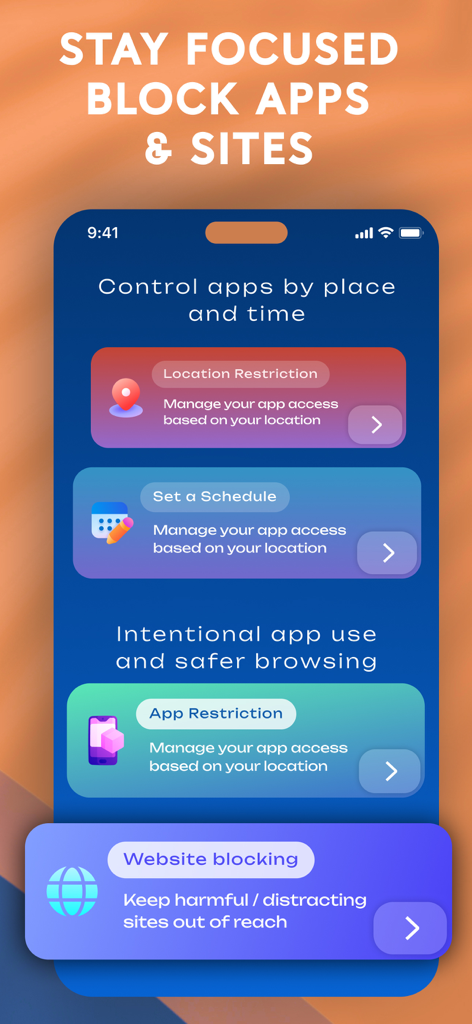
Screen Time Blocker app interface showing location and schedule based restriction options

Screen Time Blocker app interface showing location and schedule based restriction options

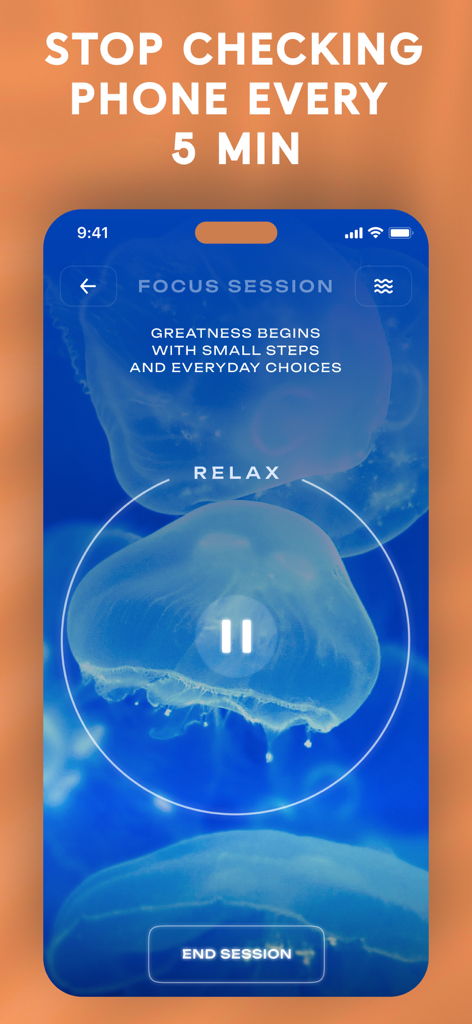
Focus session screen of the Screen Time Blocker app with a jellyfish background and motivational quote for digital detox.

Focus session screen of the Screen Time Blocker app with a jellyfish background and motivational quote for digital detox.

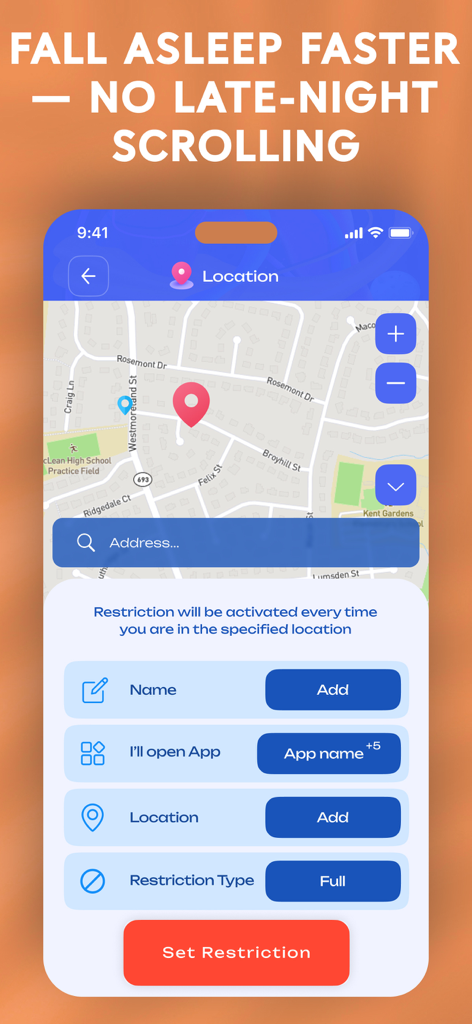
Screen Time Blocker app interface for setting location-based app restrictions to improve sleep

Screen Time Blocker app interface for setting location-based app restrictions to improve sleep

Master Your Attention Economy

The tools that make this app stand out, trusted by 53K+ users.

🎯

Smart Focus Scheduling

Eliminate the urge to doomscroll by automatically blocking distracting apps during your peak work hours or before bed.

πŸ“

Geofenced Productivity

Create high-performance zones that automatically restrict social media the moment you arrive at the office or your desk.

πŸ“Š

Quantified Self Analytics

Analyze your progress with detailed usage stats that prove exactly how much time you have reclaimed for your career and life.

Loved by users worldwide

Trusted by 53K+ people who love this app.

"

"As a remote marketing manager, I used to lose hours to doomscrolling. This app's focus sessions and strict blocking rules have genuinely saved my career. I’ve regained over 80 minutes of free time every single day, and I finally feel in control of my phone again instead of the other way around."

Sarah Jenkins
"

"The location-based blocking is a total lifesaver for our family. I’ve set it so games are automatically disabled when my kids are at school, which has completely removed the 'phone battles' from our mornings. It's much more reliable than the standard phone settings."

David Miller

About the app

Everything you need to know about Screen Time Blocker: app Limit.

Description

β–  DIGITAL DETOX β–  BLOCK SOCIAL MEDIA β–  BLOCK WEBSITES β–  Manage screen time by schedule or location, enable focus mode. β–  TAKE BACK CONTROL OF YOUR TIME β–  β—†β—‹β—† KEY FEATURES β—†β—‹β—† ●〉 Block social media, games, YouTube, etc. ●〉 Block websites ●〉 Schedule restrictions (work, sleep, study) ●〉 Location-based restrictions ●〉 Focus sessions with timer and background music ●〉 Detailed usage statistics ∞∞∞ HOW IT WORKS: YOUR PERSONAL DIGITAL ASSISTANT ∞∞∞ ●●► SELECT APPS AND WEBSITES Mark what distracts you: social media, games, entertainment sites. ●●► SET THE RULES Define time (e.g., work hours or nighttime rest) or location zones (office, school, home) where restrictions will apply. Choose the type of block: full ban or time-limited usage. ●●► AUTOMATIC BLOCKING As soon as you enter the set zone or scheduled time begins, access to apps and websites is restricted according to your rules. ●●► TRACK YOUR PROGRESS Analyze detailed stats: total screen time, app-specific usage, first and last phone activations per day, and the effectiveness of your rules. Adjust them to achieve your goals. β—†β—†β—† FOCUS SESSION β—†β—†β—† Helps you concentrate: blocks notifications and distracting apps for a set period. Increases productivity, reduces procrastination, and helps you consciously manage time. β—† Focus session settings β—† ⁕ Fixed duration or manual stop ⁕ Choose what to block: social media, games, entertainment – WHATEVER YOU NEED ⁕ Background music for concentration ⁕ Visualization: timer, motivational quotes, background image ●●● WHO IT’S FOR ●●● β—† For those who get distracted by social media at work β—† For parents managing kids’ screen time β—† For everyone who wants to achieve digital balance ⌘ ⌘ ⌘ RESULTS ⌘ ⌘ ⌘ ⌘ βˆ’35% screen time in the very first week ⌘ Get back 83 minutes of free time daily ⌘ Users reduce stress levels 3Γ— ⌘ 9 out of 10 report improved sleep without nighttime scrolling

Latest Version

3.0.4

Size

599.5 MB

First Released

Jul 31, 2018

Ready to Reclaim Your 83 Minutes a Day?

Join over 53,000 professionals and parents who have mastered their focus. Download now to block distractions, reduce stress, and finally get the sleep you deserve.

Download on App Store