
8bit Painter - Pixel Art



Join over 5.6 million creators using the most intuitive pixel art maker. Perfectly designed for social media avatars, game assets, and crafting blueprints like Perler beads or cross-stitch.
Publisher
Category
EntertainmentDownloads
1M+User Rating
Total Ratings
45K+Locales
10Discover the interface used by 1M+ users.
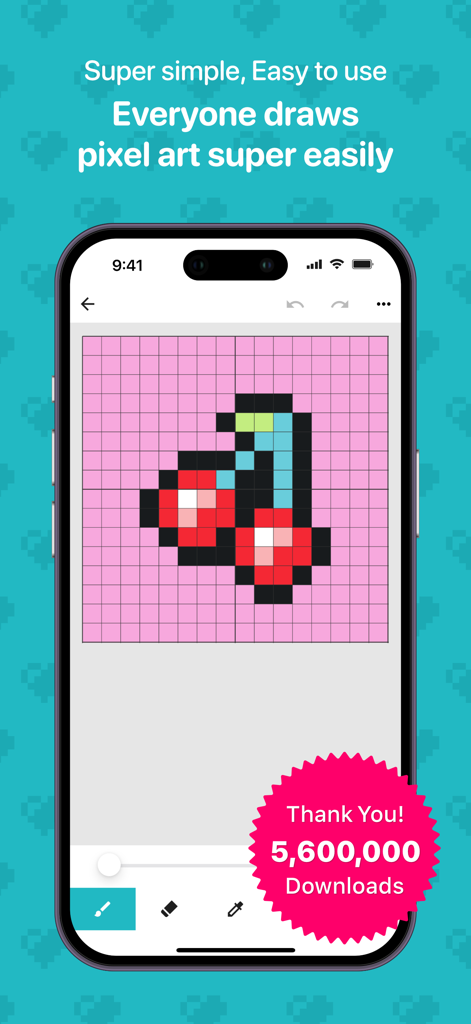
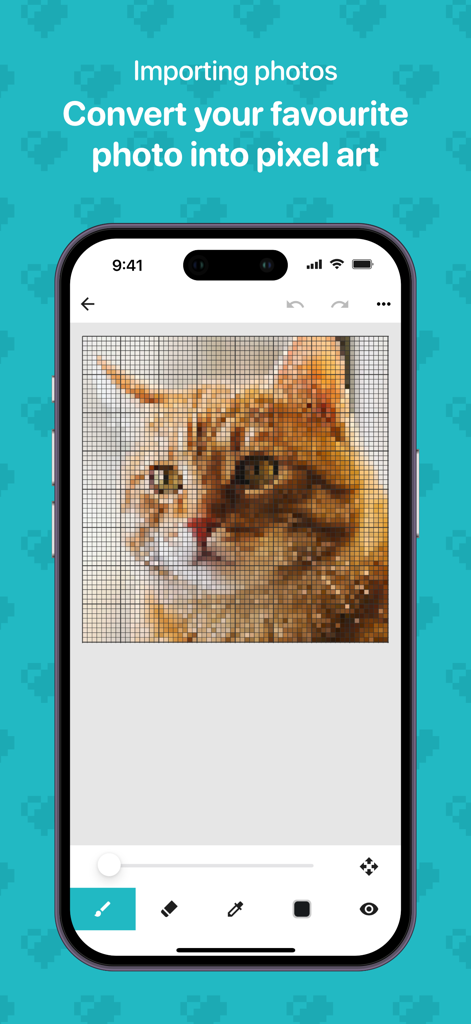
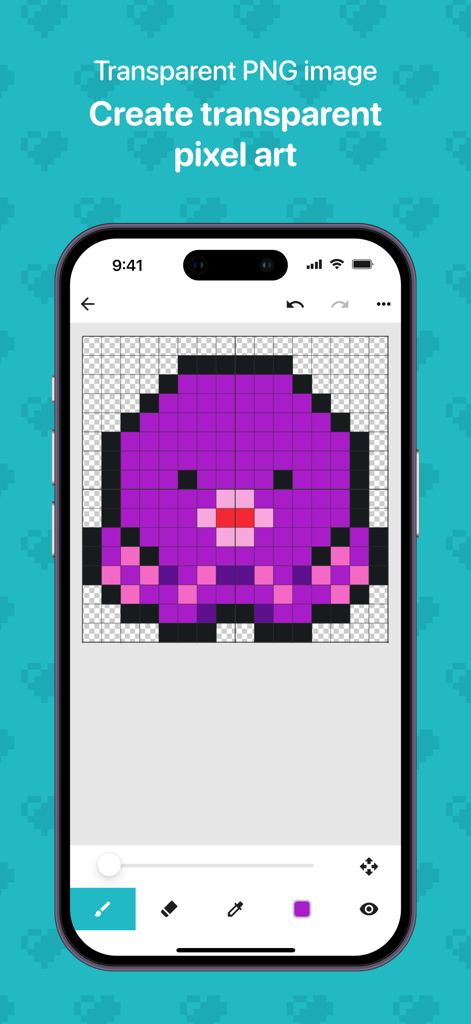
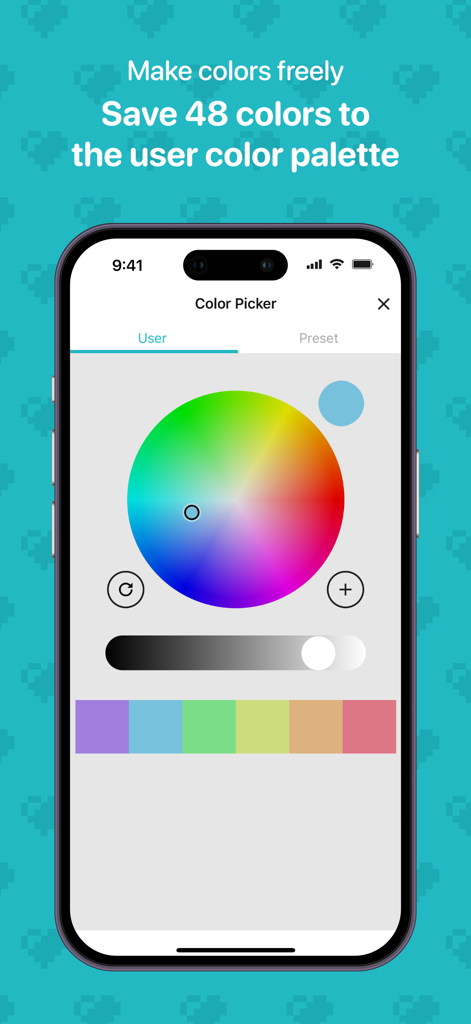
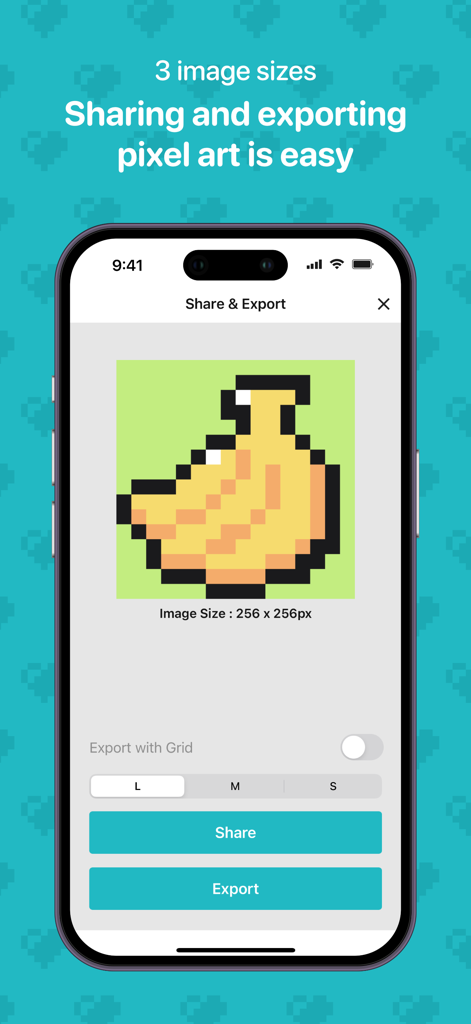
The tools that make this app stand out, trusted by 1M+ users.
Jump straight into creating with 9 canvas sizes and a streamlined interface designed to let you focus on your art without complex menus.
Instantly convert photos into pixel maps to design custom patterns for Perler beads, cross-stitch, knitting, and physical hobby projects.
Export high-quality transparent PNGs to create unique SNS avatars, Discord icons, and personalized digital assets that stand out.
Trusted by 1M+ people who love this app.
"I needed a unique avatar for my Discord and TikTok, and this app made it so easy. I am not an artist, but the simple interface let me create a cool 32x32 pixel version of myself in minutes. The transparent PNG export is a lifesaver for making custom stickers too!"
"As a huge fan of cross-stitching and Perler beads, this is my go-to tool. The photo-to-pixel feature is incredible—it helps me turn family photos into manageable patterns instantly. It is simple, intuitive, and much better than the complex software I used to try and navigate."
Everything you need to know about 8bit Painter - Pixel Art.
Description
Latest Version
2.5.13
Size
28.9 MB
First Released
Jul 6, 2014
Whether you are designing a custom SNS icon, a gaming skin, or your next DIY craft pattern, start creating your 8-bit masterpiece in seconds.
Everything you need to know about 8bit Painter - Pixel Art
8bit Painter is a pixel art app designed for beginners and creative projects. It provides a simple, intuitive interface for creating pixel art for SNS icons, game skins, and craft patterns.
8bit Painter has over 5.6 million downloads. This indicates its widespread use and popularity among pixel art enthusiasts.
Yes, 8bit Painter is beginner-friendly. It features a simple, easy-to-use interface and only essential pixel drawing tools, making it ideal for those new to pixel art.
Yes, 8bit Painter allows users to import photos. The app can instantly convert any photo into pixel art for creative and fun use.
Yes, 8bit Painter supports exporting as a transparent PNG. Users can choose from three output sizes to export clean, transparent pixel images.
8bit Painter offers nine canvas sizes. These range from 16x16, 24x24, 32x32, 48x48, 64x64, 96x96, 128x128, 160x160, to 192x192 pixels.
8bit Painter allows saving up to 48 user-defined colors in its custom color palettes. The app also includes 96 preset colors for immediate use.
8bit Painter starts with 30 save slots. Users can unlock up to 480 slots by watching ads or instantly unlock all 480 slots by purchasing the 'Remove Ads' add-on.
Yes, purchasing the 'Remove Ads' add-on in 8bit Painter removes all advertisements and instantly unlocks all 480 available save slots. It is a one-time purchase.
8bit Painter is ideal for creating SNS icons, game assets, and craft patterns such as perler beads, cross-stitch, and knitting. It also supports pixelizing photos and exploring NFTs.
Apps with similar features and user experience
CEM SOFTWARE COMPANY LIMITED

CEM SOFTWARE COMPANY LIMITED
Minas Giannekas
Enid Hadaj
Qrayon, LLC

Aleksandr Komarov
Raymond GUITTONNEAU

hideko ogawa

ISMITECH COMPANY LIMITED