GitHub




Stay in touch with your team, triage issues, and merge pull requests on the go with a beautifully native experience designed for modern developers.
Publisher
Category
Developer ToolsDownloads
5M+User Rating
Total Ratings
89K+Locales
7Discover the interface used by 5M+ users.
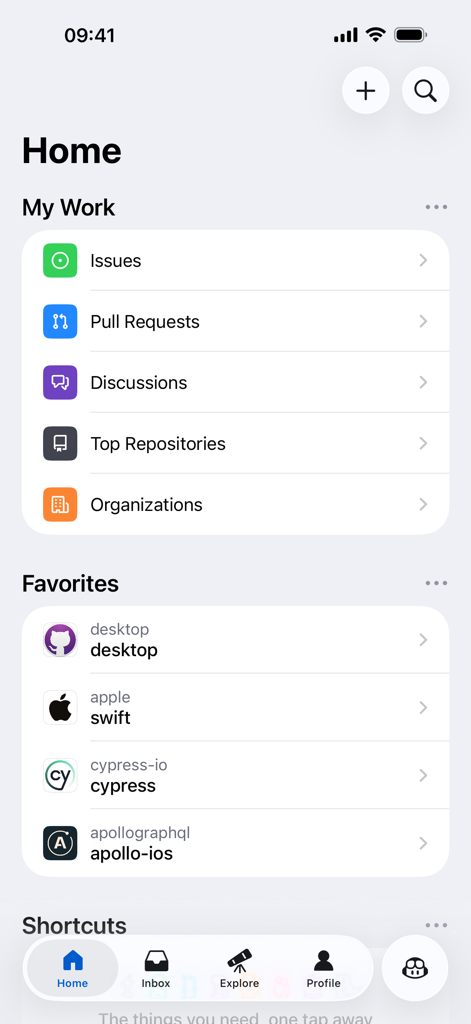
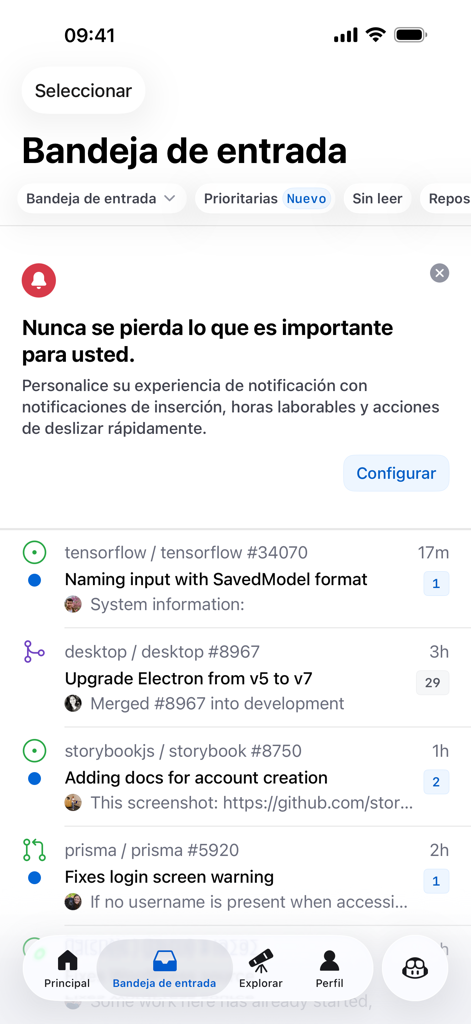
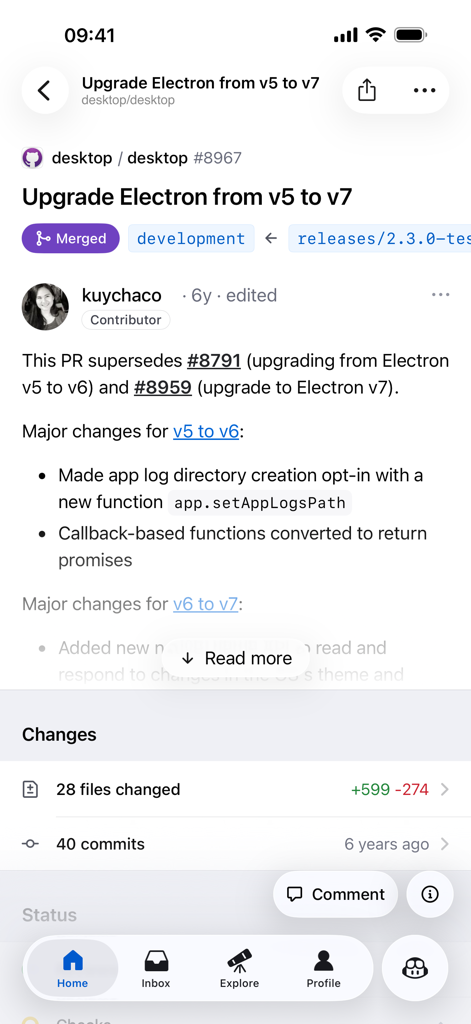
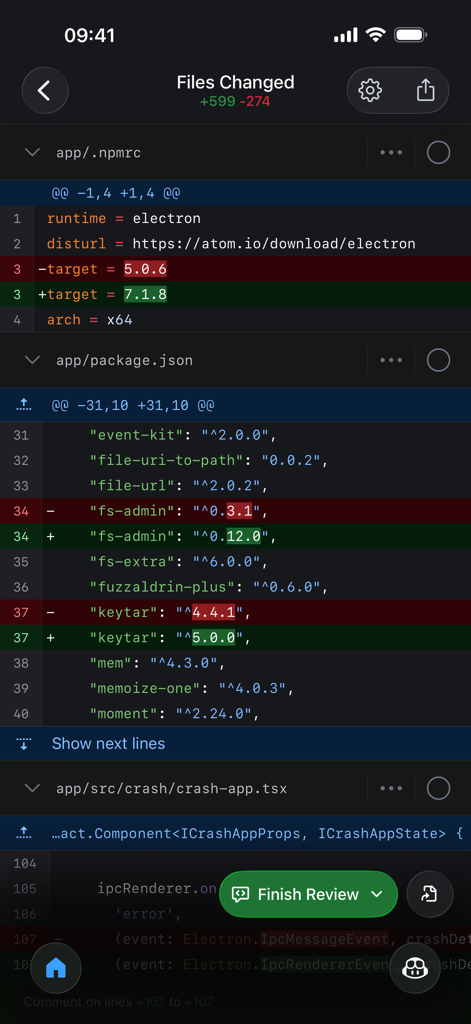
The tools that make this app stand out, trusted by 5M+ users.
Don't let your team wait. Review code, leave feedback, and merge pull requests on the go to keep your CI/CD flow moving seamlessly.
Turn your commute into productive time. Quickly organize issues with labels, assignees, and projects to keep your roadmap clear and up to date.
Explore repositories and browse files with a high-performance native interface. Stay inspired by discovering trending projects while away from your desk.
Trusted by 5M+ people who love this app.
"As a lead engineer, I hate being the bottleneck for my team. This app lets me review and merge pull requests while I'm commuting or grabbing coffee. The native experience is incredibly smooth and keeps our deployment pipeline moving without me needing to open my MacBook every five minutes."
"I love how easy it is to stay on top of my open-source projects. Being able to triage issues and respond to contributors directly from my phone is a game-changer. The discovery feed also keeps me inspired by showing trending repos I would have otherwise missed. It’s an essential part of my daily workflow."
Everything you need to know about GitHub.
Description
Latest Version
1.240.0
Size
137.1 MB
First Released
Mar 17, 2020
Join over 5 million developers managing projects on the go. Review code, triage issues, and merge pull requests with a beautifully native iOS experience.
Everything you need to know about GitHub
GitHub for iOS allows users to manage development work, review code, triage issues, and merge directly from their mobile device. It provides a native experience for on-the-go productivity.
Yes, GitHub for iOS allows users to browse their files and code directly within the application. This feature supports reviewing specific changes within pull requests.
Yes, GitHub for iOS enables users to review and merge Pull Requests directly from the app. This feature facilitates managing code changes on the go.
GitHub for iOS allows users to organize Issues using various tools including labels, assignees, and projects. This helps in efficient management and tracking of tasks.
Yes, users can browse and manage their latest notifications within the GitHub iOS app. The app also provides options to customize notification preferences.
The Terms of Service for GitHub for iOS are available through a link provided in the app's description. The full URL is https://docs.github.com/en/github/site-policy/github-terms-of-service.
Yes, the GitHub for iOS app includes dedicated sections for 'Discussions' and 'Organizations' on its home screen. Users can access and navigate these directly.
Apps with similar features and user experience