
Hik-Connect - for End user



Stay connected to your home or business with real-time video, instant motion alerts, and global access to your Hikvision cameras for total peace of mind.
Publisher
Category
Photo & VideoDownloads
32M+User Rating
Total Ratings
1M+Locales
39Discover the interface used by 32M+ users.
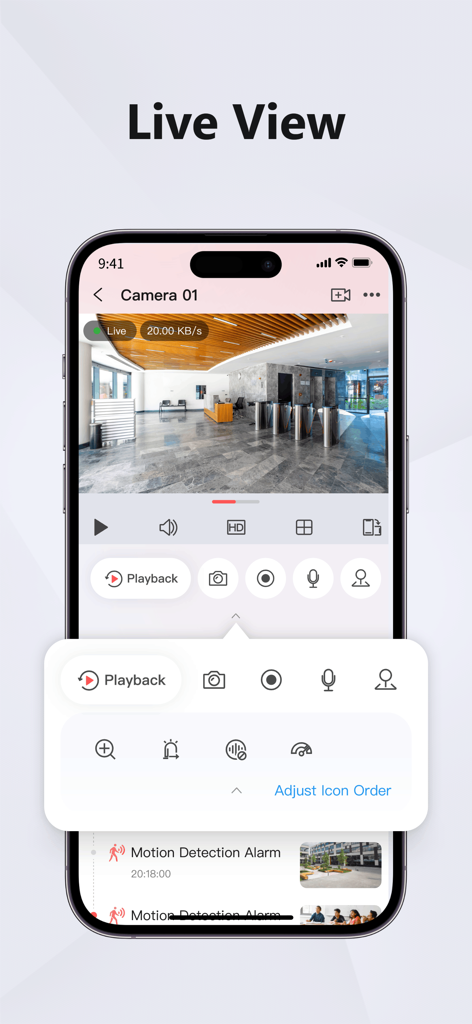
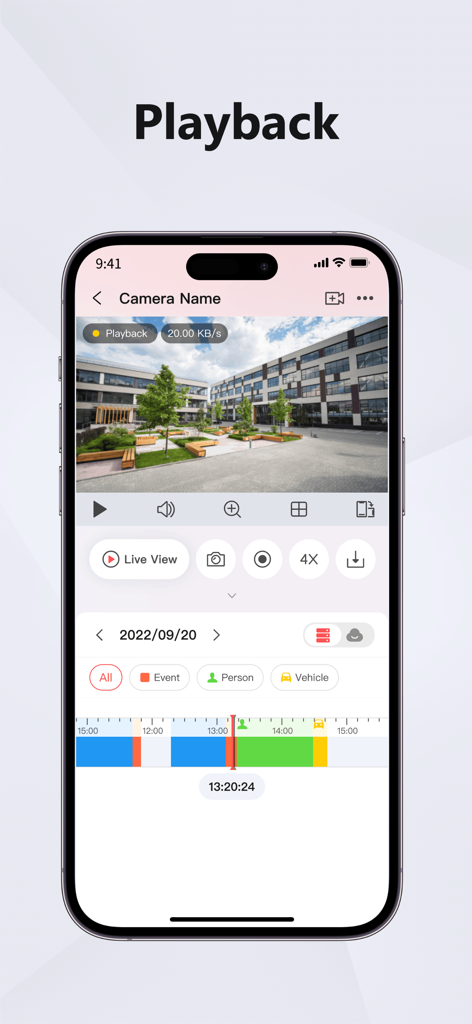
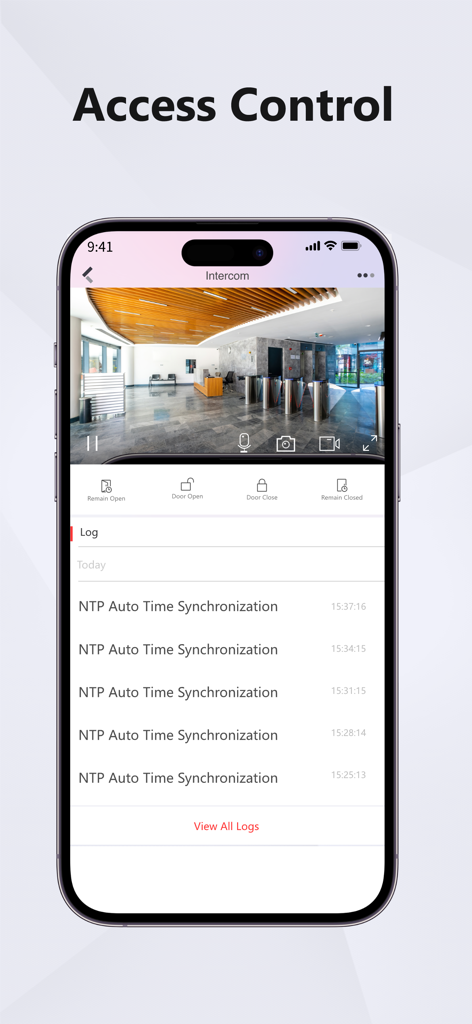
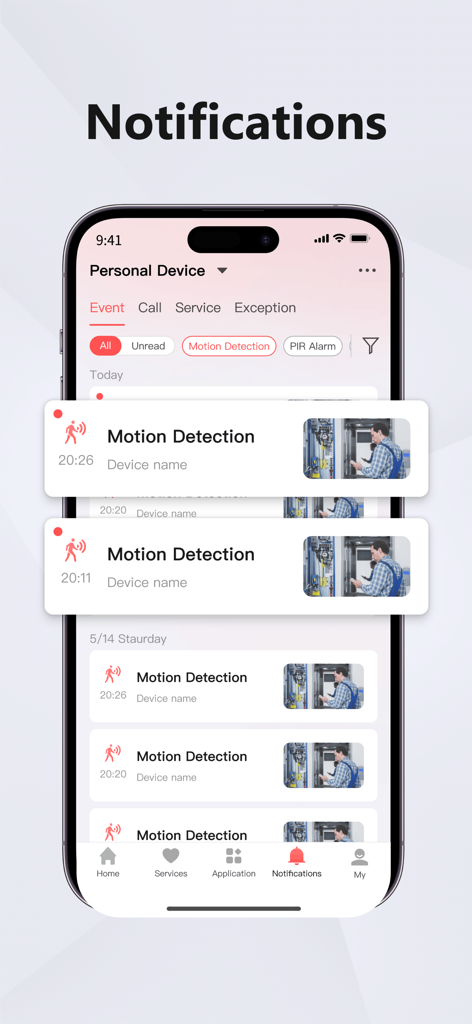
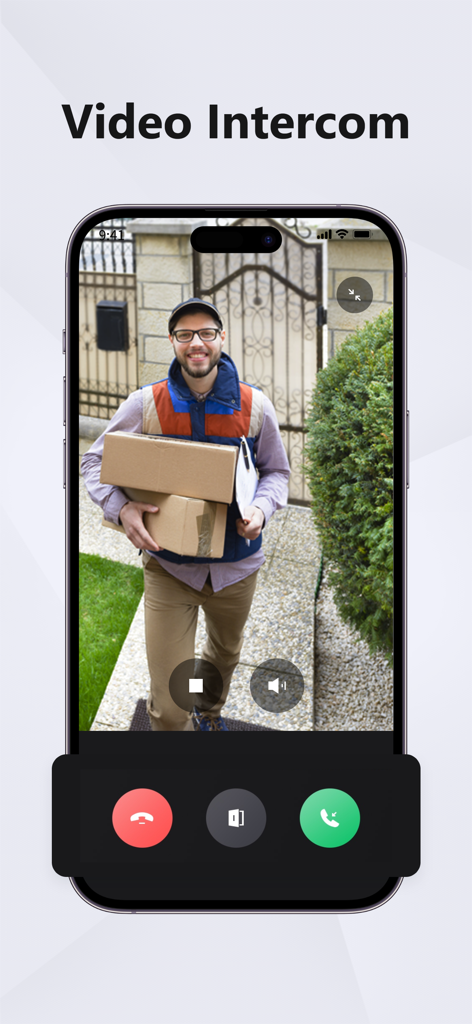
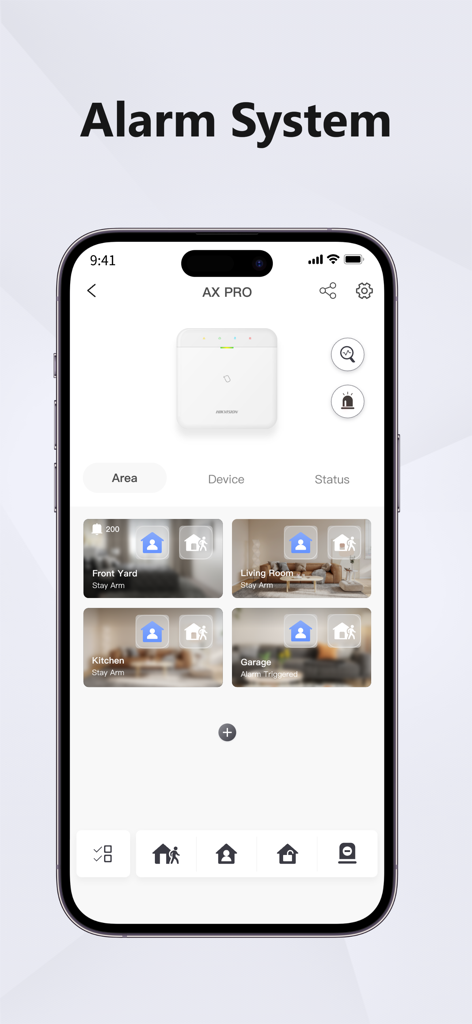
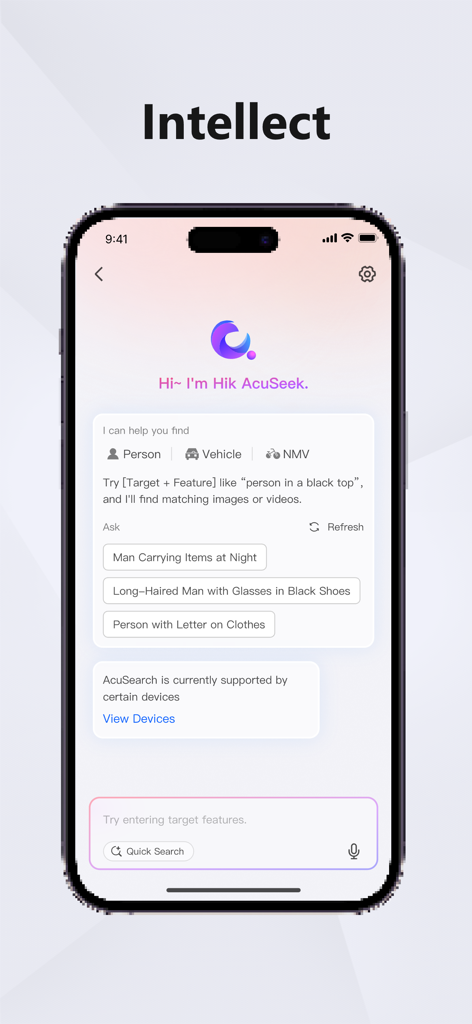
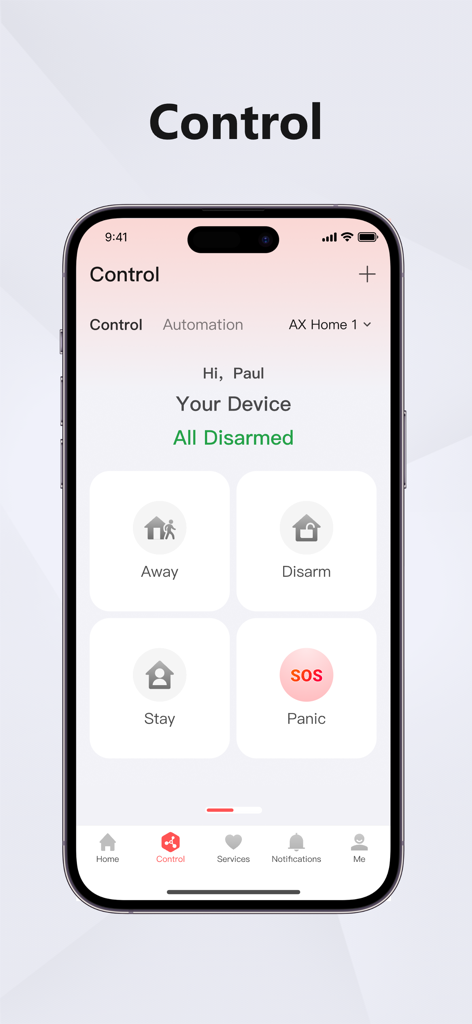
The tools that make this app stand out, trusted by 32M+ users.
Stream high-definition live video from your cameras to your device anywhere in the world, ensuring you always have an eye on what matters most.
Receive immediate push alerts the moment motion is detected on your property, allowing you to react to potential security events in real-time.
Effortlessly search and review recorded footage to verify incidents or revisit important milestones with an intuitive and easy-to-use timeline.
Trusted by 32M+ people who love this app.
"Managing multiple retail locations used to be a headache, but Hik-Connect makes it effortless. The real-time monitoring is lag-free, and I can quickly search through recorded footage if an incident occurs. It's an essential tool for my daily operations."
"The peace of mind this app provides is priceless. I receive instant notifications the moment a delivery arrives or if there is movement near my front door. The interface is intuitive, and the video quality is crystal clear even when I am on mobile data."
Insights from user reviews.
Sentiment Score
Summary
The Hik-Connect app receives overwhelmingly negative feedback from users, primarily due to severe stability and performance issues following recent updates. Many users report problems with the app freezing, crashing, or becoming completely unusable, particularly on iOS and iPad devices. Core functionalities like live view and playback are frequently slow to load, laggy, or fail to work, preventing access to critical recordings. While some users appreciate the ease of device setup and occasional smooth performance, widespread issues with notifications, device connectivity, and general unreliability necessitate urgent developer attention.
Common Themes
Everything you need to know about Hik-Connect - for End user.
Description
Latest Version
6.10.992
Size
348.4 MB
First Released
Mar 9, 2016
Join over 32 million users who trust Hik-Connect for professional-grade monitoring. Download now to keep your home and business at your fingertips.
Everything you need to know about Hik-Connect - for End user
The Hik-Connect app works with Hikvision DVRs, NVRs, and IP cameras that support Cloud P2P. It provides remote live viewing, video playback, and instant motion detection alarm notifications for users.
Yes, the Hik-Connect app allows users to live view their Hikvision cameras remotely from anywhere globally after creating an account and adding their devices.
Yes, the Hik-Connect app allows users to play back recorded video. This feature helps in reviewing past events and specific milestones captured by connected Hikvision devices.
The Hik-Connect app sends instant message notifications to the user's device when a motion detection alarm is triggered on their connected Hikvision DVRs, NVRs, or IP cameras.
The Hik-Connect app is compatible with Hikvision series DVRs, NVRs, and IP cameras that support the Cloud P2P function for seamless remote access and monitoring.
Yes, the Hik-Connect app includes access control capabilities, allowing users to manage intercom functions like opening or closing doors and reviewing access logs.
Yes, the Hik-Connect app features "Intellect" with Hik AcuSeek, enabling users to search for specific targets like persons, vehicles, or non-motorized vehicles based on defining features.
Yes, the Hik-Connect app provides an "Alarm System" interface, allowing users to manage and monitor different areas of their security setup, such as arming or disarming.
Apps with similar features and user experience

Hangzhou Dong Bin Information Technology Co., Ltd.

Shenzhen Jooan Technology Company

PHOTON SAIL TECHNOLOGIES PTE. LTD.

洪波 王

SimpliSafe, Inc.

JFL Equipamentos Eletronicos Industria e Comercio Ltda.

Shenzhen Weixi Technology Co., Ltd

Bot Home Automation, INC

EZVIZ Inc.