
Steam Link




Un-tether from your desk and bring the power of AAA desktop gaming to your favorite iOS devices. Connect your controller, link to your PC, and play your entire Steam library anywhere in your home.
Publisher
Category
GamesDownloads
5M+User Rating
Total Ratings
11K+Locales
27Discover the interface used by 5M+ users.
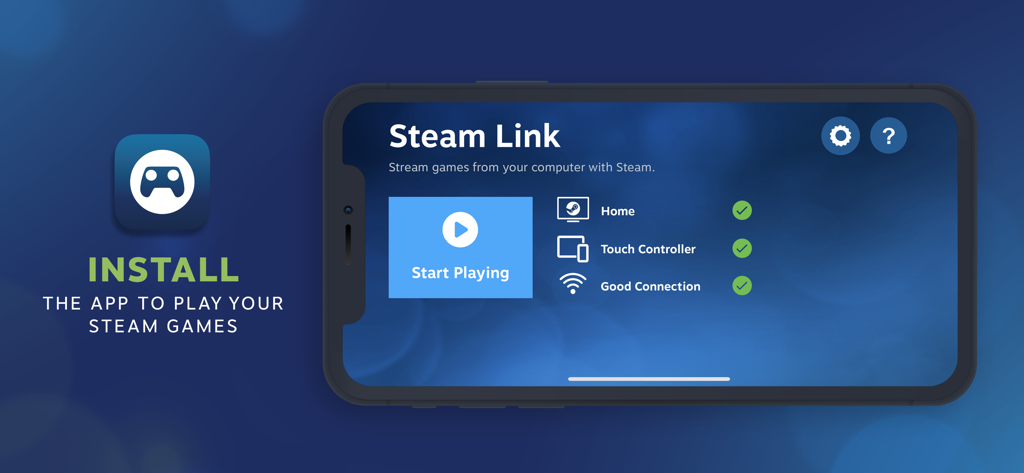
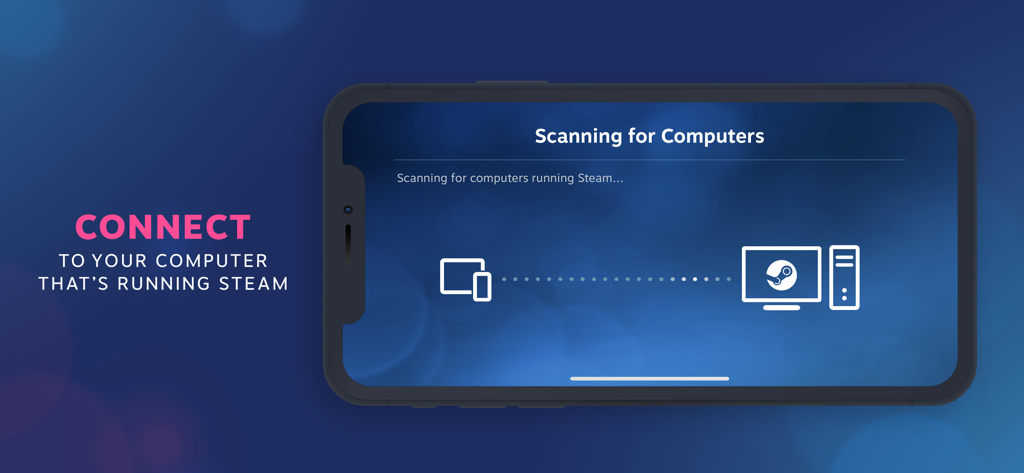
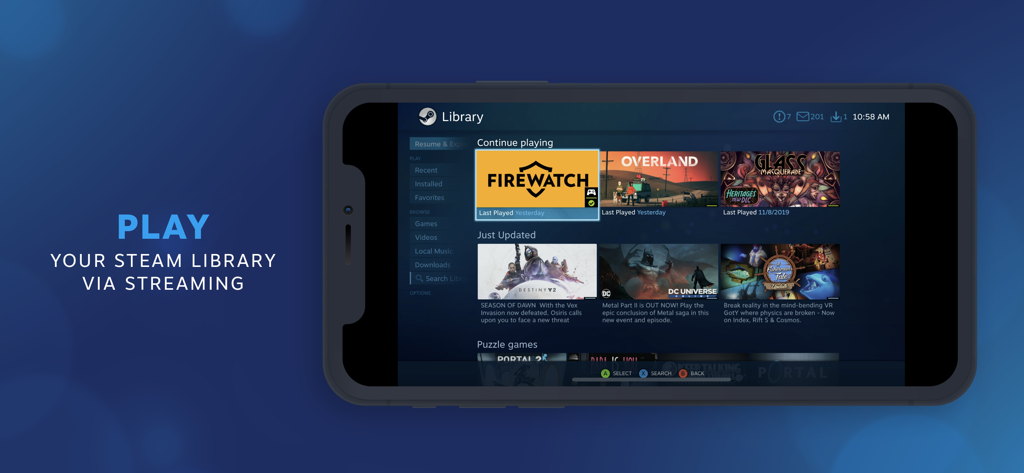
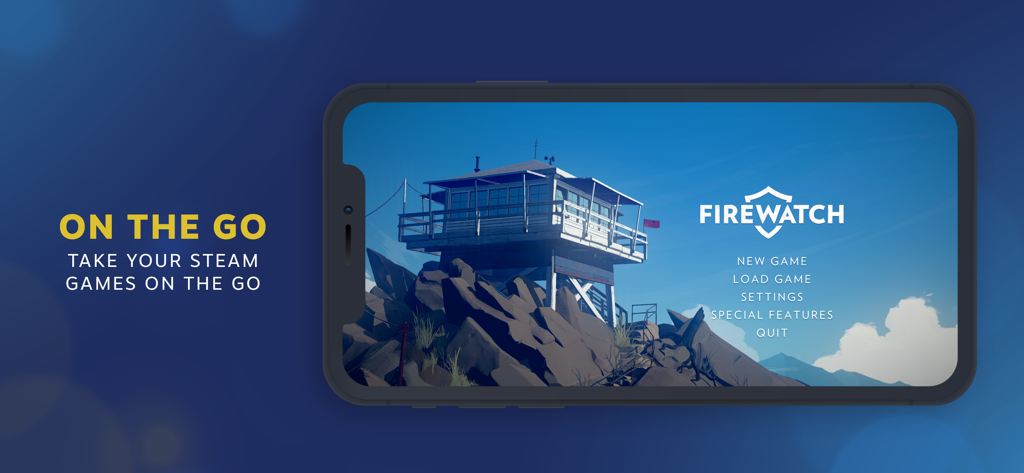
The tools that make this app stand out, trusted by 5M+ users.
Break free from your desk. Play intensive titles like Baldur’s Gate 3 or Elden Ring on your couch, in bed, or on your patio using your local 5GHz network.
Easily pair your Xbox, PlayStation, or MFi controller to your iOS device. Turn your iPad into a portable powerhouse with a full console-quality experience.
Experience low-latency, 4K-capable streaming that takes full advantage of your Retina display. Enjoy your existing library without paying for a single extra subscription.
Trusted by 5M+ people who love this app.
"After a long day of working at my computer, Steam Link is exactly what I need. I can jump into my favorite RPGs on my iPad from the comfort of my bed without losing any performance. Pairing my Xbox controller was seamless, and the stream quality is crystal clear. It is like having a portable gaming rig anywhere in my house."
"Being able to play my massive Steam library on my Apple TV is a total dream. I didn't have to buy a console or rebuy any of my games. The setup was quick, and now I can enjoy AAA titles on the big screen in the living room while my PC stays in the office. It is the perfect utility for any serious PC gamer."
Everything you need to know about Steam Link.
Description
Latest Version
1.3.19
Size
54.3 MB
First Released
May 16, 2019
Join millions of gamers streaming their favorite AAA titles directly to their iPhone or iPad. Your PC power, your mobile comfort.
Everything you need to know about Steam Link
The Steam Link app streams desktop Steam games to an iPhone or iPad. It requires a computer running Steam and an iOS device on the same local network.
Yes, the Steam Link app allows users to play their existing PC Steam games on an iPhone or iPad by streaming them from a computer running Steam.
To use the Steam Link app, an iPhone or iPad with iOS 11.0 or higher is needed. A computer running Steam (Windows, Mac, or Linux) and a shared local network are also required.
Yes, the Steam Link app supports MFI or Steam controllers. Users must pair a compatible controller to their iOS device to play games.
Users connect the Steam Link app by ensuring their iOS device and computer running Steam are on the same local network. The app then scans for available computers.
For optimal Steam Link performance, connect your computer via Ethernet to a 5GHz WiFi router. Your iOS device should also connect to the 5GHz band within reasonable router range.
Top-ranked apps in the same category

ARETIS LIMITED

XD Entertainment Co., Ltd.

Hitapps Games LTD

Roblox Corporation

Microfun Limited

Lessmore UG haftungsbeschraenkt

PLR Worldwide Sales Limited

FUNFLY PTE. LTD.

VITA STUDIO PTE. LTD.
