
Yoink - Improved Drag and Drop


Eliminate multitasking friction. Collect files, images, and snippets in a central holding area designed for power users who demand a desktop-class workflow on iPad and iPhone.
Publisher
Category
ProductivityDownloads
363K+User Rating
Total Ratings
4K+Locales
5Discover the interface used by 363K+ users.
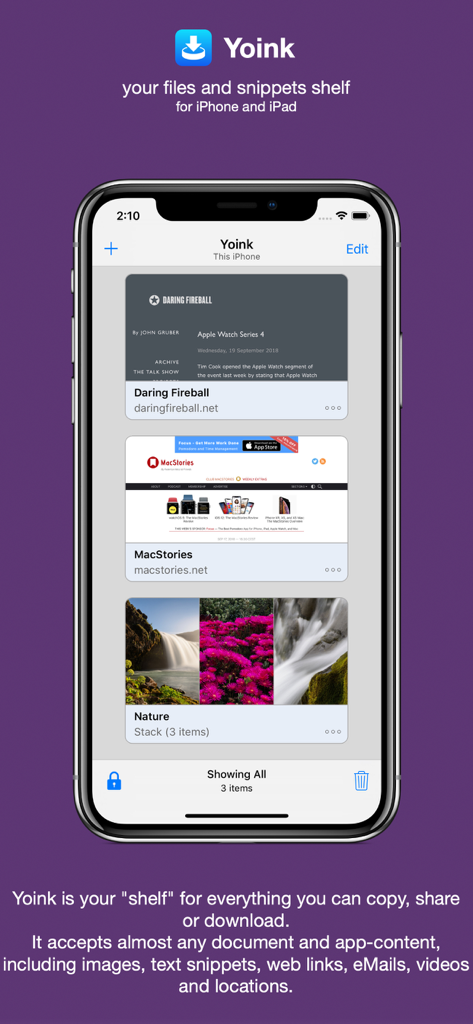
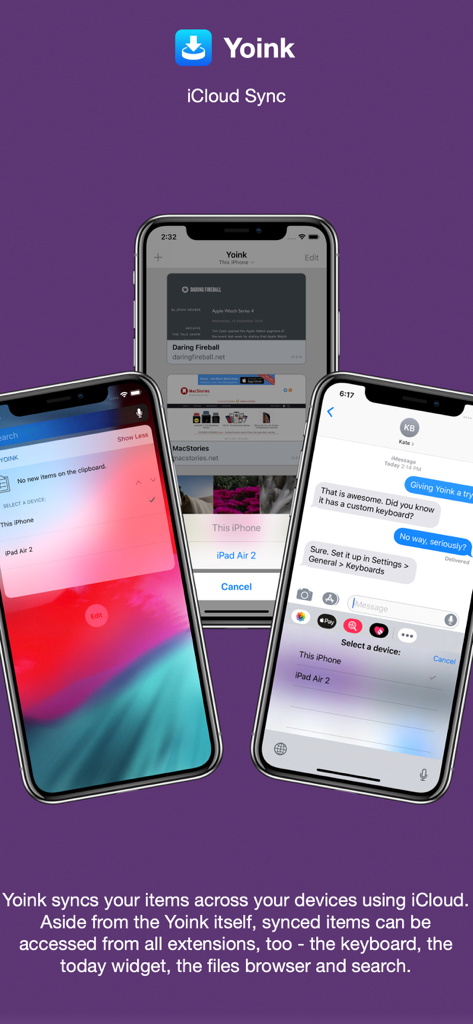
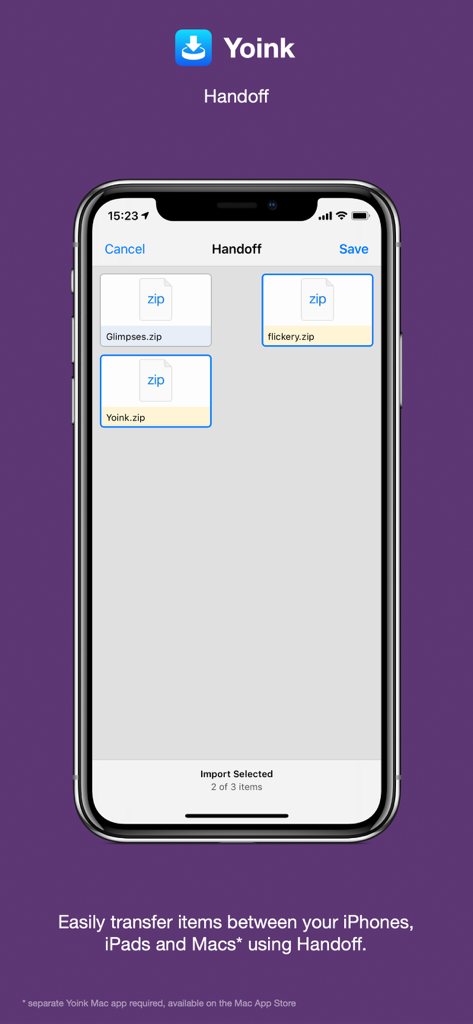
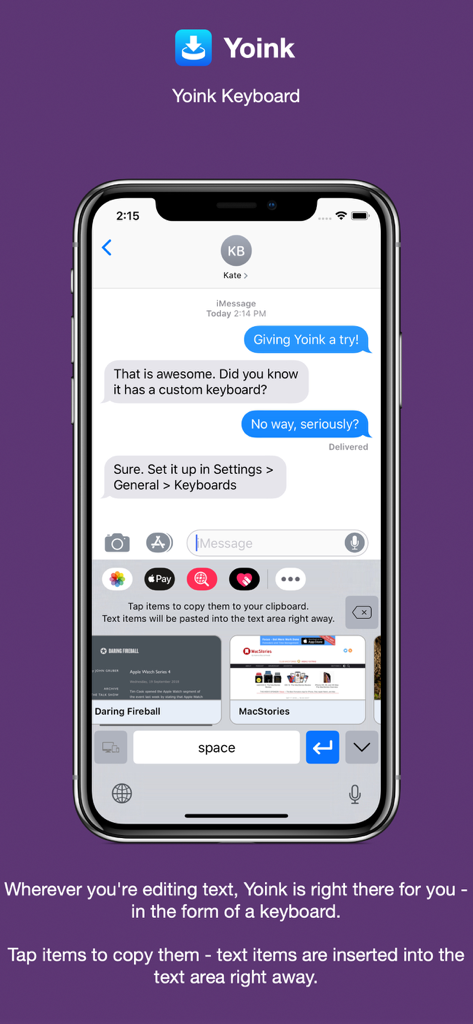
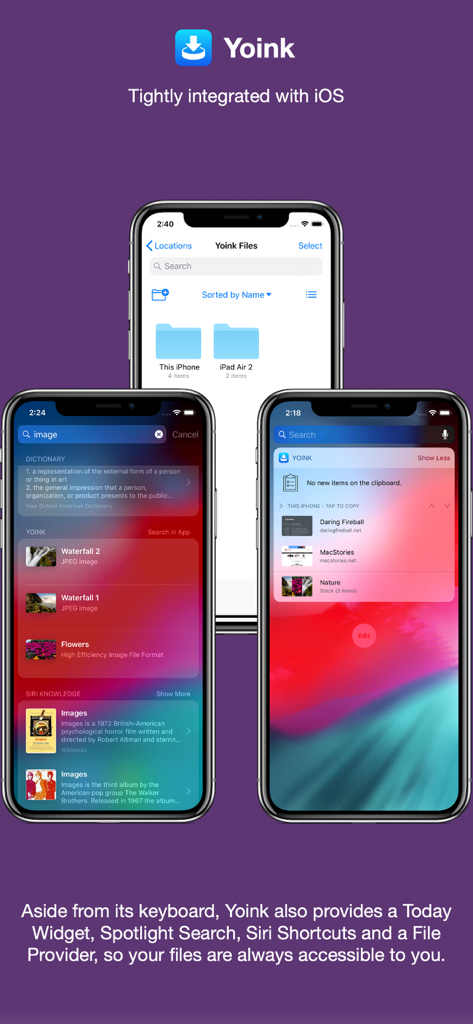
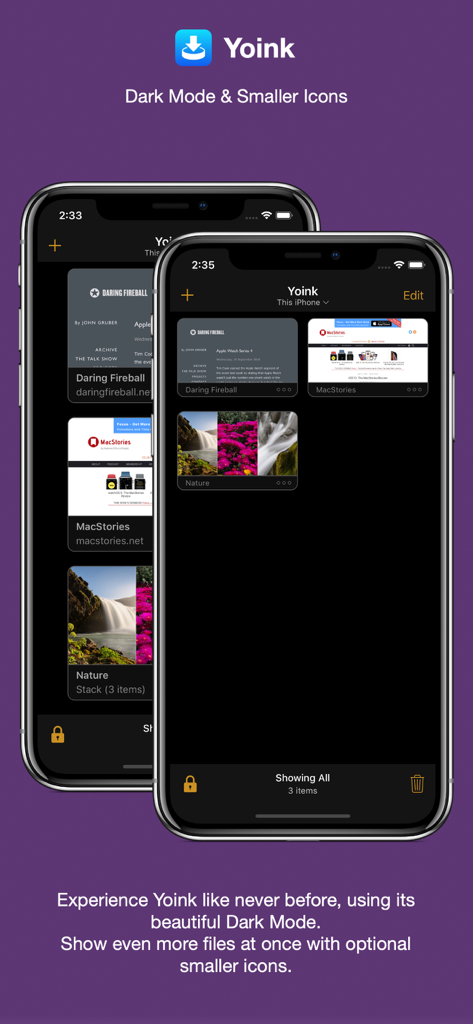
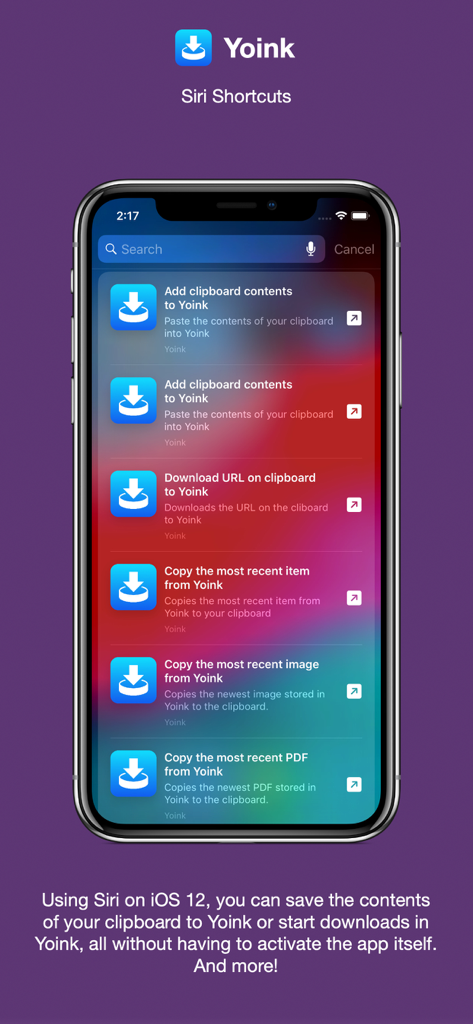
The tools that make this app stand out, trusted by 363K+ users.
Drag files, links, or text into a temporary holding area while you work, then drop them exactly where they need to go when you are ready.
Yoink automatically saves everything you copy or cut in the background, eliminating the tedious 'copy-switch-paste' loop for power users.
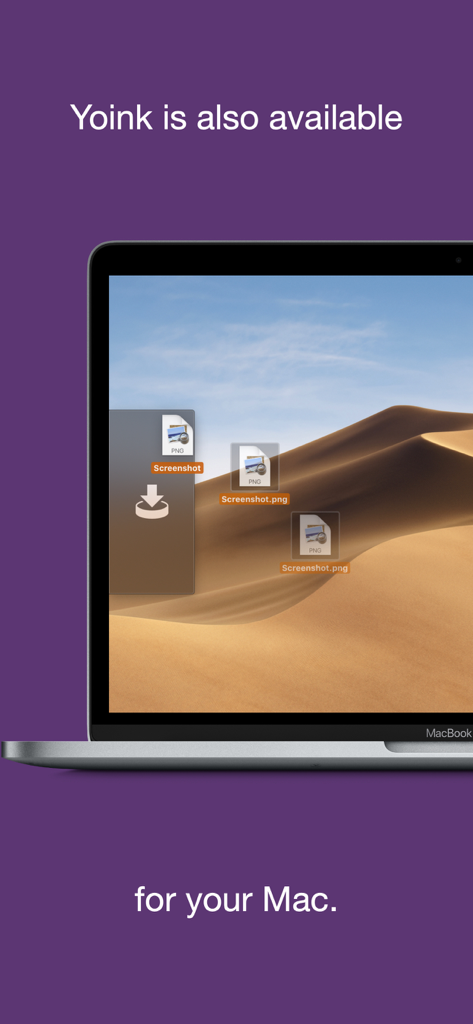
Move content instantly between your iPhone, iPad, and Mac using iCloud and Handoff for a truly unified and fluid workspace.
Trusted by 363K+ people who love this app.
"As a graphic designer using an iPad Pro as my main workstation, Yoink is the missing link in my workflow. I can gather assets from Safari, Pinterest, and my email into one central 'shelf' and then drag them into my design apps all at once. It completely eliminates the friction of switching back and forth between apps."
"The clipboard monitor alone makes Yoink worth it. I frequently research on the go with my iPhone, and having all my copied snippets and links automatically synced and ready on my iPad when I start writing is a massive time-saver. It’s the closest thing to having a real desktop on iOS."
Everything you need to know about Yoink - Improved Drag and Drop.
Description
Latest Version
2.5.2
Size
14.2 MB
First Released
Oct 12, 2017
Stop the app-switching fatigue. Join over 360,000 power users and give your iPad and iPhone the professional drag-and-drop shelf they deserve.
Top-ranked apps in the same category

OpenAI OpCo, LLC

Google LLC

X.AI Corporation

Google LLC

Shanghai Zhixin Puhui Technology Co., Ltd.

Google LLC

Microsoft Corporation

Google LLC

Google LLC