
AI Mouse Jiggler


The undetectable way to prevent your computer from sleeping. Simulate natural mouse movement to keep your status 'Available' on Teams and Slack without installing any software on your work laptop.
Publisher
Category
UtilitiesDownloads
700User Rating
Total Ratings
100Locales
17Discover the interface used by 700 users.
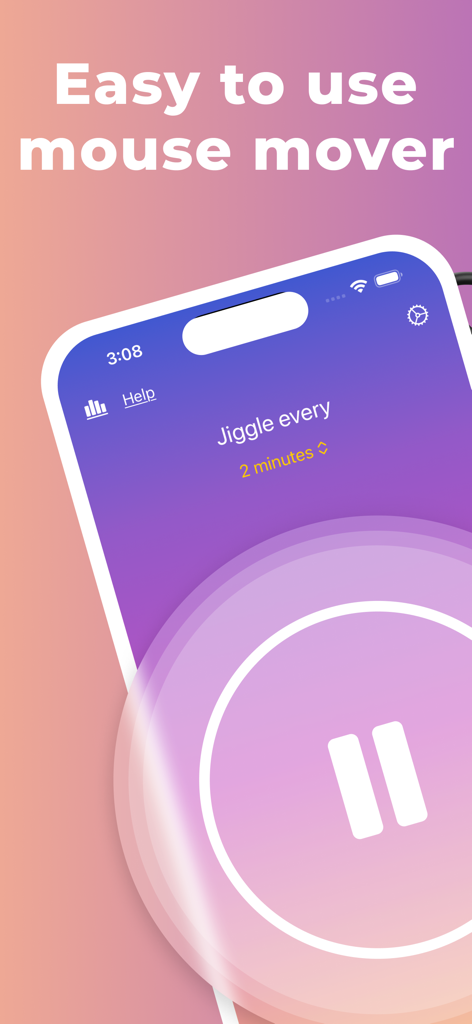
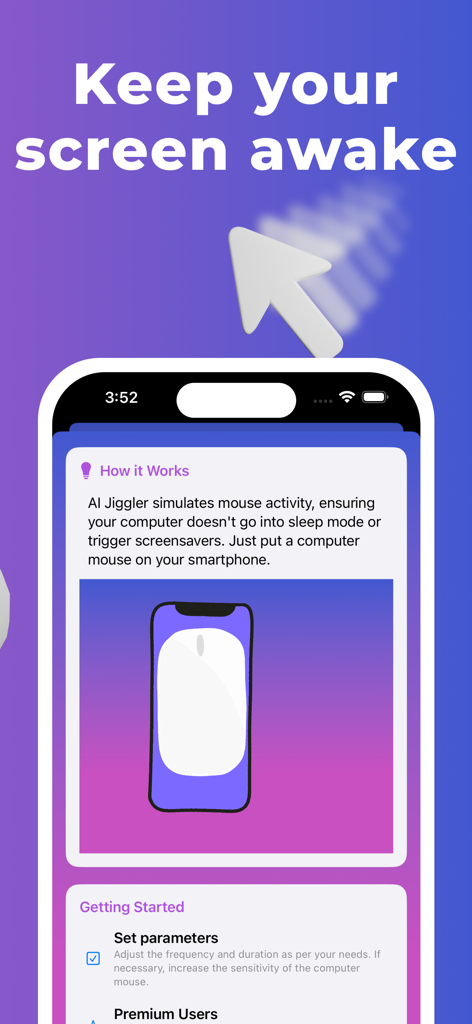
The tools that make this app stand out, trusted by 700 users.
Since no software is installed on your PC, you can bypass surveillance and admin locks completely undetected.
Avoid suspicious patterns with randomized timing that mimics organic mouse movement to stay under the radar.
Step away for a break or household chores while keeping your Teams and Slack status Active indefinitely.
Trusted by 700 people who love this app.
"As a project manager working remotely, this app is a game-changer. It keeps my status active while I step away for a few minutes, and since it is a physical solution using my phone, IT cannot detect it at all. The AI mode adds that perfect touch of randomness to make the activity look completely natural."
"I love how simple this is! No extra hardware needed on my desk. I just place my mouse on my phone during breaks, and it prevents my screen from locking or switching to away. It has completely removed the stress of being monitored by activity icons while I handle household tasks."
Everything you need to know about AI Mouse Jiggler.
Description
Latest Version
2.0.16
Size
19.4 MB
First Released
Sep 11, 2023
Stop worrying about 'Away' status indicators. Join thousands of remote professionals using the zero-footprint, AI-powered way to stay 'Available' without installing a single thing on your work PC.
Top-ranked apps in the same category

Google LLC

Google LLC

China Mobile Online Services Co., Ltd.

Google LLC

Servicos e Informacoes do Brasil

DEEP FLOW SOFTWARE SERVICES - FZCO

Servicos e Informacoes do Brasil

CHINA TELECOM Corporation Ltd.

Microsoft Corporation